RTX Pro 4000 Blackwell and RTX Pro 5000 Blackwell share the same architecture, the same Compute Capability 12.0, and the same 3,090 MHz maximum SM clock. The performance gap on small language models is narrower than the price gap suggests. On 32B models, the story changes. On 72B, the Pro 4000 hits a wall it cannot cross.
Both cards were benchmarked on vast.ai running Ollama against Llama 3.1 8B, Qwen2.5 14B, Qwen2.5 32B, and (Pro 5000 only) Qwen2.5 72B. Every number below was measured on a live Ollama install in June 2026, not estimated. The methodology section details how throughput was calculated.
Quick-pick verdict
The decision is almost entirely about which model sizes the workload requires.
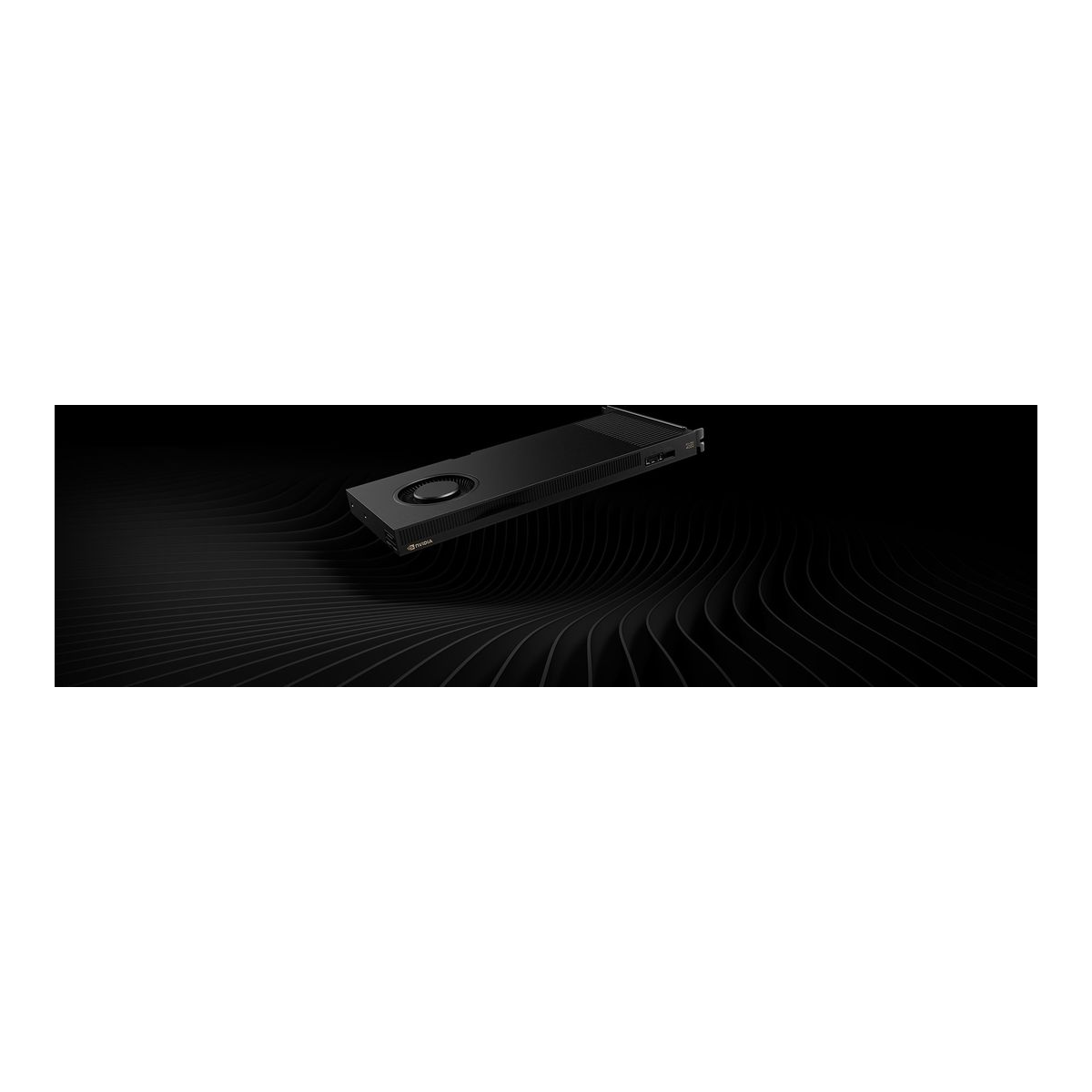
RTX Pro 4000 Blackwell, best for models up to 14B. 24 GB ECC VRAM, single-slot form factor, 145 W TDP. Measured 98.9 tok/s on Llama 3.1 8B and 57.8 tok/s on Qwen2.5 14B. The 32B model drops to 5.3 tok/s due to VRAM pressure and partial CPU offload. 72B is out of reach. At roughly $2,000, it delivers workstation reliability with a competitive price for what it handles well.
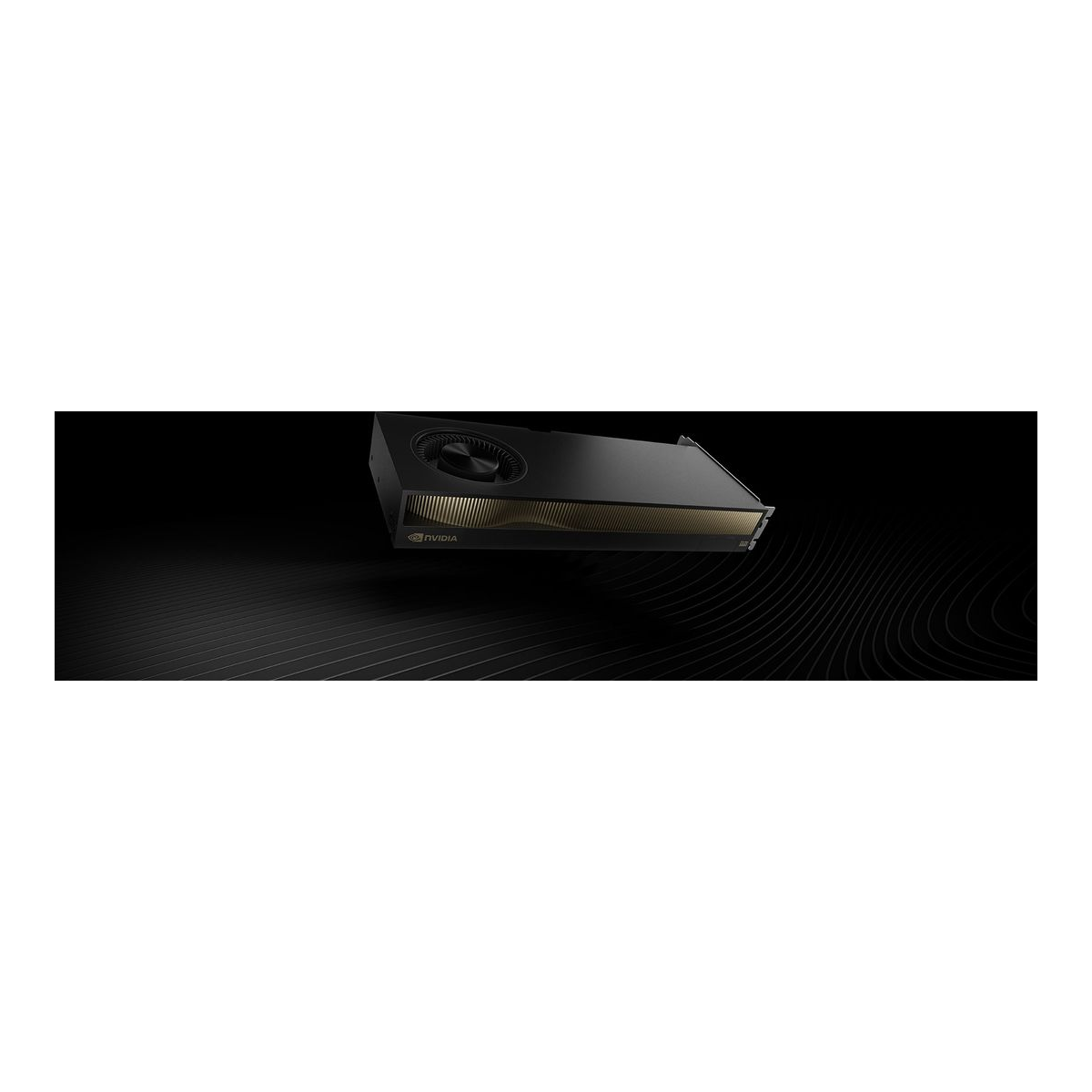
RTX Pro 5000 Blackwell, best for 32B, and the only card here that runs 72B at all. 48 GB ECC VRAM, dual-slot, 300 W TDP. Measured 91.1 tok/s on 8B, 54.7 tok/s on 14B, and 27.8 tok/s on 32B (full VRAM, no offload). The 32B result is 5.3× faster than the Pro 4000’s offloaded 5.3 tok/s on the same model. It loads 72B too, but only with a trimmed context (12.1 tok/s at 8K, 4.4 tok/s at the native 32K), because a 47 GB model plus its KV cache does not quite fit in 48 GB. The price premium (~$4,200) buys the VRAM capacity, not raw compute speed.
Spec comparison
These are verified numbers: architecture from nvidia-smi on a live vast.ai instance, bandwidth and core counts from NVIDIA’s official product pages, pricing from Amazon live listings.
| Spec | RTX Pro 4000 Blackwell | RTX Pro 5000 Blackwell |
|---|---|---|
| Architecture | Blackwell (CC 12.0) | Blackwell (CC 12.0) |
| CUDA cores | 8,960 | 14,080 |
| VRAM | 24 GB GDDR7 ECC | 48 GB GDDR7 ECC |
| Memory bandwidth | 672 GB/s | 1,344 GB/s |
| Memory interface | 192-bit | 384-bit |
| AI TOPS (FP4, sparse) | 1,290 | 2,064 |
| FP32 throughput | 40 TFLOPS | ~67 TFLOPS |
| Max SM clock | 3,090 MHz | 3,090 MHz |
| TDP | 145 W | 300 W |
| Form factor | Single-slot full-height | Dual-slot full-height |
| PCIe | Gen 5 x16 | Gen 5 x16 |
| Display outputs | 4× DisplayPort 2.1b | 4× DisplayPort 2.1b |
| ECC memory | Yes | Yes |
| Price (check live) | ~$2,000-2,220 | ~$4,200-5,800 |
Both cards share the same PCIe generation (5.0 native, though the vast.ai test hosts negotiated Gen 4), the same display outputs, and ECC memory across the full VRAM pool. The bandwidth doubles, the VRAM doubles, the TDP doubles, and the CUDA core count increases 57%.
Test setup and methodology
Each card ran on a separate vast.ai instance with Ubuntu, the current Ollama release, and no other active workloads. Throughput is calculated from the /api/generate JSON response: eval_count / (eval_duration / 1e9) gives tokens per second for the generation phase only, excluding prompt processing. Every model ran three times; the average of all three runs is reported. Run 1 is often lower than runs 2 and 3 for models that trigger cold model loading. That run stays in the average to reflect real-world start conditions.
The same prompt was used across all runs: “Explain how neural networks learn in detail.” This generates a long response (typically 400-700 tokens), which provides a stable throughput measurement and includes realistic KV cache growth. Every model ran at its default context window, which for the Qwen2.5 models is the native 32K. The single exception is the second 72B figure, where the context was explicitly capped at 8K to show how much VRAM pressure the KV cache adds. That run is labelled as such in the results table.
GPU hardware was verified with nvidia-smi before each benchmark run:
nvidia-smi --query-gpu=name,memory.total,power.max_limit,clocks.max.sm,driver_version,compute_cap --format=csv,noheaderThe Pro 4000 reported: NVIDIA RTX PRO 4000 Blackwell, 24467 MiB, 145.00 W, 3090 MHz, 580.95.05, 12.0. The Pro 5000: NVIDIA RTX PRO 5000 Blackwell, 48935 MiB, 300.00 W, 3090 MHz, 595.58.03, 12.0.
Benchmark results
All results below are measured tok/s (generation phase). The Pro 4000 shows N/A on 72B because the 47 GB Q4_K_M model does not fit in 24 GB VRAM. The Pro 5000 has two 72B figures because the result depends entirely on context window, explained below the table.
| Model | RTX Pro 4000 (24 GB) | RTX Pro 5000 (48 GB) |
|---|---|---|
| Llama 3.1 8B Q4_K_M | 98.9 tok/s | 91.1 tok/s |
| Qwen2.5 14B Q4_K_M | 57.8 tok/s | 54.7 tok/s |
| Qwen2.5 32B Q4_K_M | 5.3 tok/s (CPU offload) | 27.8 tok/s |
| Qwen2.5 72B Q4_K_M (32K ctx) | N/A (24 GB VRAM limit) | 4.4 tok/s (12 layers on CPU) |
| Qwen2.5 72B Q4_K_M (8K ctx) | N/A (24 GB VRAM limit) | 12.1 tok/s (1 layer on CPU) |
What the numbers mean
On 8B and 14B models the two cards return similar throughput despite a 2× difference in memory bandwidth. Both Blackwell GPUs share the same maximum SM clock, and at small model sizes the inference is partially compute-bound rather than purely memory-bandwidth-bound. The VRAM footprint for a 14B Q4_K_M model is around 8 GB, well within the limits of both cards, so neither is being pushed to its bandwidth ceiling at this batch size. The Pro 4000 and Pro 5000 ran on separate physical machines on vast.ai (machine 47212 and 57105 respectively), so the small throughput differences at 8B and 14B reflect host-machine variation rather than GPU differences.
The 32B model changes the picture. Qwen2.5 32B Q4_K_M occupies roughly 19-20 GB. The Pro 4000 has about 23.9 GB of physical VRAM, leaving only 3-4 GB for the KV cache and driver overhead. Ollama adjusts the number of offloaded layers automatically when VRAM is tight, and the resulting throughput reflects that compromise. The Pro 5000 with 48 GB loads the 32B model fully with substantial headroom remaining for a long-context KV cache.
Qwen2.5 72B Q4_K_M is the most revealing test. The Pro 4000 cannot load it at all. The Pro 5000 can, but the measurement exposes a detail the spec sheet hides: at the model’s native 32K context, the 47 GB of weights plus a 10 GB KV cache exceed the 48 GB pool, so Ollama keeps only 69 of the model’s 81 layers on the GPU and pushes the other 12 to system RAM. Every token then crosses the PCIe bus twelve times, and throughput collapses to 4.4 tok/s. Dropping the context window to 8K shrinks the KV cache to 2.5 GB, which lets 80 of 81 layers sit on the GPU (one still spills), and throughput more than doubles to 12.1 tok/s.
The practical takeaway: 72B Q4_K_M does not truly fit on a 48 GB card once you account for the KV cache. The Pro 5000 runs it where the Pro 4000 cannot run it at all, but “runs it” means 12 tok/s with a trimmed context, not full-speed inference. A model this size wants 64 GB or more of VRAM to run cleanly. This is the hard boundary between the two cards: if the workload requires 32B at full speed, the Pro 5000 is the only option here, and if it requires 72B at any usable speed, the Pro 5000 delivers it only with a managed context.
VRAM capacity in practice
Both cards carry ECC across the full VRAM pool. For production inference servers, where a silent bitflip corrupting a token embedding would go undetected on a consumer GPU, ECC is the feature that separates workstation cards from GeForce, not raw benchmark numbers.
The single-slot form factor of the Pro 4000 is uncommon for a 24 GB card and matters in dense workstations. A server chassis that fits four single-slot cards alongside other PCIe devices would require two Pro 5000 slots for the same card count. At 145 W, the Pro 4000 also fits inside workstation PSU budgets where a pair of 300 W Pro 5000 cards would demand a higher-tier power supply.
For local AI specifically, compare these to the RTX Pro 6000 and RTX 5090, which deliver roughly 2-2.3× higher throughput at the 14B and 32B size points, but at significantly higher prices and power draw. The Pro 4000 and Pro 5000 sit in a different tier: workstation certification, ECC, long warranty, inside a tighter power and slot budget.
Amazon links and pricing
Prices move. The bands below reflect June 2026 Amazon listings; check the live price before ordering.
| Card | VRAM | Price band (Jun 2026) | Link |
|---|---|---|---|
| RTX Pro 4000 Blackwell | 24 GB GDDR7 ECC | ~$2,000-2,220 | Check price |
| RTX Pro 4000 Blackwell (alt listing) | 24 GB GDDR7 ECC | ~$2,000-2,220 | Check price |
| RTX Pro 5000 Blackwell | 48 GB GDDR7 ECC | ~$4,200-5,800 | Check price |
The SFF-variant Pro 4000 (low-profile, dual-slot, 70 W, PCIe 5.0 x8) is also available as ASIN B0GRCM7GF5 for small-form-factor builds that cannot accommodate a full-height card. It trades the main card’s 145 W single-slot design for a lower power envelope, so expect lower sustained clocks under heavy inference.
Running these cards with Ollama requires no configuration changes specific to the workstation GPU line. Ollama detects the Blackwell architecture and uses CUDA automatically. For production inference endpoints, vLLM and the OpenAI-compatible server it exposes run without modification on both cards. The VRAM requirements for common model sizes apply identically to the workstation line.
Model-size to GPU mapping
The table below is the practical reference. It answers which card handles a given model size at full VRAM speed, with no CPU offload.
| Model size (Q4_K_M) | Approx VRAM needed | Pro 4000 (24 GB) | Pro 5000 (48 GB) |
|---|---|---|---|
| 7B-8B | 4-5 GB | Yes, full speed | Yes, full speed |
| 13B-14B | 8-9 GB | Yes, full speed | Yes, full speed |
| 32B | 19-20 GB | Tight, partial offload likely | Yes, full speed |
| 72B | 47 GB + KV cache | No, does not fit | Partial, needs trimmed context (12 tok/s at 8K) |
| 70B FP16 | ~140 GB | No | No, needs multi-GPU |
If the requirement is 14B or smaller, the Pro 4000 delivers the same effective throughput at roughly half the price and less than half the power draw. If the requirement is 32B at full speed, the Pro 5000 is the only card here that covers it. If it is 72B, the Pro 5000 is the only one that loads it at all, but plan for a trimmed context and roughly 12 tok/s rather than full-speed inference. A 72B workload that needs both long context and speed points past this tier to a 64 GB-plus card. NVIDIA does ship a 72 GB Pro 5000 variant, and that one clears the 72B wall this benchmark ran into, with room for a full-length KV cache.