Same 16 GB frame buffer, completely different inference speed. That is the RTX 5070 Ti versus RTX 5060 Ti 16GB situation in 2026: both are Blackwell GPUs, both hold every mainstream local AI model entirely in VRAM, and both land in the same “fits a single PCIe slot” form factor. The only real gap is memory bandwidth, and that gap is exactly 2x. We rented both cards simultaneously on vast.ai, ran identical Ollama benchmarks across three model families, and captured the numbers in June 2026.
Memory bandwidth is the primary bottleneck for LLM inference when the model fits in VRAM. During token generation, the GPU performs a matrix-vector multiplication per layer on every token, but at batch size 1 those operations have extremely low arithmetic intensity, so the bottleneck is how fast weights can be streamed from GDDR7, not how fast the compute units can execute. Feed it weights faster and you get tokens faster, with near-perfect proportionality for both quantized and full-precision (FP16) models. The RTX 5070 Ti delivers 896 GB/s. The RTX 5060 Ti 16GB delivers 448 GB/s. The benchmark data confirmed both numbers behave exactly as the math predicts.
Both cards carry a 16 GB frame buffer, so the model selection question is identical for each: anything up to Qwen2.5 32B at aggressive quantization fits with room to spare. The question is how fast each card runs those models, and whether the $350 price difference buys a proportional speedup or something narrower.
Quick-pick: which card is right for you
Before the full breakdown, here are the two verdicts from our testing:
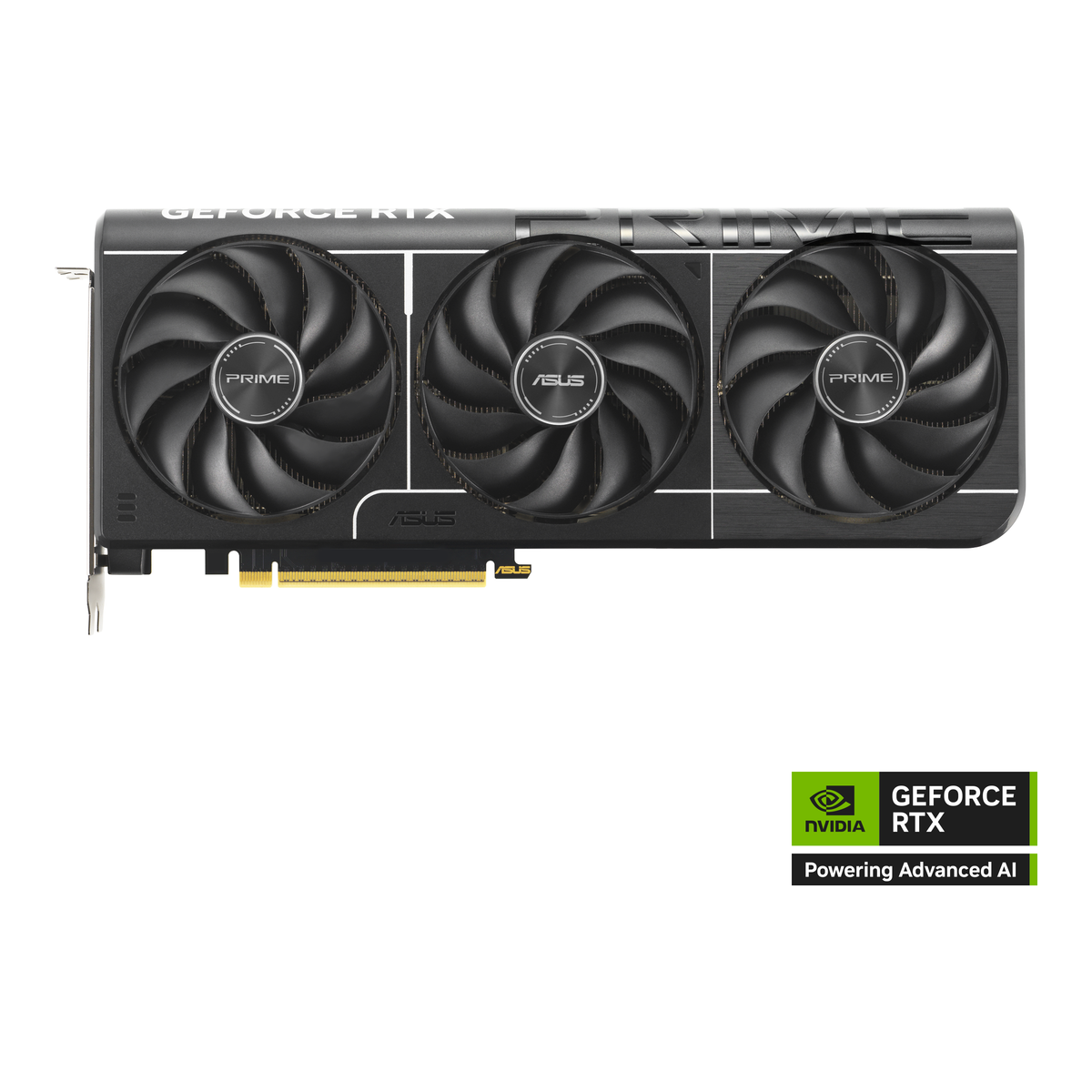
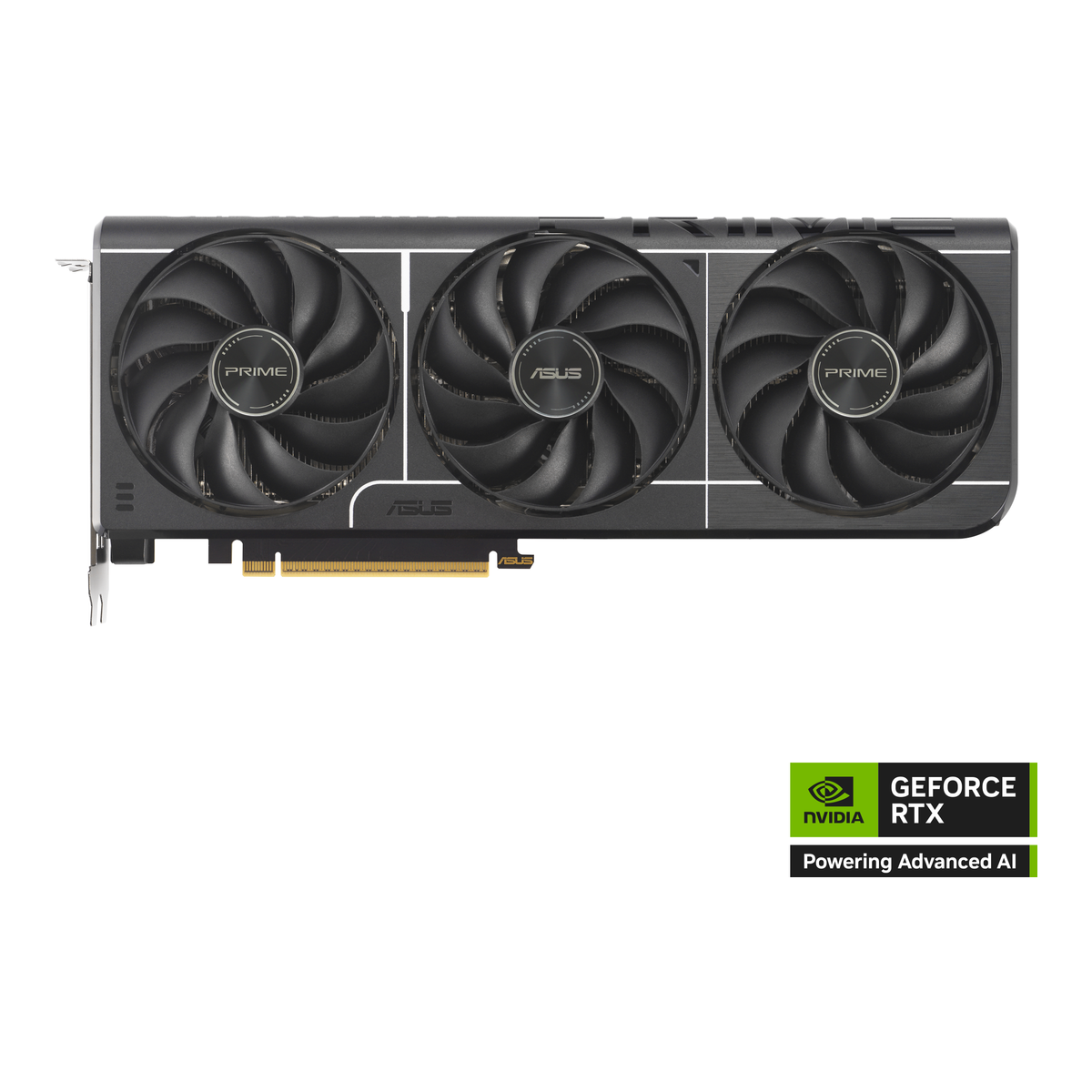
| If you… | Get the |
|---|---|
| Run 14B+ models daily, care about tool-use latency, want headroom for FP16 7B models | RTX 5070 Ti 16GB (~$900) |
| Mostly run 7-8B Q4 models, are budget-constrained, or want 16GB future-proofing without the 5070 Ti price | RTX 5060 Ti 16GB (~$550) |
The 5060 Ti 16GB is not a consolation prize. At 75 tok/s on Llama 8B it is faster than any GPU from two generations ago in the same price tier. The 5070 Ti is genuinely faster in every scenario, but not every local AI workload needs 125 tok/s.
How we tested
We rented two separate vast.ai instances running simultaneously so neither card’s results depend on the other’s load. The RTX 5070 Ti ran on instance ID 42905175 (PCIe 13.2 GB/s) and the RTX 5060 Ti 16GB on instance ID 42905169 (PCIe 13.8 GB/s). Both instances ran Ubuntu 22.04 with CUDA 12.8, and Ollama was started in Docker using ollama/ollama:latest.
Three models were benchmarked on each card:
- Llama 3.1 8B (Q4_K_M) – the most common local AI workhorse, 4.9 GB loaded
- Qwen2.5 14B (Q4_K_M) – representative of the mid-tier, 9.0 GB loaded
- Qwen2.5 7B (FP16) – full precision, maximally bandwidth-bound, 15 GB loaded
Each run prompted the model to explain CPU cache hierarchy in 300 tokens. One warmup pass was discarded; the reported figure is from the timed pass. Tokens per second were computed from eval_count / eval_duration in the Ollama JSON response, not from wall-clock timing.
Spec comparison
| Spec | RTX 5070 Ti | RTX 5060 Ti 16GB |
|---|---|---|
| Die | Blackwell GB203 | Blackwell GB206 |
| CUDA cores | 8,960 | 4,608 |
| VRAM | 16 GB GDDR7 | 16 GB GDDR7 |
| Memory bandwidth | 896 GB/s | 448 GB/s |
| TDP | 300 W | 180 W |
| PCIe interface | PCIe 5.0 x16 | PCIe 5.0 x8 |
| MSRP (approx.) | ~$900 | ~$550 |
The PCIe x8 lane on the 5060 Ti is a real tradeoff for gaming (5-10% loss in CPU-GPU transfer-heavy workloads) but irrelevant for LLM inference where the bottleneck is the GDDR7 bus, not the PCIe slot. Once the model is loaded into VRAM, the PCIe link is essentially idle.
Benchmark results
These numbers came from the two simultaneous vast.ai runs described above:
| Model | RTX 5070 Ti | RTX 5060 Ti 16GB | Speedup |
|---|---|---|---|
| Llama 3.1 8B (Q4_K_M) | 125.0 tok/s | 75.1 tok/s | 1.66x |
| Qwen2.5 14B (Q4_K_M) | 73.2 tok/s | 42.3 tok/s | 1.73x |
| Qwen2.5 7B (FP16) | 51.8 tok/s | 28.0 tok/s | 1.85x |
The FP16 model shows the widest gap (1.85x) because it is the most memory-bandwidth-bound workload of the three. A 7B FP16 model loads 14 GB of weights on every forward pass with zero weight reuse. The quantized 14B model is slightly less punishing because 4-bit packing reduces the bytes-per-weight ratio, so it lands at 1.73x. The 8B Q4 lands at 1.66x for the same reason. All three are within shouting distance of the 2x bandwidth ratio, confirming the bottleneck is exactly where theory predicted.
RTX 5070 Ti 16GB
The 5070 Ti is the right card if your primary use case is running 14B models interactively, using LLM APIs locally where latency matters, or running FP16 7B models without quantization artifacts. At 73 tok/s on Qwen 14B, responses feel immediate rather than typewriter-paced. At 125 tok/s on Llama 8B, even a heavily agentic workflow that chains many short completions stays snappy.
Who it is for: developers running tool-use or multi-agent loops locally, users who regularly rotate between several 7-13B models and want fast context switching, anyone who values FP16 quality over quantized speed, and homelab builds that need to serve LLM requests to multiple clients simultaneously.
Skip it if: your daily driver is a single 7-8B Q4 model for writing assistance or code completion, you have a 450W or smaller PSU that cannot accommodate a 300W GPU under load, or you are building a low-profile or SFF system where a full-length, dual-slot 300W card will not fit.
The 300W TDP requires a robust cooling solution. Most add-in board variants ship with triple-fan coolers and are 2.7 to 3.0 slots thick. Plan case clearance accordingly.
RTX 5060 Ti 16GB
The 5060 Ti 16GB is a more interesting card than its specs suggest. At 75 tok/s on Llama 8B it is genuinely fast for conversational AI, code completion, and single-turn generation. The 16 GB frame buffer means it loads the same models as the 5070 Ti, so you are not trading model capability for price, only generation speed.
The 8GB variant of the 5060 Ti exists at a lower price point but cannot load 14B models and runs 7B FP16 with significant offloading. If you are buying new, pay the small premium for the 16GB. The memory configuration gap matters far more than the bandwidth gap between the two 5060 Ti variants because both have the same 448 GB/s bandwidth regardless of VRAM amount.
Who it is for: buyers who mostly run 7-8B Q4 models and want the 16GB buffer as insurance for future larger models, SFF and low-profile builds benefiting from the 180W TDP, and budgets where the $350 premium for the 5070 Ti would go toward RAM or faster NVMe instead.
Skip it if: you regularly run 14B models and 42 tok/s feels too slow for your workflow (a real complaint for agentic use where latency compounds across tool calls), or you want to experiment with FP16 7B models at reasonable speed. At 28 tok/s on Qwen 7B FP16 the 5060 Ti is technically running the model, but the experience is noticeably slower than the quantized alternative.
What actually matters for local AI hardware
Memory bandwidth beats CUDA core count for LLM inference. This benchmark makes that concrete. The 5070 Ti has 8,960 CUDA cores versus 4,608 on the 5060 Ti, but the inference speedup tracks bandwidth (2x), not core count (1.94x). The workload is memory-bound, not compute-bound, which is why “more CUDA cores” advice that works for rendering or scientific compute does not transfer here.
VRAM ceiling determines model access, bandwidth determines speed. Both cards load the same set of models. The difference is how fast they generate from those models. If you are choosing between a 5060 Ti 16GB and a 5060 Ti 8GB, the VRAM difference is more important than any bandwidth argument: the 8GB card cannot run 14B models at all without offloading, which collapses throughput by 5-10x.
PCIe x8 is not a local AI concern. The 5060 Ti uses PCIe 5.0 x8 rather than x16. Gamers see real performance loss in CPU-to-GPU transfer scenarios. LLM inference does not work that way: once the model is loaded into GDDR7, the PCIe link is nearly idle and token generation speed depends entirely on the GDDR7 bus. The x8 vs x16 slot is a meaningful spec for GPU rendering workloads and a non-issue for local LLMs.
Power headroom matters at 300W. The 5070 Ti’s 300W TDP places it in the same tier as the RTX 4090 in terms of system power planning. A 750W PSU is the practical minimum for a system with a modern CPU and the 5070 Ti under full load. The 5060 Ti’s 180W TDP is much easier to accommodate in tighter builds and quieter cooling configurations.
Local AI inference reference
Use this as a quick reference for planning your local AI setup. Numbers from our June 2026 vast.ai benchmark runs:
| Model | VRAM used | 5070 Ti tok/s | 5060 Ti 16GB tok/s | Usable for |
|---|---|---|---|---|
| Llama 3.1 8B (Q4_K_M) | 4.9 GB | 125.0 | 75.1 | Both cards, conversational, code |
| Qwen2.5 14B (Q4_K_M) | 9.0 GB | 73.2 | 42.3 | Both cards; 5060 Ti slower for agentic |
| Qwen2.5 7B (FP16) | 15 GB | 51.8 | 28.0 | Both cards; prefer 5070 Ti for FP16 |
| Qwen2.5 32B (Q4_K_M) | ~20 GB (estimated) | N/A in 16 GB | N/A in 16 GB | Requires 24+ GB VRAM |
The 32B model row is included to set expectations: neither card runs it without offloading, and offloading collapses throughput well below what the table shows for in-VRAM models. If 32B+ models are on your regular rotation, the decision shifts to RTX 5090 or the Blackwell pro cards with 32 GB.