Self-hosted file platforms have stopped being a “one tool fits all” market. The five most-installed Linux options in 2026, Cloudreve, Nextcloud, Seafile, FileBrowser, and Immich, each solve a different problem. Pick the wrong one for your use case and you end up either fighting the tool or paying for features you do not need.
This guide compares all five head to head: tech stack, storage backends, authentication model, killer features, license, and the actual question that matters, which one you should pick. Every claim is checked against the upstream release as of late May 2026.
The five at a glance
| Tool | Current version | License | What it is |
|---|---|---|---|
| Cloudreve | v4.16.0 (2026-05-10) | GPL-3.0 (Community) + paid Pro | Multi backend file platform with WebDAV, OnlyOffice, Aria2, AI search |
| Nextcloud | Hub 33 (33.0.3, 2026-04-30) | AGPL-3.0 | Full collaboration suite: files, Office, calendar, mail, chat, video |
| Seafile | 13.0.21 Community / 12.0.23 Pro (2026-04-20) | AGPL-3.0 (Community) + paid Pro | Block-level sync engine with library-based organization and client-side encryption |
| FileBrowser | v2.63.5 (2026-05-21) | Apache-2.0 | Single Go binary that exposes a directory tree as a web file manager |
| Immich | v2.7.5 (2026-04-13) | AGPL-3.0 | Photo and video library with AI face/object/place search, built as a Google Photos replacement |
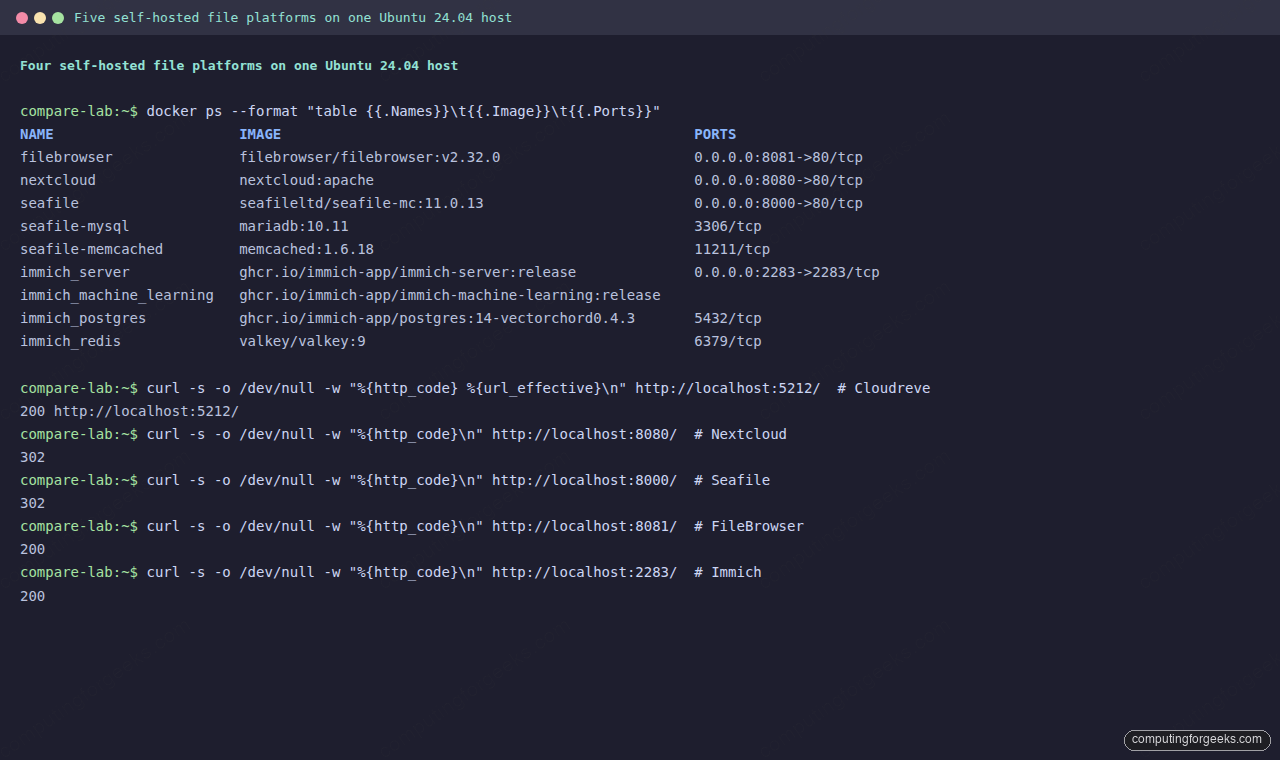
Three of the five are AGPL, one is GPL (Cloudreve), one is Apache (FileBrowser). Two have paid Pro editions (Cloudreve, Seafile). All five ship official Docker images and are deployable in under fifteen minutes on Ubuntu, Debian, or Rocky/AlmaLinux.
Cloudreve v4
Cloudreve is the newest of the five (rewritten from scratch for v4 in late 2025). It is a Go binary fronting a React UI, runs comfortably on 2 vCPU and 4 GB RAM, and ships ten storage backends on day one: Local, Remote slave nodes, AWS S3, MinIO, Cloudflare R2, Backblaze B2, Google Cloud Storage via S3 interop, Microsoft OneDrive and SharePoint, Aliyun OSS, and Tencent COS. Different user groups can be assigned different backends, which is unusual at this price.
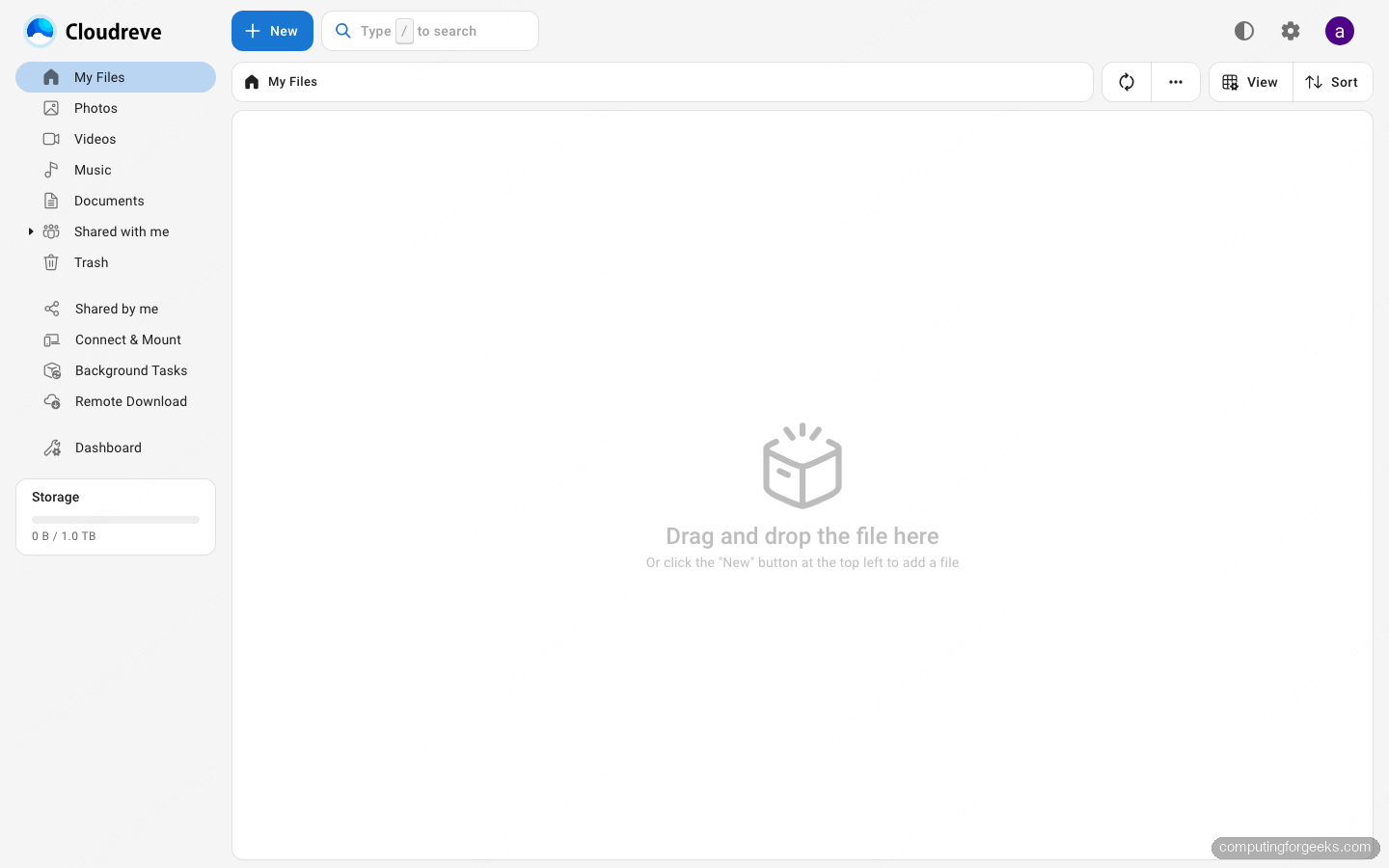
The standout features in v4: WOPI integration with OnlyOffice, Collabora, and Office Online Server; Aria2 plus qBittorrent for remote downloads from HTTP, FTP, magnet, and torrent sources; full text search through Apache Tika plus Meilisearch; and a real AI semantic search option that calls OpenAI, Hugging Face, or AWS Bedrock embeddings (Pro). File encryption uses AES-256-CTR with per-blob keys. The Pro edition (USD 64.90 single domain, USD 299.90 five domains during the launch promo through 2026-07-10) adds OIDC SSO, a desktop sync client, Stripe paid shares, and audit events.
Where Cloudreve hurts: the community is mostly Chinese-speaking, English docs are reference only, and the desktop sync client is Windows only and Pro only. If you need Linux or macOS desktop sync, Cloudreve falls back to WebDAV plus rclone or davfs2.
If you want the full install walkthrough, see Install Cloudreve v4 with Docker Compose on Ubuntu and Debian.
Nextcloud Hub 33
Nextcloud is the heavyweight. It is not just a file platform, it is an entire collaboration suite: files, Office (Nextcloud Office, powered by Collabora), Calendar, Contacts, Mail, Talk (chat plus video meetings), Deck (Kanban), Notes, Forms, and a 200+ app marketplace. The Files app alone is already richer than most competitors: shares per user, group, or link, with expiry, password, watermark, and download limits; server-side encryption at rest; tags, comments, and activity; versioning with retention policies; collaborative editing locked behind Office.
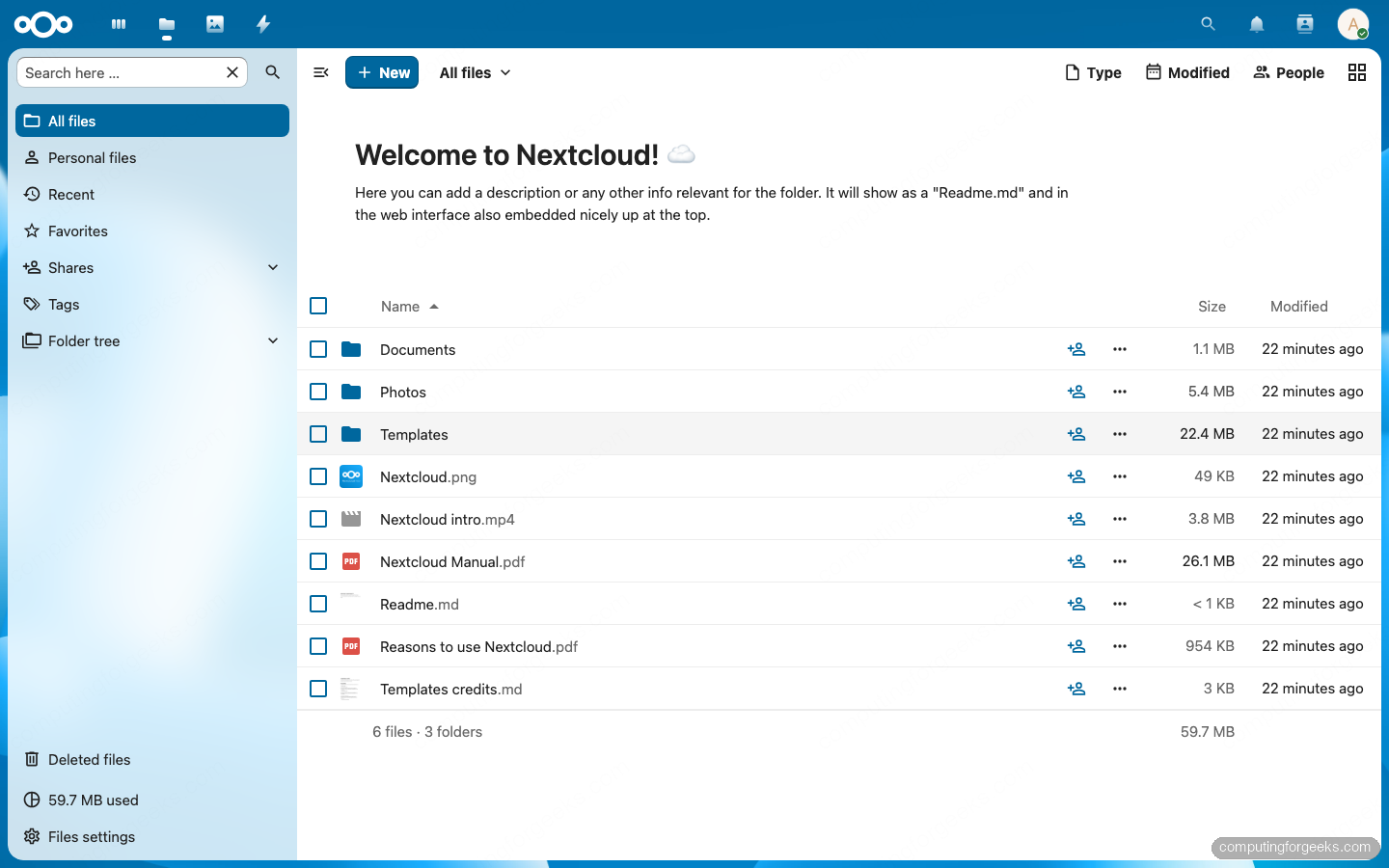
Storage: local filesystem by default, with external storage plugins for S3, OpenStack Swift, SFTP, SMB, FTP, WebDAV, Dropbox, OneDrive, Google Drive, and more. The “primary” storage can be flipped to S3, which is the right call for any deployment larger than one box. Authentication is anything: LDAP, SAML 2.0, OIDC, OAuth2, Kerberos, plus app passwords for clients. Desktop sync is first class on Windows, macOS, and Linux; mobile clients are native on iOS and Android.
The cost of all that feature surface: Nextcloud needs more RAM (4-8 GB realistic minimum once you turn on Office), more careful tuning (PHP-FPM, Redis, OPcache, file locking, cron worker), and active maintenance. Major version upgrades land roughly twice a year and are not always smooth. For dedicated walkthroughs see Install Nextcloud on Ubuntu 26.04 LTS.
Seafile 13 (Community) and 12 (Pro)
Seafile is the engineer’s choice when you care most about sync speed and large-file behavior. Files are split into 1 MB content-addressed blocks, deduplicated across the whole server, and only the changed blocks are transferred on sync. This makes Seafile measurably faster than Nextcloud on large file trees and on slow links. Files live inside libraries rather than a single flat home, and each library can be individually encrypted with a client-side password that the server never sees.
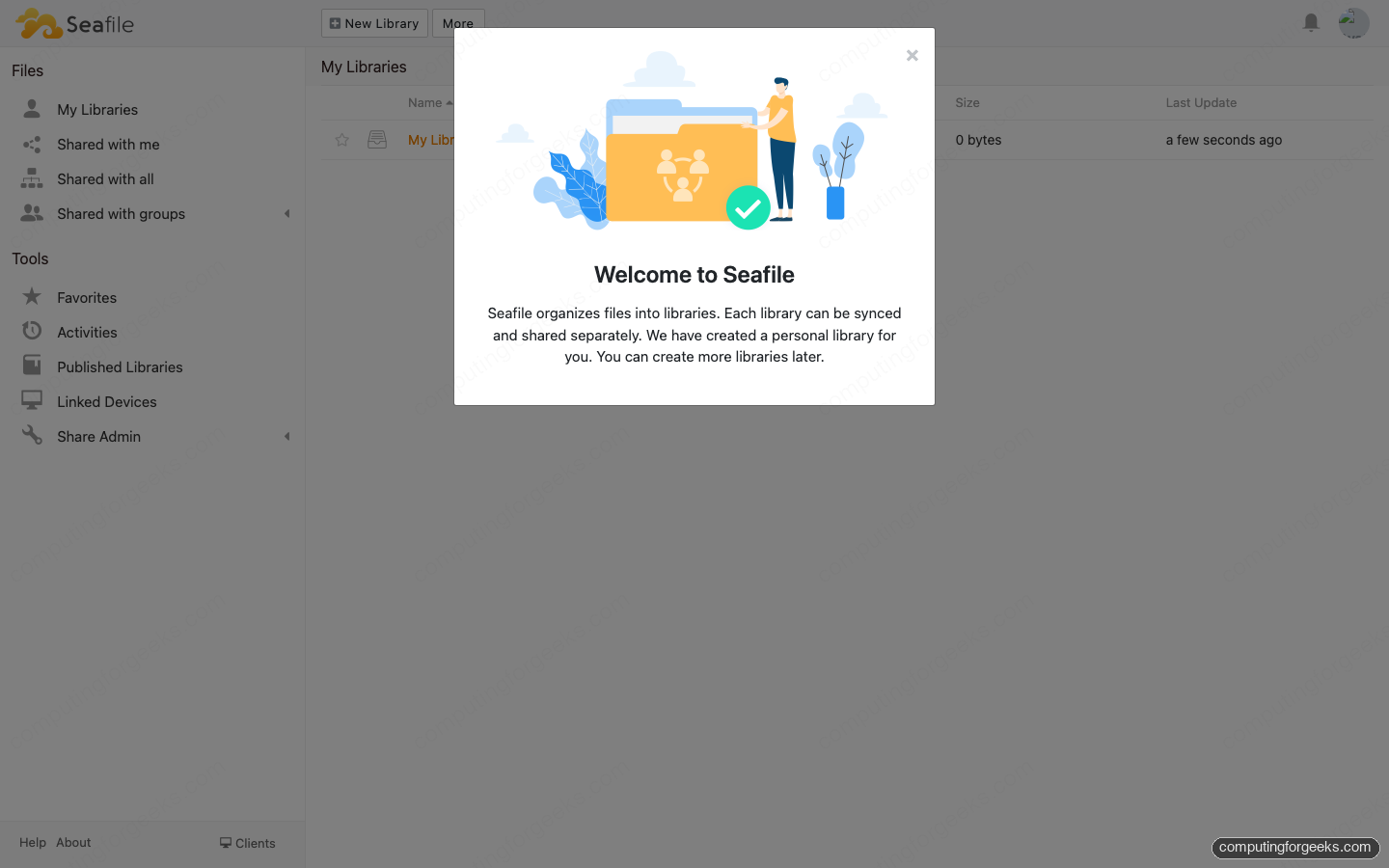
Storage backends: Local (default), S3 (AWS, MinIO, R2, B2, Wasabi via S3 interop), OpenStack Swift, Ceph RADOS Gateway. The database is MySQL or MariaDB (PostgreSQL is not officially supported). Auth supports LDAP, SAML 2.0, OAuth2, Shibboleth, and CAS. Desktop sync clients are first class on Windows, macOS, and Linux.
The fork in the road: Community is AGPL and free, but Pro features (full text search via Elasticsearch, fine-grained folder permissions inside a library, online file conversion, audit log, S3 storage backend on the Pro server) live behind a paid license starting at USD 100 per year for 3 users. Pro is what most companies buy. The Community edition’s library model is also more opinionated than Nextcloud’s flat tree, which some teams love and some hate.
FileBrowser v2
FileBrowser is the simplest of the five. One Go binary, an embedded SQLite database, a web UI that lets you browse, upload, download, share, edit, and execute files in a directory tree. Configuration is a single JSON file or a few CLI flags. Multi-user works (admin plus regular users), with per-user scope (a user only sees their assigned directory), per-user permissions (create, modify, delete, share, execute, download), and a basic shell command runner.
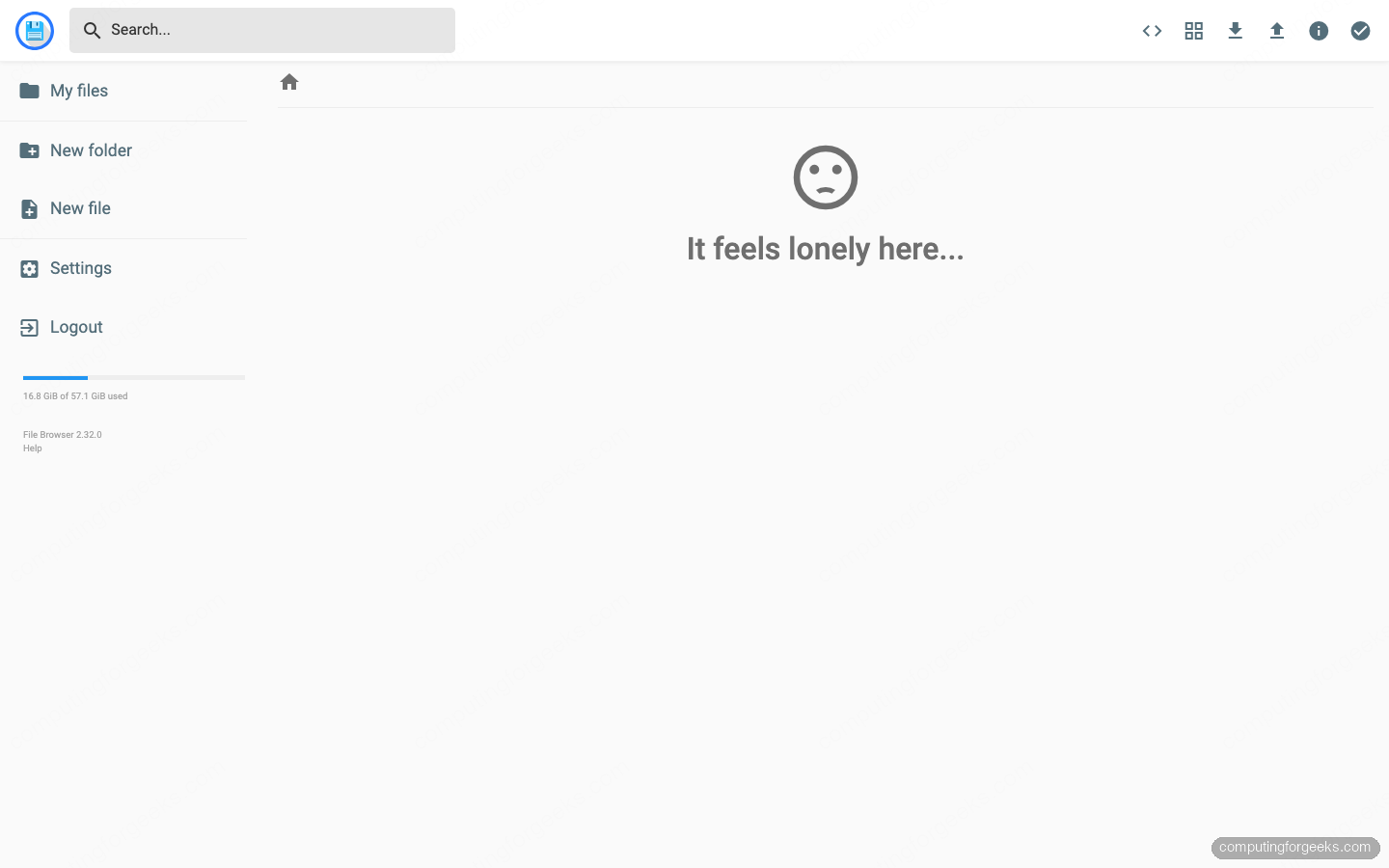
What it does NOT do: no S3 or object storage backend (it browses a local filesystem only), no desktop sync clients, no end-to-end encryption, no LDAP/SAML/OIDC SSO, no real audit log, no collaborative editing, no mobile apps. It expects you to point it at an existing filesystem (a server local disk, a Samba mount, an NFS share, a FUSE-mounted rclone remote) and present that filesystem over the web.
The trade is exactly what you would expect from a 30 MB binary: instant deployment, near-zero operating overhead, zero cost. For a homelab dropbox replacement, a quick file share for a single team, or a web admin UI in front of an rclone-mounted S3 bucket, FileBrowser is the right answer and Nextcloud is overkill.
Immich v2
Immich is the dark horse and the only one of the five that is not a general purpose file platform. It is a photo and video library, built from the start as a Google Photos replacement. The mobile apps (iOS and Android) auto-back-up the camera roll, the server runs face recognition, object detection, scene classification, and OCR locally via a separate machine learning container, and the web UI gives you a chronological timeline, a map view, smart albums, and search by faces, places, or text inside images.
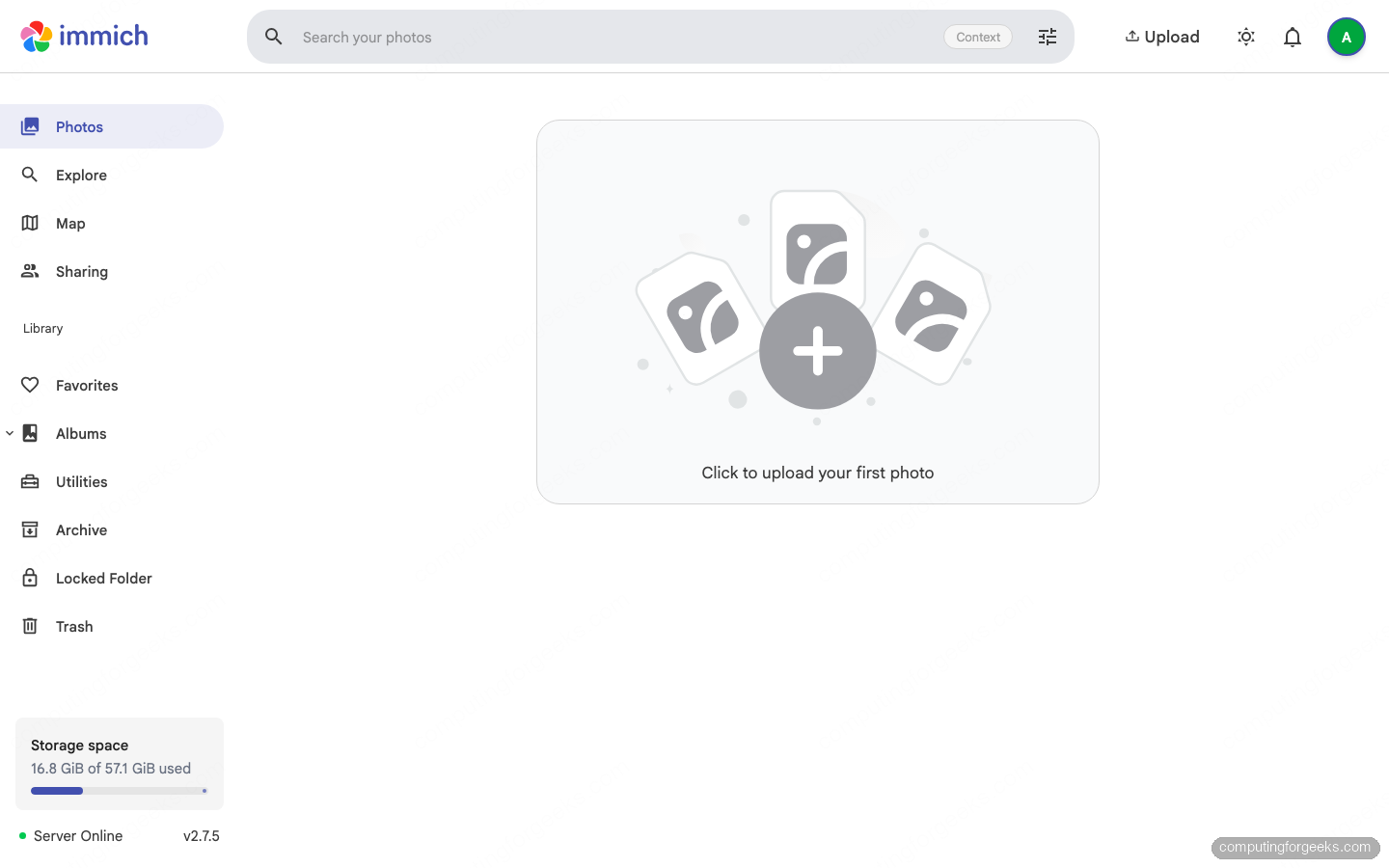
Stack: NestJS + TypeScript backend, Svelte frontend, PostgreSQL with the VectorChord plus pgvecto.rs extensions for similarity search, Redis (Valkey) for queues, and a separate Python machine learning microservice that pulls Hugging Face models for face recognition (Buffalo, FaceNet) and image embeddings (CLIP variants). Storage is a directory on disk; no S3 backend (yet). Auth is local or OAuth2/OIDC.
Immich’s growth has been the fastest of the five (it crossed 60k GitHub stars in early 2026). The downside: it is photos and videos only. There is no plan to handle PDFs, Office files, or arbitrary binaries. If you want a self-hosted media archive plus iOS/Android camera backup, run Immich. If you want a general file store, run something else.
Storage backend matrix
| Backend | Cloudreve | Nextcloud | Seafile | FileBrowser | Immich |
|---|---|---|---|---|---|
| Local filesystem | Yes | Yes (primary) | Yes (primary) | Yes (only) | Yes (only) |
| AWS S3 | Yes | External or primary | Yes | No | No |
| MinIO / R2 / B2 / Wasabi (S3-compatible) | Yes | External or primary | Yes | No | No |
| Google Cloud Storage | Yes (via S3 interop) | Plugin | Yes (via S3 interop) | No | No |
| OneDrive / SharePoint | Yes | Plugin | No | No | No |
| Aliyun OSS / Tencent COS | Yes | Plugin | No | No | No |
| OpenStack Swift | No | Plugin | Yes | No | No |
| Ceph RADOS Gateway | No (use S3) | Plugin | Yes | No | No |
| WebDAV / SFTP / SMB (external) | No | Plugin | No | FUSE mount | No |
Features that decide the pick
| Feature | Cloudreve | Nextcloud | Seafile | FileBrowser | Immich |
|---|---|---|---|---|---|
| Native WebDAV server | Yes | Yes | Yes | No | No |
| Desktop sync (Win/macOS/Linux) | Win (Pro) | Yes (all 3) | Yes (all 3) | No | No |
| Mobile apps (iOS/Android) | iOS + Android (PWA) | Native | Native | No | Native (camera backup) |
| Office co-editing (OnlyOffice/Collabora) | Yes (WOPI) | Yes (NC Office) | Plugin | No | No |
| OIDC SSO | Pro | Free | Free | No | Free |
| LDAP / SAML | Pro | Free | Free | No | No (SSO only) |
| End-to-end / client-side encryption | Server-side AES | E2EE app (beta) | Per-library E2EE | No | No |
| Full text search | Tika + Meilisearch | Elasticsearch app | Pro | No | OCR + CLIP |
| AI semantic search | Pro (OpenAI/HF/Bedrock) | Local LLM via add-on | No | No | CLIP local (default) |
| Aria2 / torrent remote download | Yes | App | No | No | No |
| Paid Stripe shares | Pro | No | No | No | No |
| Photo timeline + face/object search | Basic gallery | Photos app | Basic gallery | No | Best in class |
License and pricing
| Tool | Open source license | Free tier | Paid edition |
|---|---|---|---|
| Cloudreve | GPL-3.0 | Unlimited users | Pro: USD 64.90 single domain, USD 299.90 five domains (launch promo through 2026-07-10) |
| Nextcloud | AGPL-3.0 | Unlimited users (Server) | Enterprise subscription (per user, contact sales) |
| Seafile | AGPL-3.0 (Community) | Community edition is free, full features for 3 users on Pro | Pro: from USD 100/year for additional users |
| FileBrowser | Apache-2.0 | Unlimited | None (single edition) |
| Immich | AGPL-3.0 | Unlimited | Optional Buy Me a Coffee for the project; no paid edition |
When to pick which
Pick Cloudreve if
- You need a single platform to talk to multiple object stores (S3, R2, B2, OneDrive, GCS) under different storage policies per user group
- You want OnlyOffice co-editing without running the full Nextcloud stack
- You want Aria2 + qBittorrent remote downloads as a first class feature
- You plan to monetize file shares with Stripe (Pro)
- You want the smallest production footprint that still ships full text search and AI search
Pick Nextcloud if
- You need a Google Workspace or Microsoft 365 replacement (files + Office + Calendar + Mail + Chat + Video) in one stack
- You need first class LDAP, SAML, or OIDC in the free edition
- You need a vast app marketplace (compliance, antivirus, e-signature, CalDAV, CardDAV)
- You have an admin who will keep up with major version upgrades and tuning
- You want vendor-backed Enterprise support as an option later
Pick Seafile if
- Sync speed on large file trees is the most important number for you (Seafile’s block-level sync wins benchmarks against Nextcloud)
- You want a library model with per-library client-side encryption (Nextcloud’s E2EE app is still beta)
- You are running on Ceph or OpenStack and want first class support for those storage backends
- You are willing to pay for Pro features (full text search, fine-grained folder permissions, audit log)
Pick FileBrowser if
- You need a web UI for an existing filesystem (local disk, NFS, Samba, rclone-mounted S3) and nothing more
- You want a single binary you can drop on a Raspberry Pi or a VPS in under a minute
- You do not need sync clients, mobile apps, SSO, Office, or audit
Pick Immich if
- You are replacing Google Photos, iCloud Photos, or Amazon Photos for personal or family use
- You want native iOS and Android apps that auto-back-up the camera roll over Wi-Fi
- You want face recognition, object detection, OCR, and natural language image search to run locally on your own GPU or CPU
- You are willing to run a second tool for non-media files (Immich does only photos and videos)
Combinations that work in practice
Most homelab and small business setups run two of these tools side by side rather than picking one:
- Cloudreve + Immich: Cloudreve for general files (documents, archives, shared work) on S3 backed storage; Immich for the family photo library. Combined RAM under 8 GB.
- Nextcloud + Immich: Nextcloud as the Google Workspace replacement; Immich as the dedicated Photos replacement because Nextcloud’s Photos app cannot match Immich’s face and semantic search.
- FileBrowser + rclone mounts: FileBrowser as a thin web UI in front of an rclone FUSE mount that points at S3, Backblaze B2, or a remote SFTP host. Useful when you do not own the storage but want a friendlier UI than the rclone CLI.
- Seafile + an LDAP directory: when sync performance and per-library encryption matter more than the app ecosystem, and you already operate an LDAP for SSO.
Whichever path you pick, put it behind a reverse proxy with TLS. The Install Caddy Web Server on Ubuntu 26.04 LTS guide covers the simplest route: one line per virtual host, automatic Let’s Encrypt certificates, HTTP/3 by default.
Verdict
If you can only pick one and you do not know which problem you are solving yet, the safest defaults are Nextcloud for organizations and Cloudreve for solo operators or small teams who want a lighter, multi-backend store with modern V4 features and a smaller learning curve. Add Immich alongside either if you care about photos. Use FileBrowser when the answer is “I just need a web file manager.” Pick Seafile when sync speed on large file trees is the killer requirement and you are ready to pay for Pro to unlock full text search.