Buying a Wi-Fi 7 access point for a homelab is mostly a fight against marketing. Half the APs sold as “Wi-Fi 7” have no 6 GHz radio at all, so you pay for the badge and get a fast Wi-Fi 6-and-a-half box. The other decision, which controller ecosystem you commit to, is the one that actually shapes your next five years of network management, and it matters more than the numbers on the label.
This guide covers the access points worth buying if you run your own controller: TP-Link Omada, Ubiquiti UniFi, and Grandstream, all of which self-host a controller for free. Every spec below was pulled from the manufacturer’s own datasheet in July 2026, and the picks are weighted toward hardware you can actually buy at a fair price rather than what looks best on paper. Prices move constantly, so treat the numbers as bands and check the live price before you buy.
The quick picks
- Best overall value: the TP-Link Omada EAP772. Real tri-band Wi-Fi 7, a 2.5GbE port, and a free self-hosted controller, first-party on Amazon.
- Best UniFi pick: the Ubiquiti UniFi U7 Pro, if you want the polished UniFi dashboard and are happy buying direct.
- Best no-cloud controller: the Grandstream GWN7672, with a free embedded controller and dual 5GbE ports.
- Best budget “Wi-Fi 7”: the TP-Link Omada EAP723, cheap and capable, but dual-band only. No 6 GHz.
- Best 10G uplink: the Ubiquiti UniFi U7 Pro XG, for racks that already run 10G switching.
The single spec that separates a real Wi-Fi 7 AP from a badge-only one is the 6 GHz radio. If an AP is dual-band (2.4 and 5 GHz only), it gets Wi-Fi 7 tricks like MLO and 4K-QAM but none of the clean, wide 6 GHz spectrum and 320 MHz channels that are the actual reason to move to Wi-Fi 7. Four of the five picks here are tri-band. The budget pick is not, and it is labelled so you buy it on purpose, not by accident.
How we picked
Every spec here comes from the manufacturer’s published datasheet, cross-checked against the live product listing for the exact model, not from memory or a spec-scraper. We did not run a throughput bench across all five, and we will not pretend to. Real Wi-Fi speed depends far more on your client devices, the channel width you can actually use, and where the AP sits than on which brand’s logo is on the disc. What a homelab guide can do honestly is compare the things that are fixed and knowable: radios, uplink ports, PoE class, controller model, and how painful the hardware is to buy. Those are the decisions you cannot change after the box arrives.
The picks are limited to APs managed by a controller you can self-host for free, because that is what a homelab is for. That rules out EnGenius Wi-Fi 7, which is excellent hardware but cloud-managed only, with no free self-hosted controller for its Wi-Fi 7 line. If you are still deciding between the two big ecosystems, the Omada vs UniFi comparison goes deeper on how the two controllers differ.
Wi-Fi 7 access points at a glance
| Access point | Bands | Class | Uplink | PoE | Free self-host controller | Price band |
|---|---|---|---|---|---|---|
| Omada EAP772 | Tri-band (6 GHz) | BE11000 | 2.5GbE | PoE+ | Omada Software Controller | ~$150 to $170 |
| UniFi U7 Pro | Tri-band (6 GHz) | Wi-Fi 7 | 2.5GbE | PoE+ | UniFi Network | ~$190 |
| Grandstream GWN7672 | Tri-band (6 GHz) | BE11000 | 2x 5GbE | PoE+ | Embedded + GWN Manager | ~$130 to $160 |
| Omada EAP723 | Dual-band (no 6 GHz) | BE5000 | 2.5GbE | PoE+ | Omada Software Controller | ~$80 to $90 |
| UniFi U7 Pro XG | Tri-band (6 GHz) | Wi-Fi 7 | 10GbE | PoE+ | UniFi Network | ~$200 |
1. TP-Link Omada EAP772: best overall value
This is the AP most homelabs should buy. It is a true tri-band BE11000 Wi-Fi 7 unit with a full 6 GHz radio and 320 MHz channels, a 2.5GbE uplink that matches the multi-gig ports on current homelab switches, and PoE+ so a single cable powers it. The reason it wins on value is boring and important: TP-Link sells it first-party on Amazon, so you search the model, the listing is the real product at a sane price, and it ships.
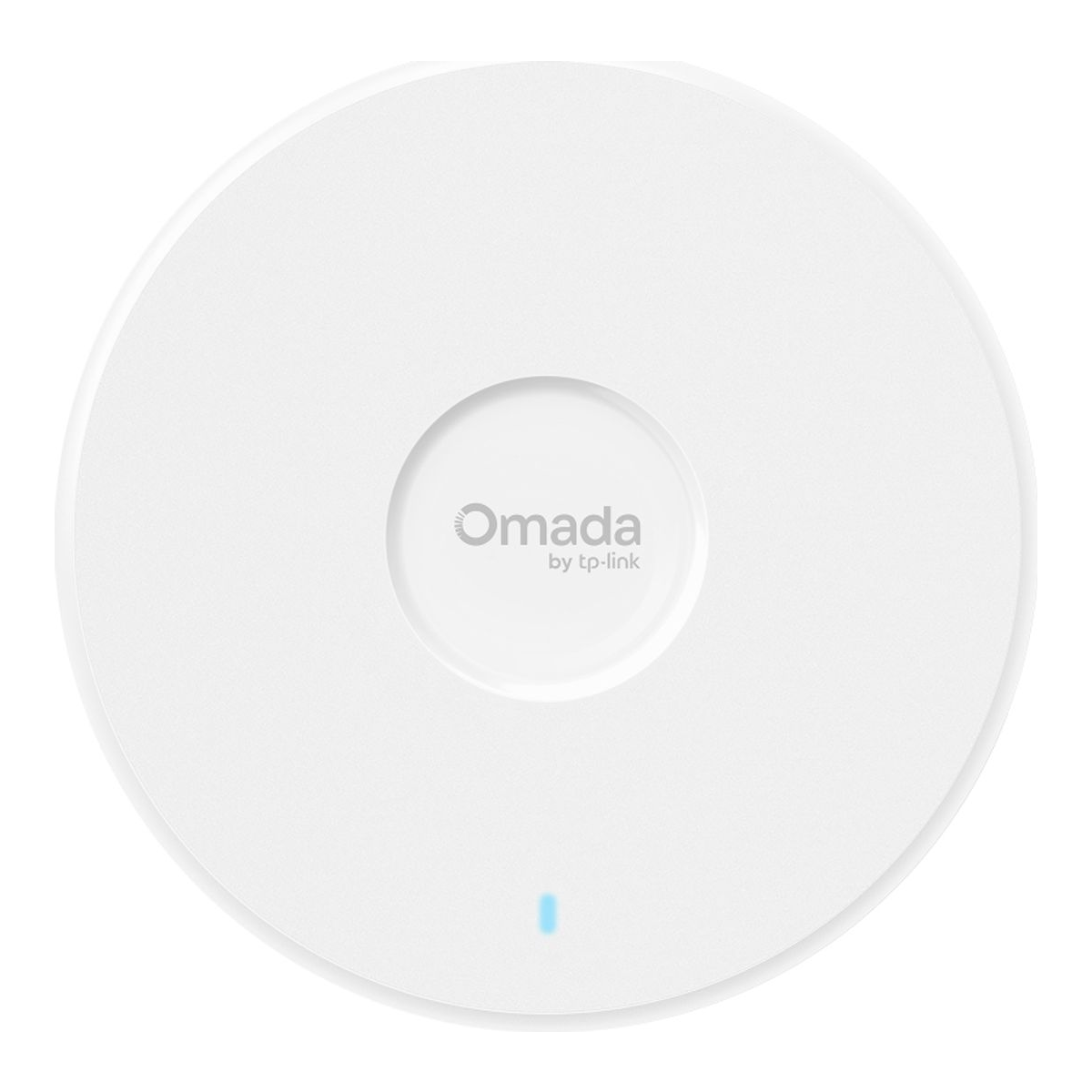
The free Omada Software Controller runs happily in a container, and the EAP works standalone through its own web UI if you have not set one up yet. Who it is for: anyone building or refreshing a homelab who wants 6 GHz Wi-Fi 7 without overthinking the purchase. Skip it if you already run 10G switching and want the uplink to match, in which case the 10G sibling or the XG below is the better spend. The adapter is not in the box, which is a non-issue on a PoE switch. Check the current price before buying, since the BE11000 Omada line sits in a competitive band.
2. Ubiquiti UniFi U7 Pro: best for the UniFi ecosystem
If you want the UniFi experience, the topology map, the client insights, one clean pane for the whole network, the U7 Pro is the access point to start with. It is tri-band Wi-Fi 7 with 6 GHz and 320 MHz, a 2.5GbE uplink, and PoE+, and it drops into a self-hosted UniFi Network controller that costs nothing to run.
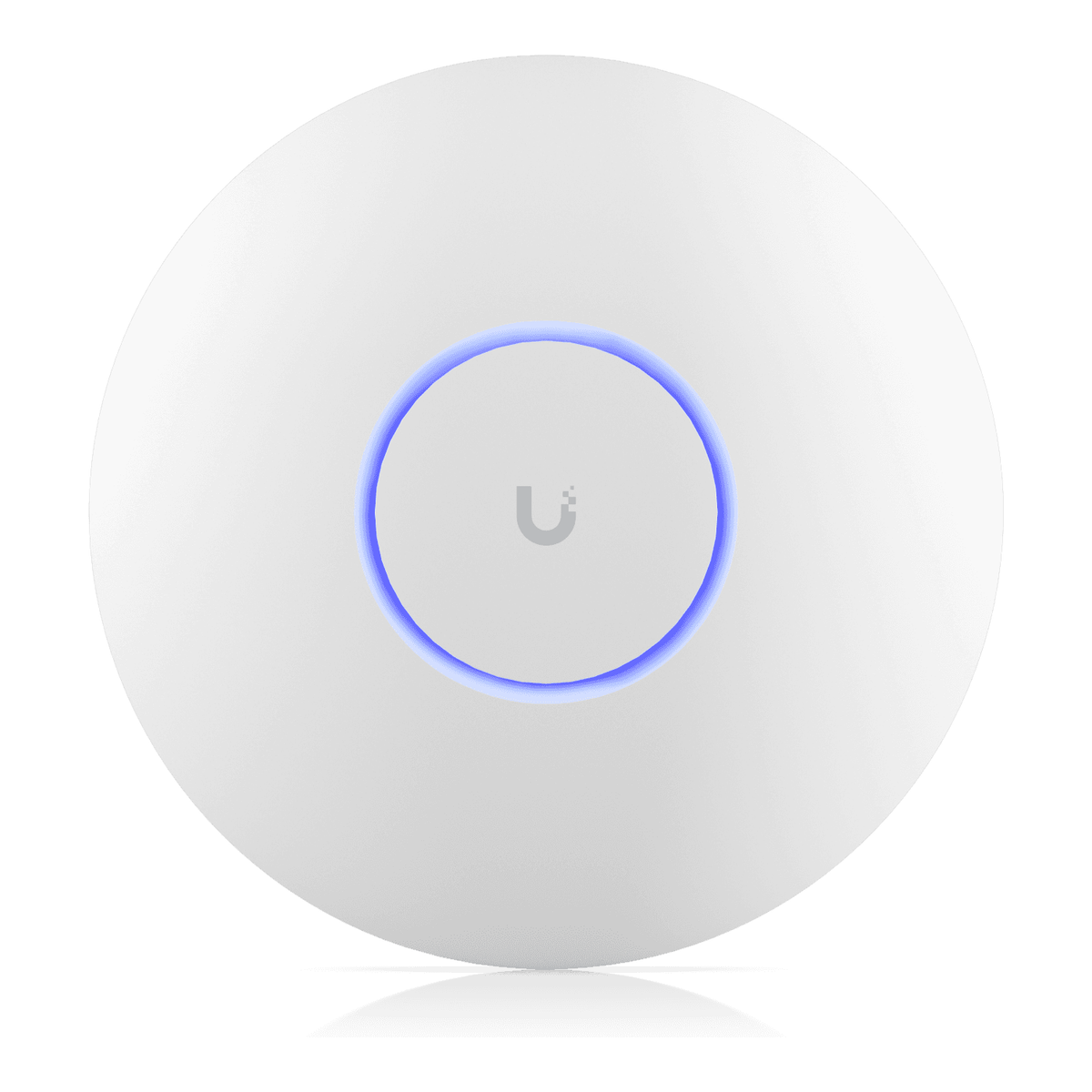
One buying note that saves money: Ubiquiti sells this direct at store.ui.com for around $190, and that store price is the reliable anchor. Amazon listings for UniFi gear are a mix of first-party, third-party, and renewed sellers, so check the seller and the “new vs renewed” label before you add to cart, or just buy direct. Who it is for: anyone already in or leaning into UniFi. Skip it if you want your Wi-Fi to keep working the same way with the controller permanently powered off, because UniFi is built controller-first. Once an AP is adopted it does keep broadcasting if the controller reboots, but standalone-first operation is a limited mobile-app mode, not a full local UI.
3. Grandstream GWN7672: best free, no-cloud controller
Grandstream is the quiet answer to the homelabber who does not want a cloud account or a separate controller box at all. The GWN7672 is a tri-band BE11000 Wi-Fi 7 AP that runs a free controller embedded in the AP itself, where one unit can manage up to fifty others, and it also self-hosts the free GWN Manager if you outgrow that. No license, no cloud sign-in, no per-device fee.
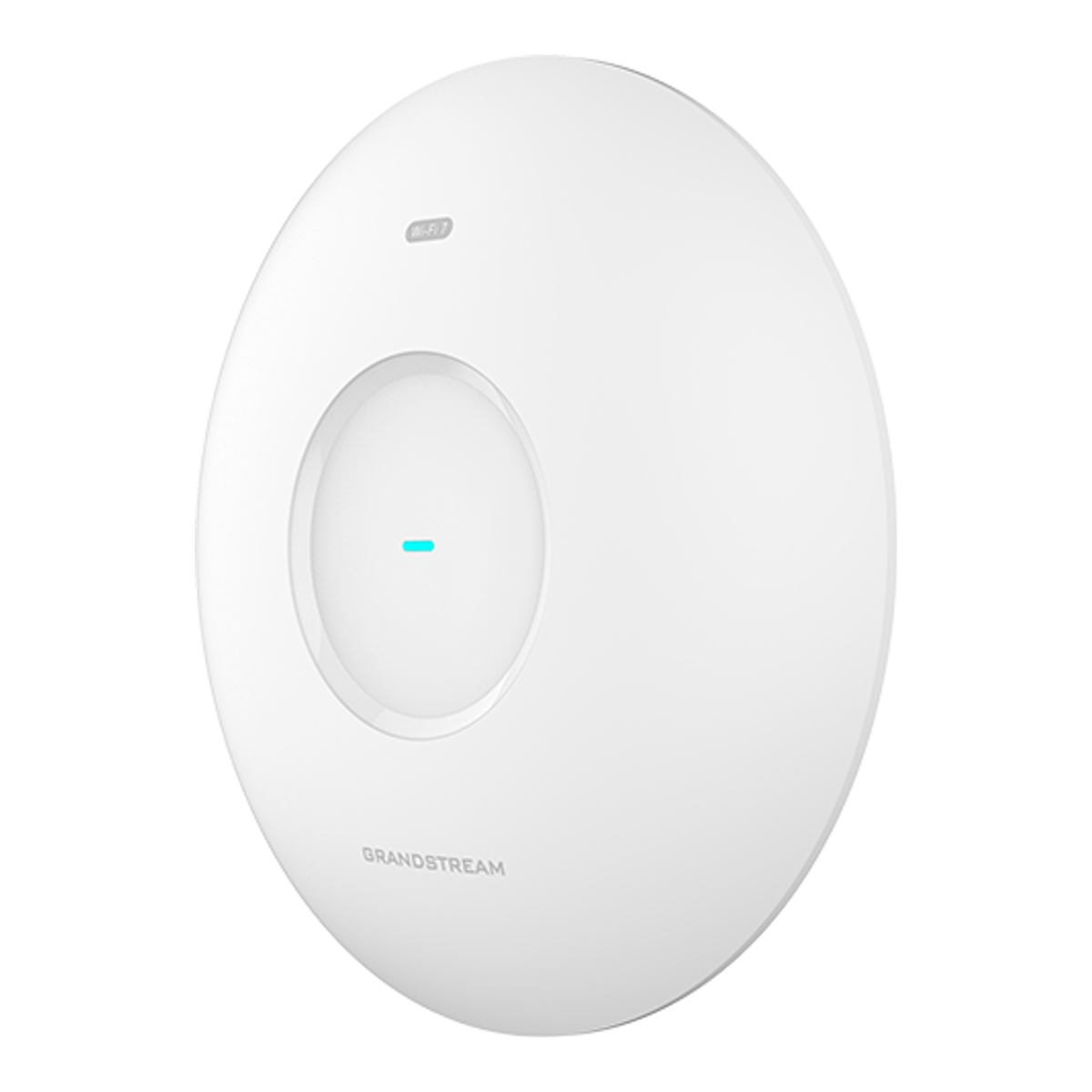
The other standout is the pair of 5GbE ports, which is unusual at this price and useful for a wired backhaul or a link-aggregated uplink. Who it is for: the self-hosting purist who wants real Wi-Fi 7 and refuses to depend on anyone’s cloud. Skip it if you are already invested in Omada or UniFi switches and want one vendor for the whole stack, since mixing brands means running a second controller. Grandstream’s Amazon presence is cleaner first-party than UniFi’s, but confirm the listing and current price.
4. TP-Link Omada EAP723: best budget Wi-Fi 7 (with a catch)
Here is the honest budget pick, and the catch is the whole point. The EAP723 is a BE5000 “Wi-Fi 7” AP that is dual-band only. It has 2.4 and 5 GHz radios and no 6 GHz radio at all. You still get Wi-Fi 7 features like MLO and 4K-QAM across the two bands, a 2.5GbE port, and PoE+, at roughly half the price of the tri-band models. It is a genuinely good cheap AP and a genuinely bad way to “get Wi-Fi 7” if 6 GHz is what you were after.
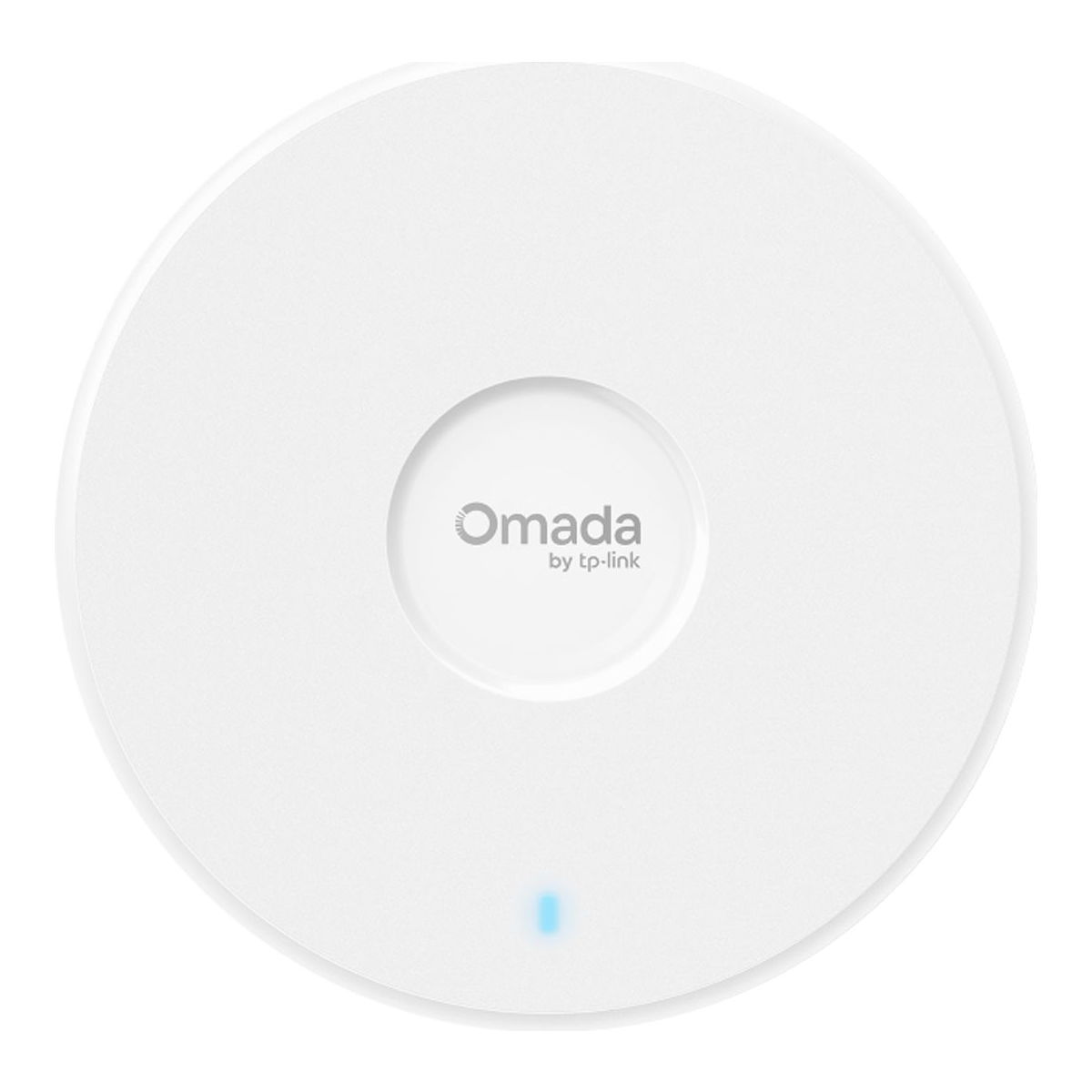
Who it is for: covering a garage, a second floor, or an outbuilding where 6 GHz range would be wasted anyway, or filling out a large space on a budget while spending the money on one good tri-band AP where the fast clients live. Skip it if you specifically want 6 GHz and 320 MHz channels, because this box does not have the radio for them. Buy it knowing exactly what it is, and it is a bargain.
5. Ubiquiti UniFi U7 Pro XG: best 10G uplink
The U7 Pro XG is the U7 Pro’s story with one change that matters if your rack has grown up: a 10GbE uplink instead of 2.5GbE. It is tri-band Wi-Fi 7 with 6 GHz and 320 MHz, PoE+, and the same free self-hosted UniFi Network controller. Ubiquiti prices it only slightly above the plain U7 Pro, which makes it the value sweet spot of the UniFi Wi-Fi 7 line for anyone who can feed it a 10G port.
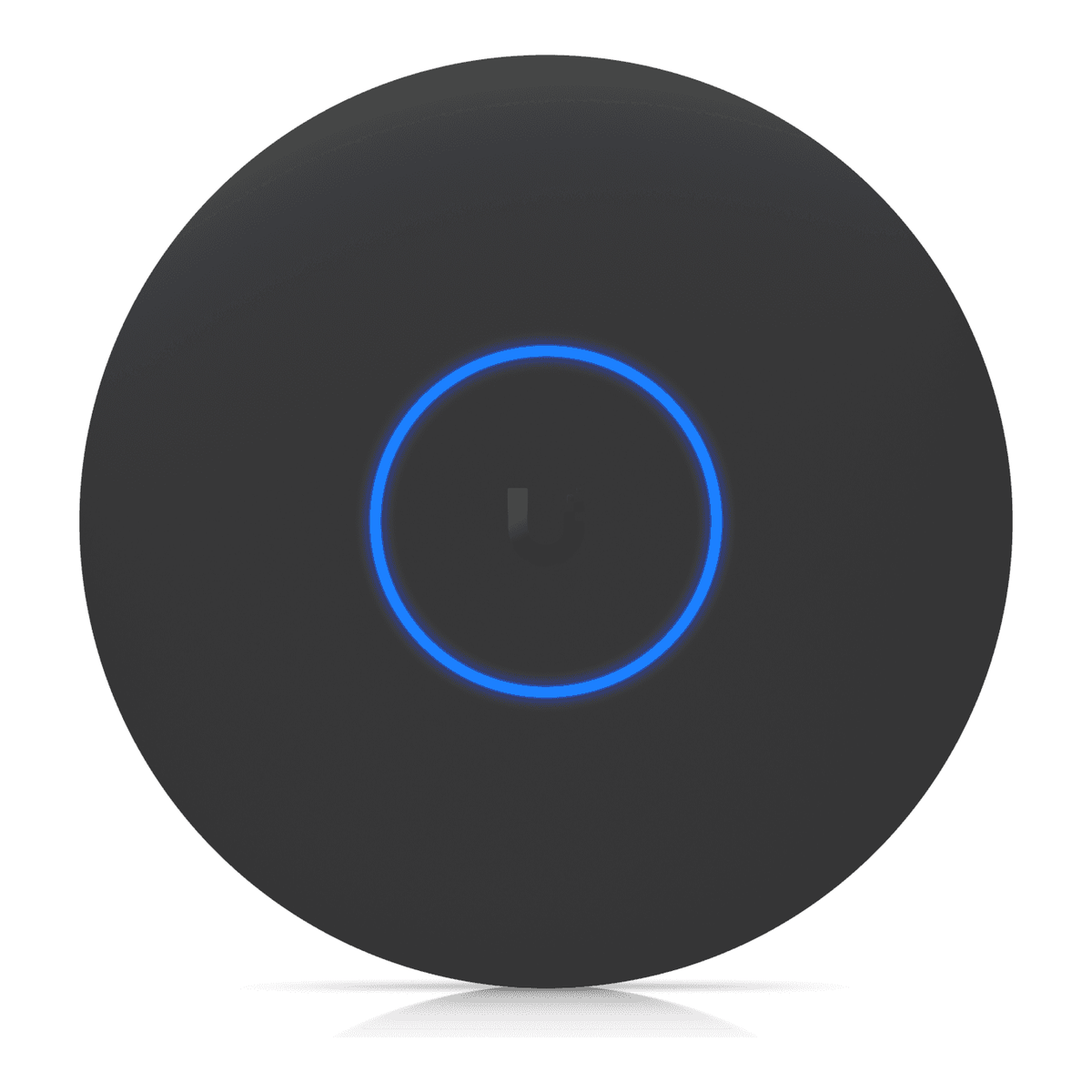
The catch is the uplink only pays off if the switch on the other end has a 10G or multi-gig port to give it, and a Wi-Fi 7 AP will rarely saturate 10G over the air anyway. It buys headroom and a wired path that will not bottleneck, which matters if you run a fast NAS or move large files across the network. A multi-gig managed switch is the natural partner. Who it is for: homelabs that already run 10G. Skip it if your switch tops out at 2.5GbE, in which case the plain U7 Pro or the Omada EAP772 gives you the same radios for less.
What to look for in a Wi-Fi 7 access point
Tri-band or dual-band?
This is the whole game. A tri-band Wi-Fi 7 AP has a 6 GHz radio and can use 320 MHz channels, which is the clean, wide spectrum that makes Wi-Fi 7 worth buying. A dual-band “Wi-Fi 7” AP has only 2.4 and 5 GHz, caps at narrower channels, and gives you the protocol features without the spectrum. Both Omada and UniFi sell dual-band models under the Wi-Fi 7 name (the Omada BE5000 line and the UniFi U7 Lite), so read the radio list, not the badge. If the datasheet does not list a 6 GHz radio, it is not the Wi-Fi 7 you are picturing.
How much uplink do you need?
A single Wi-Fi 7 AP will comfortably exceed a gigabit uplink, so 2.5GbE is the sensible floor and matches the multi-gig ports on current homelab switches. A 10GbE uplink is worth paying for only if the switch has a 10G or multi-gig port to connect it to. On a 2.5G switch, the 10G port on an AP is wasted money.
Check the PoE budget
Every pick here runs on PoE+ (802.3at), which any decent PoE switch or injector delivers. The bigger dual-10G Wi-Fi 7 flagships need PoE++ (802.3bt), so if you ever move up to those, confirm your switch supports bt before you buy. Powering an AP over the same cable that carries its data is the reason ceiling APs are clean to install, so match the switch to the AP, not the other way around.
The controller is the real decision
The AP is a five-year purchase, and the controller is what you touch every week, so choose the ecosystem first. TP-Link Omada, Ubiquiti UniFi, and Grandstream all self-host a controller for free, and each has its own feel. Omada and UniFi both run cleanly in a container: the walkthroughs for the Omada controller in Docker and the UniFi controller in Docker show what running each actually involves, and a small mini PC or Proxmox host is plenty to run either. Grandstream folds a free controller into the AP itself, which is the lowest-friction option if you never want a separate box. Pick the one you will enjoy managing, then buy that brand’s AP.
Which one should you buy?
For most homelabs, buy the Omada EAP772: real tri-band Wi-Fi 7, a 2.5GbE port that matches a modern switch, and first-party availability that makes the purchase painless. If you want the UniFi dashboard, the U7 Pro is the entry point, and the U7 Pro XG is the small upgrade to make instead if you already run 10G. If you refuse to depend on anyone’s cloud, the Grandstream GWN7672 gives you a free embedded controller and dual 5GbE ports. And if the budget is tight, the EAP723 is a fine cheap AP as long as you buy it knowing it is dual-band and skips the 6 GHz radio entirely. Decide the controller you want to live with first, confirm the AP is genuinely tri-band unless you meant to save money, and match the uplink to the switch you actually own.