Both TP-Link Omada and Ubiquiti UniFi hand you a free controller you run yourself, so the Omada vs UniFi decision for a homelab is not about a subscription fee. It comes down to how the controller is packaged, how the gear is adopted, what you can actually buy without overpaying, and whether an access point keeps working when the controller is down. Those differences are small on a spec sheet and large in daily use.
This comparison is written for someone standing at the fork: a Proxmox box or a spare mini PC to host the controller, a couple of VLANs to serve over Wi-Fi, and a wired switch already in the rack. Both systems were run self-hosted in Docker in July 2026, Omada on the current v6.2 controller and Ubiquiti on the current UniFi Network Application, to keep every claim here grounded in what the software actually does rather than what the marketing pages promise.
Both give you a free, self-hosted controller
Start with the thing that makes this a fair fight. Neither controller costs money and neither forces a cloud account. Omada runs from a community Docker image, UniFi runs from the linuxserver image, and in both cases the software that manages your access points, switches, and gateways lives on your own hardware. There is no per-device license, no seat count, and no feature paywall on the controller itself. That single fact rules out the usual “which is cheaper to license” question that decides most enterprise gear.
So the real questions are practical. How much of a moving part is the controller? How do devices find it? What happens on Amazon when you go to buy the hardware? The table below is the short version, and the sections after it explain the choices that matter.
| What you care about | TP-Link Omada | Ubiquiti UniFi |
|---|---|---|
| Self-hosted controller | Free, community Docker image | Free, linuxserver Docker image |
| Controller database | MongoDB embedded in the same container | Separate MongoDB container you run and maintain |
| Adopting devices on a flat LAN | Host networking, controller finds them automatically | Broadcast discovery on the same subnet; inform host only for routed networks |
| Access point without a controller | First-class standalone web UI, runs with no controller at all | Controller-managed by design; only a limited mobile-app standalone mode |
| Hardware range | APs, switches, gateways, bought à la carte | APs, switches, gateways, plus all-in-one UDM appliances |
| Buying on Amazon | Reliably first-party, current pricing | Often third-party or marked up, cheaper direct from ui.com |
| Best fit | Value builds and standalone-capable APs | The polished single-pane UDM ecosystem |
Self-hosting the controller: where the two Docker setups diverge
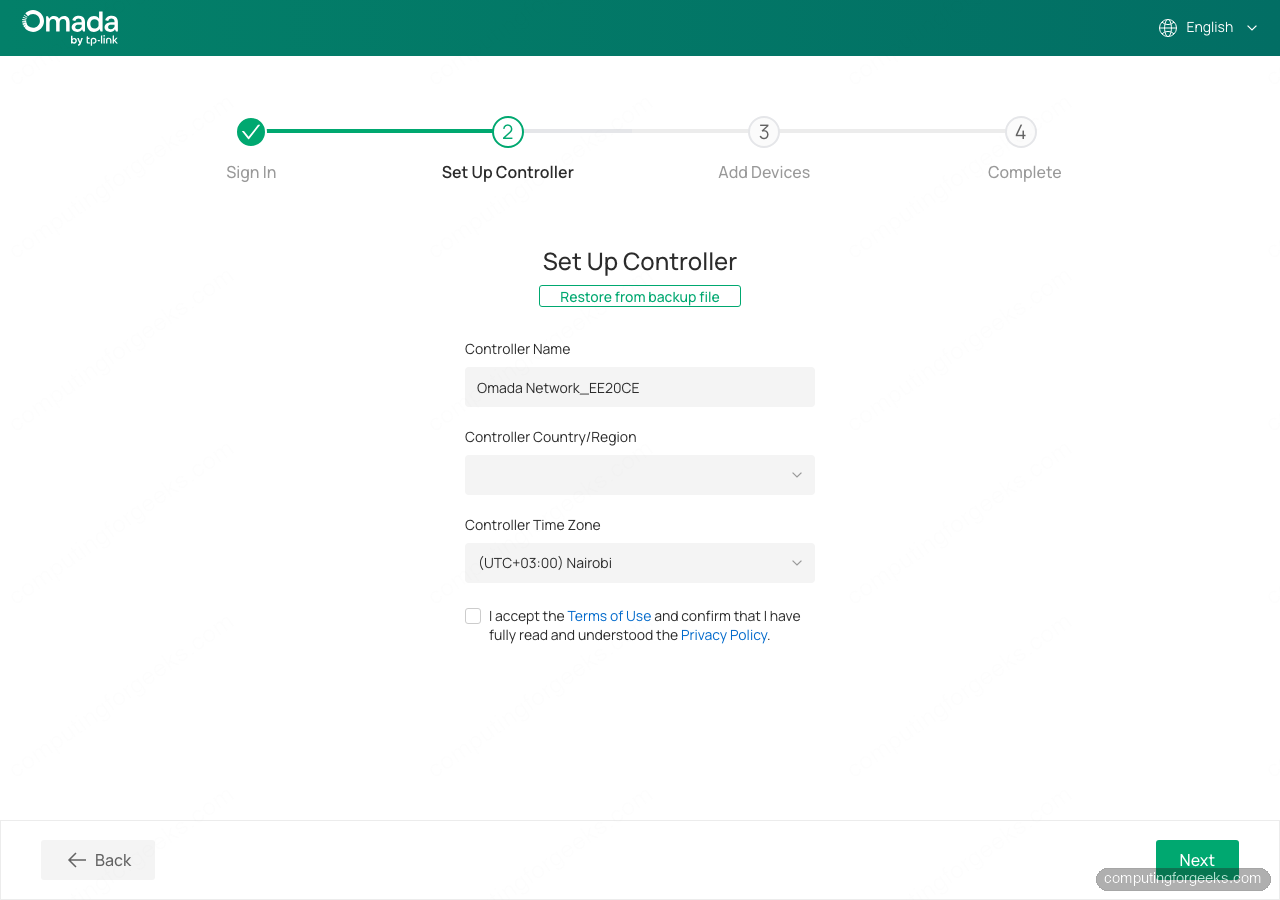
This is where hands-on time separates the two, and it is the part most “Omada or UniFi” articles skip because they never actually run either controller. The Omada controller ships MongoDB inside the same container, so a working deployment is one service. You bring it up, and the database comes with it. The full walkthrough, including the host-networking requirement that lets the controller discover devices on the same subnet, is in the guide on how to self-host the Omada controller in Docker.
UniFi splits the job in two. The UniFi Network Application runs in one container and expects a separate MongoDB container next to it, which you provision, initialise with a database user, and keep patched on your own. That extra moving part is not just conceptual. During testing, the current MongoDB release refused to start on a recent Linux kernel and the controller sat there waiting for a database that never came up. Pinning the MongoDB container to the 7.0 line fixed it immediately. The UniFi controller is worth running, but you are maintaining two services and a version-compatibility relationship between them. The setup, including the inform-host setting that tells devices where to check in, is covered in the guide on how to run the UniFi controller in Docker.
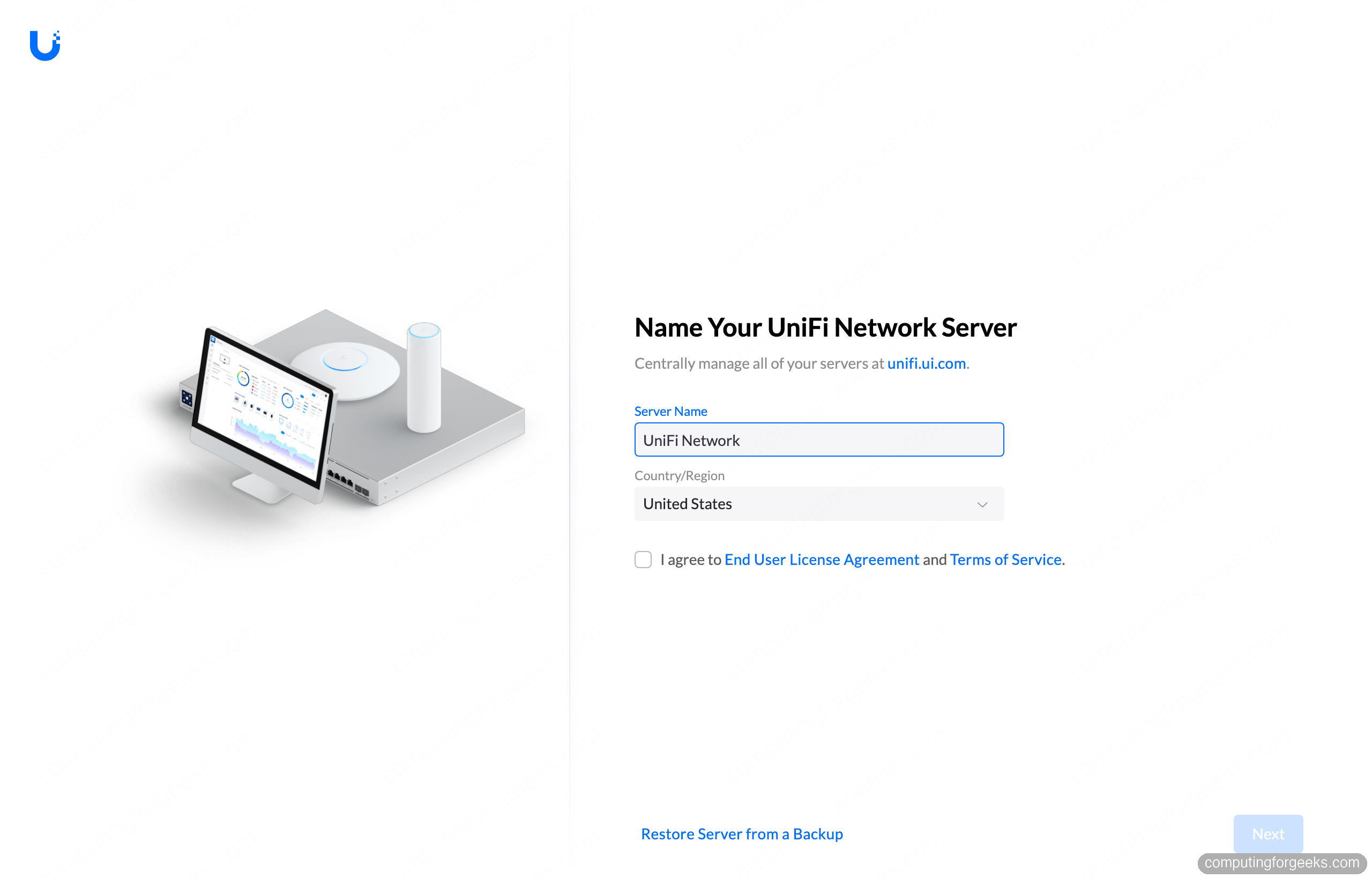
Adoption also differs. On a flat home LAN, Omada devices announce themselves over layer 2, so a controller running with host networking picks them up with no extra steps. On a flat home LAN, UniFi access points also show up automatically through broadcast discovery and wait as pending adoption. The DHCP option, the inform-host environment variable, or an SSH set-inform command on the device are what you reach for on routed networks where that broadcast would not reach. Neither approach is hard once you know it, and both systems adopt cleanly on a single-subnet homelab.
The hardware ecosystems
Both brands sell the full stack: access points, managed switches, and gateways. The philosophy differs. Omada is à la carte. You pick an access point, add a managed switch for the homelab when you need VLANs and PoE, and the controller ties them together, but each piece also works on its own. A TP-Link Omada EAP650, a mid-range Wi-Fi 6 ceiling AP, will serve SSIDs in standalone mode before you ever stand up a controller, then join one later without a reset. Expect it in the rough price band of a mainstream prosumer AP, and check the current price before buying.
UniFi leans the other way, toward a tightly integrated fleet managed from one pane. The access points are excellent and the switches are clean, and if you buy a Dream Machine you fold the controller, gateway, and often a switch into a single appliance instead of self-hosting at all. A UniFi U6 Lite is the popular entry Wi-Fi 6 AP that most homelab UniFi builds start with. The trade-off is that UniFi leans on the controller by design, so running an access point standalone is not the first-class path it is on the Omada side.
Buying reality on Amazon matters more than the spec sheet
Here is a difference nobody puts on a comparison chart, and it changed how the recommendation shakes out. TP-Link Omada gear is reliably first-party on Amazon. You search a model, the listing is the real product at a sane price, and it ships. Ubiquiti is a different experience. Plenty of UniFi listings are third-party sellers at a markup, stock comes and goes, and the honest advice for UniFi is to price it against Ubiquiti’s own store first, because ui.com is frequently cheaper and always the genuine SKU. If your buying path is “add to cart on Amazon and be done,” Omada is the smoother road today. If you are willing to buy direct, UniFi’s own store removes the markup problem entirely.
Features that actually differ
On the fundamentals, these two are closer than brand loyalists admit. Both do VLAN-tagged SSIDs, both do fast roaming and wireless meshing, both have a captive portal, and both push firmware and config from the controller. If your requirement is three SSIDs mapped to three VLANs with band steering, either system does it and the config screens look more alike than different.
The genuine splits are elsewhere. Both keep serving Wi-Fi once adopted if the controller later goes offline, so a controller reboot does not knock clients off either system. The real difference is standalone-first operation: an Omada access point ships a full built-in web UI and runs with no controller at all, while UniFi’s no-controller path is only a limited mobile-app mode, so on UniFi the controller is part of the design. That first-class Omada standalone UI is reassuring when the controller is a container on a box you also tinker with. UniFi’s tighter integration pays off in the topology view, the client insights, and the UDM appliance path that turns the whole stack into one device with one login. On raw Wi-Fi speed, resist the urge to pick a brand for throughput. Real-world speed tracks the AP tier you buy, the radios and spatial streams on it, and your client devices, not the logo on the controller. A current Wi-Fi 6 or Wi-Fi 7 AP from either brand saturates a home internet connection long before the controller brand matters.
So which one for your homelab?
Pick Omada if you want the lower-friction path: one controller container with the database built in, access points that keep serving Wi-Fi even if the controller is offline, and hardware you can actually buy first-party on Amazon at a fair price. It is the pragmatic choice for a value build and for anyone who treats the controller host as a machine they might reboot or rebuild.
Pick UniFi if the polished, single-pane experience is worth running an extra database container and buying direct to dodge the Amazon markup. The client insights, the topology map, and the option to collapse everything into a Dream Machine are real advantages if you want one vendor and one interface for the whole network. Both are solid, both self-host for free, and the honest tiebreaker for most homelabs is how you like to buy hardware and whether you want your Wi-Fi to survive a controller you enjoy taking apart.