Picking a mini PC for Proxmox and a homelab is really six choices, not one. A single low-power node to learn Proxmox on is a different machine from a box that runs a dozen production-ish VMs, and a cluster head with 10GbE storage networking is different again. The mistake most buyers make is shopping on Cinebench scores and core counts, when a homelab lives or dies on RAM ceiling, NIC stability, idle power, and whether the board can pass a device through to a VM at all.
This guide ranks the best mini PCs for a Proxmox homelab and self-hosting through that lens: virtualization density, networking, storage layout, and the watts they pull running 24/7. We cover the Minisforum MS-01 and MS-A2, the Beelink SER8 and EQ14, the Minisforum UM890 Pro, and the used Lenovo ThinkCentre Tiny that still beats most new boxes on value. If your goal is running large language models locally rather than virtualization, the boxes are different and we cover those separately in our best mini PC for local AI guide. New to the platform? Start with installing Proxmox VE first.
Current as of June 2026.
computingforgeeks is reader-supported. If you buy through the Amazon links below, we may earn a small commission at no extra cost to you. It does not change which boxes we recommend or where they rank.
Quick picks
The whole comparison in one table. Prices are approximate for June 2026 and move with the ongoing DRAM and NAND shortage, so treat them as a guide, not a quote.
| Mini PC | Best for | CPU | RAM ceiling | Networking | Reported idle | Approx price |
|---|---|---|---|---|---|---|
| Minisforum MS-01 | Best overall | Core i9-13900H, 14C/20T | 96GB | 2x 10G SFP+, 2x 2.5G | ~18-28W | ~$829 |
| Minisforum MS-A2 | Most compute / cluster head | Ryzen 9 9955HX, 16C/32T | 96GB | 2x 10G SFP+, 2x 2.5G | ~22-30W | ~$1,199 |
| Beelink SER8 | Best value node | Ryzen 7 8745HS, 8C/16T | 96GB | 1x 2.5G | ~12-15W | ~$499 |
| Minisforum UM890 Pro | Value with dual 2.5G | Ryzen 9 8945HS, 8C/16T | 96GB | 2x 2.5G | ~13-16W | ~$649 |
| Beelink EQ14 | Budget / first node | Intel N150, 4C/4T | 16GB | 2x 2.5G | ~6-9W | ~$189 |
| Lenovo ThinkCentre M920q (used) | Cheapest capable node | Core i5/i7 8th-9th gen | 64GB | 1x 1G | ~7-11W | ~$150-250 |
If you only buy one and want it to last, the MS-01 is the pick. If you are learning and want near-zero running cost, start with the EQ14. Everything else fills the gap between those two. The rest of this guide explains why, and what each box gives up.
What actually matters in a homelab mini PC
A homelab box is a server that happens to be small. The specs that matter for a server are not the ones marketing pushes, so here is what to weigh before the brand.
RAM is the real ceiling, not the CPU. Virtual machines reserve memory whether or not they use the cores. A Home Assistant VM, a couple of database containers, an Nginx proxy, and a small Kubernetes node will exhaust 16GB long before they trouble eight cores. Two SO-DIMM slots that take 2x48GB modules is the one feature that buys you the most headroom on this list, which is why the single-slot N150 boxes sit at the entry tier and the dual-slot Ryzen and Core boxes carry the real workloads.
Networking is where homelab boxes separate. Dual 2.5GbE is the 2026 baseline and runs over the Cat5e you already have. It is enough for one node serving VMs and a network share. The moment you want shared storage, live migration between nodes, or a Ceph cluster, you want 10GbE, and that is why the SFP+ ports on the MS-01 and MS-A2 matter so much. One caveat that bites people: the Intel i226-V 2.5G controller in many recent Intel mini PCs has a history of link drops under sustained load on some kernel and BIOS combinations. The fix is usually an ASPM change in the BIOS, either setting it to Auto or disabling it, along with staying on a known-good kernel, but it is the reason a rock-solid SFP+ uplink is worth paying for on a box you never want to babysit.
You want at least two M.2 slots. Proxmox best practice is to mirror the boot and VM storage so a single SSD failure does not take the node down. That needs two NVMe drives, which rules out a lot of single-slot machines for anything you care about. Three slots, as on the MS-01 and MS-A2, lets you run a boot mirror plus a separate fast pool. Our ZFS RAID levels guide covers how to lay that out.
Idle power decides the running cost. A homelab node runs every hour of the year, so a 10W difference is real money. The N150 boxes idle around 6 to 9W. The 8-core Ryzen boxes land near 12 to 16W. The MS-01 sits higher, roughly 18 to 28W with SFP+ populated, because enterprise networking and a 14-core chip are not free. None of these are wasteful, but if you plan a three-node cluster the watts add up.
The ECC question. None of these consumer mini PCs take ECC memory. That sounds alarming for a ZFS box, but ECC is a recommendation for ZFS, not a requirement. ZFS runs fine on non-ECC RAM and is what the vast majority of homelabs use. If bit-perfect integrity on a 24/7 array is non-negotiable, you are shopping for a different class of machine, not a mini PC. For a homelab, treat the lack of ECC as a known trade-off and move on.
1. Minisforum MS-01
The MS-01 is the box the homelab community settled on, and it earns it. In a 1.8-liter chassis you get dual 10GbE SFP+, dual 2.5GbE, three M.2 NVMe slots, a PCIe 4.0 x16 mechanical slot wired at x8, and a Core i9-13900H with 14 cores and 20 threads. That combination of enterprise networking and a real expansion slot in a mini PC simply did not exist before it shipped, and nothing has matched it at the price since.
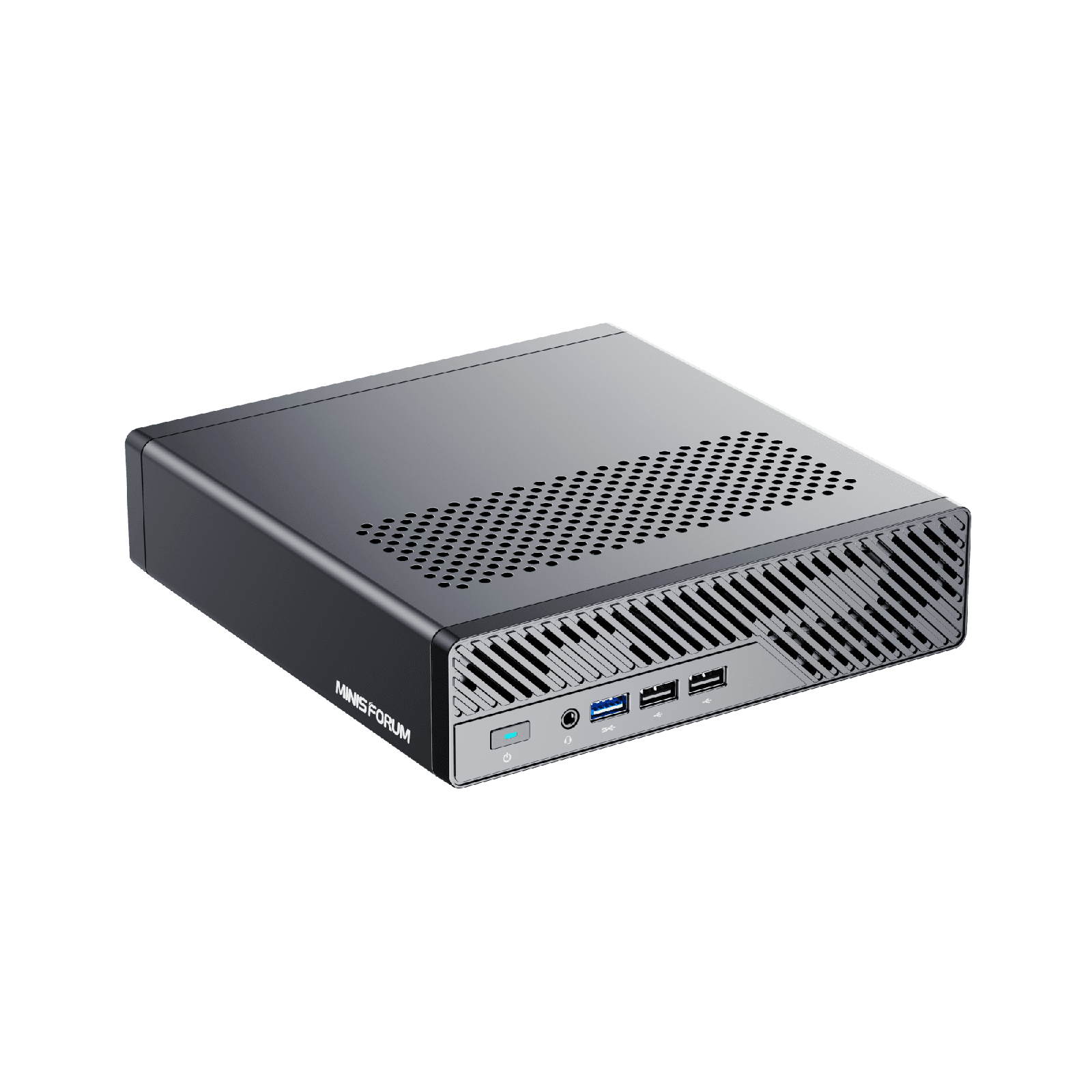
For Proxmox specifically, two things make it shine. The SFP+ ports use an Intel X710 class controller, which is an enterprise NIC with mature drivers and none of the consumer flakiness, so your storage and migration network is the part you never think about again. And the PCIe slot means you can drop in a real GPU for transcoding or a HBA for a disk shelf later, which no Beelink can do. The i9 variant ships with vPro, useful for out-of-band management if you tuck the box in a closet.
Where it falls short: it idles higher than the Ryzen boxes, the fans are audible under load, and the official memory spec is 64GB even though the community runs 2x48GB for 96GB without drama. The 2.5G ports are i226-V, so if you lean on those instead of the SFP+ uplinks, apply the ASPM fix. For most people building a homelab they want to keep for years, the Minisforum MS-01 is the right answer, around $829 for the i9 with 32GB and a 1TB SSD, less for the i5-12600H barebone if you bring your own memory and storage.
2. Minisforum MS-A2
The MS-A2 is the MS-01 formula with the brakes off. It keeps the dual 10GbE SFP+, dual 2.5GbE, three M.2 slots, and PCIe x16 slot, then drops in a desktop-class Ryzen 9 9955HX: 16 Zen 5 cores, 32 threads, up to 5.4GHz. For raw virtualization throughput, nothing else on this list is close. It is the box you buy when one node has to do the work of three, or when it is the head of a cluster running the heaviest VMs.
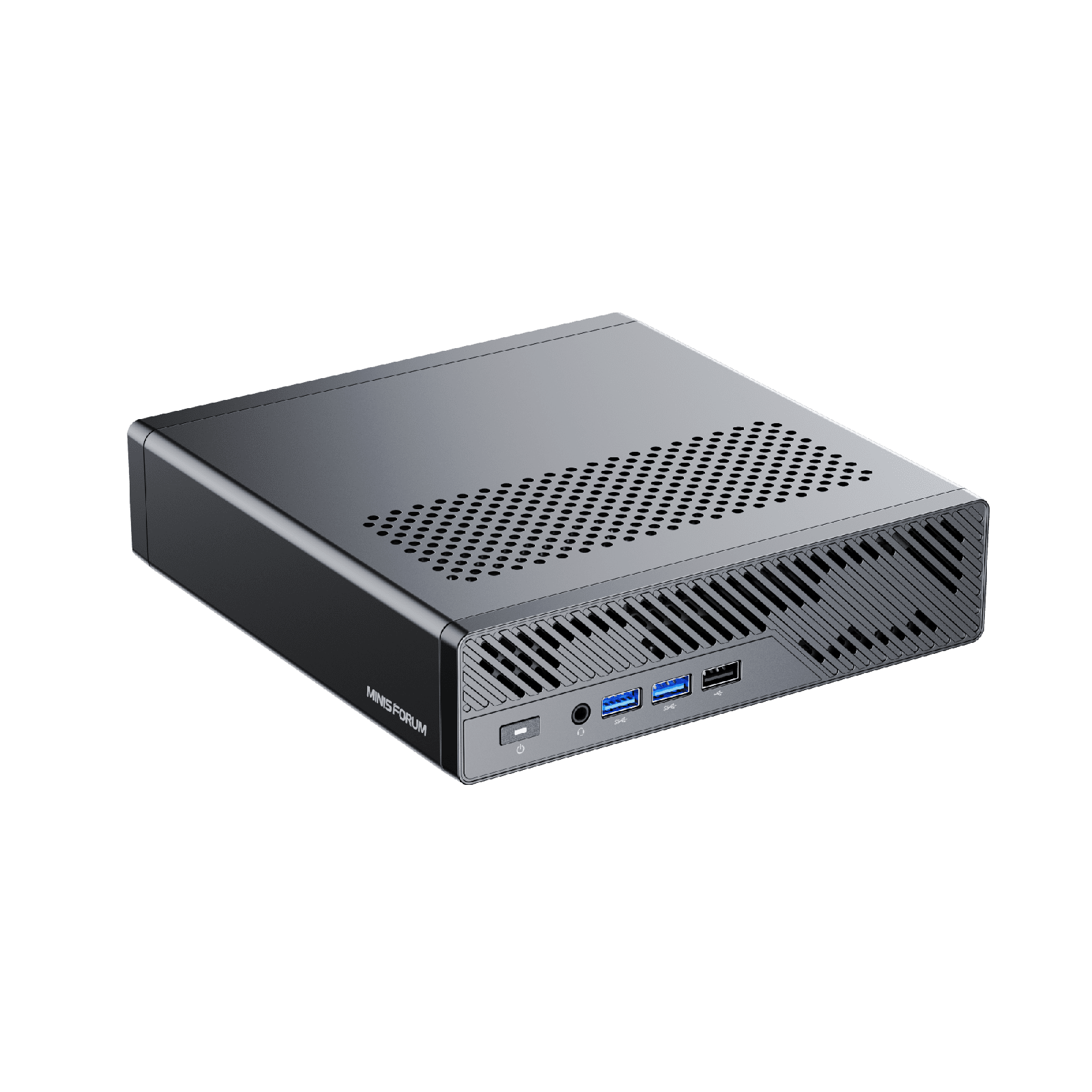
The trade-off is the iGPU. The 9955HX carries a token Radeon 610M with two compute units, which is fine for a console and a Proxmox web session but useless for media transcoding. If you want this box to run Plex or Jellyfin with hardware transcode, plan on the PCIe slot and a discrete card, because the integrated graphics will not do it. It also idles higher than the 8-core Ryzen boxes, as a 16-core HX chip should.
Pricing starts around $799 for the barebone and climbs to roughly $1,199 with 32GB and 1TB, or about $1,919 fully loaded with 96GB and 2TB. For most homelabs that is more machine than the workload justifies, which is exactly why it is not the top pick. But if you are consolidating several old servers into one quiet box, the Minisforum MS-A2 is the most compute you can buy in this form factor, and the barebone version is the smart buy given how cheap your own RAM and SSD will be compared to the configured tax.
3. Beelink SER8
The SER8 is the value pick, the box we point most first-time homelabbers at once they have outgrown an N150. The Ryzen 7 8745HS gives you eight Zen 4 cores and 16 threads, it ships with 32GB of DDR5 and a 1TB Gen4 SSD, and the Radeon 780M is a genuinely capable iGPU that handles Jellyfin and Plex hardware transcoding without a discrete card. It idles around 12 to 15W and stays quiet doing it.
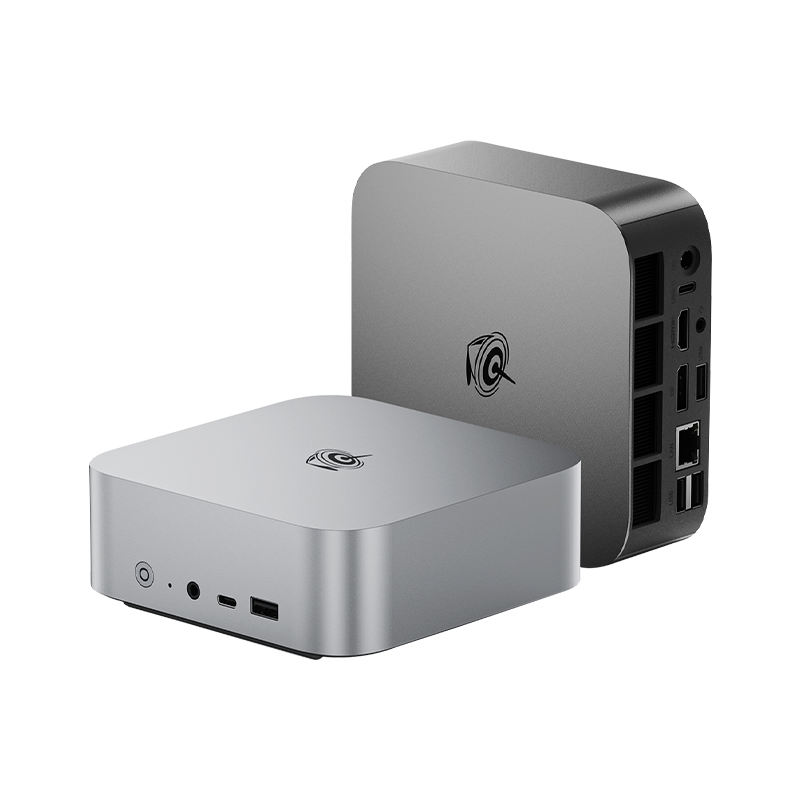
For a single capable node it does almost everything the bigger boxes do at half the price. Two SO-DIMM slots take you to 96GB with 2x48GB, and two M.2 slots let you mirror your storage. For what to put in those M.2 slots, see our guide to the best SSDs and NVMe drives for a homelab. The 780M with its dozen RDNA3 compute units means this is the box to buy if media serving is part of the plan, which is a real edge over the MS-A2.
Where it falls short is networking and expansion. You get a single 2.5GbE port and no SFP+, so this is a standalone node or a cluster member on a 2.5G backbone, not a 10GbE storage host. There is no PCIe slot, so what you buy is what you get. For around $499 with 32GB and 1TB, the Beelink SER8 is the most homelab per dollar on this list, and for a lot of people it is all the machine they will ever need.
4. Minisforum UM890 Pro
The UM890 Pro is the SER8’s main rival and wins on two points: it has dual 2.5GbE instead of one, and it adds dual USB4 ports plus an OCuLink port for fast external storage, networking adapters, or even an external GPU. The Ryzen 9 8945HS is an eight-core, 16-thread Zen 4 chip a notch above the 8745HS, paired with the same Radeon 780M, so transcoding is covered here too. It ships configured with 32GB and 1TB.
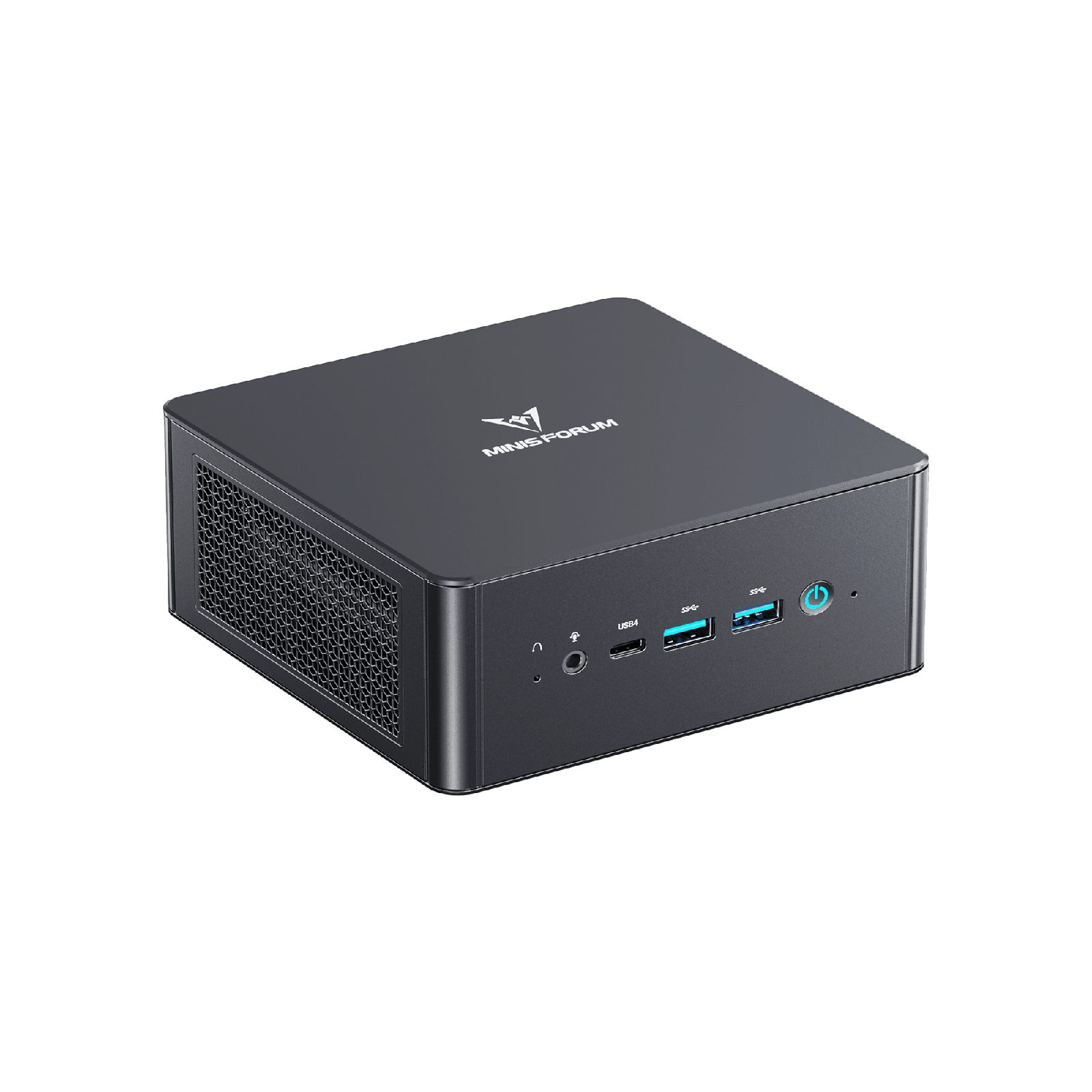
The second 2.5G NIC is the reason to pick it over the SER8. Two physical ports let you separate a management or storage network from VM traffic, or bond them, which matters more in a cluster than a single node. USB4 and the OCuLink port (PCIe 4.0 x4) also give you a path to 10GbE over an adapter, an external GPU, or a Thunderbolt storage enclosure, an escape hatch the SER8 lacks.
It is pricier than the SER8 for similar core performance, usually around $649 configured, and like every box in this tier it tops out at 96GB with no PCIe slot and no SFP+. If the extra NIC and USB4 fit your plan, the Minisforum UM890 Pro is worth the premium. If they do not, save the money and buy the SER8.
5. Beelink EQ14
Everyone should learn Proxmox on a box this cheap before spending real money. The EQ14 runs an Intel N150, a four-core Twin Lake chip that idles around 6 to 9W, includes dual 2.5GbE, and costs about $189 with 16GB and a 1TB SSD. For a first node, a backup target, a Pi-hole and a couple of light containers, it is genuinely all you need, and it sips power doing it.
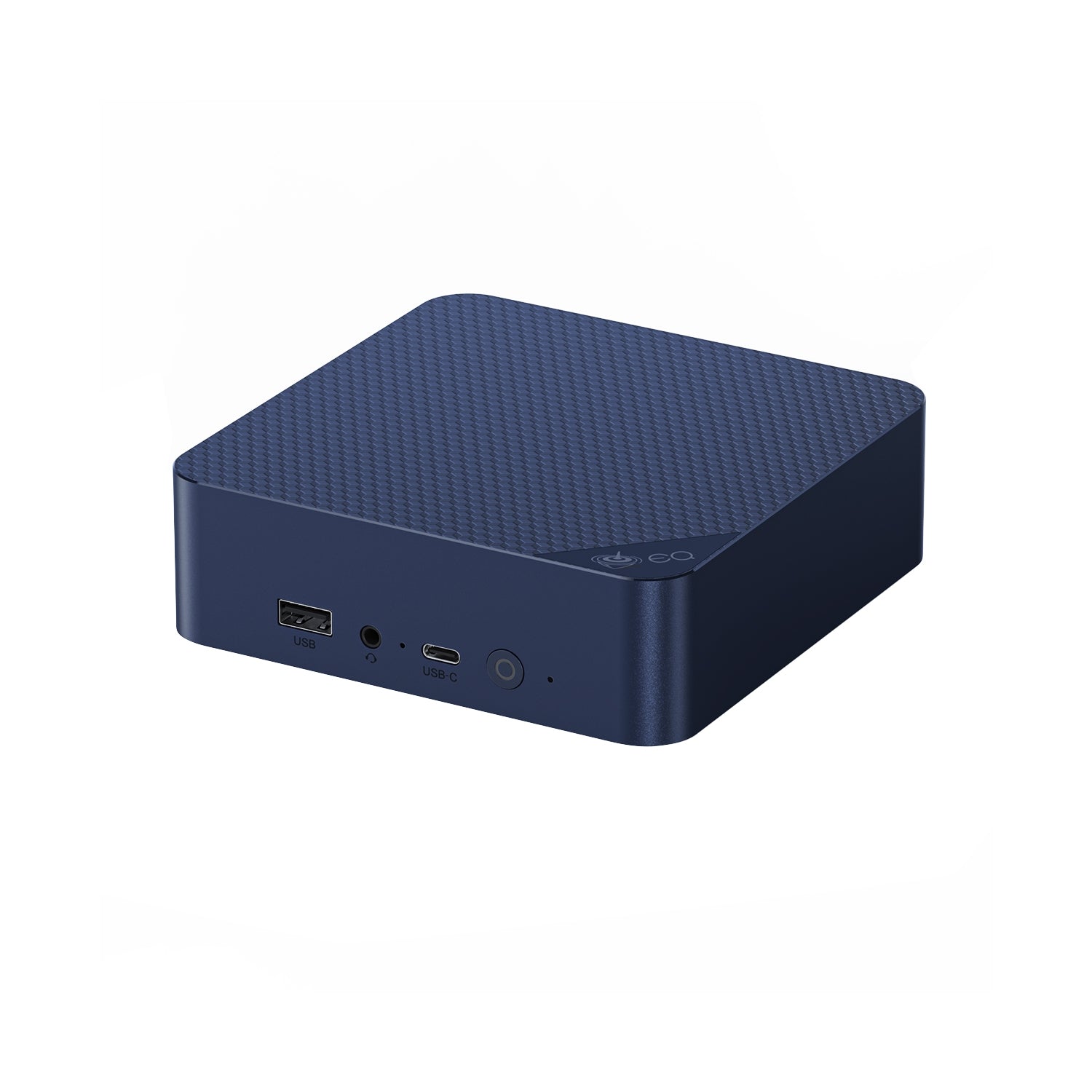
The dual 2.5G ports are the detail that makes this more than a toy. They let you build a real two or three node learning cluster for the price of one mid-range box, and a stack of N150 nodes is a legitimate way to practice live migration and high availability cheaply. The built-in power supply means one cable, no brick, which is tidy in a stack.
Be honest about the limits. Four cores and a single 16GB DDR4 SO-DIMM is the hard ceiling, and that lone memory slot is what caps it; this is not the box for a heavy database or a Kubernetes lab. Make sure you buy the dual 2.5G version, since some EQ14 listings ship with slower 1G NICs. With that caveat, the Beelink EQ14 is the lowest-risk way to start, and cheap enough that it stays useful as a dedicated backup or DNS node after you upgrade.
6. Lenovo ThinkCentre M920q (used)
The value play that never quite dies is a used enterprise Tiny. A Lenovo ThinkCentre M920q with a Core i5 or i7 of the 8th or 9th generation, two DDR4 slots good for 64GB, an M.2 slot plus a 2.5-inch bay, and a socketed CPU you can swap, sells refurbished for roughly $150 to $250. For light to moderate virtualization that is more capable hardware per dollar than anything new at the same price, and these machines were built to run in offices for years.
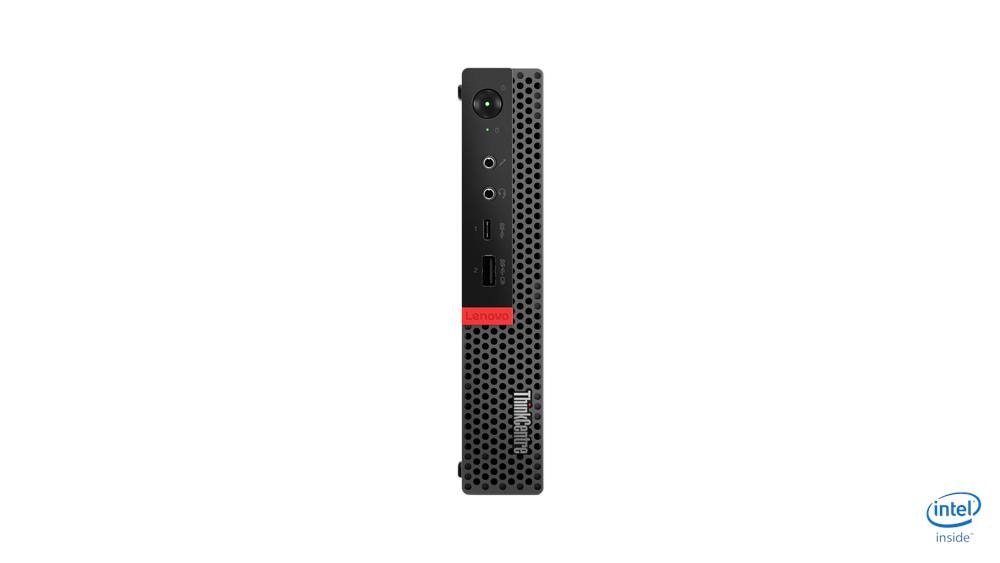
The catches are real, which is why it is last rather than a headline pick. You get a single 1GbE NIC unless you add a card through the optional PCIe riser, the platform is several years old so it idles efficiently but performs like the older Core chip it is, and condition varies because these are used. There is no clean first-party Amazon listing to point you at; buy these refurbished through Amazon Renewed, a reputable reseller, or the used market, and inspect what you get.
If your budget is tight and you do not mind buying used, this is the most homelab you can get for the money, and the socketed CPU and 64GB ceiling give it more headroom than a new N150 box. For most readers who want a warranty and current efficiency, one of the new boxes above is the easier call.
How many VMs and containers each tier runs
The most common question is the one the spec sheets never answer: what will it actually run? These are realistic, conservative numbers for typical homelab services on Proxmox, assuming you keep some headroom rather than packing memory to the limit. LXC containers are far lighter than full VMs, which is why the counts diverge so much. Our guide to LXC containers on Proxmox explains why you should reach for them first.
| Tier | Example | RAM as configured | Comfortable VMs | LXC containers | Typical role |
|---|---|---|---|---|---|
| Entry | Beelink EQ14 (N150) | 16GB | 2-4 small | 8-12 | Learning, DNS, backup, light services |
| Mainstream | SER8 / UM890 Pro | 32GB | 6-10 | 20-30 | One do-everything node, media, databases |
| Performance | MS-01 | 64-96GB | 12-20 | 40+ | Cluster head, 10GbE storage, passthrough |
| Heavy | MS-A2 | 96GB | 20+ | 60+ | Consolidating several servers into one |
The pattern is clear: cores rarely run out first, memory does. An entry box stops at a handful of VMs not because four cores cannot schedule more, but because 16GB fills up. That is why the advice throughout this guide keeps coming back to RAM ceiling over CPU benchmarks.
IOMMU, passthrough, and the NIC that actually matters
If you plan to pass a GPU, a NIC, or an HBA straight through to a VM, the spec sheet will not tell you whether it works. Two things decide it: whether the board supports IOMMU at all, and how cleanly it groups devices. On a badly designed board the entire PCIe complex lands in one IOMMU group, which means passing through any single device drags the whole group along and breaks the setup. This is the question to research before you buy, not after.
On a running Proxmox host you can confirm the kernel enabled IOMMU and count how many independent groups the board exposes:
dmesg | grep -e DMAR -e IOMMU | grep -i enabled
ls -d /sys/kernel/iommu_groups/*/ | wc -l
The first line proves the kernel turned IOMMU on; the number is how many separate groups exist, and more groups means finer-grained passthrough:
DMAR-IR: Enabled IRQ remapping in x2apic mode
18
The MS-01 and MS-A2 both expose workable IOMMU grouping, which is part of why they are the passthrough picks. The N150 and the cheaper boxes will run VMs and containers happily but are not the machines to plan PCIe passthrough around. If you want the full walkthrough of enabling it, the post-install Proxmox checklist covers the kernel flags.
The NIC point is worth repeating because it is the single most reported homelab headache. The Intel i226-V 2.5G controller shows up everywhere, and under sustained throughput on some kernel and firmware combinations it drops the link. It is not a reason to avoid these boxes, but it is a reason to prefer the SFP+ uplinks on the MS-01 and MS-A2 for anything load-bearing, and to change the i226 ASPM setting, to Auto or disabled, if you do rely on it. An enterprise X710 SFP+ link is the part of the build you want to forget about, and that reliability is most of what you pay the Minisforum premium for.
Wiring three nodes into a Proxmox cluster
Mini PCs are at their best as cluster members, because three small boxes give you high availability for the price of one real server. Proxmox needs an odd number of nodes to hold quorum, so three is the natural target: if one node dies, the other two keep the cluster voting and your VMs can fail over. This is the homelab move that turns a pile of mini PCs into something that actually survives a reboot.
You do not have to buy three identical boxes. A common and cheap pattern is two capable nodes plus a tiny third vote, even a Raspberry Pi running a QDevice, purely to break ties. Three EQ14s make a genuine learning cluster; three SER8s or UM890 Pros make a capable production-ish one on a 2.5G backbone; and a pair of MS-01s with their SFP+ ports linked make a fast two-node setup that a small QDevice turns into a quorum-safe three.
Shared storage is where the 10GbE boxes pull ahead. If you want VMs to live-migrate or run on a replicated pool, the storage network becomes the bottleneck, and 2.5G starts to hurt. That is the case for the MS-01 or MS-A2 and their SFP+ ports, and it is exactly the scenario our 3-node hyperconverged Ceph guide walks through. For simpler shared setups, the Proxmox storage backends comparison lays out the options. Many homelabbers skip clustered storage and put bulk data on a dedicated box instead; the best NAS for home and self-hosting roundup covers the turnkey options that pair with a node like these. To turn one of these mini PCs into the NAS itself, the DIY NAS with TrueNAS or Unraid guide walks through the whole build.
Which mini PC should you buy
Match the box to where you are, not to the spec sheet:
- Learning Proxmox or building a backup or DNS node? The Beelink EQ14. Cheap, sips power, and stays useful after you upgrade.
- Want one capable node that does everything, including media? The Beelink SER8, or the UM890 Pro if you need the second 2.5G port and USB4.
- Building something to keep for years, with 10GbE, passthrough, and room to grow? The Minisforum MS-01. It is the best overall homelab mini PC and the one most people should buy.
- Consolidating several servers into one quiet box? The Minisforum MS-A2, the most compute in this form factor.
- On the tightest budget and fine buying used? A refurbished Lenovo ThinkCentre M920q Tiny.
Whatever you pick, the homelab is the point, not the hardware. The cheapest box on this list runs Proxmox just as well as the most expensive one; it simply runs fewer things at once. Buy at the tier your workload actually needs today, leave room in the RAM slots, and you will get years out of it. Once the box arrives, our things to do after installing Proxmox VE guide is the fastest way to a node you can trust.