Picking a NAS in 2026 is a different decision than it was even two years ago. The brand that owned the home-NAS recommendation, Synology, spent the last year alienating buyers with a drive-lock policy it has only partly walked back, while UGREEN arrived with x86 Intel hardware at prices that undercut everyone. At the same time the single most common reason people buy a NAS, running a Plex or Jellyfin media server, now hinges on one spec that the spec sheets bury: whether the box can transcode video in hardware.
This guide covers the best NAS for a home, self-hosting, and Plex in 2026, sorted by what you actually want it for. Every pick is a unit we confirmed against the manufacturer’s current spec page, with the processor’s transcoding capability checked individually, because that is the spec most buyers get wrong.
Specs here were checked against each maker’s current product pages in June 2026. Prices move week to week right now, so the buy links go to the live listing rather than a number that ages.
Top picks at a glance
The short version, by use case. The reasoning for each is further down.
| Award | NAS | Best for |
|---|---|---|
| Best overall | UGREEN NASync DXP4800 Plus | A 4-bay that does files, Docker, Plex transcode, and 10GbE without the drive lock |
| Best value | TerraMaster F4-424 Pro | The most transcoding power per dollar, 32GB RAM in the box |
| Best for Plex/Jellyfin | QNAP TS-464 | QuickSync transcoding plus a PCIe slot to add 10GbE later |
| Best high-capacity | UGREEN NASync DXP8800 Plus | Eight bays, Core i5, dual 10GbE for a large media or backup pool |
| Best first NAS | UGREEN NASync DXP2800 | A 2-bay that still transcodes Plex, at an entry price |
| Best for the DSM ecosystem | Synology DS925+ | Buyers who want DSM software and ECC, and do not need Plex transcoding |
A NAS is only half the purchase. Whichever box you pick, it is empty, so budget for drives at the same time and buy CMR, never SMR. Our best NAS hard drives guide covers which drives to put in these bays, and prices on both boxes and drives are climbing in 2026, so the value pick today may not be next month.
How we picked
This is a specifications and capability guide, and it is honest about its limits. Rather than claim a long-term endurance test of six appliances, here is what actually went into the picks:
- Every spec verified against the manufacturer’s current product page, not a retailer summary. CPU model, RAM ceiling, bay count, M.2 slots, and network ports all come from UGREEN, Synology, QNAP, and TerraMaster directly.
- Transcoding checked per processor. Plex and Jellyfin hardware transcoding needs an Intel iGPU with QuickSync. We checked each box’s exact CPU and flagged the ones that cannot transcode, including models whose silicon could but whose vendor disabled it.
- The Synology drive-lock situation verified with dates. The policy changed in October 2025, and the change is partial, so we read Synology’s own release notes rather than relying on the headlines.
- Amazon listings checked live. Each ASIN was confirmed to resolve to the exact diskless model and to be currently sold new.
The 2026 NAS landscape, compared
The one column that decides most purchases is hardware transcoding. If you run Plex or Jellyfin and want the NAS to convert video on the fly for phones, tablets, and remote streaming, you need a yes in that column.
| NAS | CPU | Plex/Jellyfin HW transcode | Bays | Max RAM | Fastest NIC |
|---|---|---|---|---|---|
| UGREEN DXP4800 Plus | Pentium Gold 8505 | Yes (QuickSync) | 4 | 64 GB | 10GbE |
| TerraMaster F4-424 Pro | Core i3-N305 (8-core) | Yes (QuickSync) | 4 | 32 GB | 2.5GbE |
| QNAP TS-464 | Celeron N5095 | Yes (QuickSync) | 4 | 16 GB | 2.5GbE (+PCIe) |
| UGREEN DXP8800 Plus | Core i5-1235U | Yes (Iris Xe) | 8 | 64 GB | 10GbE x2 |
| UGREEN DXP2800 | Intel N100 | Yes (QuickSync) | 2 | 16 GB | 2.5GbE |
| Synology DS925+ | AMD Ryzen V1500B | No (no iGPU) | 4 | 32 GB | 2.5GbE |
That last row is the trap. The Synology DS925+ is a fine NAS, but its AMD processor has no integrated GPU, so it cannot do Plex or Jellyfin hardware transcoding at all. More on why that matters, and which Synology models share the problem, in the buying guide below.
Best overall: UGREEN NASync DXP4800 Plus
The DXP4800 Plus is the box that does everything most people want without a compromise. Its Intel Pentium Gold 8505 has QuickSync, so Plex and Jellyfin transcode in hardware, including AV1 decode. It takes up to 64GB of DDR5, has four drive bays plus two M.2 NVMe slots, and ships with both a 10GbE and a 2.5GbE port, networking many four-bay rivals charge extra for or do not offer at all. It runs UGREEN’s UGOS Pro, accepts any CMR drive and any brand of NVMe with no compatibility lock, and if you would rather, the x86 hardware boots TrueNAS SCALE or Unraid.
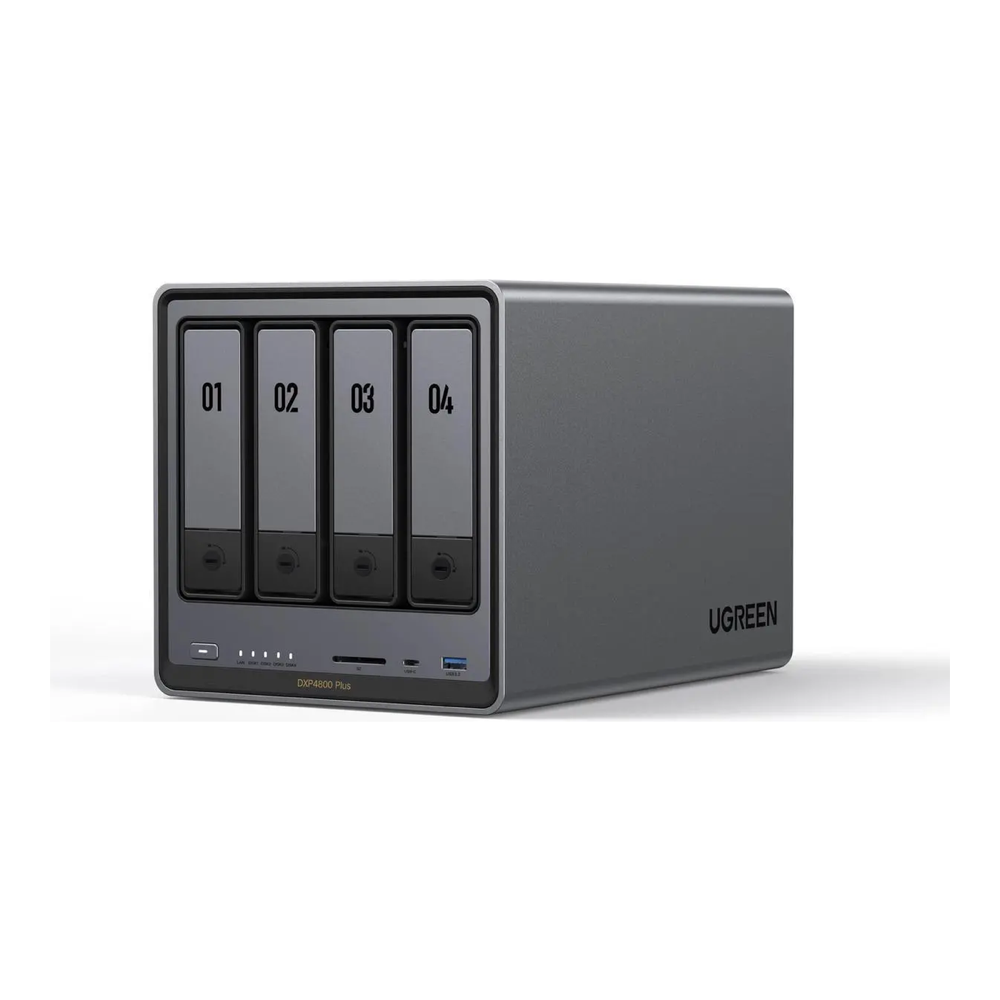
Who it is for: the mainstream buyer who wants files, backups, Docker, and a transcoding Plex server in one four-bay box, with fast networking and no drive politics.
Skip it if: you specifically want Synology’s DSM software ecosystem, or you only need two bays and want to spend less, in which case the DXP2800 below covers it.
Best value: TerraMaster F4-424 Pro
The F4-424 Pro packs the most processing power of any four-bay here for the money. Its eight-core Intel Core i3-N305 chews through multiple transcodes and Docker workloads, it ships with 32GB of DDR5 already installed, and it has the Intel iGPU for hardware media transcoding. Dual 2.5GbE ports aggregate to 5Gb, and TerraMaster’s TOS software has matured into a usable, if less polished, alternative to DSM.
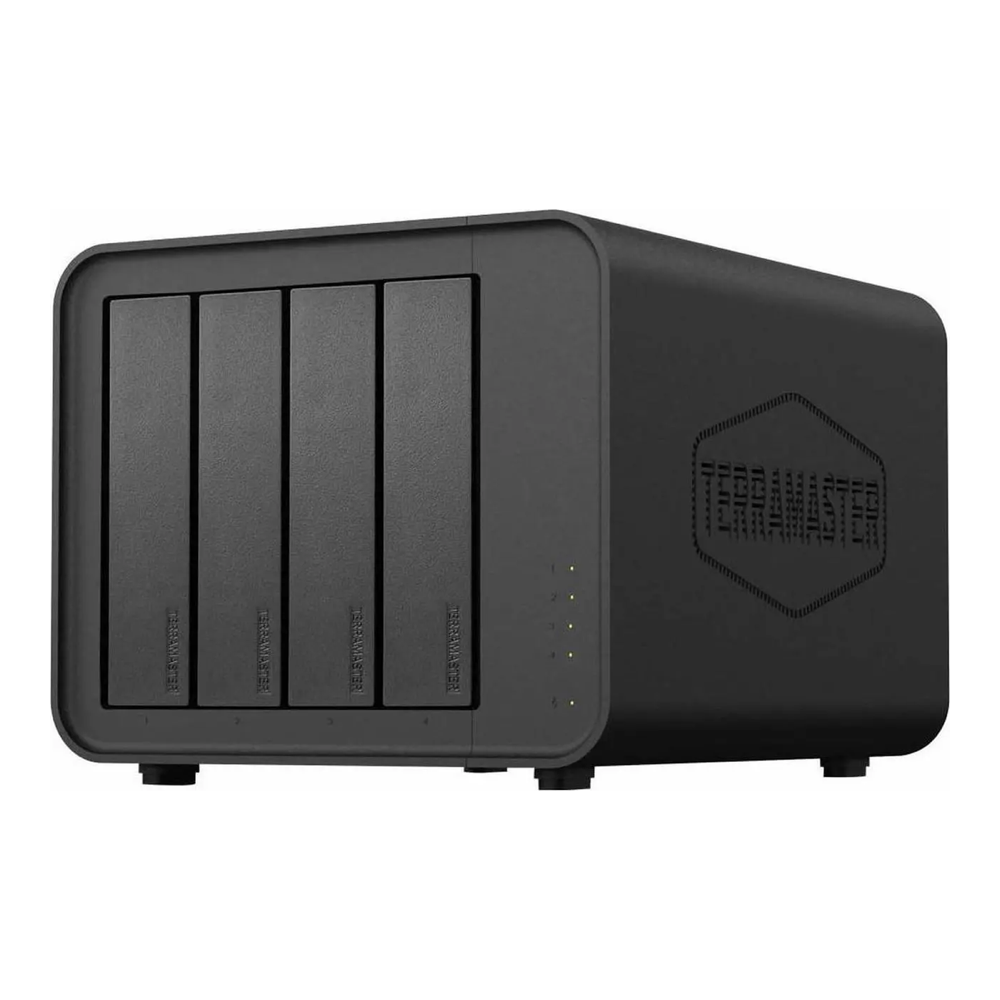
Who it is for: the value-focused buyer who wants the strongest CPU and the most RAM per dollar, and is comfortable with TerraMaster’s software in exchange for the hardware bargain.
Skip it if: you want built-in 10GbE (this tops out at 2.5GbE), or you prefer the larger app catalogues of DSM or QTS.
Best for Plex and Jellyfin: QNAP TS-464
If the NAS exists mainly to serve media, the TS-464 is the focused pick. Its Intel Celeron has QuickSync for hardware transcoding, it outputs HDMI at 4K 60Hz so it can drive a TV directly, and crucially it has a PCIe Gen3 slot, so you can add a 10GbE card or extra NVMe later instead of buying a more expensive box up front. QNAP’s QTS is the most feature-dense NAS OS of the group, with the trade-off that it is also the most complex.
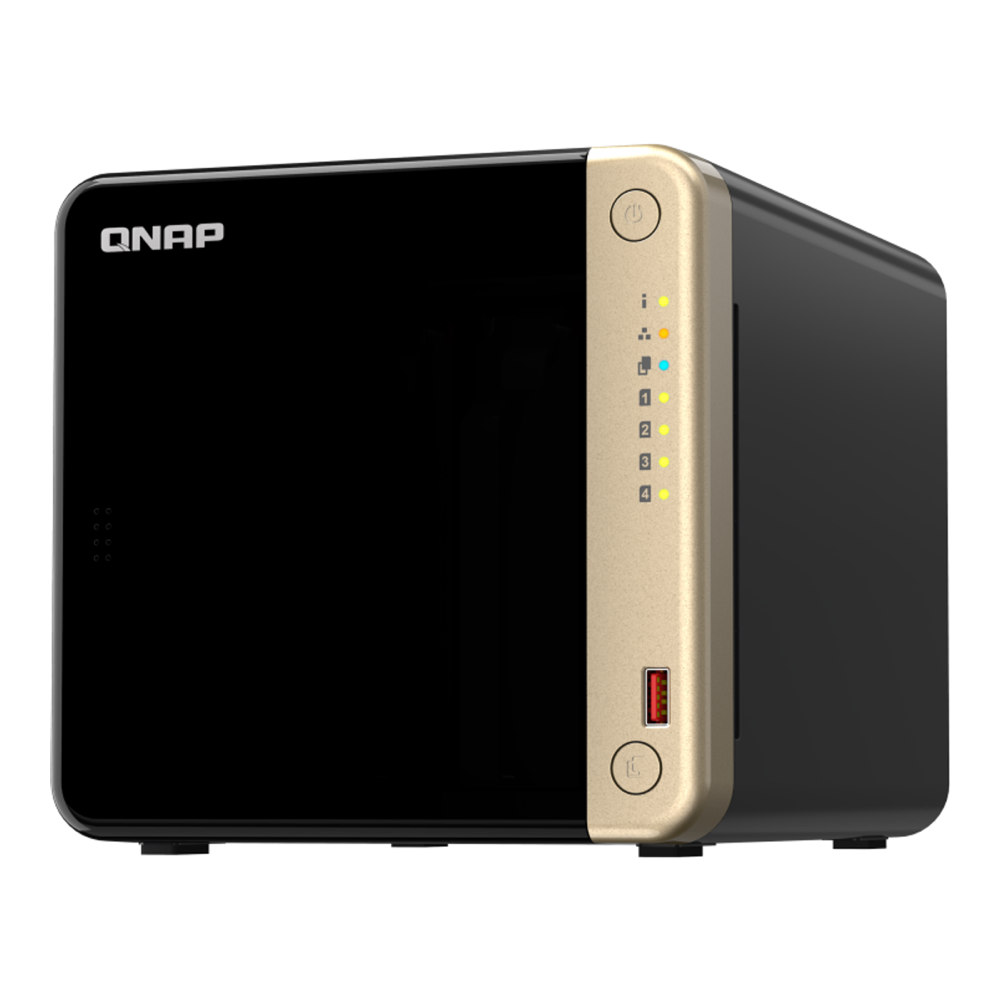
Who it is for: media-first buyers who want guaranteed QuickSync transcoding now and the option to add 10GbE down the line.
Skip it if: you want a lot of RAM headroom (16GB max here), or you find QTS overwhelming and would rather have UGREEN’s simpler UGOS or Synology’s DSM.
Best high-capacity: UGREEN NASync DXP8800 Plus
When a four-bay will not hold enough, the DXP8800 Plus scales up hard. Eight drive bays, a 10-core Core i5-1235U with Iris Xe graphics for the strongest transcoding engine in this lineup, up to 64GB of DDR5, two 10GbE ports that aggregate to 20Gb, and even two Thunderbolt 4 ports. With eight high-capacity drives it builds a pool well into the hundreds of terabytes, and the Iris Xe handles several simultaneous 4K transcodes without breaking a sweat.
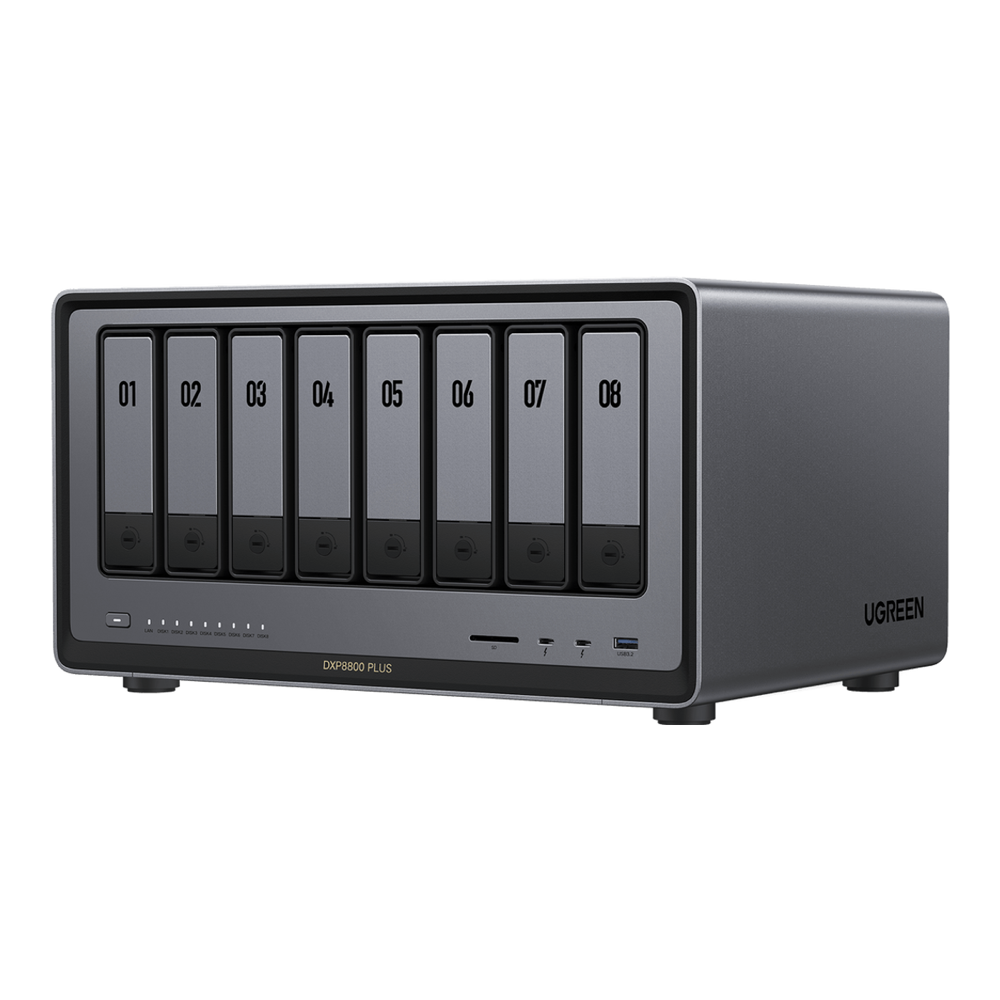
Who it is for: heavy media libraries, multi-user households, or anyone who wants room to grow a large pool and the fastest networking and transcoding on offer here.
Skip it if: you do not need more than four bays. This is a serious step up in price, and most homes never fill eight bays. The DXP4800 Plus or a six-bay sibling is the saner spend.
Best first NAS: UGREEN NASync DXP2800
A first NAS does not need eight bays or a Core i5, but it should still be able to grow with you, and it really should transcode Plex. The DXP2800 manages both. Its Intel N100 has QuickSync, so it transcodes media despite the entry price, and it pairs two drive bays with two M.2 NVMe slots and a 2.5GbE port. It is the rare budget two-bay that does not make you give up hardware transcoding to hit the price, which is exactly the compromise the cheap Synology two-bay forces.
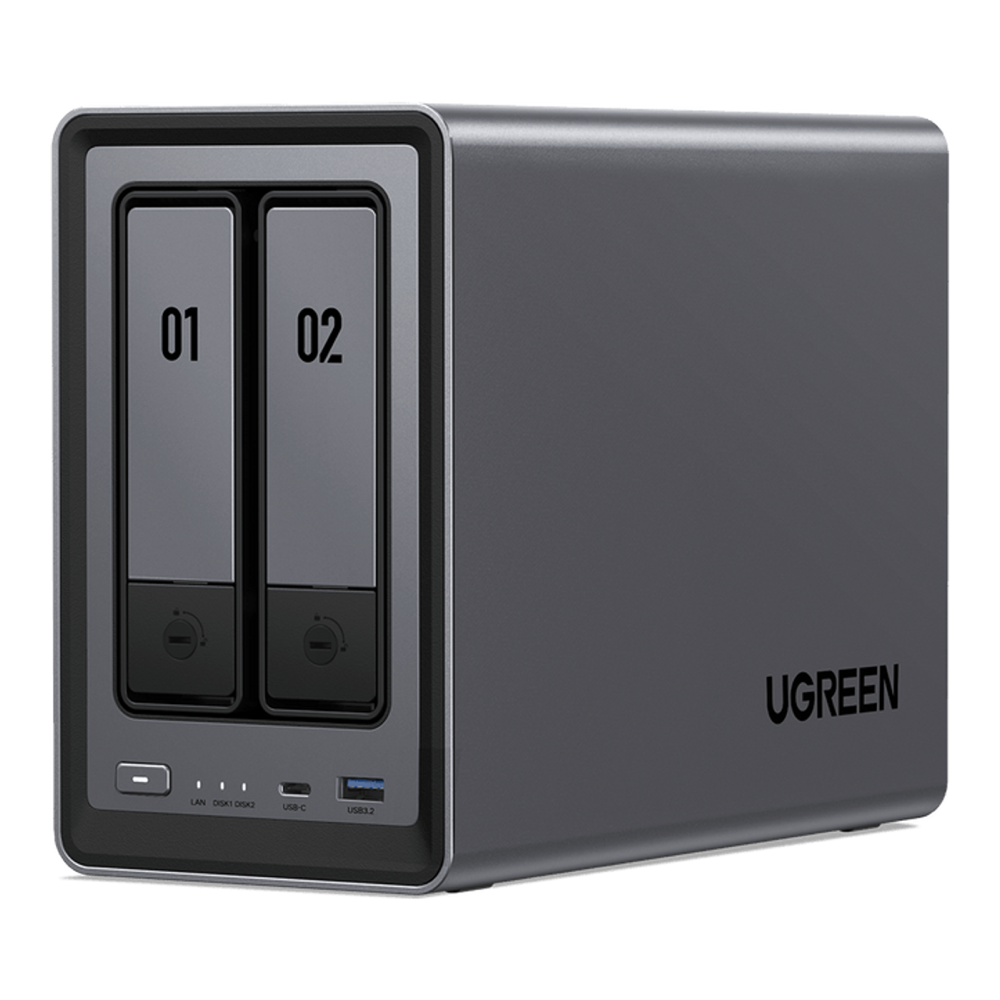
Who it is for: first-time NAS buyers, or anyone who wants a small, quiet box for backups and a modest Plex library without overspending.
Skip it if: you already know you will store a lot. Two bays fill up faster than people expect, and stepping to a four-bay now saves a second purchase later.
Best for the DSM ecosystem: Synology DS925+
Synology earns its place on reputation and software. DSM remains the most polished NAS operating system, with the deepest app catalogue, the best backup tooling, and ECC memory support on the DS925+. After the 2025 backlash, DSM 7.3 (October 2025) restored the ability to use third-party drives in the SATA bays, so the worst of the drive-lock policy is gone, with one asterisk noted below. What DSM cannot do on this box is transcode video in hardware: the AMD Ryzen V1500B has no integrated GPU.
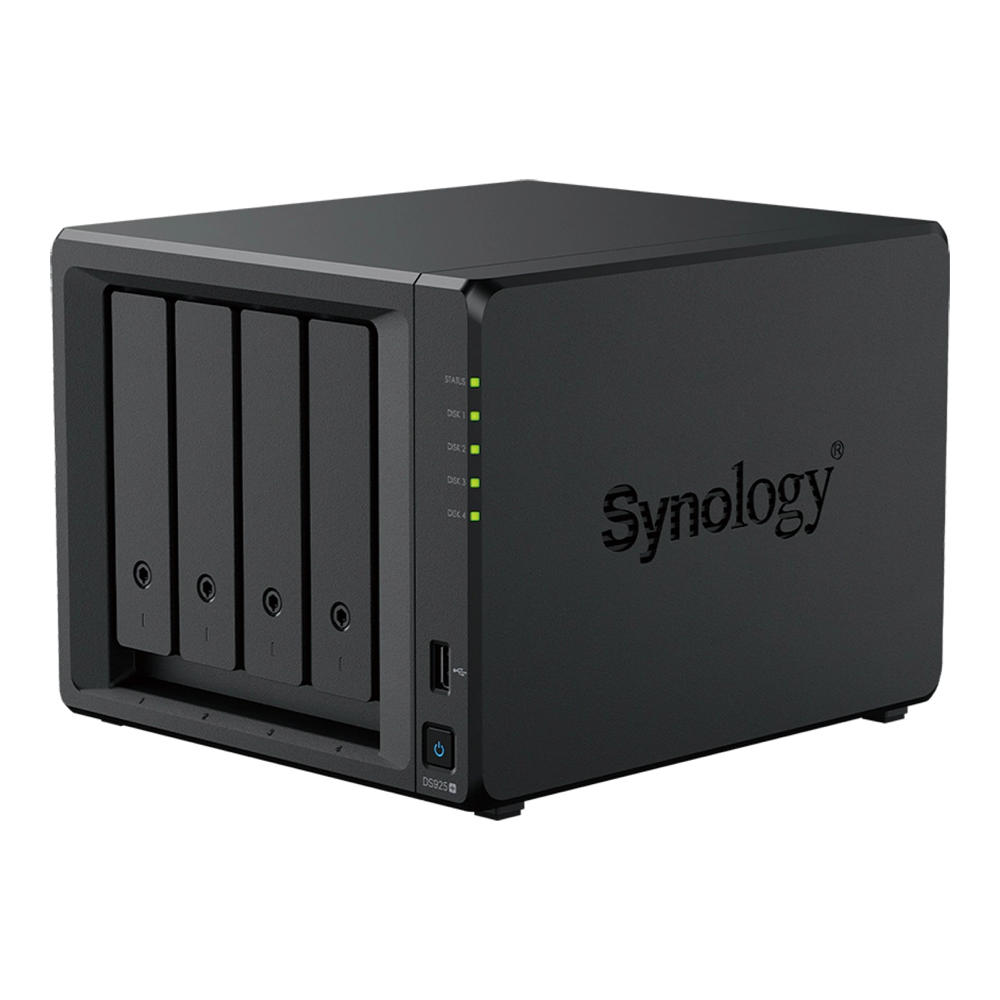
Who it is for: buyers invested in or drawn to the DSM ecosystem, who value software polish, ECC, and Synology’s backup suite over media transcoding.
Skip it if: Plex or Jellyfin hardware transcoding matters to you, because this drive cannot do it, or if you want M.2 NVMe storage pools, which still require Synology-validated drives even after DSM 7.3.
Which NAS is right for you in 2026
The picks cover most situations, but a few decisions deserve explaining so you can adjust for your own needs.
Hardware transcoding is the make-or-break spec for Plex and Jellyfin. If you want the NAS to convert a 4K file down to something a phone or a remote connection can play, it needs an Intel processor with QuickSync (or Iris Xe). Every Intel-based box here can do it. The Synology models cannot, and the reason is worse than it looks: the DS925+ has no GPU at all, and even Synology’s Intel-based 2025 models like the DS225+ and DS425+ ship with hardware transcoding disabled because Synology removed the GPU driver. If media is the job, buy UGREEN, TerraMaster, or the Intel QNAP, and skip Synology’s current generation.
The Synology drive lock is half-fixed. Synology’s 2025 Plus models launched requiring Synology-branded drives, drew heavy criticism, and DSM 7.3 walked it back in October 2025: HDDs and 2.5-inch SATA SSDs from any maker now work normally, including pool creation and health monitoring. The asterisk is that creating an M.2 NVMe storage pool still requires drives on Synology’s compatibility list. So a 2026 Synology is fine with third-party hard drives, but not yet free for NVMe pools. UGREEN, QNAP, and TerraMaster have no such restriction.
Match the bays to your real data, then buy the drives to fill them. Two bays suit a first NAS or a backup target; four bays are the home default for a RAID5 or SHR pool with room to grow; six or eight bays are for large media libraries. Whatever you choose, the box is empty, and the drives are where reliability and a chunk of the cost live. Put CMR drives in it (the CMR vs SMR explainer shows why SMR wrecks rebuilds), and the best NAS hard drives guide covers exactly which models and capacities to pair with these bays.
2.5GbE is the new baseline; 10GbE is the upgrade. Almost every NAS here ships with at least 2.5GbE, which is a real step up from the old gigabit ceiling and enough to saturate a hard-drive pool. Built-in 10GbE shows up on the UGREEN DXP4800 Plus and DXP8800 Plus; the QNAP earns its place by letting you add 10GbE through its PCIe slot rather than paying for it up front.
Turnkey or do-it-yourself. These appliances trade a little flexibility for a polished software experience and a small footprint. If you would rather build your own, an Intel N100 or N305 mini PC running TrueNAS SCALE or Unraid keeps QuickSync for Plex and costs less, at the price of doing the assembly and setup yourself. That route pairs well with a small homelab mini PC and the same CMR drives, and software like TrueNAS turns it into a capable NAS.
The decision comes down to two questions: do you need Plex or Jellyfin hardware transcoding, and how much do you want to grow. If transcoding matters, the UGREEN and TerraMaster boxes are the safe answers and the DXP4800 Plus is the all-rounder. If you live in the DSM ecosystem and media is not the point, the DS925+ still makes sense. Either way, decide the drives in the same breath as the box, because an empty NAS is a paperweight.