Two consumer SSDs sat in the same server. One acknowledged 642 durable writes a second, the other 2,024, and the interface label predicted neither result. The slower drive was newer. The faster one was older. The spec that sells an SSD, the big sequential-read number on the box, had nothing to do with the gap.
This guide picks the best SSD and NVMe drives for a server or homelab by the numbers that actually move that gap: power-loss protection, write endurance, and sustained fsync rate. Capacity and the interface come last. Six drives are below, one per role, from a cheap boot disk up to an enterprise NVMe drive sized for a Ceph cluster, with the spec that earns each one its slot stated plainly.
Benchmarked June 2026 on Proxmox VE 9; the fsync figures cited here were measured on the lab test nodes.
The picks at a glance
Each product name links to its current Amazon listing. Prices are approximate for June 2026 and worth re-checking, because flash prices are climbing fast this year (more on that below).
| Drive | Best for | Interface / form factor | PLP | Endurance | Approx price |
|---|---|---|---|---|---|
| Kingston DC600M 1.92TB | Best overall, anything you care about | SATA, 2.5″ | Yes | 3,504 TBW (1 DWPD) | ~$210 |
| WD Red SN700 1TB | Homelab VM datastore, best value | NVMe, M.2 2280 | No | 2,000 TBW | ~$95 to $110 |
| Crucial MX500 1TB | Budget boot and OS disk | SATA, 2.5″ | Client-grade only | 360 TBW | ~$80 to $110 |
| Samsung 990 Pro 2TB | Prosumer, fast workstation or lab | NVMe, M.2 Gen4 | No | 1,200 TBW | ~$180 to $230 |
| Micron 7450 MAX 800GB | Database VM, write-heavy node | NVMe, M.2 / U.3 | Yes | 3 DWPD (~4,300 TBW) | ~$200 to $260 |
| Solidigm D5-P5430 7.68TB | Ceph and bulk safe capacity | NVMe, U.2 Gen4 | Yes | 32,768 TBW (0.58 DWPD) | ~$600 to $700 |
If only one row matters: the Kingston DC600M is the drive to put under anything you would be unhappy to lose, and it is SATA. Why a SATA drive wins that title is the rest of this guide.
How to read an SSD spec sheet for a server
A desktop reads big files in long streams, so the sequential-read number on the box describes its life well. A hypervisor does not. It commits small, scattered writes from a dozen guests and calls fsync() on each one to force it to stable storage before moving on. Databases do it per transaction, filesystems do it for journals, the qemu layer does it to keep guest disks consistent. The drive spends its day servicing a flood of tiny synchronous writes, not streams.
So read the spec sheet in this order, top to bottom:
- Power-loss protection (PLP). A bank of capacitors that lets the drive acknowledge a sync write the moment it lands in cache instead of waiting for a physical flush to NAND. It is the single largest lever on fsync rate and the only one that also protects data on a power cut. Enterprise drives have it. Consumer drives do not.
- Endurance, as DWPD or TBW. DWPD is how many times you can overwrite the whole drive per day for the warranty term; TBW is the total write budget. A busy node with ZFS or Ceph write amplification chews through a consumer budget in months.
- Sustained fsync rate. What
pveperfreports asFSYNCS/SECOND. A drive that streams 7 GB/s but acknowledges only a few hundred durable writes a second makes guests feel sticky under load. - Sequential throughput and the interface. Last. SATA tops out near 550 MB/s, NVMe runs from 3,500 to 14,000, and almost none of that reaches a datastore bottlenecked on small sync writes.
The gap from the intro is what that ordering looks like in practice. On the lab nodes a five-year-old SATA SSD on ZFS posted 642 fsync/s while a newer OEM NVMe drive managed 355, and forcing every write durable on a consumer NVMe drive collapsed it from 334,000 IOPS to 2,041, a 160-fold cliff that a PLP drive simply does not fall off. The full bench, drive by drive, is in the NVMe versus SATA for a Proxmox datastore breakdown. The buying lesson is shorter: pay for PLP and endurance, let the interface be whatever your slots accept.
The 2026 price reality: buy endurance, not headline speed
Timing matters this year more than usual. NAND contract prices rose 55 to 60 percent in the first quarter of 2026 and a further 70 to 75 percent in the second, with enterprise SSDs leading the climb, and analysts expect prices to stay elevated through 2027 because meaningful new fab capacity does not arrive until late 2027 at the earliest. The driver is AI: a single NVL72 rack consumes on the order of a petabyte of NAND, and Samsung, SK Hynix, and Micron are reallocating wafers toward high-bandwidth memory and datacenter QLC, which squeezes everything else.
For a homelab budget that changes the math. Overspending on a Gen5 drive for sequential numbers a datastore never uses is wasted money in any market, and doubly so when every drive costs more than it did last quarter. Spend the budget on the endurance tier the workload needs, buy the capacity you will actually fill rather than aspirational headroom, and treat a drive bought today as a drive you keep for years rather than flip on the next sale. Used enterprise SSDs with PLP, sold by the petabyte off decommissioned servers, are also more attractive than they were, provided the SMART wear counter checks out.
The best SSDs and NVMe drives worth buying
One pick per role. Match the drive to the job rather than buying a single type for everything, because the boot disk and a Ceph OSD have nothing in common except the slot they plug into.
Kingston DC600M 1.92TB, the best overall pick
Start here for anything that holds data you would be unhappy to lose, and notice that it is SATA.
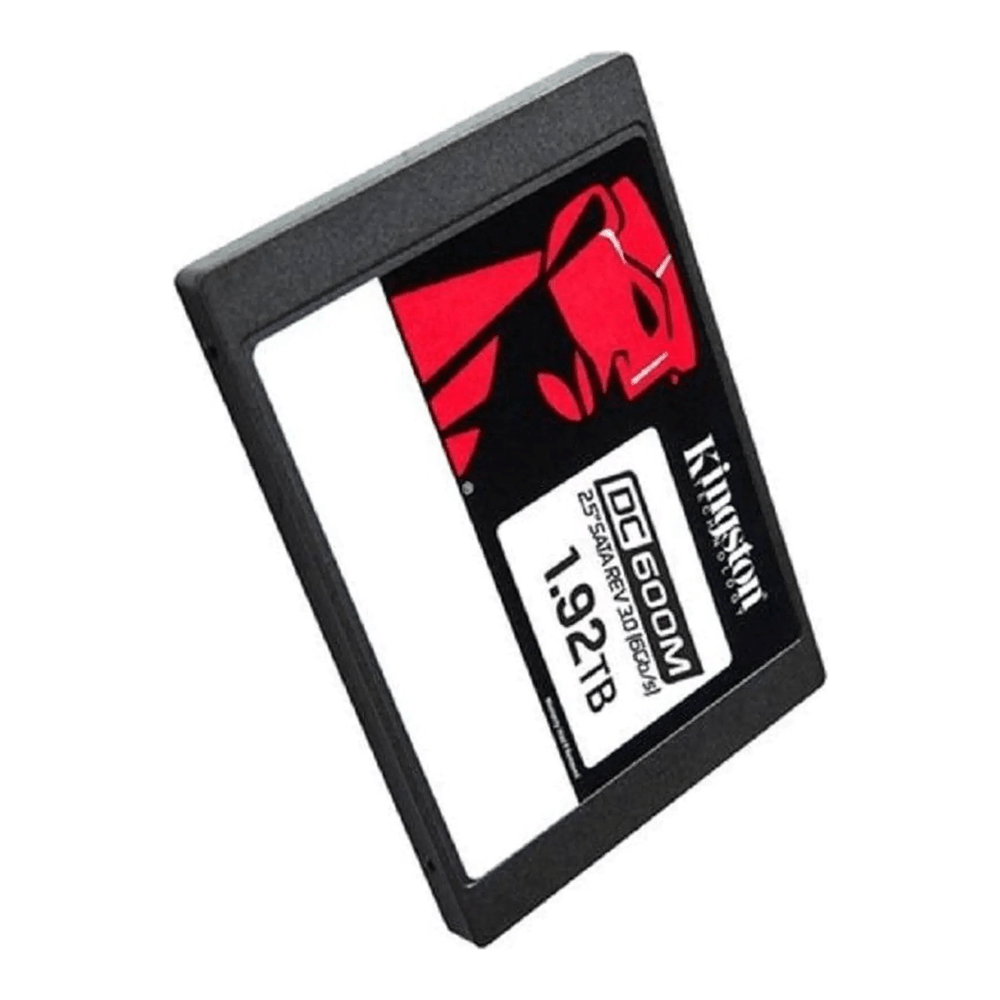
The DC600M proves the whole spec-sheet argument. It is a SATA drive, so it loses every sequential-throughput race against any NVMe stick, yet it is the one to put in a node before any consumer NVMe drive because it carries hardware power-loss protection on its capacitors. That single feature lets it acknowledge sync writes from cache, so it holds the high, flat fsync rate that consumer drives cannot, and it survives a power cut without leaving a guest unbootable. It is rated 3,504 TBW at 1.92 TB, which is 1 DWPD over five years. Most older rackmounts and many mini servers have 2.5-inch SATA bays sitting empty, and this is the cheapest honest way to fill one with real datastore storage. Approx $210 in June 2026, and worth pinning a price alert on given the trend.
WD Red SN700 1TB, the homelab datastore value pick
The drive most single-node labs should actually run, where PLP is a nice-to-have rather than a requirement.
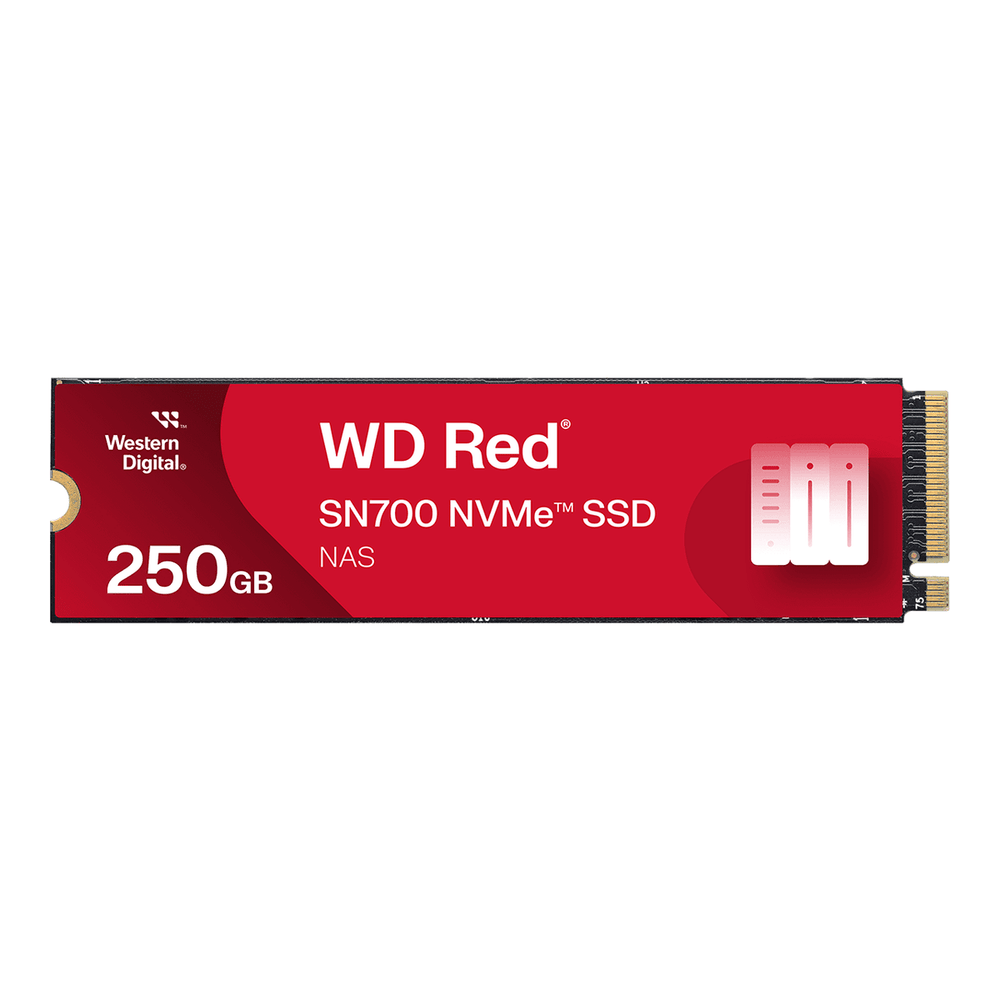
For a single-node lab that does not justify enterprise pricing, the SN700 is the consumer NVMe drive to get. It ships with onboard DRAM, so it dodges the slowdown and faster wear that plague cheap DRAM-less designs under sustained random writes, and its 2,000 TBW rating at 1 TB is more than triple the roughly 600 TBW of an ordinary consumer NVMe drive. Western Digital builds it for NAS write loads, which is the closest consumer analogue to a homelab hypervisor. It has no power-loss protection, so leave ZFS on sync=standard and keep the host on a UPS. Approx $95 to $110.
Crucial MX500 1TB, the budget boot disk
The OS drive is the one place to spend almost nothing, because Proxmox writes very little after boot.
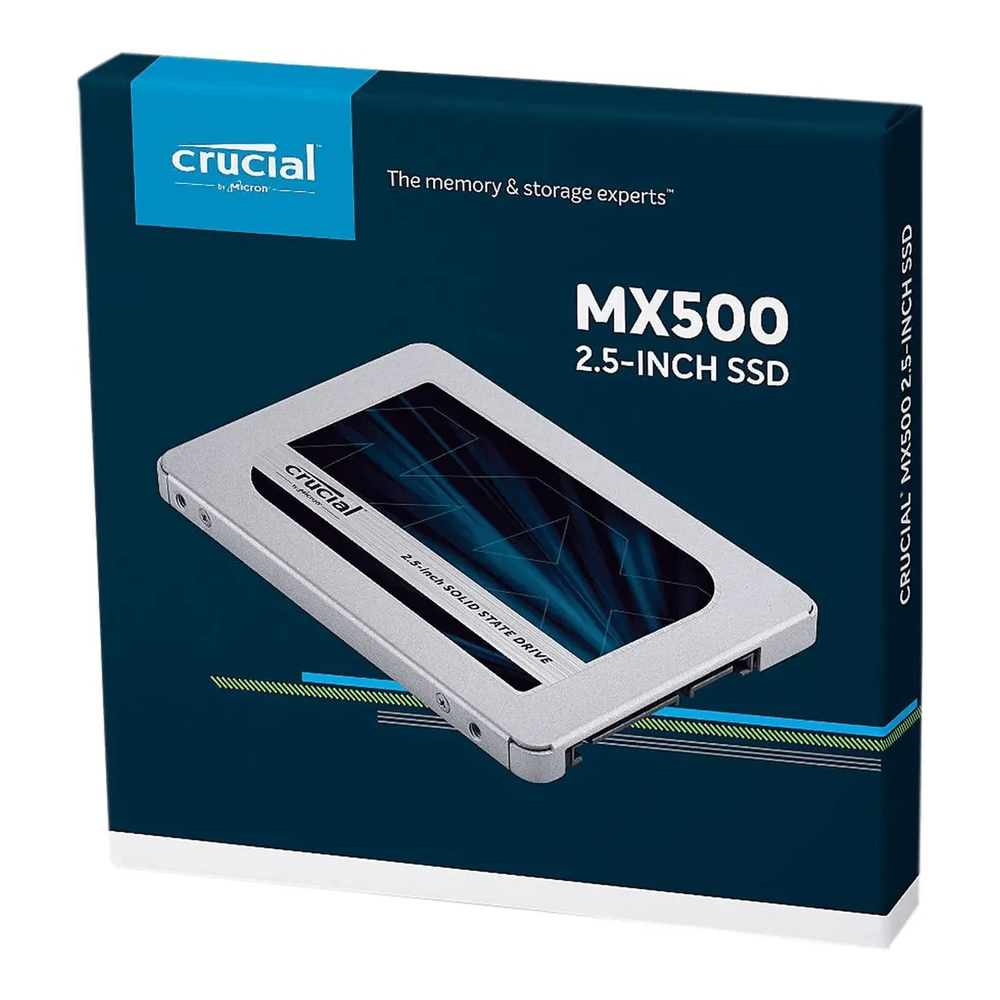
The MX500 has been the default budget SATA SSD for years for a reason: it uses TLC NAND with onboard DRAM, it is reliable, and it is cheap. As a boot and OS disk it is plenty, since the hypervisor barely touches it once it is up. One precise caveat keeps it honest in this company: its power-loss protection is the client-grade kind that protects data already at rest, not the enterprise PLP that accelerates sync writes, so it belongs on the boot disk, not under a database. Its 360 TBW rating is small, which again is fine for a boot role and not for a datastore. Mirror two of them with ZFS and the host survives a dead boot drive. Approx $80 to $110, and it is true whether you are building a full rack or a small mini PC for a homelab.
Samsung 990 Pro 2TB, the prosumer NVMe pick
Reach for this when you want genuine speed for a workstation or a fast lab and accept the lack of PLP.
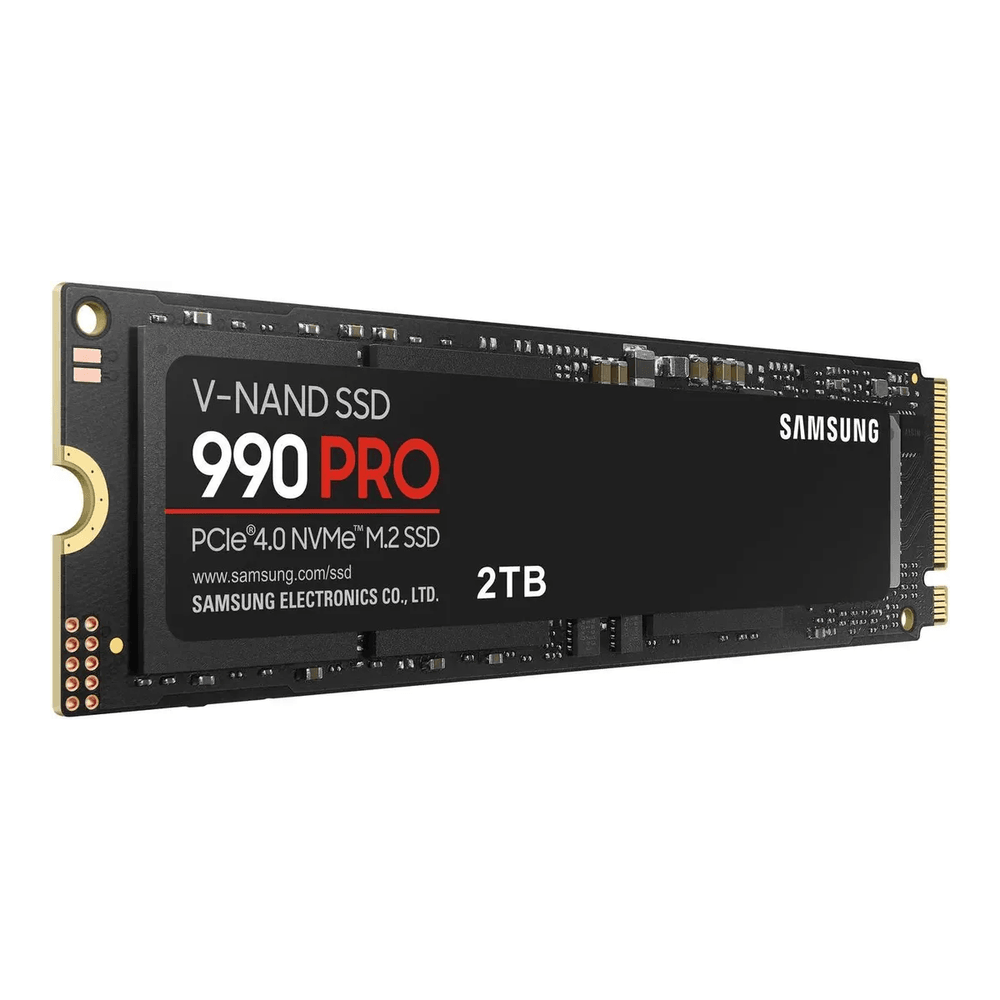
When the box is a workstation, a build server, or a lab where compile times and clone speed matter more than power-loss safety, the 990 Pro is the consumer NVMe drive to buy. It reads at 7,450 MB/s on PCIe Gen4, its controller posts the strongest sustained random numbers of any drive on this list short of the enterprise pair, and at 2 TB it carries a 1,200 TBW rating, double the SN700’s per-terabyte budget. It still has no power-loss protection, so it is not a database or Ceph drive. Treat it as fast scratch and fast VM storage for a single box you keep on a UPS. Approx $180 to $230 for the 2 TB, up noticeably from a year ago.
Micron 7450 MAX 800GB, the database and write-heavy pick
The drive for a node that writes hard, a busy database VM, or a ZFS SLOG, where mixed-use endurance and PLP are both mandatory.
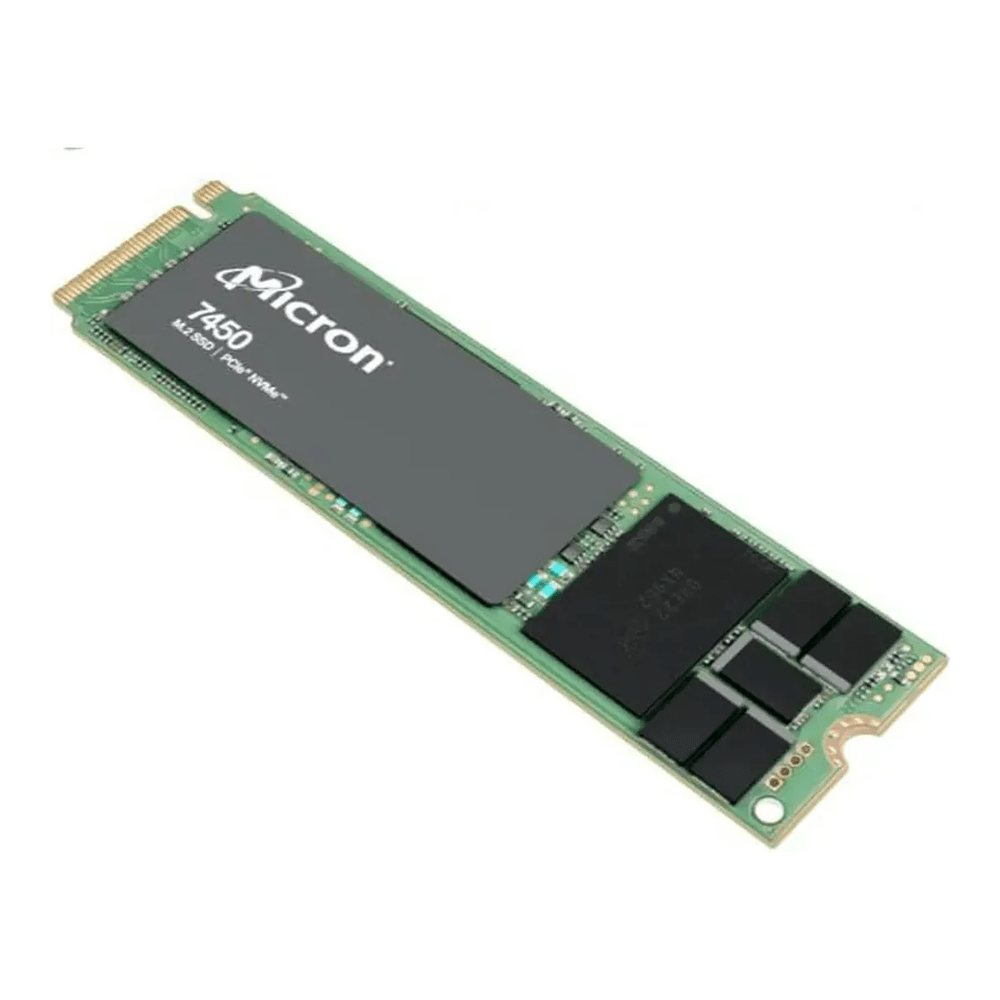
When the workload writes constantly, endurance moves to the front. The 7450 MAX is Micron’s mixed-use line, rated 3 DWPD, which works out to about 4,300 TBW on the 800 GB model over five years, against the 1 DWPD of a read-intensive enterprise drive and the fraction of a DWPD a consumer drive offers. It carries full hardware power-loss protection, so it posts the high, flat fsync rate a database or a SLOG device lives on, and it comes in M.2 2280 as well as U.3, which means it drops into a board’s M.2 slot rather than needing a backplane. That M.2 option is what makes it the realistic enterprise pick for a homelab rather than only a rackmount. Approx $200 to $260 for 800 GB. Step up in capacity if the database is large, but size endurance first.
Solidigm D5-P5430 7.68TB, the capacity pick
For a Ceph cluster or a node that needs a lot of fast, safe space rather than a lot of writes.
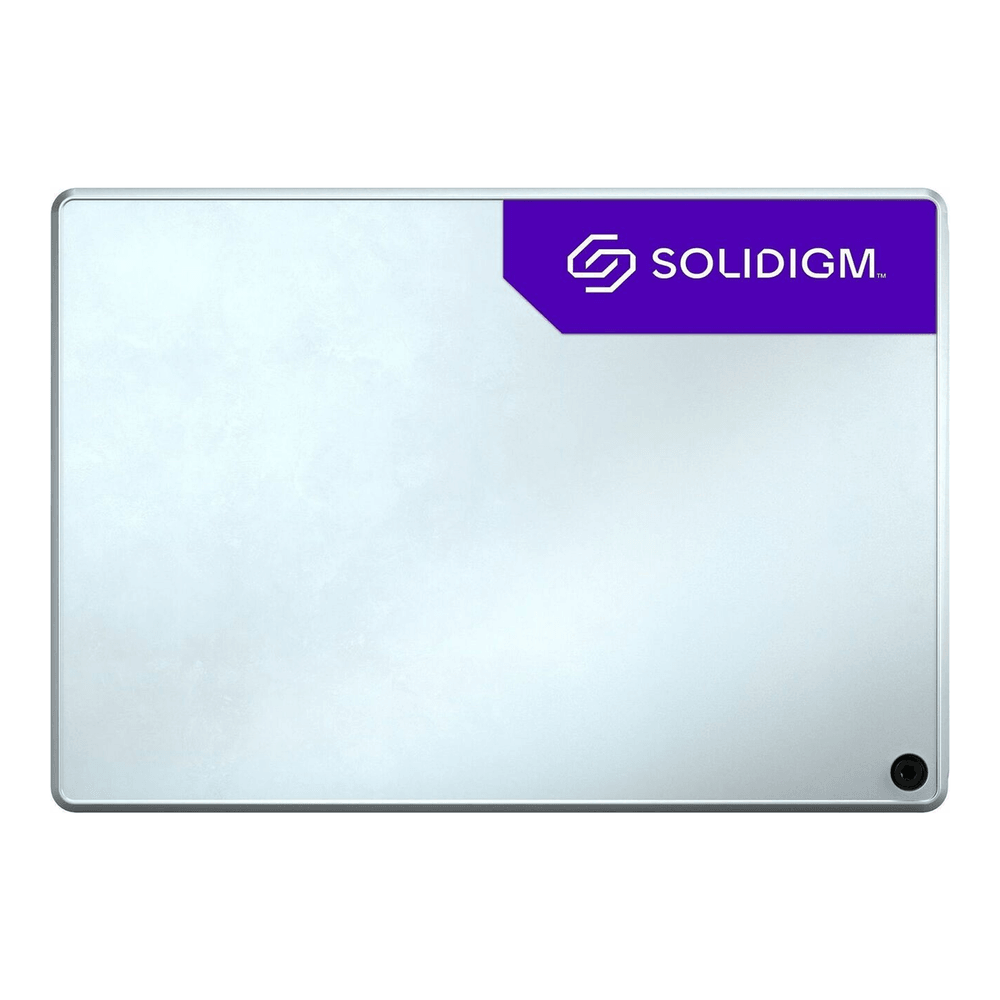
When the goal is capacity that is still safe, this is the enterprise NVMe drive that gives you PLP and bulk space without flagship pricing. It is a U.2 PCIe Gen4 drive, so the host needs a U.2 backplane or an adapter. The 7.68 TB model carries a large 32,768 TBW sequential-write budget with a more modest 0.58 DWPD random rating, which is normal for the QLC NAND it uses and exactly right for mostly-read VM storage and Ceph capacity tiers. Pair it with the mixed-use Micron above for a write-saturated database rather than asking one QLC drive to do both jobs. Approx $600 to $700, and the per-terabyte cost is still the lowest safe option here. Confirm your host has U.2 connectivity before buying.
Before you click buy on any of them, confirm the form factor the node accepts. M.2 slots, 2.5-inch SATA bays, and U.2 backplanes are not interchangeable, and the right drive in the wrong slot is an expensive paperweight.
Match the drive to the role
The same server often wants three different drives. This is the short mapping from job to pick.
| Role in the server | What it needs | Pick |
|---|---|---|
| Boot and OS | Cheap, reliable, low writes | Crucial MX500 (mirror two) |
| Single-node VM datastore | Endurance, DRAM, value | WD Red SN700 |
| Fast workstation or build box | Throughput, high consumer endurance | Samsung 990 Pro |
| Anything you care about losing | PLP, balanced endurance | Kingston DC600M |
| Database VM, ZFS SLOG | PLP, high write endurance | Micron 7450 MAX |
| Ceph, bulk safe capacity | PLP, capacity, low cost per TB | Solidigm D5-P5430 |
The pattern across the table is consistent: every drive that touches data worth keeping has power-loss protection, and the interface follows the form factor the host happens to offer. That is the same conclusion the ZFS RAID level choice and a three-node Ceph cluster push you toward from the software side, where a missing PLP capacitor turns into the sync-write cliff measured earlier.
The used enterprise SSD play
With new enterprise drives climbing every quarter, the cheapest route to power-loss protection in 2026 is often a decommissioned datacenter SSD. Drives like the Intel and Solidigm S4510 and D3-S4610, Samsung PM883, Micron 5300, and Kingston DC450 and DC500 sell for a fraction of new pricing and carry the same PLP and endurance class as the picks above. A used 1 DWPD enterprise SATA drive with 90 percent of its life left beats a new consumer drive for a datastore and costs less than one.
Three rules keep that from going wrong. Read the SMART wear before paying, covered next; a drive listed as “tested good” with 40 percent of its life already consumed is not a bargain. Confirm the exact model carries PLP rather than assuming the whole family does, because vendors split read-intensive and mixed-use lines under near-identical names. And check the connector and sector format: U.2 and the newer U.3 look alike but are not always cross-compatible with a given backplane, and an enterprise drive may arrive formatted 512e or 4Kn, which you can change with nvme format but should expect rather than discover. Buy from a seller who reports SMART data, and treat a listing without it as a gamble.
Three checks before you trust a drive
Specs on a box are a starting point. These three checks confirm what a drive actually is, and they are worth running on any used enterprise SSD before it carries real data.
First, read the wear counter. On an NVMe drive the line to watch is Percentage Used, which counts toward 100 as the endurance budget is consumed:
sudo smartctl -a /dev/nvme0 | grep -iE 'Percentage Used|Data Units Written'A healthy drive reports a low percentage and a host-writes figure well under its rated budget:
Percentage Used:                    7%
Data Units Written:                 63,001,322 [32.2 TB]
On a SATA SSD the equivalent attributes are Wear_Leveling_Count and Total_LBAs_Written. A used drive with most of its life consumed is worth skipping no matter how cheap it is.
Second, confirm power-loss protection. The datasheet is the authority here: enterprise drives state “power loss protection” or “PLP” outright, consumer drives say nothing because they have none. The behavioral confirmation is the fsync test. Point pveperf at the mounted filesystem:
pveperf /var/lib/vzA drive with real PLP holds tens of thousands of durable writes a second, a figure enterprise drives post routinely in this test; a consumer drive lands in the hundreds to low thousands and tells you the same thing the capacitor count does:
FSYNCS/SECOND: 2024.31Third, match the form factor before the order ships, not after. An M.2 enterprise drive will not seat in a U.2 backplane, a U.2 drive needs the right cabling, and a 2.5-inch SATA drive needs a SATA bay and port. Confirm the slot, then pick the drive that fits it from the table above. With the host assembled and the drive verified, the Proxmox VE 9 install guide is where the storage actually goes to work.