Buying DDR5 in 2026 is a different exercise than it was a year ago. An AI-driven DRAM shortage has pushed memory prices to levels nobody planned for, so the smart move now is to buy the exact capacity your workload needs, on a kit that runs cleanly, and stop there. This guide picks the DDR5 kits worth your money for a homelab box, a workstation, a mini PC, and a server or NAS, with the price reality of the moment baked in.
Every pick below was confirmed against the manufacturer spec page and a live retailer listing in June 2026, with the exact buyable variant checked on Amazon. Prices move daily right now, so we give bands and tell you to check the live price rather than printing a number that is stale by the weekend.
Quick picks
If you want the short version, here it is. Six kits, one per job. Each links to the exact part we verified.
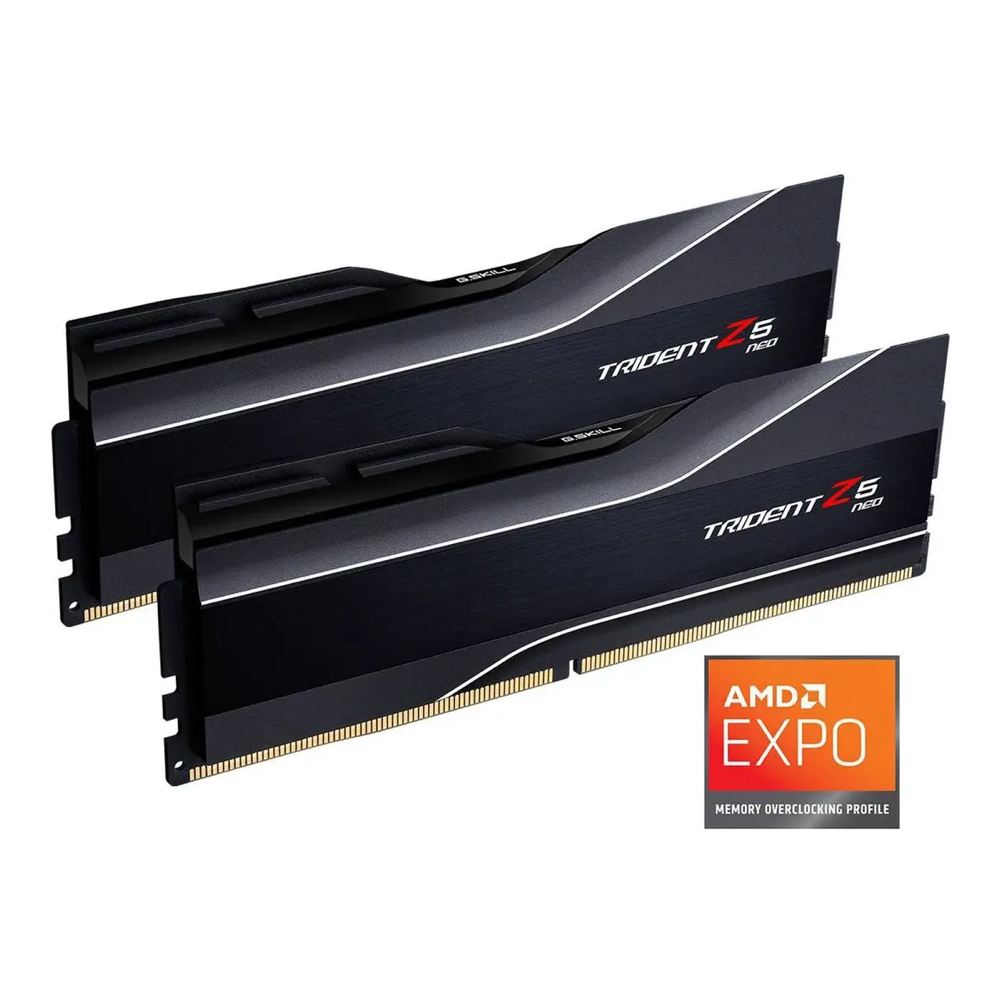
Best overall desktop and workstation: G.Skill Trident Z5 Neo 64GB DDR5-6000 CL30
DDR5-6000 CL30 is the proven sweet spot on AMD AM5, and 64GB on two sticks leaves your other two slots free. This is the kit most homelab and workstation builds should land on.
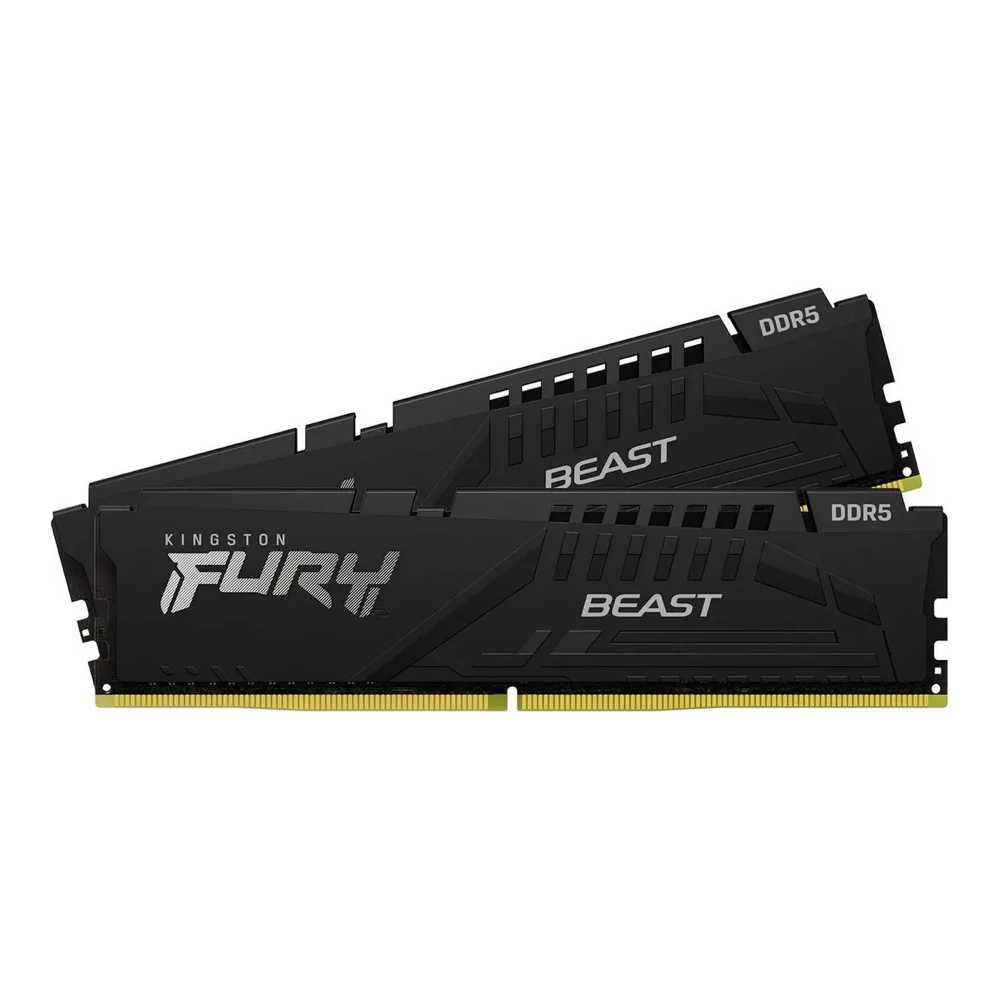
Best value: Kingston Fury Beast 32GB DDR5-6000 CL30
The same speed and timings as the flagship picks at half the capacity and a much friendlier price. 32GB covers a daily-driver workstation or a modest Proxmox node without overpaying in a shortage.
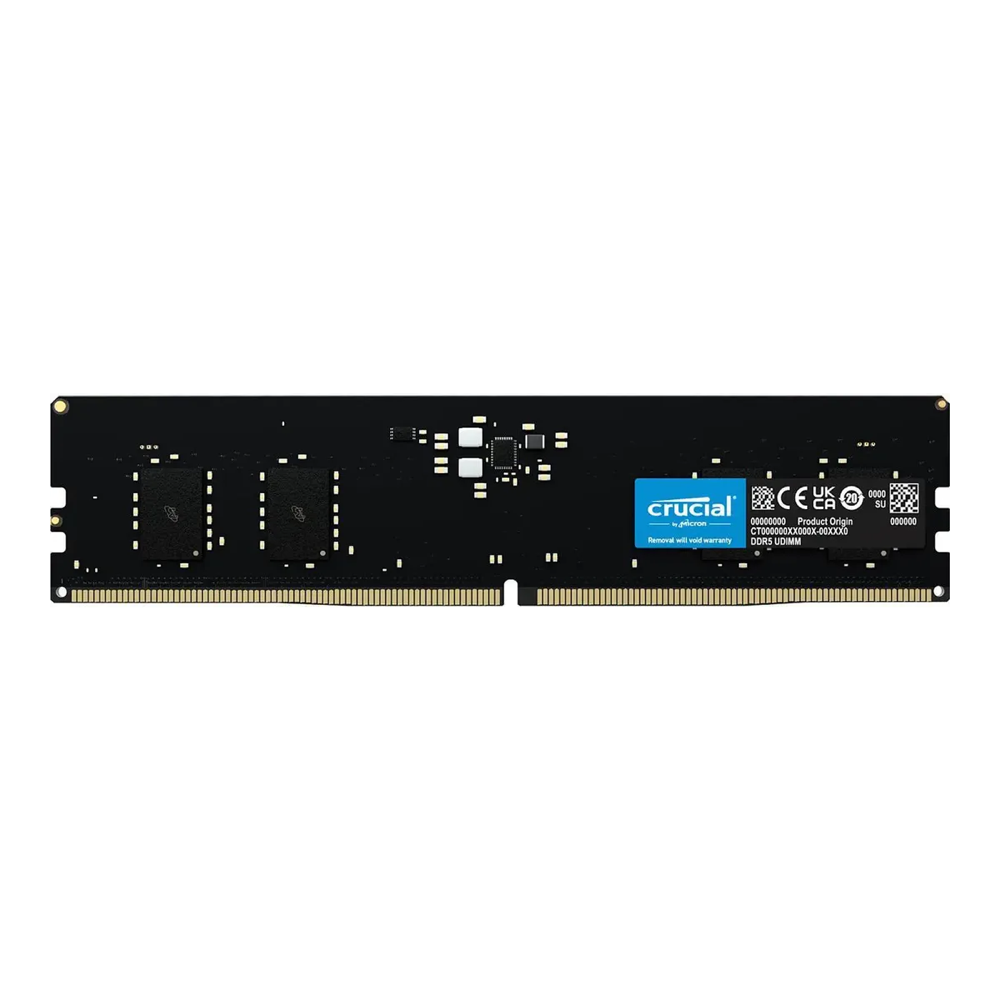
Best high-capacity: Corsair Vengeance 96GB DDR5-6000 CL30
96GB across two 48GB DIMMs gets you serious headroom for VMs and containers while keeping the memory controller happy. Two sticks train faster and more reliably than four.
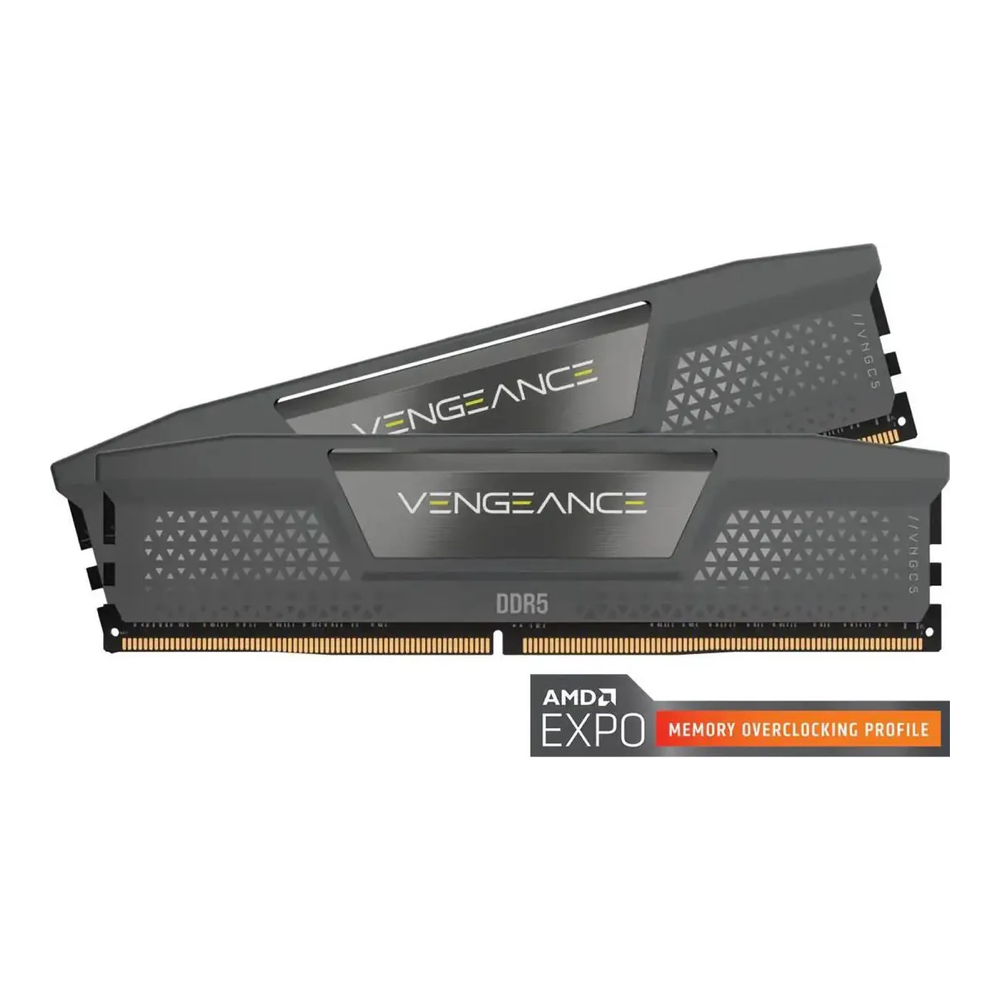
Best for a mini PC: Crucial 32GB DDR5-5600 SO-DIMM
Mini PCs and NUC-class boxes take SO-DIMMs, not desktop sticks. This Crucial kit is the no-drama upgrade that just works in a homelab mini PC.
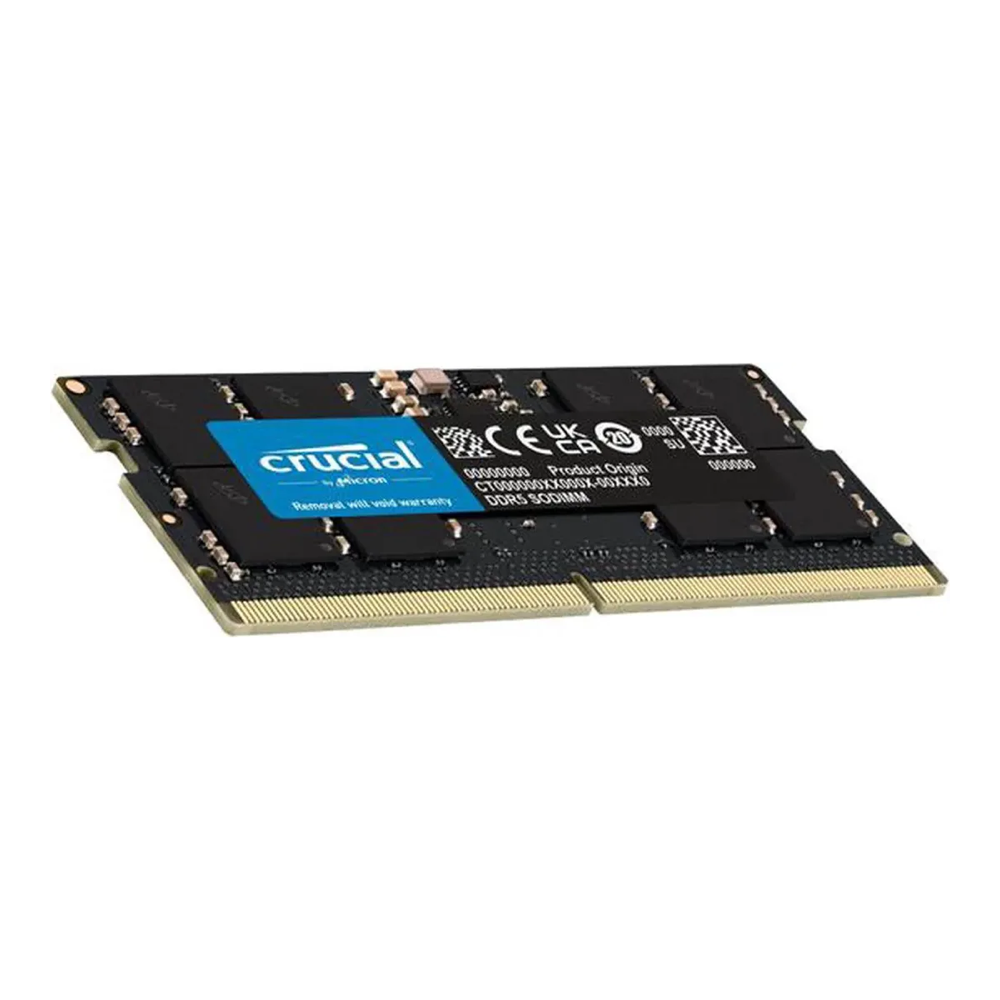
Best ECC for a server or NAS: Kingston Server Premier 32GB DDR5-5600 ECC UDIMM
If your data matters, you want real error-correcting memory, not the on-die ECC every DDR5 stick already has. This is a true ECC unbuffered DIMM for server and NAS boards that support it.
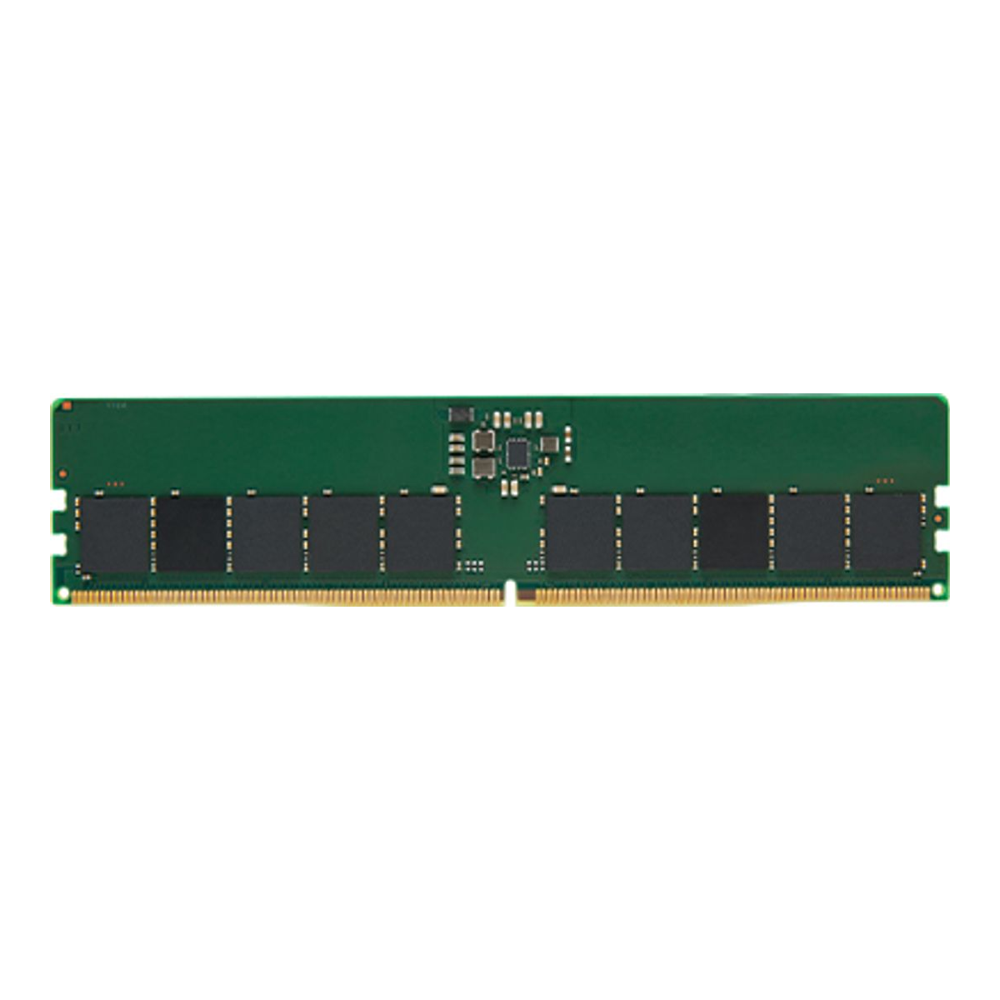
Best budget: Crucial 32GB DDR5-5600 UDIMM
The cheapest sane way into 32GB of desktop DDR5. JEDEC-standard speed, no RGB, no overclock theatrics. It boots and runs.
How we picked
The job decides the kit, not the marketing. We confirmed capacity, speed, timings, voltage, form factor, and ECC support for every pick against the manufacturer spec sheet, then checked the exact part on a live retailer listing to make sure the variant we link is the one you can actually buy today.
For a homelab or workstation we lean on tight-timing DDR5-6000 kits, because that profile is the best-validated speed on AMD AM5 and runs fine on current Intel platforms too. For mini PCs we pick SO-DIMM kits at JEDEC speed, since most of those boxes do not overclock memory anyway. For anything holding data you cannot lose, we pick a true ECC DIMM. And because the market is what it is right now, we weight value heavily: a kit that is twice the price for ten percent more bandwidth is not a recommendation, it is a trap.
Two sticks beat four wherever capacity allows. A two-DIMM configuration trains faster, reaches its rated speed more reliably, and leaves room to add more later. Every desktop pick here is a 2-DIMM kit for that reason.
The 2026 DDR5 price reality
This is the part that changes how you should shop. AI data-center demand swallowed the world’s DRAM supply, and consumer memory got dragged up with it. A single 16Gb DDR5 chip traded around $6.84 in September 2025 and hit roughly $27.20 by late December, close to a 300% jump in three months, per Tom’s Hardware price tracking. A good 32GB DDR5-6000 CL30 kit that sold under $90 in early 2025 now lands several times higher.
The forecasts are not encouraging. DRAM contract prices climbed roughly 90 to 95 percent in the first quarter of 2026, analysts forecast another jump near 63 percent in the second quarter, and most read the shortage as lasting into the second half of 2027. What that means for your build is simple. Buy the capacity you genuinely need now, not the capacity you might want in two years. Waiting for a dip is a gamble against the data-center buildout, and that is not a bet worth making with your build on hold.
The shortage also widened the ECC premium, because server memory competes directly with AI hardware for supply. If you need ECC, budget for it and do not treat the gap over non-ECC as optional padding.
DDR5 kits at a glance
The shortlist in one view. Model names link to the verified listing. Prices are bands, so check the live price before you commit.
| Kit | Capacity | Speed | Latency | Form factor | ECC | Price band |
|---|---|---|---|---|---|---|
| G.Skill Trident Z5 Neo | 64GB (2x32GB) | 6000 MT/s | CL30 | UDIMM | On-die only | approx $230 to $300 |
| Kingston Fury Beast | 32GB (2x16GB) | 6000 MT/s | CL30 | UDIMM | On-die only | approx $130 to $170 |
| Corsair Vengeance 96GB | 96GB (2x48GB) | 6000 MT/s | CL30 | UDIMM | On-die only | approx $330 to $430 |
| Crucial DDR5 SO-DIMM | 32GB (2x16GB) | 5600 MT/s | CL46 | SO-DIMM | On-die only | approx $110 to $150 |
| Kingston Server Premier ECC | 32GB (1x32GB) | 5600 MT/s | CL46 | ECC UDIMM | True (sideband) | approx $170 to $230 |
| Crucial DDR5 UDIMM | 32GB (2x16GB) | 5600 MT/s | CL46 | UDIMM | On-die only | approx $80 to $120 |
G.Skill Trident Z5 Neo 64GB DDR5-6000 CL30
This is the default answer for a serious homelab or workstation build. The Trident Z5 Neo runs 64GB over two 32GB DIMMs at DDR5-6000 with CL30-40-40-96 timings on an AMD EXPO profile, at 1.40V. That speed and latency pairing is the most thoroughly validated configuration on AM5, which is exactly why you want it on a machine you expect to be stable for years.
Who it is for: anyone building an AM5 workstation, a single-socket Ryzen homelab host, or a daily driver that also runs a few VMs. 64GB on two sticks is the right starting point for that work, and you keep two slots open.
Skip it if: you only need 32GB, in which case the Fury Beast saves real money, or you are on a dual-DIMM board and want to go straight to 96GB or 128GB, where a single denser kit serves you better. The Neo carries on-die ECC like every DDR5 stick, but it is not a true ECC module, so a data-integrity server should look further down this list.
Kingston Fury Beast 32GB DDR5-6000 CL30
The value pick earns its spot by matching the flagship’s speed grade without the flagship’s price. The Fury Beast 32GB kit runs DDR5-6000 at CL30-36-36 and 1.40V, with both Intel XMP 3.0 and AMD EXPO profiles, so it slots into either platform. In a market where every dollar of DRAM hurts, getting CL30-6000 at the 32GB tier is the right call for most builds.
Who it is for: a workstation or homelab node where 32GB is enough, which covers more builds than people admit. A Proxmox host running a handful of lightweight VMs, a development desktop, or a media box all live comfortably here.
Skip it if: you run memory-hungry workloads now. Stacking two 32GB kits to reach 64GB means four DIMMs, which trains slower and is fussier than a single 64GB kit. If you know you need 64GB, buy the 64GB Trident Z5 Neo as two sticks instead.
Corsair Vengeance 96GB DDR5-6000 CL30
When 64GB is not enough and you still want two sticks, this is the kit. Corsair’s Vengeance 96GB pairs two 48GB DIMMs at DDR5-6000 with CL30-36-36-76 timings, on a profile that supports both AMD EXPO and Intel XMP 3.0. Reaching 96GB on a two-DIMM board, rather than cramming four sticks in, is the cleaner path to high capacity. The memory controller trains faster and holds its rated speed more reliably with two modules.
Who it is for: workstations doing heavy multitasking, local AI experiments, and homelab hosts packing more VMs and containers than 64GB comfortably allows. The 48GB density is what makes this possible without a four-DIMM penalty.
Skip it if: your board only has two slots and you expect to need 128GB eventually, since you would be replacing this kit rather than adding to it. It is also overkill and overpriced for a machine that never touches its 32GB ceiling. In the current market, do not buy capacity you will not use for years.
Crucial 32GB DDR5-5600 SO-DIMM for a mini PC
Mini PCs are a huge slice of the homelab world now, and they do not take desktop sticks. They take SO-DIMMs, the smaller 262-pin modules. This Crucial 32GB kit runs DDR5-5600 at the JEDEC standard, which is what the vast majority of mini PCs and laptops actually run anyway, since those platforms rarely overclock memory. It is the boring, correct upgrade for a small homelab node. For matching the box itself, see our guide to the best mini PC for a Proxmox homelab.
Who it is for: anyone maxing out a NUC-class box, a Minisforum or Beelink mini PC, or a laptop for light virtualization. 32GB is the practical ceiling on many of these, and this kit hits it cleanly.
Skip it if: your mini PC uses soldered LPDDR5 memory, which a growing number of the small ultra-efficient boxes do. Check the spec before you buy, because no SO-DIMM upgrade exists for a soldered board. And if your box supports faster SO-DIMM profiles, you can chase them, but the real-world difference at this tier is small.
Kingston Server Premier 32GB DDR5-5600 ECC UDIMM
For a server or a NAS holding data you cannot afford to corrupt, you want true error-correcting memory. The Kingston Server Premier 32GB module is a DDR5-5600 ECC unbuffered DIMM running at CL46 and 1.10V. The ECC here is real sideband ECC, the kind that reports and corrects errors to the operating system, which is a different thing from the on-die ECC built into every DDR5 chip. More on that distinction below, because the two get confused constantly. A ZFS pool in particular pairs well with real ECC, which is why our Proxmox ZFS RAID levels guide assumes a server that has it.
Who it is for: homelab servers, NAS builds, and small business boxes that run ZFS, databases, or anything where a silent bit-flip is a real problem. It works on server boards and on the AM5 boards that expose ECC support.
Skip it if: your platform does not support ECC, because then you are paying the ECC premium for nothing. ECC needs both the CPU and the motherboard to support it, and on consumer Intel that support is usually absent. Confirm your board’s manual lists ECC before buying. Note this is a single 32GB module, so buy two if your board wants a matched pair.
Crucial 32GB DDR5-5600 UDIMM on a budget
Sometimes you just need 32GB of working desktop memory at the lowest sane price, and that is exactly what this is. The Crucial 32GB UDIMM runs DDR5-5600 at the JEDEC standard, CL46, 1.10V, no heatspreader theatrics, no RGB. It posts, it runs, and it costs less than the overclock-grade kits. In a shortage, paying for speed bins you will never notice is wasted money.
Who it is for: a budget desktop, an office build, or a homelab node where the workload is not memory-bandwidth bound. Most general-purpose machines feel no difference between DDR5-5600 and DDR5-6000 in daily use.
Skip it if: you are building a gaming rig or a workload that genuinely benefits from tighter timings, where the small step up to a CL30-6000 kit is worth it. And if you want EXPO or XMP one-click overclocking, the Fury Beast gives you that for a modest premium.
What to look for when buying DDR5
A few things decide whether a kit is right for your build. Get these straight before you spend, especially at today’s prices.
DDR5 vs DDR4
They are not interchangeable. DDR5 uses a different notch position and a different pin layout, so a DDR5 stick will not fit a DDR4 board and the reverse is also true. Your CPU and motherboard dictate which one you can use. Current AMD AM5 and recent Intel platforms are DDR5 only. DDR5 brings higher bandwidth, two independent 32-bit subchannels per module, and on-board power management, which is why it scales better for the multitasking and virtualization a homelab throws at it.
Speed, latency, and EXPO or XMP
DDR5 boots at a conservative JEDEC speed by default. To run a kit at its advertised DDR5-6000 rating, you enable its overclock profile in the BIOS: EXPO on AMD, XMP on Intel. Many of the better kits ship both. Speed is the MT/s number, and latency is the CL value, the lower the better. DDR5-6000 CL30 is the well-trodden balance on AM5. Chasing DDR5-7200 or higher rarely pays off on a workstation, and on AM5 it can force the memory controller out of its efficient 1:1 mode, costing you the gains you paid for.
UDIMM vs SO-DIMM vs RDIMM
Form factor has to match the slot. UDIMMs are the full-size 288-pin desktop sticks. SO-DIMMs are the shorter 262-pin modules used in laptops and most mini PCs. RDIMMs are registered modules for servers and high-end workstation platforms like Threadripper and EPYC; they add a register chip that buffers the address and command lines so a board can run many more DIMMs, and they will not work in a standard desktop board. Match the module to the machine: a desktop takes UDIMMs, a mini PC takes SO-DIMMs, a true server platform may want RDIMMs.
On-die ECC is not true ECC
This trips up a lot of people. Every DDR5 module includes on-die ECC because the JEDEC spec requires it. On-die ECC corrects single-bit errors inside the chip before data leaves it, to keep the denser DDR5 cells stable. It does not report anything to the operating system and it does not protect data as it travels between the module and the CPU. True ECC, the sideband kind on the Kingston Server Premier module above, adds an extra chip per module and detects and corrects errors across that path, reporting them to the OS. If you run a NAS, a database, or a ZFS pool and want protection against silent corruption, you need true ECC plus a CPU and motherboard that support it. The on-die ECC printed on a gaming kit’s spec sheet does not count.
How much capacity per workload
Size to the job. A general desktop or office machine is fine on 32GB. A workstation that compiles, edits, or runs containers is comfortable at 64GB. A homelab host running several VMs wants 64GB to 96GB, and a heavy virtualization or local-AI box pushes toward 128GB. Memory is the resource a homelab runs out of first, well before CPU, so when you are sizing a host that runs many guests, count the RAM each guest needs plus headroom for the hypervisor and ZFS ARC. The same discipline applies when picking storage for a server or homelab: buy for the working set, not a round number.
The shortage changes the math
Normally the advice is to buy a little more memory than you need today. In 2026, with prices several times higher than a year ago and no near-term relief expected, that advice flips. Buy what the workload needs now on a clean two-stick kit, leave slots open, and add capacity later if the market eases. Overbuying at the top of a price spike is the expensive mistake, and a kit that is twice the cost for a speed bin you will not feel is not worth it right now.
The short version
For most homelab and workstation builds, the G.Skill Trident Z5 Neo 64GB DDR5-6000 CL30 is the kit to get, with the Kingston Fury Beast 32GB stepping down when 32GB is plenty and the Corsair Vengeance 96GB stepping up when it is not. Mini PCs take the Crucial SO-DIMM, servers and NAS boxes take the Kingston Server Premier ECC, and the Crucial UDIMM covers the budget desktop. Match the form factor to the machine, size the capacity to the workload, and in this market, buy what you need now rather than betting on a price drop that the forecasts do not promise. Confirm the live price before you check out, because in 2026 it moves daily.