You have a Zigbee coordinator plugged in and Home Assistant running. Two different pieces of software can drive that radio and turn its bulbs, sensors, and switches into entities you automate: ZHA, the integration built into Home Assistant, and Zigbee2MQTT, a separate service that reaches Home Assistant over MQTT. Both control the same devices. The choice is about how the pieces fit together behind them.
This ZHA vs Zigbee2MQTT comparison looks at the two the way they actually run: where each one lives, what extra pieces it pulls in, how it handles a device it has never seen, and what happens when you outgrow your first setup. By the end you will know which one to point your coordinator at, and how to confirm the radio is talking to Home Assistant end to end.
Confirmed on Home Assistant OS 18.1 in July 2026, with every behavior checked against the current ZHA and Zigbee2MQTT documentation.
ZHA vs Zigbee2MQTT: the short answer
Run ZHA if Home Assistant is your whole smart home and you want the fewest moving parts. It is built into Home Assistant, needs no extra service and no message broker, and you set it up by picking a serial port in a dialog. For most people starting out, that is the right call.
Run Zigbee2MQTT if you want the widest device support, a dedicated management frontend with a live network map, or a Zigbee stack that lives independently of Home Assistant. It costs you one extra service and an MQTT broker to keep running. In exchange you get a Zigbee layer you can move, restart, and even point at more than one home automation platform.
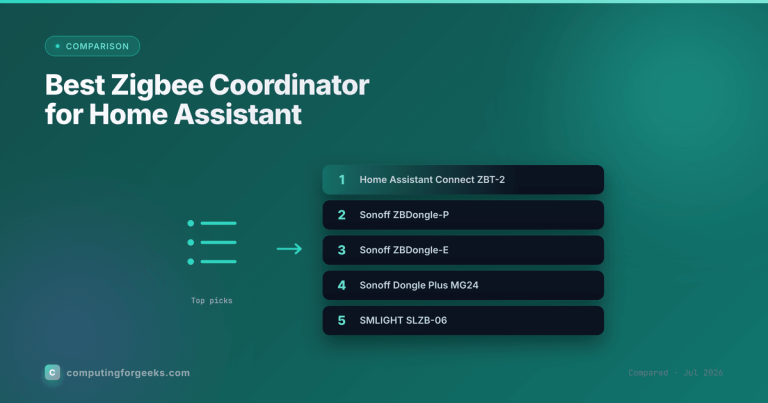
One rule sits above the whole decision: a coordinator runs a single Zigbee network, so ZHA and Zigbee2MQTT cannot both drive the same stick at once. You pick one per coordinator. Whichever you choose, the hardware is the same, and our Zigbee coordinator picks work with both.
How each one connects to Home Assistant
The clearest way to tell them apart is to trace the path from the radio to your dashboard.
ZHA is a short path. The coordinator plugs into the machine running Home Assistant, and ZHA talks to it directly through the Python zigpy library. There is no middle service and no broker. Home Assistant is the gateway, so a paired device becomes an entity in the same process that runs your automations.
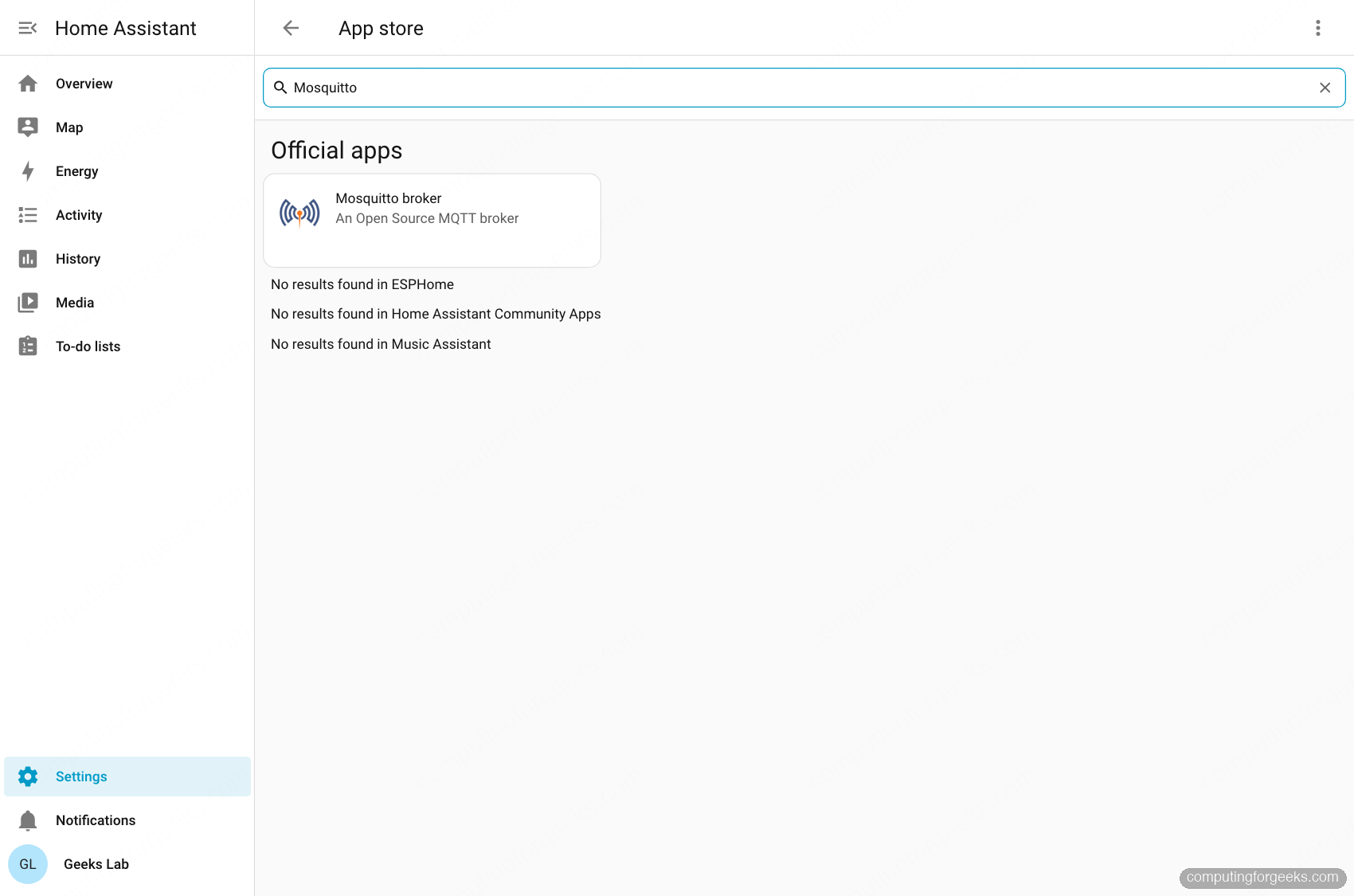
Zigbee2MQTT is a longer path with an extra handshake. The coordinator connects to the Zigbee2MQTT service, Zigbee2MQTT publishes every device to an MQTT broker, and Home Assistant subscribes to that broker through its MQTT integration. The broker is the piece that ties the two sides together, which is why Zigbee2MQTT will not start without one. On Home Assistant OS the recommended broker is the official Mosquitto add-on.
That single difference, one process versus three cooperating pieces, drives almost everything else below.
What ZHA gives you
ZHA ships inside Home Assistant. You add it under Settings, Devices & services, Add integration, then choose Zigbee Home Automation and point it at your coordinator’s serial port. Nothing else to install.
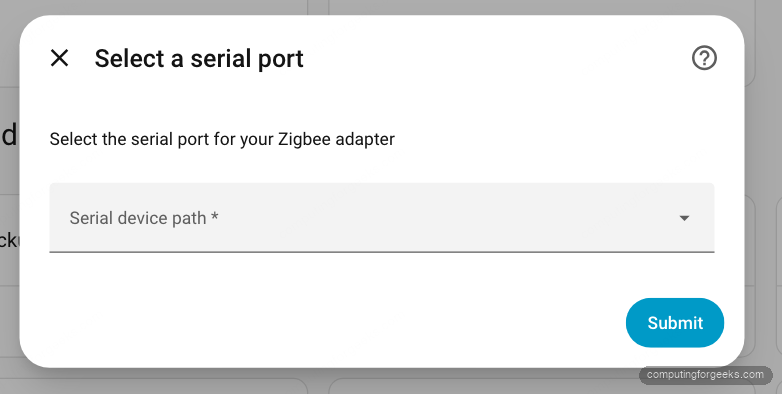
It uses the zigpy library with a radio driver per chip family, so it is not tied to one brand of coordinator. The bellows library drives Silicon Labs EmberZNet radios, zigpy-znp drives Texas Instruments Z-Stack chips, and there are drivers for deCONZ, Digi XBee, and ZiGate as well. A USB stick is referenced by its serial path, and a network coordinator by a socket:// URL.
The feature set covers what most homes need. ZHA handles Zigbee groups and binding for direct device-to-device control, performs over-the-air firmware updates, and keeps automatic backups of the Zigbee network so a coordinator swap does not mean re-pairing everything. For devices that do not follow the standard exactly, ZHA quirks (the zha-device-handlers project) patch the behavior so the device works.
What you give up is mostly at the edges. ZHA does not implement the Zigbee Green Power or Smart Energy profiles, and it does not do QR-code commissioning from the UI. Management also lives entirely inside Home Assistant’s own device and entity pages, so there is no separate console to open. For a Home-Assistant-only house, none of that is a daily problem.
What Zigbee2MQTT gives you
Zigbee2MQTT is a standalone service. You can run it as a Home Assistant add-on, a Docker container, a bare install on Linux, or in Kubernetes. Wherever it runs, it needs the coordinator on one side and an MQTT broker on the other. Its own configuration file wires both, plus the Home Assistant handshake.
On a Docker or bare install, that file lives in the data directory. Open it:
sudo vim /opt/zigbee2mqtt/data/configuration.yamlThe three blocks that matter are the serial port for the coordinator, the broker connection, and the one line that turns on Home Assistant discovery:
homeassistant:
  enabled: true
mqtt:
  base_topic: zigbee2mqtt
  server: mqtt://10.0.1.50:1883
  user: mqttuser
  password: ChangeMe#Strong2026
serial:
  port: /dev/serial/by-id/usb-Silicon_Labs_Sonoff_Zigbee_3.0_USB_Dongle_Plus-if00-port0
frontend:
  enabled: true
With homeassistant: enabled set, Zigbee2MQTT announces each device over MQTT discovery, and Home Assistant registers it automatically once you add the MQTT integration and point it at the same broker. On the Home Assistant add-on the same settings live in the add-on’s Configuration tab instead of a file you edit by hand.
The payoff is threefold. First, device support: Zigbee2MQTT keeps an explicit database of thousands of devices from hundreds of brands, and new or oddball hardware is often added quickly through external converters, without waiting on a Home Assistant release. Second, the frontend: a dedicated web UI with a live network map, per-device settings, binding, and firmware updates you can trigger or even upload yourself, plus an opt-in modern rebuild called windfront. Third, independence: because it is its own service talking over MQTT, it survives a Home Assistant restart, runs on a separate host if you want, and can feed more than one consumer, so openHAB or Node-RED can read the same devices.
The cost is the broker and the extra service. That is one more thing to install, secure, and back up. If you upgraded across the Zigbee2MQTT 2.0 boundary, note that it rewrites its own settings through an automatic migration and moved the Home Assistant status topic to homeassistant/status, so a very old config is not something to copy by hand.
Head to head
The same coordinator, the same devices, two different stacks around them. Here is where they differ in practice.
| Dimension | ZHA | Zigbee2MQTT |
|---|---|---|
| Where it runs | Inside Home Assistant (built-in integration) | Separate service (add-on, Docker, bare, Kubernetes) |
| MQTT broker | Not needed | Required (Mosquitto recommended) |
| Setup | Config flow, pick the serial port | Install service plus broker, enable MQTT discovery |
| Device support | zigpy clusters plus quirks for odd devices | Large explicit device database, external converters |
| Management UI | Home Assistant device and entity pages | Own web frontend with a live network map |
| Radios | Silicon Labs, TI, deCONZ, XBee, ZiGate via zigpy | Z-Stack, EmberZNet, and deCONZ recommended |
| OTA, groups, binding | Yes | Yes |
| Runs on a separate host | Only via a network coordinator | Yes, fully decoupled |
| Survives a Home Assistant restart | Tied to Home Assistant | Yes, independent service |
| Feeds other platforms | Home Assistant only | Any MQTT consumer (openHAB, Node-RED) |
Device support is the difference that shows up most
Both stacks handle a standard Zigbee 3.0 device without any fuss. The gap opens on the awkward ones: a new model, a rebadged sensor, a switch that reports its buttons in a nonstandard way.
ZHA works from Zigbee clusters and falls back to a quirk when a device misbehaves, and those quirks ship with Home Assistant. Zigbee2MQTT works from an explicit per-device database, and because that database is a fast-moving community project decoupled from any Home Assistant release, support for a brand-new device often lands there first. If you buy hardware early or off the beaten path, that head start is the single most common reason people pick Zigbee2MQTT. If you buy mainstream devices, both will pair them and you will never notice the difference.
Running Home Assistant in a VM changes the math
Where Home Assistant runs decides how painful the coordinator is to attach. On a bare install this barely matters. On a virtualized setup it does.
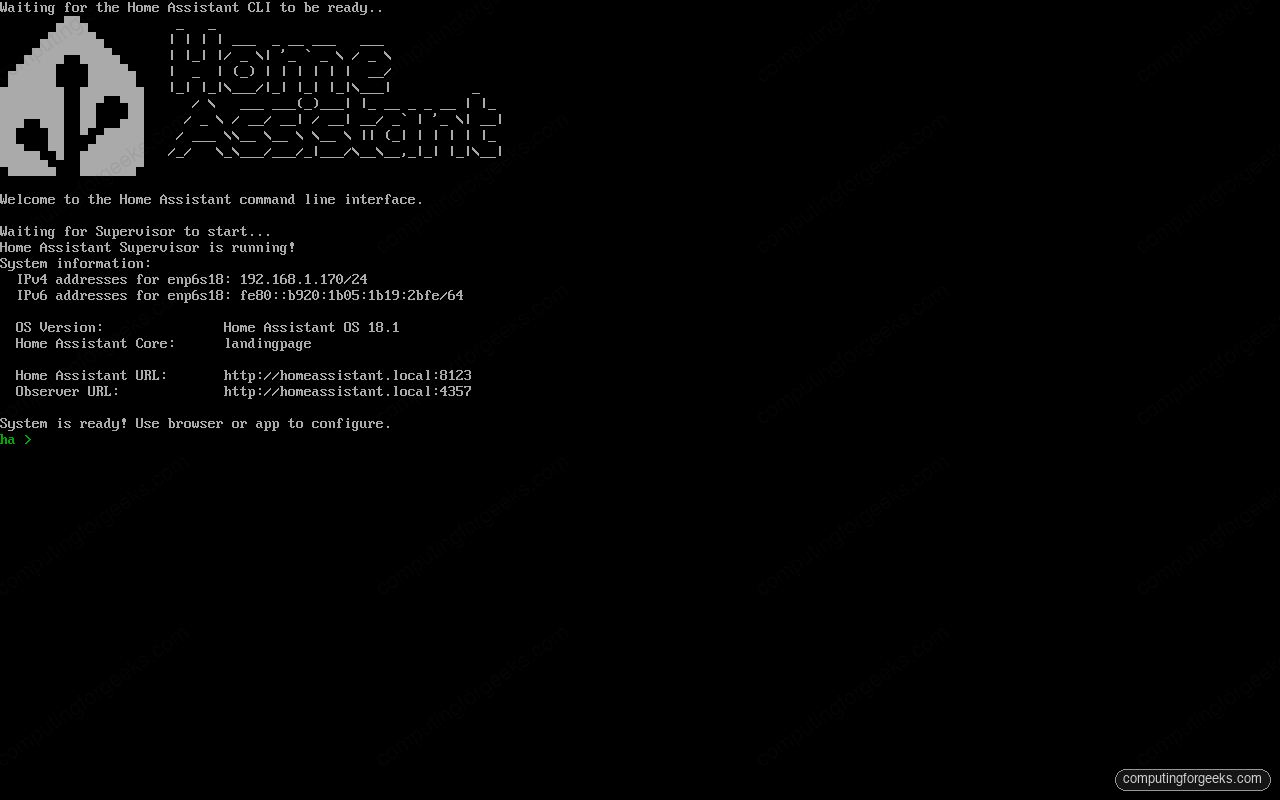
With Home Assistant OS on a Proxmox VM, a USB coordinator must be passed through to the guest, ideally by vendor and device ID so it survives a reboot, then referenced inside the VM by its stable /dev/serial/by-id path. ZHA depends on that passthrough being solid, because the radio and Home Assistant share the same machine. Zigbee2MQTT can sidestep it: run the service on a separate host, or use a network coordinator, and the USB passthrough disappears from the picture. This is the same reasoning behind picking a good mini PC for Home Assistant, and it is why a network-attached coordinator keeps winning homelab installs. A fresh Home Assistant install on Ubuntu or a Docker deployment faces the same choice with lower stakes.
Can you switch later?
Yes, but know which kind of switch you are making, because they are not equal.
Swapping to a new coordinator in the same chip family is the easy case: point the software at the new serial port and carry on. Moving between chip families is more involved. ZHA supports migrating between radio types through its network backup and restore flow, covering EmberZNet, Z-Stack, and deCONZ radios, so the mesh can come with you. Zigbee2MQTT treats a cross-family move as unofficial, so on that path plan for the chance of re-pairing.
Switching between ZHA and Zigbee2MQTT is the hard case. There is no supported way to hand a live network from one stack to the other, so moving between them means re-pairing every device. That is the real reason to choose deliberately now rather than start with whatever is quickest. If Zigbee is only part of your build, the same one-radio-per-protocol thinking applies to a Z-Wave stick on the same box.
Confirm the radio is talking to Home Assistant
Whichever stack you land on, the setup is not done until a real device round-trips. The check differs slightly because the paths differ.
On ZHA, put the integration into pairing mode, trigger the device to join, and confirm it lands under Settings, Devices & services as a new Zigbee device with live entities. If it never shows up, the usual culprit is the serial port: the coordinator is on the wrong path or, on a VM, the passthrough did not survive the last reboot.
On Zigbee2MQTT, watch the service’s own frontend as the device joins, then confirm the matching entity appears in Home Assistant through MQTT discovery. If the device shows in the Zigbee2MQTT frontend but not in Home Assistant, the break is in the handshake, not the radio: check that the MQTT integration is connected to the same broker and that discovery is enabled. That split is actually a feature. It tells you exactly which half to fix, because the Zigbee side and the Home Assistant side are separate pieces you can test on their own.
Pick the stack that matches how you run Home Assistant, wire the coordinator to it, and pair one device to prove the whole chain end to end. From there the coordinator becomes the part of the smart home you stop thinking about.