In this article we look at the installation of MySQL Workbench 8 on a macOS system. MySQL Workbench is a Desktop application that enables Developers and Database Administrators to perform SQL server administration, development, design, as well as maintenance from a single integrated development environment.
As of this article update the latest release of MySQL Workbench is version 8. There are many new features in this release which can be checked on MySQL Workbench 8.0 Release notes. To download the latest MySQL Workbench 8 for macOS visit the official downloads page.
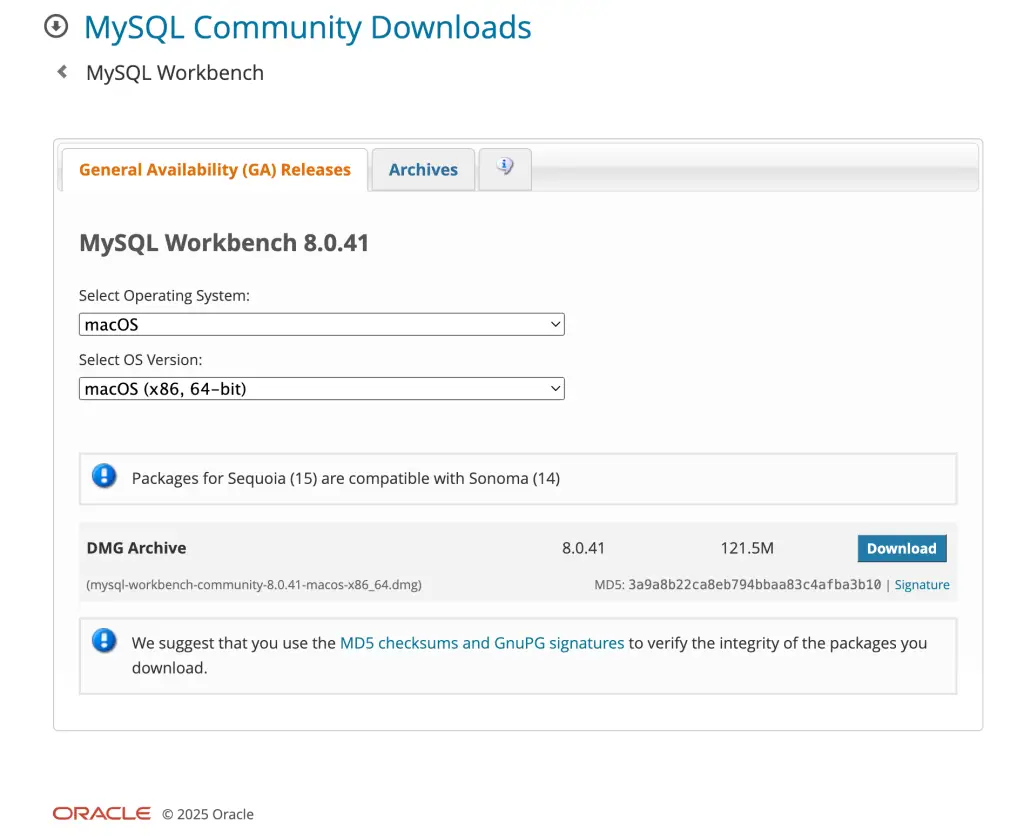
Here is a quick download command using wget for the latest available release as of this article writing.
wget https://dev.mysql.com/get/Downloads/MySQLGUITools/mysql-workbench-community-8.0.41-macos-x86_64.dmgWait for the download to complete then double-click on the file to start the installation. Or start from CLI:
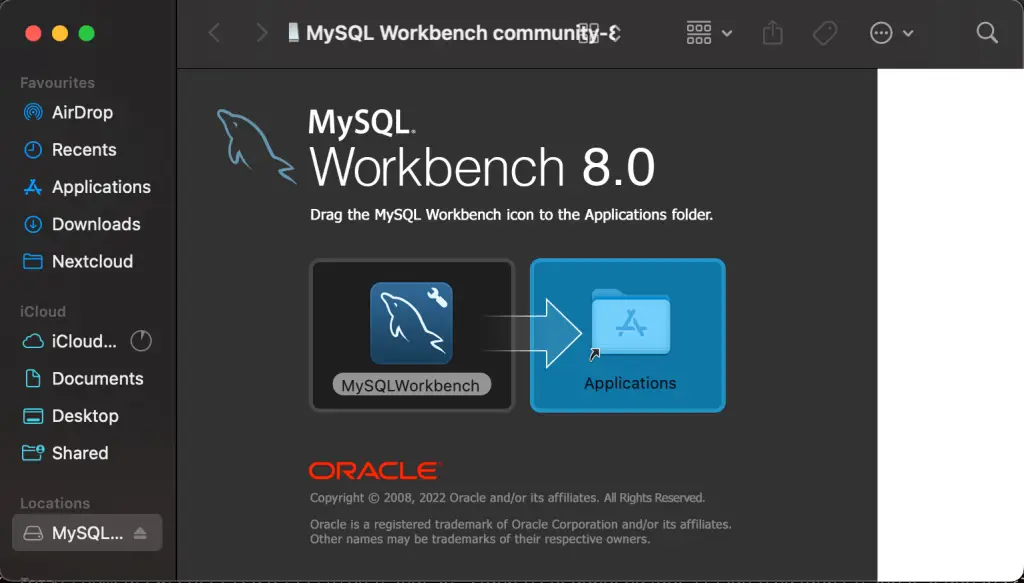
open mysql-workbench-community-8.0.41-macos-x86_64.dmgProceed with the installation of MySQL Workbench on macOS. Drag the file to move it to the Applications folder
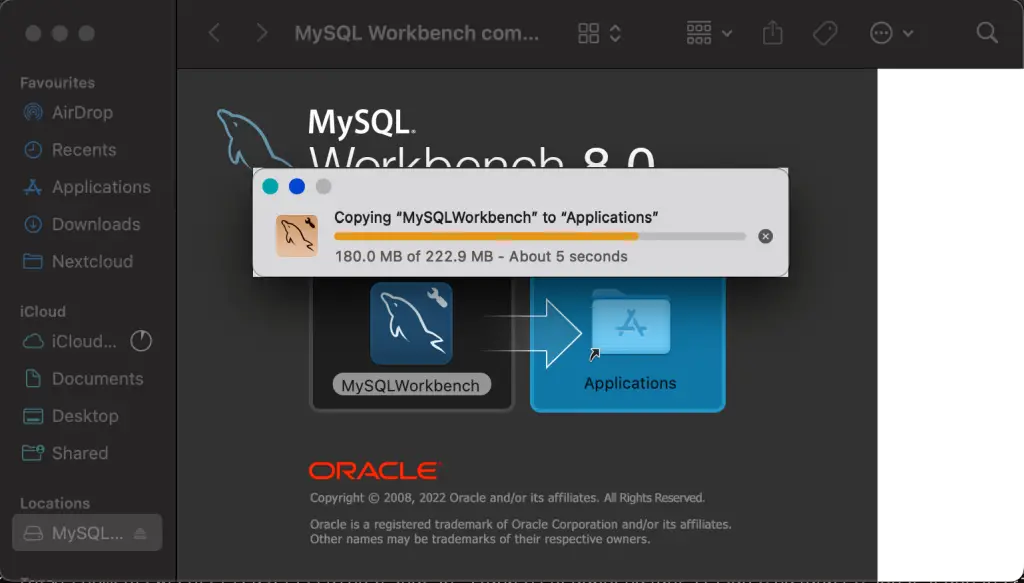
You should see the file being copied to the Applications directory.
Search for the “MySQL Workbench Application” and start it.

More guides on macOS: