After installing Harbor registry server, the next action is probably proper user management. The standard user Authentication method in most companies is LDAP/AD. It is not justified to manage a separate user database for Harbor authentication if you have LDAP server in use.
This guide will discuss how you can configure LDAP backend as a database for user authentication in harbor. The pre-requisites for this setup are:
- Existing LDAP Server
- Installed and working Harbor registry – refer to our Harbor installation guide.
- LDAP Admin user
In my setup, I use FreeIPA Identity Management platform. For Windows Active directory, refer to:
Installation guides are available on our website.
- Install FreeIPA Server on CentOS 7
- Install and Configure FreeIPA Server on RHEL / CentOS 8
- Install and Configure FreeIPA Server on Ubuntu
Step 1: Create Bind User on LDAP
Access your LDAP server and create a user account that will be used on Harbor to bind to the server.
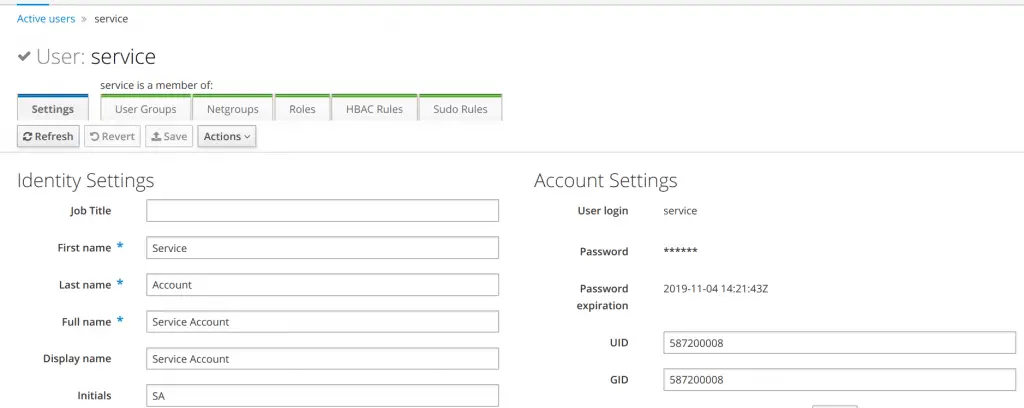
Step 2: Configure LDAP Authentication on Harbor
Now access Harbor admin dashboard and navigate to Administration > Configuration > Authentication
Change your settings like below.
Auth Mode: LDAP
LDAP URL: ldap.example.com
LDAP Search DN: uid=service,cn=users,cn=accounts,dc=example,dc=com
LDAP Search Password: LDAP-Bind-User-Password
LDAP Base DN: cn=users,cn=accounts,dc=example,dc=com
LDAP UID: uid
And other values e.g for Group to suit your environment and desired authentication model. In my configuration, I’ve set:
Auth Mode: Set authentication mode to LDAP
LDAP URL: LDAP Server URL
LDAP Search DN: DN for user with permissions to search LDAP server.
LDAP Search Password: Search user password
LDAP Base DN: The base DN from which to lookup a user
LDAP UID: Attribute used in a search to match a user
When done, click “TEST LDAP SERVER” button to validate settings.

If the connection is successful, you’ll get this message.

Test login on Harbor web portal to confirm users on LDAP can access the service.
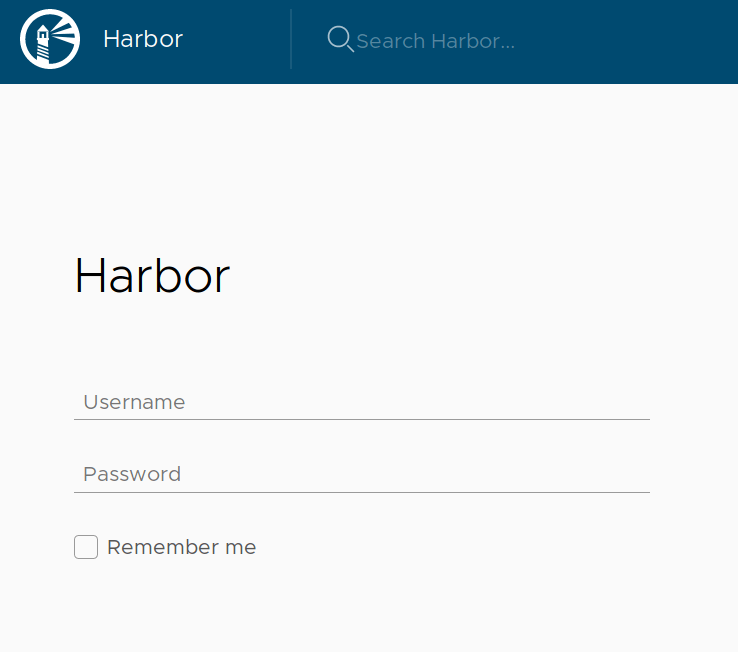
Input LDAP username and password to access Harbor dashboard.
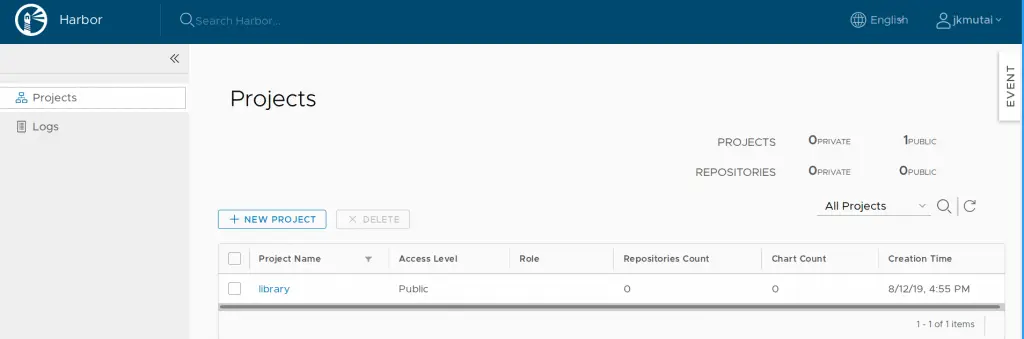
You need to authenticate to access Harbor registry on Docker machine.
$ docker login reg1.example.com
Authenticating with existing credentials...
Existing credentials are invalid, please enter valid username and password
Username: computingforgeeks
Password: <LDAPPassword>
Login Succeeded!
We have confirmed we can access Harbor resources with LDAP credentials.



![Install Kali Linux 2026.1 Step by Step [Full Guide]](https://computingforgeeks.com/wp-content/uploads/2026/03/install-kali-linux-20261-step-by-step-768x403.png "Install Kali Linux 2026.1 Step by Step [Full Guide] 8")