Presentations are a big part of work, school, and daily life. In the past, making a presentation took a lot of time and effort. Now, there are many online AI tools that help people make strong presentations quickly and easily. These tools are called AI presentation makers.
In this article, we will look at what an AI presentation maker is, how it works, and what makes a good one. We will also compare a few popular options, including Slidesgo, Canva, Gamma, and WorkPPT. This guide will help you pick the right tool for your needs. If you want to make slides from text or just need a simple way to organize your ideas, these tools can help.
What Is a Presentation Maker?
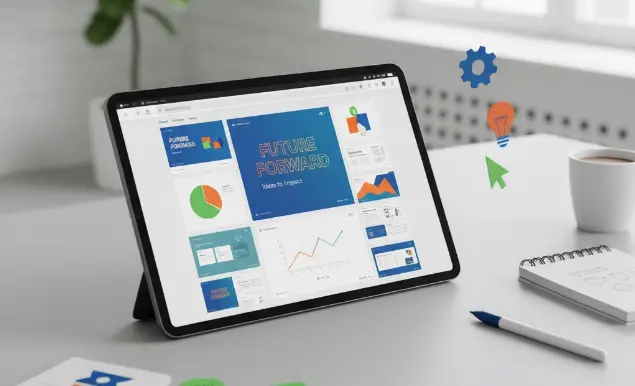
AI presentation maker is a website or app that helps you create slide decks. You can use it to make school projects, business reports, or any kind of talk where you need to show your ideas. Most presentation makers give you ready-made templates, so you do not have to start from zero. You can add your own words, pictures, and charts to make your slides.
Some presentation makers also have smart tools that can turn notes or outlines into slides. You just type your ideas, and the tool helps you build a full presentation. This makes the process faster and less stressful.
Why Use An AI Presentation Maker?
Many people use presentation makers because they save time. You do not need to worry about design or layout. The tool does most of the work for you. Here are some reasons why these tools are helpful:
- Easy to Use: Most have simple buttons and drag-and-drop features.
- Templates: You can pick a design that fits your topic or style.
- Speed: Making slides is much faster than doing it by hand.
- Flexibility: You can use them for many kinds of projects, from homework to business pitches.
- Collaboration: Some let you work with friends or coworkers online.
What Features Matter Most When Choosing Presentation AI?
When picking a presentation maker AI, think about what you need most. Here are some features people often look for:
- Ready-Made Templates: Good tools have many designs to choose from.
- Text to Slides: Some tools can take your notes and turn them into slides.
- Image and Chart Support: Adding pictures and graphs is important for many topics.
- Export Options: You should be able to download your slides or present them online.
- Simple Editing: Changing text, colors, and layouts should be easy.
Comparing Popular Presentation Makers
Let’s look at a few well-known presentation makers. Each has its own strengths and can help different types of users.
1. WorkPPT Presentation Maker [Editor’s Choice]
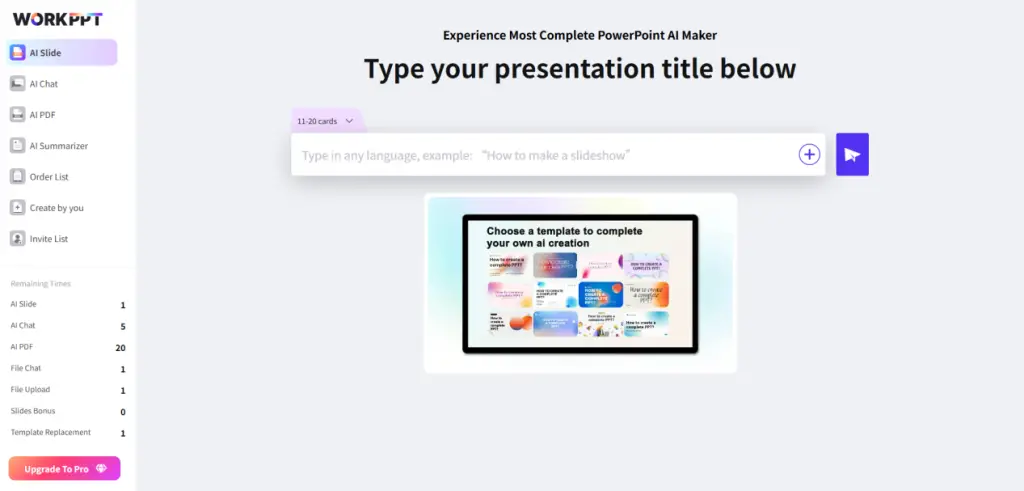
WorkPPT AI presentation generator is another option for making presentations quickly. It helps turn your text or even documents into slides. You can use WorkPPT’s tools to create a presentation from text. This can be useful for students, teachers, and business teams who have a lot of information and want to save time.
2. SlidesGo Presentation Maker
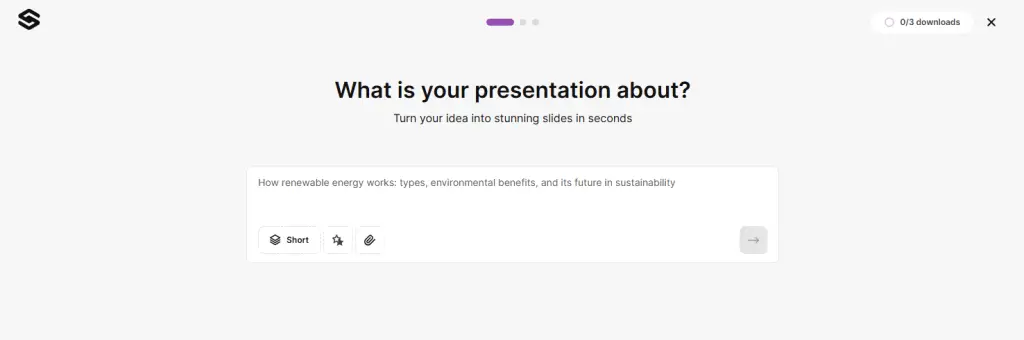
Slidesgo is known for its large library of templates. You can find slides for school, work, or special events. You pick a template, add your content, and you are ready to go. Slidesgo also has some smart features that suggest layouts and designs to fit your topic.
3. Canva Presentation Maker
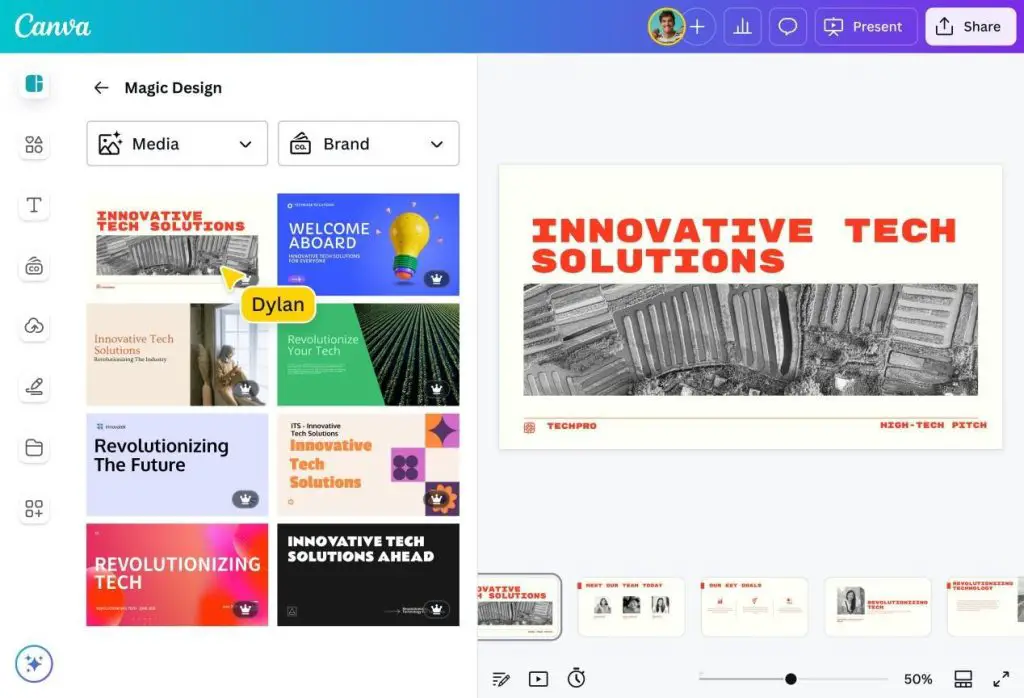
Canva is a popular design tool. Its presentation maker is easy to use and has many modern templates. You can drag and drop pictures, icons, and charts. Canva also lets you share your slides online or download them. Some people like Canva because it helps with other design needs too, like posters or social media posts.
4. Gamma Presentation Maker
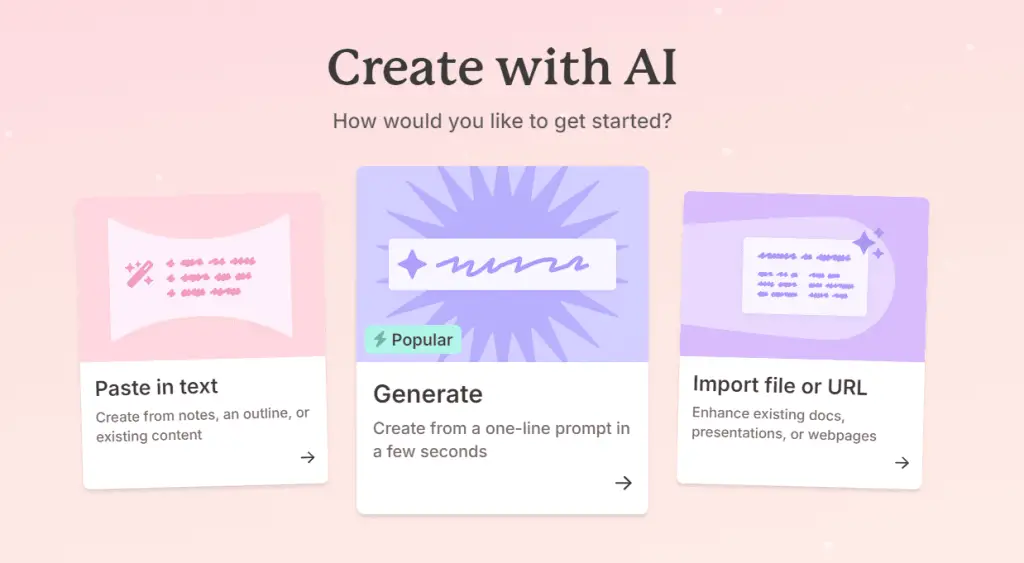
Gamma helps people turn short notes into neat slides. You can type in a few points, and Gamma organizes them into a full presentation. This is helpful if you are not sure how to structure your talk. Gamma’s design is clean and simple, which makes your message easy to read.
How to Make a Presentation from Text
Many presentation makers now let you start with just text. Here is how it often works:
- Write Your Points: You type the main ideas or bullet points for your topic.
- Paste into the Tool: Many tools have a section where you paste your text.
- Choose a Template: Pick the look you like.
- Review the Slides: The tool will make slides for each point.
- Edit as Needed: Add pictures, change colors, and move things around.
- Download or Share: When you are done, you can export your presentation or share a link.
This process is helpful because it lets you focus on your message first. The tool takes care of the design.
Free vs. Paid Presentation Makers
Some presentation makers are free, while others have paid plans. Free tools often give you basic templates and features. Paid plans may offer more designs, export options, or advanced editing. Think about what you need before you pay for a tool. For simple projects, free plans are often enough.
Tips for Using a Presentation Maker
- Start Simple: Begin with your main points and build from there.
- Use Templates: Save time by picking a template that fits your topic.
- Check Your Slides: Make sure your words and pictures are clear and easy to read.
- Practice Your Talk: Go through your slides before you present.
- Try Different Tools: Many presentation makers have free trials, so you can find one you like.
What Makes the Best Presentation Maker?
The best presentation maker is the one that fits your needs. If you want lots of design choices, look at Slidesgo or Canva. If you want to turn notes into slides fast, try Gamma or WorkPPT. The most important thing is that the tool helps you share your ideas clearly.
Conclusion
Making presentations does not have to be hard. With modern AI presentation makers, you can create strong, clear slides in minutes. Many tools offer free plans and easy-to-use features. Whether you are a student, teacher, or professional, these tools can save you time and help you make a better impression.
If you want to try making a presentation from text or documents, WorkPPT is a simple tool to explore. You can also use WorkPPT’s text-to-presentation feature to turn your ideas into slides quickly.
Remember, a good presentation is not about fancy effects. It is about sharing your ideas in a way people can understand. With the right tool, anyone can make a great presentation.