

Brave is a free and open-source web browser developed by Brave Software, Inc. As with many other browsers out there, Brave is based on the Chromium web browser. What distinguishes Brave from others is its ability to block ads and website trackers out of the box. Moreover. In this post, we’ll discuss how user can install Brave Web Browser on Fedora.
Brave provides a means for users to send cryptocurrency contributions in the form of Basic Attention Tokens to websites and content creators. So let’s install Brave Web browser in our Fedora machine.
Top features of Brave
- Fast Browsing – According to its creators, Brave loads pages three times as fast out of the box with nothing to install, learn or manage.
- Easy to switch to Brave – It’s easy to import your settings from your old browser. You can do it during the welcome tour or later through the menus.
- Support your favorite sites with Brave Rewards – with Brave Rewards activated, you can support the content creators you love at the amount that works for you.
- Privacy and Security – Brave fights malware and prevents tracking, keeping your information safe and secure. Clearing of browsing data and a built-in password manager.
- Form autofill
- Search – Choose default search engine
- Extensions/Plugins – Brave Desktop now supports most of the Chrome extensions in the chrome web store
Install Brave Web Browser on Fedora
You can choose to install the stable or beta releases of Brave browser on Fedora Linux. Here we’ll do the stable channel installation.
1 – Add RPM repository
- Fedora 41+
tee brave.repo<<EOF
[brave-browser]
name=Brave Browser
enabled=1
baseurl=https://brave-browser-rpm-release.s3.brave.com/\$basearch
EOF
sudo dnf config-manager addrepo --from-repofile=./brave.repo- Fedora 40 and below
sudo dnf config-manager --add-repo https://brave-browser-rpm-release.s3.brave.com/x86_64/Command output:
Repository vivaldi is listed more than once in the configuration
Adding repo from: https://brave-browser-rpm-release.s3.brave.com/x86_64/
2 – Import repository key
sudo rpm --import https://brave-browser-rpm-release.s3.brave.com/brave-core.ascThen install Brave web browser on Fedora:
sudo dnf install brave-browserAgree to install dependencies and Brave browser on Fedora Linux.
Updating and loading repositories:
 Brave Browser                                                                                                                                                                    100% | 180.7 KiB/s |  55.3 KiB |  00m00s
Repositories loaded.
Package                                                                    Arch             Version                                                                    Repository                                     Size
Installing:
 brave-browser                                                             x86_64           1.85.118-1                                                                 brave-browser                             405.0 MiB
Installing dependencies:
 brave-keyring                                                             noarch           1.19-1                                                                     brave-browser                              16.4 KiB
 liberation-fonts-all                                                      noarch           1:2.1.5-14.fc43                                                            fedora                                      0.0   B

Transaction Summary:
 Installing:         3 packages

Total size of inbound packages is 123 MiB. Need to download 123 MiB.
After this operation, 405 MiB extra will be used (install 405 MiB, remove 0 B).
Is this ok [y/N]: y
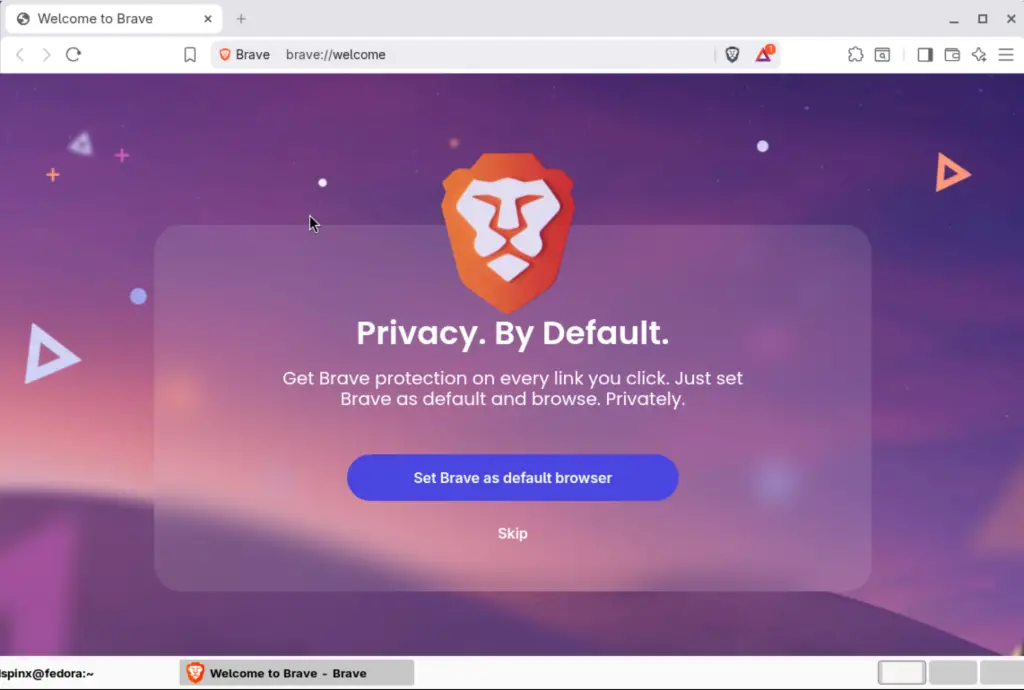
After installation, you can launch the web browser from the terminal or DE menu.
brave-browser
brave-browser-stable
Enjoy browsing with Brave!.
Other web browsers installation guides on Fedora are below.
