

Web Hosting is a type of Internet hosting service that allows you as an individual or an organization to make websites accessible via the Web. So, if you are looking for a way to start hosting websites for your customers and yet you have a limited budget to start, then you are reading the right type of information here. In this article, we discuss top Open Source Web Hosting Control Panels that you can use to kick off your idea and make your customers 99.99% online.
For Commercial offerings, check Best Commercial Web Hosting Control Panels – Cpanel Alternatives
1. Sentora
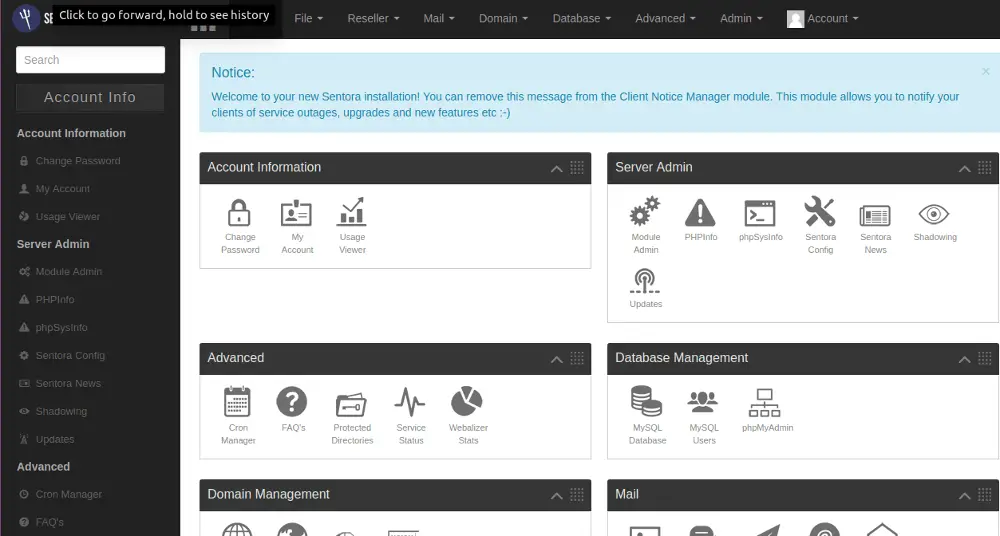
The Sentora team describes this product as a free to download and use web hosting control panel developed for Linux, UNIX, and BSD based servers or computers. They continue to say that Sentora software can turn a domestic or commercial server into a fully-fledged, easy to use and manage web hosting server. This product is written in PHP and utilizes various other GNU/open-source software packages such as Apache HTTPd, PHP, Dovecot, Postfix, ProFTPd, and MariaDB.
Features of Sentora
- Multi-client environment: Each client can log in and manage their web hosting via Sentora’s fully customizable control panel.
- Quota management: Sentora enables the user to create and manage any number of services such as mailboxes and domains.
- Integrate with the API: You can connect your corporate web site or billing system directly to Sentora. The API enables a seamless link for third-party applications and sites.
- Want modules?: If you are looking to extend the functionality of Sentora then look no further than its App store’. They provide a simple platform where module developers can publish their modules and Sentora users can ‘single click’ install them.
- Resellers: Sentora provides the ability for you to offer ‘reseller’ accounts enabling your clients to resell your hosting in a ‘white-label’ environment.
- Brand it your way!: Sentora provides its own template system enabling you to download custom themes or even make your own enabling you to brand your control panel to your company.
- Speaking your language: Sentora is used all over the globe and although their team speak English they provide translations packs for almost every language!
- Community built: Sentora actively promotes members of the community getting involved.
- Technologies: Out of the box, Sentora works with the following: Apache, HTTPd, PHP, ProFTPd, MySQL/MariaDB, Postfix and Dovecot.
If you are impressed or inspired, head over to Sentora’s Web Page to find out more information about installations and configuration.
2. CyberPanel
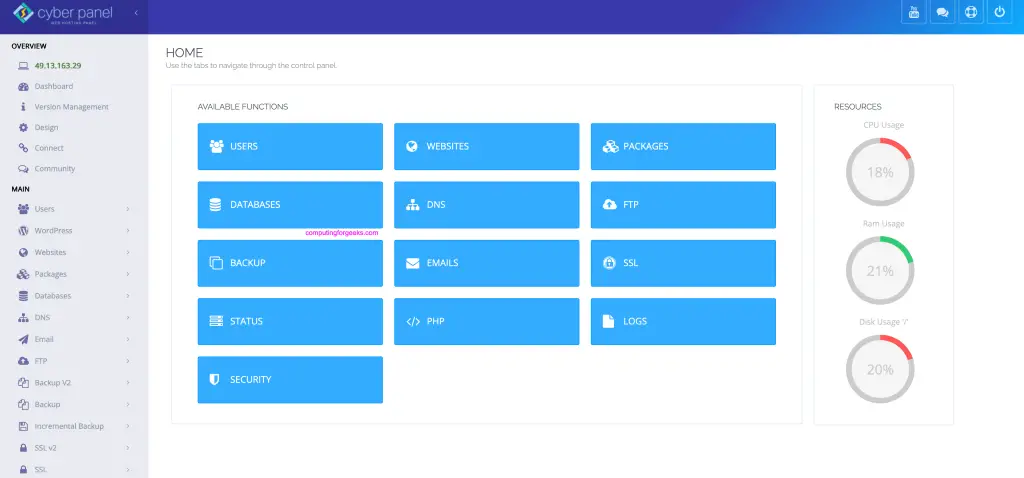
CyberPanel is an open-source control panel build on OpenLiteSpeed web server. It is released as an open source solution with a whole squad providing its support. CyberPanel provides a one click setup for installing popular web frameworks such as Joomla, WordPress, Drupal, Mautic and many more!. With CyperPanel it’s also easy to configure SSL Certificates for your website using Let’s Encrypt.
Feel free to visit CyberPanel website to check out more than they reveal about this hosting platform.
Installation guides:
3. Froxlor
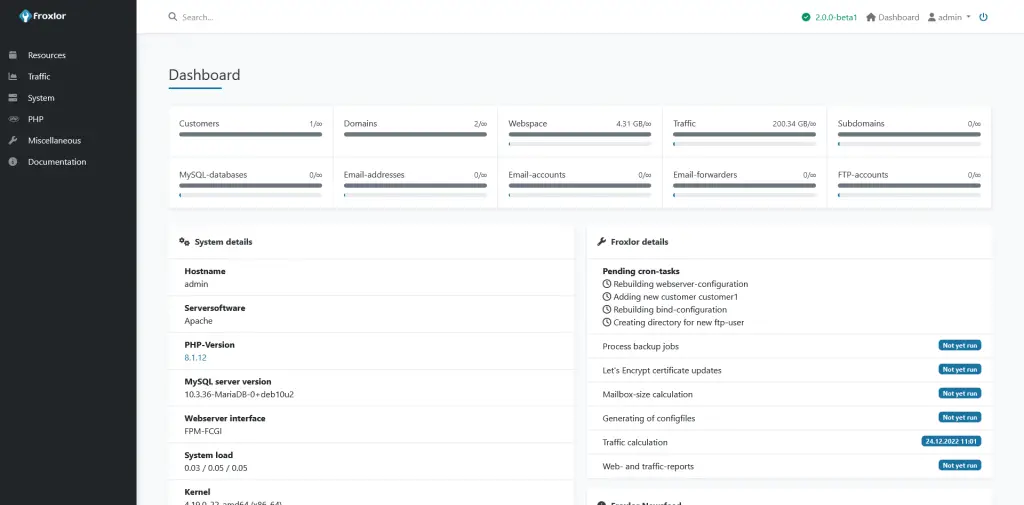
Written in PHP, Froxlor is a lightweight free and Open Source server management panel. This panel can be used for creating and managing shared web hosting servers.
Features of Froxlor
- Resellers & Customers: Manage reseller resources and limit what the customers may use in the dedicated customer panel.
- PHP-configuration: It can save different PHP-configurations and choose per domain which php.ini should be used (FCGI/FPM only).
- Advanced SSL: Determine which ports should use SSL and allow customers to store certificates per domain.
- Let’s Encrypt: Use free certificates from Let’s Encrypt directly from within Froxlor.
- API based: Access all major functions via API to gain full control over your hosting.
- Advanced SSL: Determine which ports should use SSL and allow customers to store certificates per domain.
- Traffic calculation: Store dedicated HTTP, FTP, and Mail traffic and view it in interactive graphs.
- True Multistack: Choose per domain which IPv4 and/or IPv6 addresses and which ports should be used.
There is more about Froxlor, visit Froxlor Web Page to gain more insights, read its documentation and install for your use.
Installation guides:
4. ISPConfig
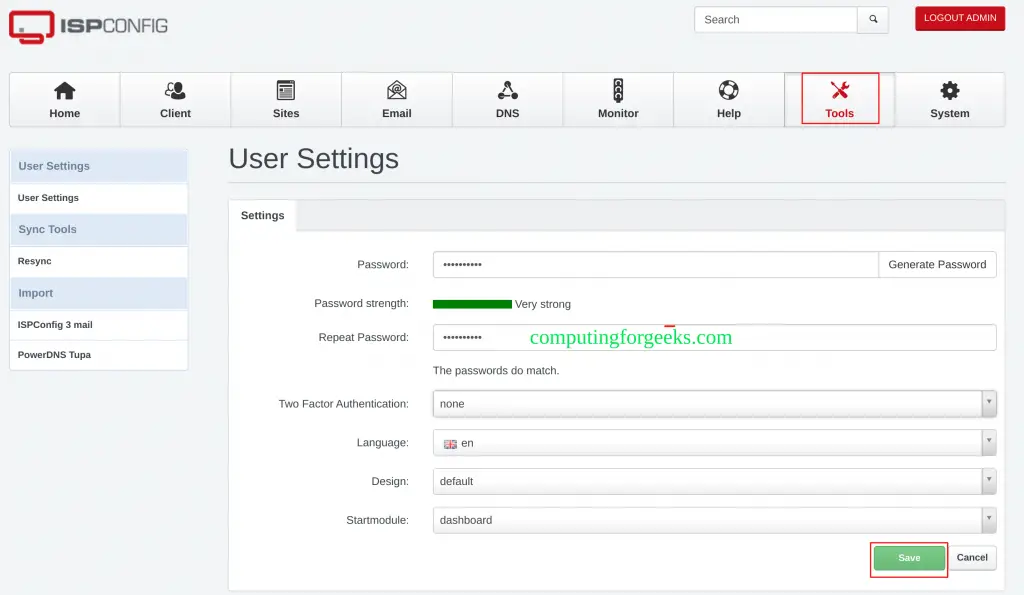
ISPConfig is a widely-used Open Source Hosting Control Panel for Linux, licensed under BSD license and developed by the company ISPConfig UG. ISPConfig has many features that make it one of the most used hosting platforms. Some of these features include:
It is Single and Multi-Server
- Manage one or more servers from one control panel.
- Single server, Multiserver and Mirrored Clusters.
- No matter if it is a physical server or virtual machine, ISPConfig just works.
Supports Many Linux Distributions
- Debian 5 – 10
- Ubuntu 8.10 – 18.04
- CentOS 5.2 – 7
- Fedora 10 and 12 – 15
- OpenSuSE 11.1 – 12.3
ISPConfig has Support For Many Daemons
- HTTP: Apache2 and Nginx
- SMTP: Postfix
- POP3/IMAP: Courier and Dovecot
- FTP: PureFTPD
- DNS: Bind, PowerDNS, and MyDNS
- Database: MySQL
Four Access Levels
- Administrator
- Reseller
- Client
- Email Login
To get more information about installation, other features and documentation, visit ISPConfig’s Web Page and get inspired.
5. 1Panel
1Panel is an open-source Linux server administration panel. It provides a modern dashboard from which you can perform several configurations and server management operations.
The features and benefits associated with 1Panel are:
- Efficient management: This tool makes it so easy to manage your Linux server via a web interface. This includes app management, monitoring, file management, container management, database management etc.
- Secure and reliable: 1Panel comes with firewall and security audit functions put in place to minimize vulnerability exposure.
- Quick website building: It is integrated with WordPress and Halo and still offers one-click solutions for domain name binding, SSL configuration etc.
- One-click backup: With 1Panel, you can perform backups and restore using a single click. The other advantage is that data can be backed up in the cloud to avoid data loss.
- App Store: It also provides innumerable high-quality open-source software and tools which can be easily installed and upgraded.
To get more information about installation, other features and documentation, visit 1Panel Web Page and get inspired.
Installation articles:
6. Virtualmin

From Virtualmin’s website, Virtualmin is a powerful and flexible web hosting control panel for Linux and BSD systems. Available in an Open Source community-supported version, and a more feature-filled version with premium support, Virtualmin is the cost-effective and comprehensive solution to virtual web hosting management. This platform is unique because it has been built on top of, and integrated with, Webmin. This sets Virtualmin apart from other control panels by providing a comprehensive systems management UI, in addition to virtual web hosting capabilities. Features include:
Security
Virtualmin provides a number of tools to help you keep your systems and your data safe. It allows the use of Webmin’s two-factor authentication, certificate logins, brute force protection, and many other security features.
Alerts, Graphs, and Logs
Virtualmin provides easy viewing and searching of system and web server logs, advanced monitoring and email/text alerts for services and network status.
User and Reseller Accounts and ACLs
Delegate common administrative tasks to your customers and end-users, empowering them and freeing you and your IT staff from the tedious chores of managing websites, databases, domains, and users.
Backups And Cloud Integration
Virtualmin makes it easy to keep good backups of your websites, databases, mailboxes, and more, and makes it easy to migrate to a new Virtualmin server.
Install Scripts
Virtualmin GPL provides easy to install web applications for database management, webmail, WHMCS, and more.
Virtualmin can satisfy most of the needs that customers need. Whether it is security or all of the features enumerated, Virtualmin does a good job. For more information on the capabilities of this platform, please visit Virtualmin Web Page.
7. BlueOnyx
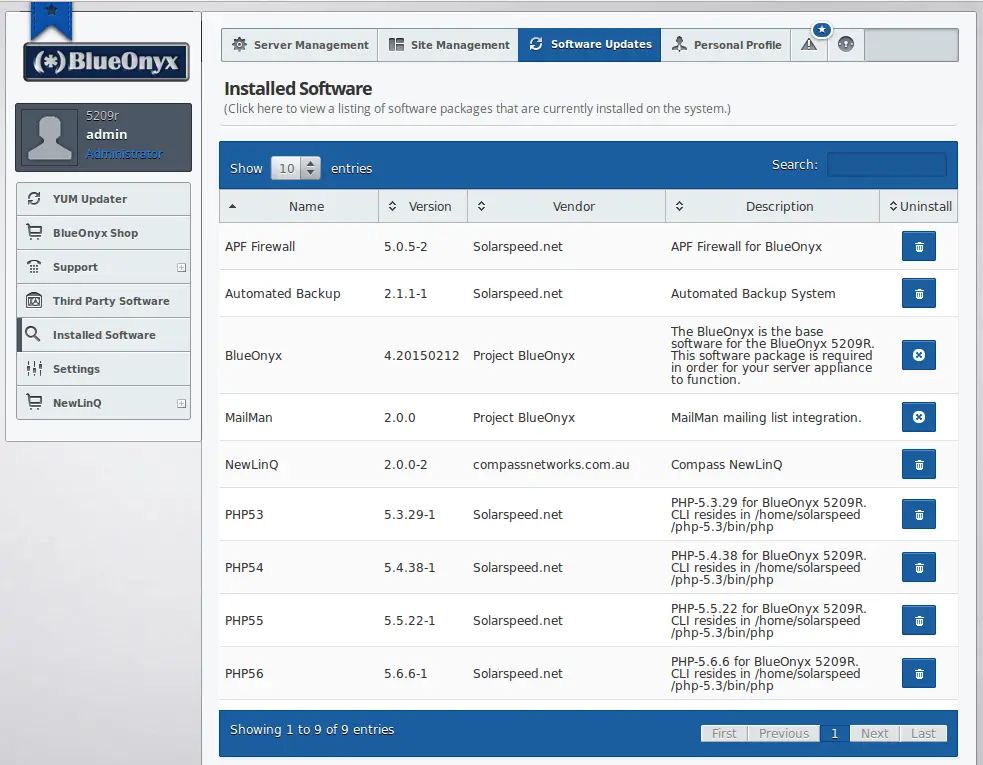
BlueOnyx a fully-integrated Internet hosting platform that includes web, email, DNS and file transfer services from a simple, user-friendly web-based interface that is easily installed on commodity hardware or virtual private server. It is an Open Source initiative that will always be free to download, install and use.
Highlighted Features of BlueOnyx
- Provides an enterprise Linux with a control panel for virtual hosting.
- Optional Chrooted Jails with SFTP or SSH access.
- IPv4, IPv6, and dual-stack support.
- Easy to install via provided ISO images.
- Reseller management to allow resellers to create virtual sites and users.
- Ability to host an unlimited amount of virtual sites, mailing lists, and users.
- Docker integration via the GUI (BlueOnyx 5209R or newer)
- Brute Force Login detection and prevention mechanisms (pam_abl).
- Ability to import/export emails for each user via Imapsync.
- Very detailed email statistics via a modified Sendmail-Analyzer.
- Built-in Webalizer for detailed web-based traffic analysis.
- Subdomain management.
- JSP support already built-in with an improved GUI.
- GUI to modify SSHd settings, to generate and manage SSH keys and certificates.
There are more features and other delicacies hidden in BlueOnyx’s Web Page. Please spend some time to visit and experience it firsthand.
Conclusion
Get your web hosting right with the right panel suitable for your needs. Never let your customers down. We hope this article sheds some light and pointed you in a direction you would wish to follow. Thank you for spending time visit and read. Other interesting guides are listed below just for you.
More guides:





you are missing the best panels around:
aapanel
zeslecp
fastpanel
Thanks we will add them to the list.
We are enthusiastic about a potential new addition that has shown great potential in https://warren.io/
try https://openpanel.co/