This guide will walk you through the installation of Google Chrome Browser on RHEL 8 / CentOS 8. Google Chrome is a cross-platform web browser developed by Google which runs on Linux, Windows, macOS, iOS, and Android. Google Chrome is not available in the Red Hat / CentOS repositories and should be downloaded from the official Google Chrome download page and installed manually. We will download the RPM release of Google Chrome and use dnf or yum package manager to install it
Step 1: Install wget
You need to have wget installed on your CentOS/RHEL system to use for the download.
sudo dnf -y install wgetStep 2: Install Google Chrome
Now use wget command to Download the latest release of Google Chrome.
wget https://dl.google.com/linux/direct/google-chrome-stable_current_x86_64.rpmNavigate to the directory with the downloaded package and execute:
$ sudo dnf localinstall google-chrome-stable_current_x86_64.rpm
....
Transaction Summary
======================================================================================================================================================================================================
Install  1 Package

Total size: 93 M
Installed size: 302 M
Is this ok [y/N]: y
Press “y” to accept Google Chrome installation on RHEL / CentOS 8.
Step 3: Launch and Use Google Chrome
Use Gnome activities menu to search for Google Chrome and Launch it.
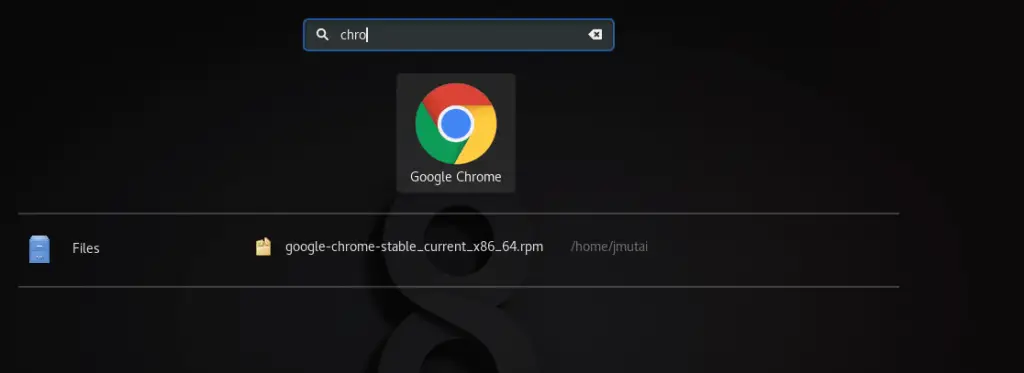
Alternatively, launch it from the terminal.
google-chrome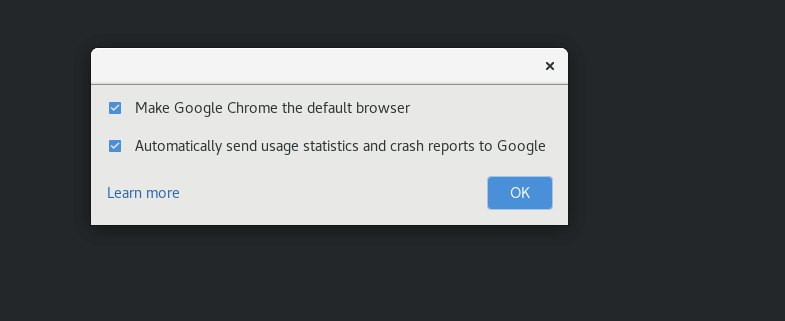
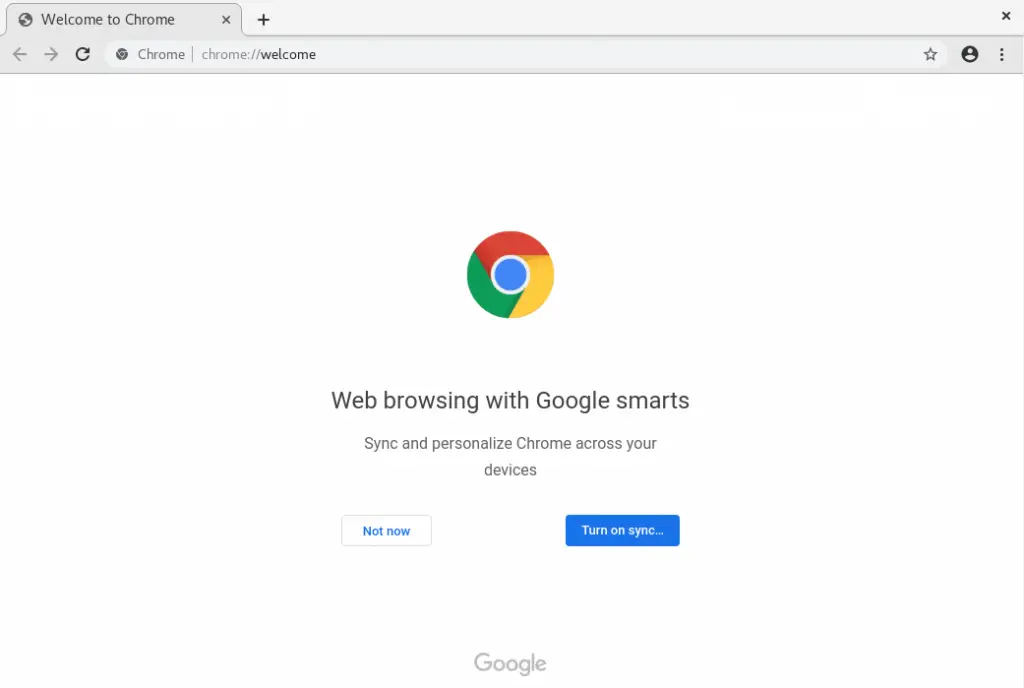
There you have it. Enjoy using Google Chrome browser on RHEL / CentOS 8 workstation.
Also check out below content.