This code snippet illustrates how you can upload a file preferably an image from angularjs frontend to slim php server
1. Write a simple form for the user to upload filE
Take note of file-model directive that assists us to upload the image
</p>
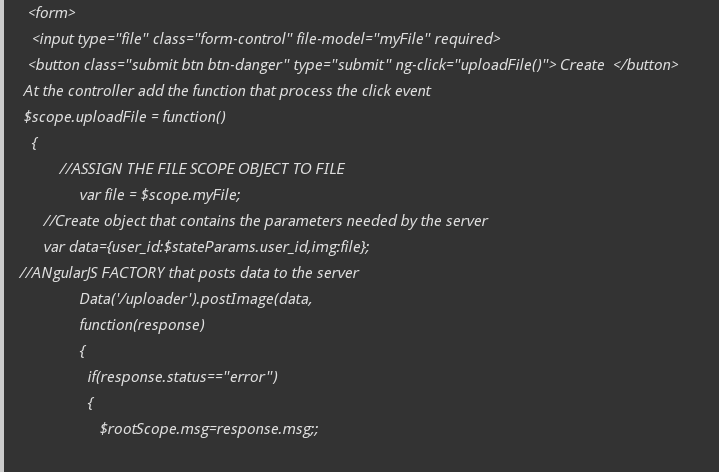
<form>
   <input type="file" class="form-control" file-model="myFile" required>
  <button class="submit btn btn-danger" type="submit" ng-click="uploadFile()"> Create  </button>
 At the controller add the function that process the click event
 $scope.uploadFile = function()
   {
          //ASSIGN THE FILE SCOPE OBJECT TO FILE
               var file = $scope.myFile;
      //Create object that contains the parameters needed by the server
      var data={user_id:$stateParams.user_id,img:file};

//ANgularJS FACTORY that posts data to the server

  Data('/uploader').postImage(data,
               function(response)
               {
                 if(response.status=="error")
                 {
                    $rootScope.msg=response.msg;;

                 }else
                 {
                    $rootScope.msg=response.msg;;
                 }
                }
            );
    }
This is the angularjs directive that process the file. You don’t have to change anything here
app.directive('fileModel', ['$parse', function ($parse) {
            return {
               restrict: 'A',
               link: function(scope, element, attrs) {
                  var model = $parse(attrs.fileModel);
                  var modelSetter = model.assign;
                  element.bind('change', function(){
                     scope.$apply(function(){
                        modelSetter(scope, element[0].files[0]);
                     });
                  });
               }
            };
         }]);
Angularjs factory that allows us to send data to the server. Make sure you specify the headers as i have set and don’t forget the transform request otherwise it wont work..
app.factory("Data",['$resource','$localStorage',
    '$sessionStorage',
function($resource,$localStorage,
    $sessionStorage)
{
    var serviceBase="http://mycoolwebsite.com/user_image.php";
    return function(link)
    {
        return $resource(serviceBase+link,{},{

            postImage:{method:'POST',
                    transformRequest: formDataObject,
                headers: {'Content-Type':undefined, enctype:'multipart/form-data'}
        },
            two_query:{
                url:serviceBase+link,
                method:'GET',isArray:false,
                params:{
                    company_code:'@company_code',
                      event_code:'@event_code'
                        }
                       }
        });
                function formDataObject (data) {
            var fd = new FormData();
            angular.forEach(data, function(value, key) {
                fd.append(key, value);
            });
            return fd;
        }
    }
}
]);
$app->post('/uploader',function()use($user,$app)
{
    //$user-This is a class that has pdo statements for interacting with the database
       $var = $app->request->getBody();
       $myvar1=json_decode($var,true);
       $user_id=$_POST['user_id'];
       print_r($_FILES['img']['name']);

        do check for image types here and imprve security.You could restrict to only png/jpg/gif file formats only.Depending on what you need.

       if(!isset($_FILES['img']['name']))
       {
                $error['status']="error";
             $error['msg']="Encountered an error: while uploading.no FILE UPLOADED";
             echo json_encode($error);
       }
       else
       {
           $imgs=array();
           if($_FILES['img']['error']==0)
           {
               $name=uniqid('img-'.date('Ymd').'-');
               if(move_uploaded_file($_FILES['img']['tmp_name'],'posters/'.$name)==true)
               {
                   $old_neem=$_FILES['img']['name'];
//make sure you have a folder called uploads where this php file is
                   $imgs[]=array('url' => '/uploads/' . $name, 'name' =>$old_neem);
                   $post_success=//insert $name into database here
                   if($post_success)
                   {
                        $error['status']="success";
                     $error['msg']="Image updated successfully";
                     echo json_encode($error);
                   }
                   else{
                   $error['status']="error";
                $error['msg']="Encountered an error: while uploading.no FILE UPLOADED";
                echo json_encode($error);
            }
               }
           }
       }
});
Do display the image. Just call the api and display it as follows
<img ng-src="pathtodirectory/{{myimagename}}">