

If you are running a business, server management is a critical part of your operations. Managing your servers properly ensures that your business can run smoothly, with little or no downtime. This article explains what server management is and why it is important. We also discuss how you can effectively manage your servers.
What is Server Management?

Server management is the process of monitoring and administering servers. It involves ensuring that servers are performing optimally and that they are available when needed. The management process includes capacity planning, system maintenance, security management, and monitoring. Effective server management enables businesses to maximize their IT resources and optimize their IT infrastructure.
Server Types
There are different types of servers, such as application servers, web servers, email infrastructure servers, and file storage servers. The type of server you have determines your management tasks and performance evaluation. Cloud services have completely changed server monitoring and administration, making it more complex. If you use cloud services, your applications, email, and storage facilities will be offsite, making it challenging to keep track of all co-located servers.
Server Monitoring
The first step in infrastructure management is getting a single interface to monitor all your servers from your workstation. Your server checking software should show you real-time data on your hardware, such as processor use, memory utilization, and disk space availability. You should also be able to see which processes are operating on the server, including what amount of resources each of these processes consumes.

A tool that can provide alerts based on live data evaluation is also essential. Your checking tool must be able to automatically flag issues to someone who can respond to these issues. This could include notification via e-mail or SMS. Finally, keeping an eye on utilization is key. If you see your apps are increasingly taxing your machine, you can add capacity before a demand spike causes issues.
Server Management
Planning the capacity of your server is a new area of server management. You never want to provide an excess of machine capacity as it can mean wasting hardware resources, paying too much for utilities, and spending too much on support. However, you need to plan for surges in demand. Therefore, a bit of spare resources is always a good idea.
“Managing servers remotely poses significant challenges, particularly when it comes to software deployment or 3D rendering.” – CMO of Data Mastery about remote server management.
Note that provisioning for computing requirements involves provisioning other areas such as your physical network. Providing physical space for equipment, including power supply, is also important. Staff requirements are also variables that create a unique situation for your business. Meaning you need to pick a server management tool that fits your company the best.
Server Administration Roles
Senior staff is generally responsible for infrastructure management. Meanwhile, day-to-day maintenance and checking can be allocated to more junior staff or be fully-automated using management software. Your company size or the number of admin employees defines your flexibility regarding user roles and restricting access to system data. Small businesses, for example, may have just a single person in charge of machines, with a single associated user role and a single user account for your server management tool. On the flip side, larger groups can benefit from allocating specialized tasks to individual employees.
Choosing Server Management Tools
Choosing a server management tool is essential, as you are likely to continue using the tool you choose for a long period of time. Factors you should keep in mind include vendor compatibility, server monitoring overheads, and matching your server administration requirements. Your server monitoring tool should not restrict you to a specific vendor, and you should ensure long-term flexibility via a tool compatible with multiple vendors. Every piece of software consumes resources, including server management and checking software. Therefore, ensure you avoid a tool that slows down your operations or generates too much traffic on your network. Finally, different software comes with different features, so try to match the tool you buy to your company’s oversight needs.
“Choosing an incorrect server management tool can be a costly mistake, both in terms of time and effectiveness. A poorly configured and managed server can lead to slow performance, frequent crashes, and other issues that can disrupt operations and require significant time and resources to fix.” – founder, president and CEO of IT Management Solutions.
Key Elements of Server Management
There are several key elements that make up an effective server management strategy. These include:
- Server Monitoring: The first step in server management is to monitor the servers regularly to ensure that they are running correctly. This involves checking system performance metrics such as CPU usage, memory utilization, and disk space availability. Server monitoring tools can provide real-time data on server health, enabling administrators to detect and resolve issues quickly.
- Server Maintenance: Regular maintenance is necessary to keep servers running at optimal levels. This involves tasks such as installing updates and patches, cleaning out dust and debris, and checking for hardware failures. It is essential to perform maintenance tasks regularly to prevent downtime and ensure server stability.
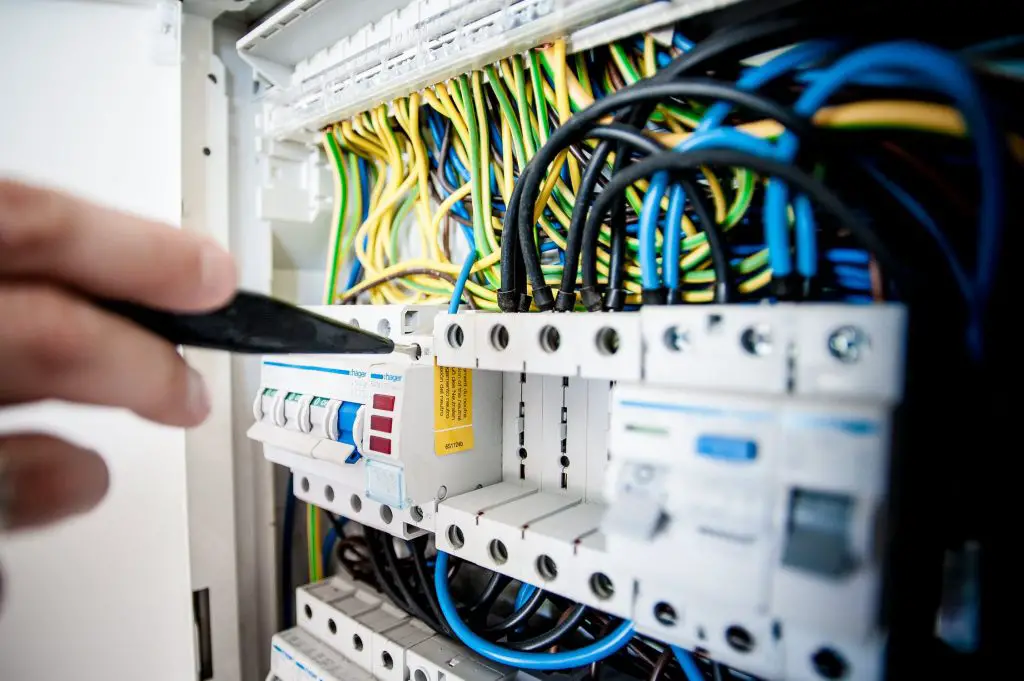
- Capacity Planning: Capacity planning involves assessing current and future resource requirements and ensuring that the server infrastructure can support the organization’s needs. This includes tasks such as provisioning for computing requirements, providing physical space for equipment, and accounting for staff requirements. Effective capacity planning ensures that the server infrastructure can scale as the organization grows, without impacting performance or stability.
- User Management: User management involves creating and managing user accounts, setting permissions, and restricting access to system data. It is essential to establish user roles and access levels to prevent unauthorized access and ensure data security.
- Vendor Compatibility: When choosing a server monitoring tool, it is important to consider vendor compatibility. Ensure that the tool is compatible with multiple vendors, even if all your equipment is from a single provider. This ensures long-term flexibility as your organization upgrades and renews its equipment.
- Server Administration Roles: Effective server management requires assigning appropriate roles and responsibilities to staff members. Senior staff should be responsible for infrastructure management, while day-to-day maintenance and monitoring can be allocated to more junior staff or automated using management software.
Conclusion
Effective server management is essential for organizations that rely on servers to run their operations. By regularly monitoring, maintaining, and optimizing servers, businesses can minimize downtime, reduce costs, and ensure that operations continue uninterrupted. The key elements of server management include server monitoring, maintenance, capacity planning, user management, vendor compatibility, and server administration roles. By implementing these elements as part of a comprehensive server management strategy, businesses can ensure that their servers run at peak performance levels, and that any issues are quickly identified and resolved.
