

Business Email Compromise (BEC) is a significant threat to organizations of all sizes. It involves the manipulation of employees through deceptive emails, often leading to financial loss or data breaches. To safeguard your business, it’s crucial to implement robust security measures, utilize tools like the ANY.RUN sandbox, and foster a culture of threat awareness.
Ways Attackers Conduct BEC
Let’s first consider some of the most common methods employed by criminals to carry our BEC.
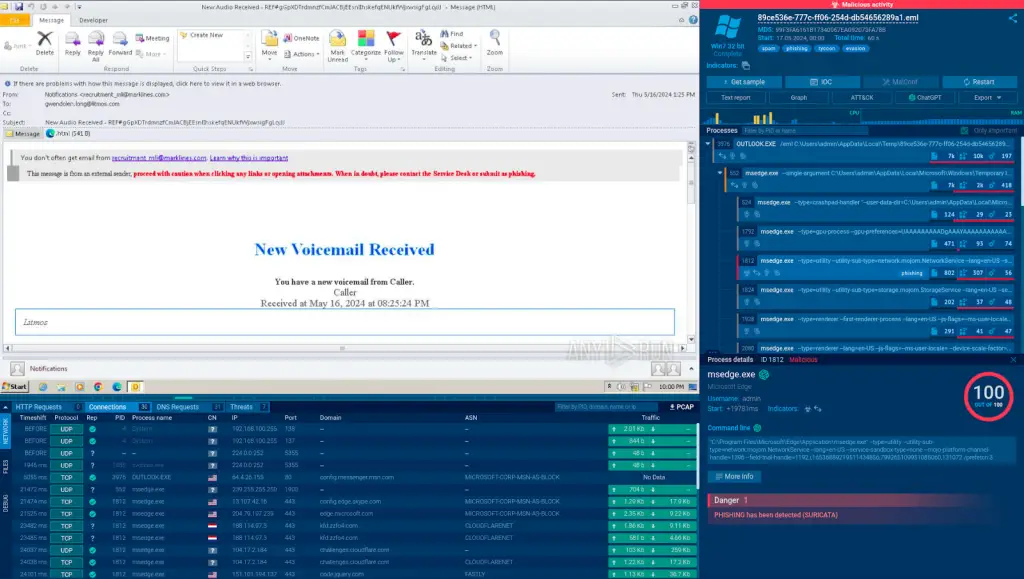
Phishing: Attackers send emails that appear to be from a legitimate source, such as a bank or a government agency. These emails often contain a link to a fake website or a malicious attachment, where the victim is tricked into entering their login credentials. Check out this example of a phishing email attack analyzed in the safe environment of the ANY.RUN sandbox.
Spear Phishing: A more targeted form of phishing, where attackers research their victim to craft a highly personalized and convincing email. For example, they might impersonate a trusted colleague or a family member.
Whaling: A type of spear phishing that specifically targets high-level executives. The goal is often to trick the executive into authorizing a high-value wire transfer or disclosing sensitive information.
Business Email Spoofing (BES): In this case, the attacker doesn’t gain access to the victim’s email account. Instead, they send emails that appear to be from the victim’s address. This can be used to trick the victim’s colleagues or clients into sending money or revealing confidential information.
How to Not Fall Victim to Business Email Compromise
Employee Training and Awareness
The first line of defense against BEC is your employees. Regularly conduct training sessions to educate them about the various types of email scams. Teach them to scrutinize emails for signs of fraud, such as poor grammar, suspicious links, or unexpected requests for information. Provide your employees with tools for checking suspicious emails, links, and files. One of the most effective options is a malware sandbox that we’ll cover further.
Two-Factor Authentication (2FA)
Implementing 2FA can significantly strengthen your email security. This process requires users to provide two forms of identification before accessing their accounts. Even if a scammer manages to steal an employee’s password, they’ll be unable to access the account without the second form of ID, such as an SMS or a random number from Google Authenticator.
Using a Malware Sandbox
A malware sandbox is a controlled environment where you can safely analyze suspicious files or URLs without putting your own machine at risk.
If an employee receives an email with a potentially malicious attachment or link, they can send it to the sandbox for examination.
Here is an example of a malicious email analyzed in the ANY.RUN sandbox.
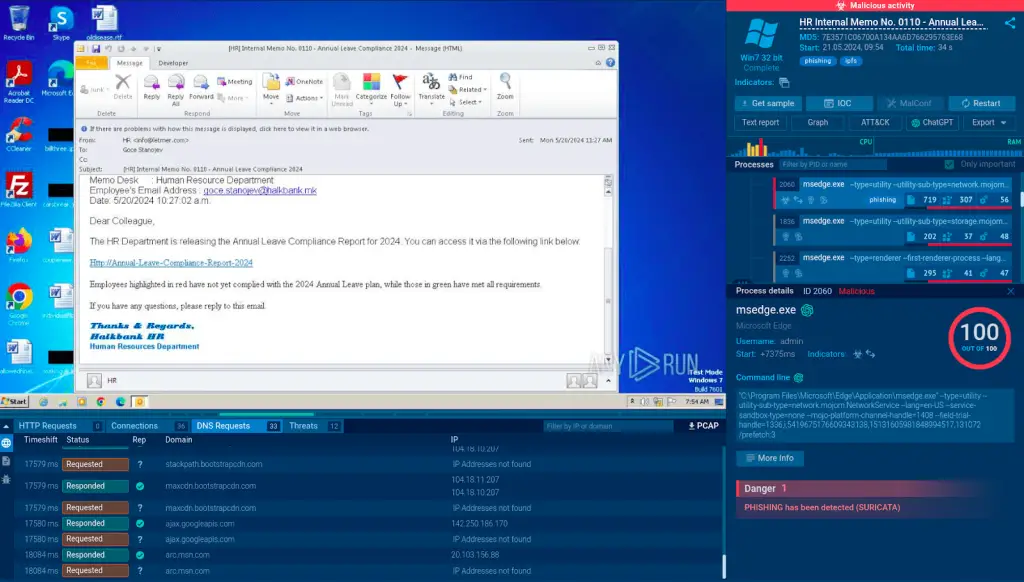
This email is disguised by attackers as a legitimate-looking email from the HR department. It contains a link to a fake MS Outlook page that asks the potential victim to enter their login credentials.
The best part about using a sandbox like ANY.RUN is that it is a cloud-based service that does not require any setup or maintenance.
Plus, it detects malware files and links in under 40 seconds. This can help you identify and neutralize threats before they cause any damage.
Sign up for a free ANY.RUN account to try it right away!
Email Filtering and Spam Blockers
Apart from a sandbox, consider investing in advanced email filtering systems and spam blockers. These tools can automatically detect and quarantine suspicious emails, preventing them from ever reaching your employees’ inboxes.
Regular Software Updates
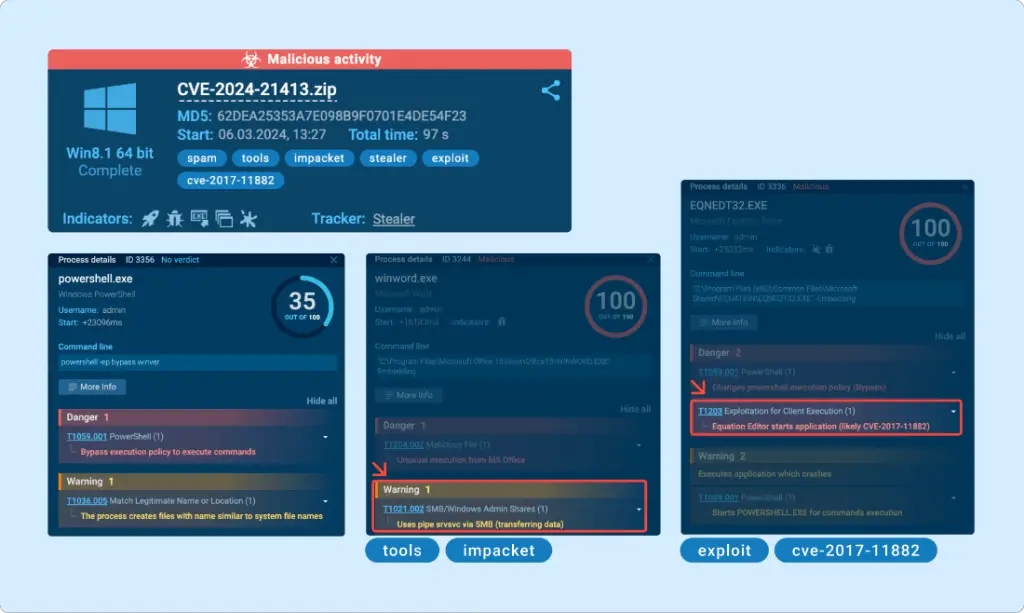
Ensure that all your software, including your email client and operating system, are regularly updated. These updates often contain patches for security vulnerabilities that scammers could exploit.
Verification of Requests
Encourage employees to verify any requests for sensitive information or financial transactions, especially if they’re made via email. They should confirm the request with the supposed sender through a separate channel, such as a phone call or a face-to-face conversation.
Conclusion
While it’s impossible to eliminate the risk of a business email compromise, you can greatly reduce it by following these best practices. By combining robust security measures, such as a sandbox and well-informed workforce, you can make your business a much less attractive target for scammers.
