

Proxmox VE 9 is the current major line of the open-source virtualization platform, rebuilt on Debian 13 “Trixie” and shipped in August 2025. The point releases since then have been anything but minor: 9.1 and 9.2 added the cluster features that competitors charge for, headlined by a Dynamic Load Balancer that keeps guests spread evenly across nodes on its own. This is a tour of the Proxmox VE 9 new features that actually change how you run the platform, tested on a live 9.2 node rather than paraphrased from a changelog.
We walk the headline additions in order of impact: the Dynamic Load Balancer and the reworked High Availability stack, the maturing software-defined networking with SDN Fabrics, the storage gains (thick-LVM snapshots, ZFS RAIDZ expansion, Ceph Squid and Tentacle), custom CPU models, and the Debian 13 base with the Linux 7.0 kernel. Each section notes the exact release the feature landed in, so you know what to expect whether you are on 9.0 or fully current.
Verified May 2026 on Proxmox VE 9.2 (pve-manager 9.2.2), Debian 13 Trixie base, Linux kernel 7.0.2-6-pve.
The Proxmox VE 9 release timeline
The 9.x line moves on a steady cadence, and each release rolled in a newer kernel and feature set on the same Debian 13 foundation. Where a feature appears matters, because a 9.0 host does not have the 9.2 load balancer until you update it.
| Release | Date | Base / kernel | Marquee additions |
|---|---|---|---|
| 9.0 | Aug 2025 | Debian 13, kernel 6.14 | HA affinity rules, SDN Fabrics, thick-LVM snapshots, ZFS RAIDZ expansion, reworked mobile UI |
| 9.1 | Nov 2025 | kernel 6.17 | OSPF route redistribution for SDN fabrics, more EVPN controllers, snapshot refinements |
| 9.2 | May 2026 | kernel 7.0 | Dynamic Load Balancer, WireGuard SDN fabric, BGP route maps, HA arm/disarm, custom CPU models |
Confirm which release a host is on from its shell. The version string carries both the pve-manager release and the running kernel:
pveversionOn a current node that returns the 9.2 manager on the Linux 7.0 kernel:
pve-manager/9.2.2/b9984c6d90a4bd80 (running kernel: 7.0.2-6-pve)The Dynamic Load Balancer keeps a cluster balanced
The standout feature of Proxmox VE 9.2 is the Dynamic Load Balancer. Proxmox already had a Cluster Resource Scheduler (CRS) that picked the least-loaded node when a high-availability guest started. The 9.2 release extends that into a continuous mode: the scheduler watches real-time CPU and memory use across the cluster and live-migrates HA-managed guests to flatten any imbalance, all while respecting every HA rule, affinity setting, and resource restriction you have defined.
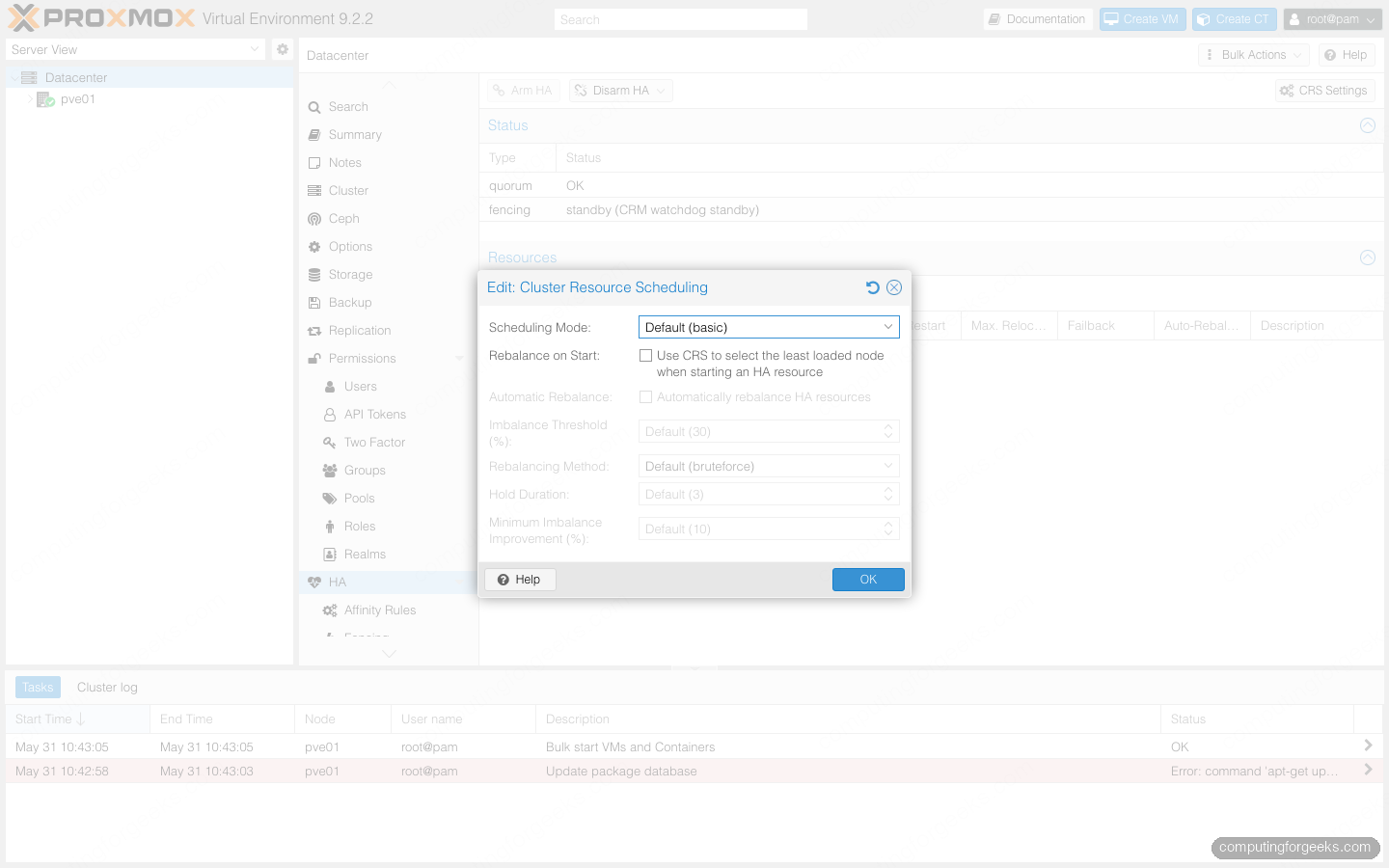
The behaviour is tunable from Datacenter > HA > CRS Settings. “Automatically rebalance HA resources” turns on the continuous mode, while the Imbalance Threshold, Rebalancing Method, Hold Duration, and Minimum Imbalance Improvement values control how aggressively it acts and how often it is allowed to move a guest. Leaving the defaults is sensible to start; the hold duration in particular stops the cluster from flapping guests back and forth over small fluctuations.
High Availability gets affinity rules and a maintenance switch
Proxmox VE 9.0 replaced the old HA “groups” model with affinity rules, a more expressive way to control where guests run. There are two kinds: node affinity rules pin or prefer resources to specific nodes, and resource affinity rules keep guests together or force them apart. That second type is what you reach for when two VMs must share a node for low-latency networking, or must never share one so a single failure cannot take both down.
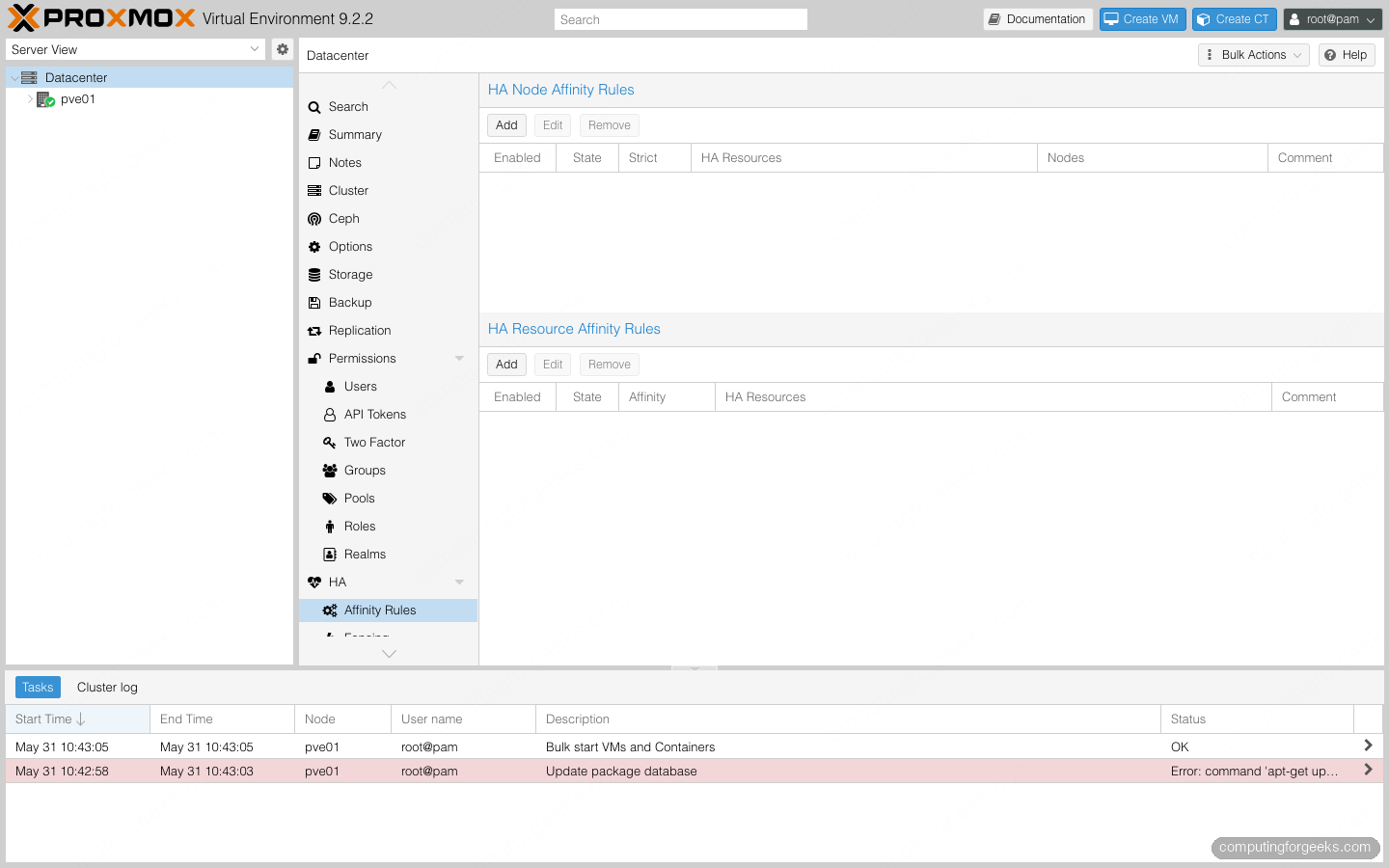
If you are upgrading from Proxmox VE 8, existing HA groups are migrated to the new rules automatically, so nothing breaks on the way up. Proxmox VE 9.2 then added a cluster-wide Arm HA / Disarm HA switch. Disarming the HA stack before planned maintenance stops the cluster from fencing a node or relocating guests while you are deliberately taking hardware offline, which removes one of the classic foot-guns of working on a live HA cluster.
Software-defined networking grows up with SDN Fabrics
Proxmox VE 9.0 introduced SDN Fabrics, which build routed spine-and-leaf network topologies from the web interface instead of by hand-editing FRR config. The initial release supported the OpenFabric and OSPF routing protocols. Version 9.1 added route redistribution for OSPF fabrics and support for multiple EVPN controllers, and 9.2 went further with a WireGuard fabric protocol, BGP route maps and prefix lists for fine-grained filtering, and an IPv6 underlay for EVPN.
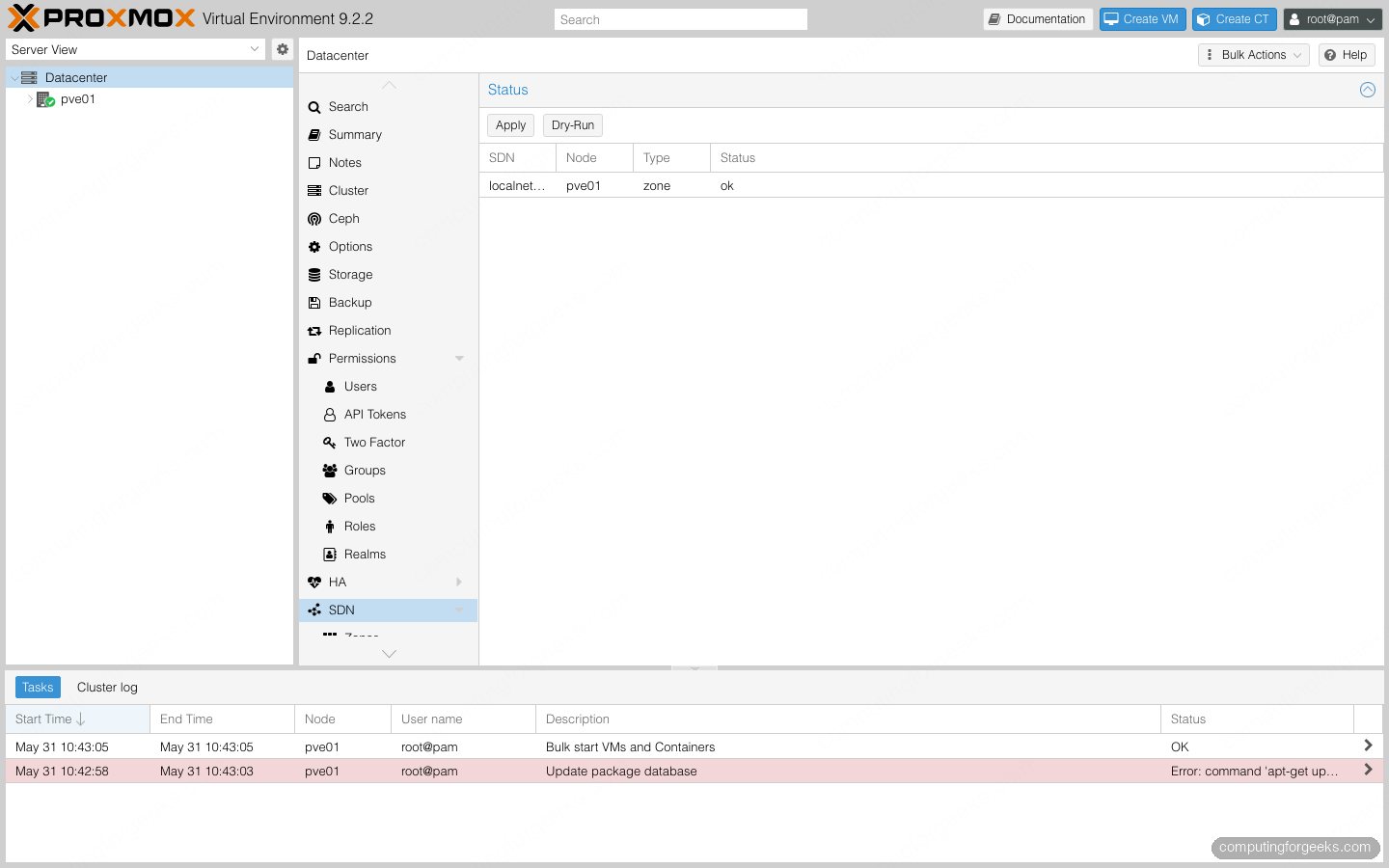
EVPN and VXLAN zones themselves are not new; they have been part of the SDN stack since the Proxmox VE 7 and 8 days. What changed in the 9.x line is the routing layer underneath them. Fabrics give you the kind of dynamic-routing control that used to require a separate network operating system, managed in the same console as the rest of the cluster.
Storage: LVM snapshots, RAIDZ expansion, and Ceph Squid and Tentacle
Two long-standing storage gaps closed in Proxmox VE 9.0. The first is snapshots for thick-provisioned LVM, implemented as volume chains where a snapshot records only the differences from its parent. That finally brings snapshot support to VMs living on iSCSI and Fibre Channel SANs, and the same volume-chain mechanism extends snapshots to directory, NFS, and CIFS storage. It ships as a technology preview, so treat it as such on anything you cannot afford to lose.
The second is ZFS RAIDZ expansion: you can now add a disk to an existing RAIDZ pool and grow it in place, rather than rebuilding the pool from backup. If you are still weighing the layout for a new host, the RAID vs LVM vs ZFS comparison covers the trade-offs before you commit disks. On the Ceph side, Proxmox VE 9.2 ships Ceph Squid as the default and offers the newer Ceph Tentacle release as a stable opt-in, alongside ZFS 2.4 in the base.
Custom CPU models and a Debian 13 foundation
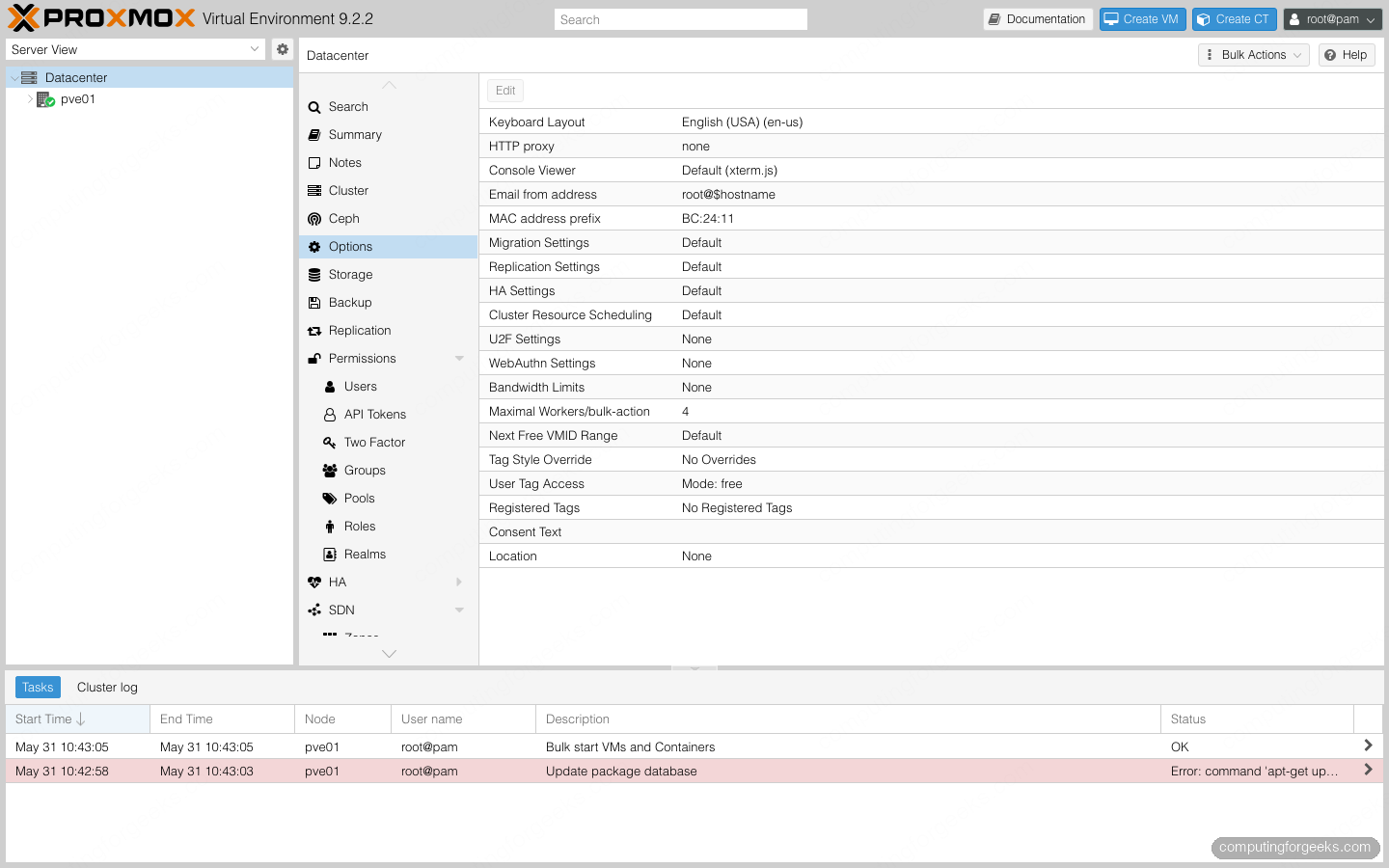
Proxmox VE 9.2 added a dedicated panel for custom CPU models under the Datacenter view. Instead of being limited to the built-in CPU types, you can define a profile that exposes exactly the virtual CPU flags you want guests to see, which is useful for live migration across slightly mismatched hardware or for pinning a feature set a workload depends on.
Everything above sits on a modernized base. The 9.x line tracks Debian 13 “Trixie”, and the current release runs the Linux 7.0 kernel with QEMU 11 and LXC 7, which is what brings the broad hardware support that makes KVM guests run well on recent CPUs and NICs. The 9.0 release also rebuilt the mobile web interface on a new Rust-based widget toolkit, so managing a node from a phone is no longer an afterthought.
Getting Proxmox VE 9
For a new server, the cleanest path is a fresh install from the ISO; our step-by-step guide to install Proxmox VE 9 on bare metal walks the whole installer. If you are consolidating off another platform during the current migration wave, the KVM to Proxmox migration guide covers moving existing disks across, and once the host is up you can stamp out guests in seconds with cloud-init templates or manage the whole fleet from code with Ansible. The release notes for each point release on the official Proxmox roadmap list the full changelog if you want the exhaustive view. The short version: 9.2 is the most capable Proxmox VE has been, and the cluster features alone make it worth the upgrade.
