Have you ever encountered “No sound” or “muted sound” problem in Ubuntu Desktop while trying to play your favorite Music playlist, Video or a Movie?. This guide will show you how you can fix the No sound issue on Ubuntu Desktop.
[ebook product=”2″ theme=”orange”]
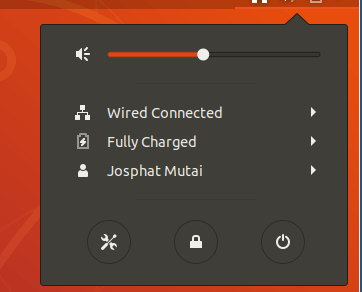
Mostly, the reason you don’t get the sound while playing media files is due to the “Audio Analog Stereo” sound being turned off. To fix this, go to Audio settings and make sure the audio output is on as shown in the picture below.

If your Ubuntu system is missing Pulse and Alsa Audio drivers, install them by running the command:
sudo apt-get -y install alsa-base pulseaudio
Then, reload the Alsa driver.
$ sudo alsa force-reload
 Terminating processes: 1378 4680
 4680 6011
 6011 7598
 7598 (with SIGKILL:) 9217
 9217 (failed: processes still using sound devices: 10942(pulseaudio)).
 /sbin/alsa: Warning: Processes using sound devices: 10942(pulseaudio).
 Unloading ALSA sound driver modules: snd-intel8x0 snd-ac97-codec snd-pcm snd-seq-midi snd-seq-midi-event snd-rawmidi snd-seq snd-seq-device snd-timer (failed: modules still loaded: snd-intel8x0 snd-ac97-codec snd-pcm snd-timer).
 Loading ALSA sound driver modules: snd-intel8x0 snd-ac97-codec snd-pcm snd-seq-midi snd-seq-midi-event snd-rawmidi snd-seq snd-seq-device snd-timer.
Your sound should now be working.
If the reload doesn’t fix the issue, try a reboot.
sudo reboot
If you want to re-install the pulseaudio and alsa do
sudo apt-get remove purge pulseaudio alsa-base
sudo apt-get install pulseaudio alsa-base
Hoped this helped you fix no sound in Ubuntu Desktop. Also check:
How to install VLC on CentOS 7 / Fedora 29 / Fedora 28