

The installation of DirectAdmin is automated and you don’t get to do much customizations at the time of setting it up.
As a security best practice you should store Directadmin admin password and MySQL root user password in a secure location not easy to locate text files. If you already lost the login credentials, use the following procedure to locate them.
Login to Directadmin server.
ssh root@ServerIPCheck the contents of /usr/local/directadmin/scripts/setup.txt file.
$ cat /usr/local/directadmin/scripts/setup.txt
adminname=admin
adminpass=dfXdgMk8y9DOBk2G5A
[email protected]
hostname=osting.example.com
ip=192.168.1.34
ns1=ns1.hosting.example.com
ns2=ns2.hosting.example.com
mysql=jw6cWtOLnn7
You can also use:
cat /usr/local/directadmin/conf/setup.txtFor MySQL, root user password is also available on:
cat /usr/local/directadmin/conf/my.cnf
cat /usr/local/directadmin/conf/mysql.conf
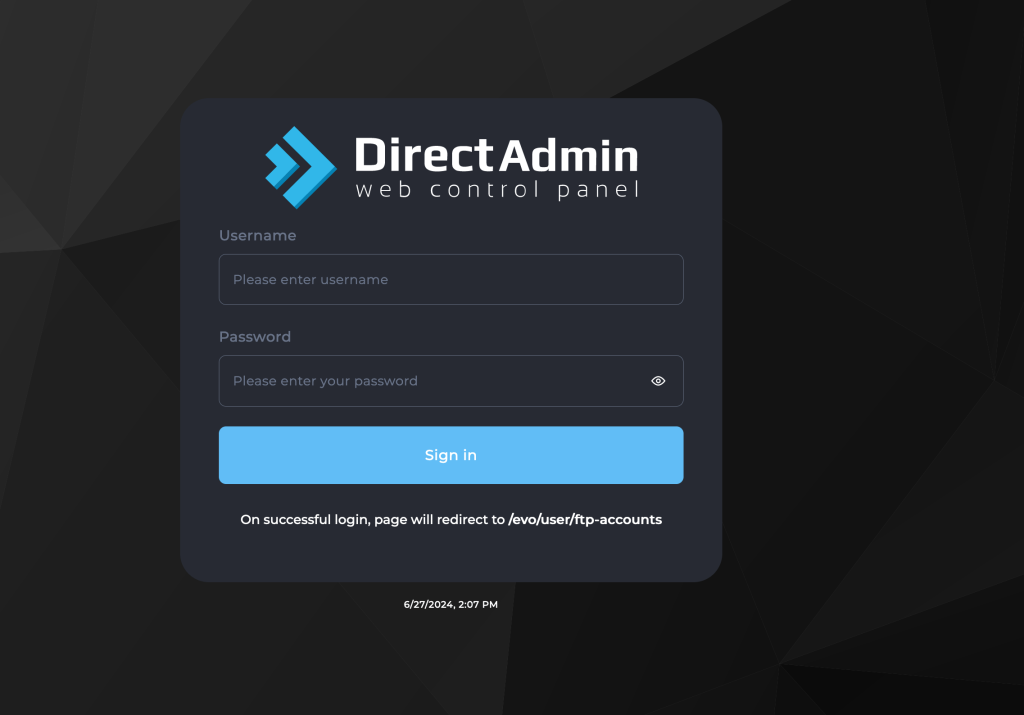
To login to DirectAdmin Web Control Panel access it on https://ServerIP:2222.
For MySQL login to its console using:
$ mysql -u root -p
Enter password:
Welcome to the MariaDB monitor.  Commands end with ; or \g.
Your MariaDB connection id is 385
Server version: 10.6.16-MariaDB MariaDB Server

Copyright (c) 2000, 2018, Oracle, MariaDB Corporation Ab and others.

Type 'help;' or '\h' for help. Type '\c' to clear the current input statement.

MariaDB [(none)]>
You can try query some database parameters as test.
MariaDB [(none)]> SHOW VARIABLES LIKE 'innodb_buffer_pool_size';
+-------------------------+------------+
| Variable_name           | Value      |
+-------------------------+------------+
| innodb_buffer_pool_size | 2147483648 |
+-------------------------+------------+
1 row in set (0.001 sec)

MariaDB [(none)]> SELECT @@innodb_buffer_pool_size;
+---------------------------+
| @@innodb_buffer_pool_size |
+---------------------------+
|                2147483648 |
+---------------------------+
1 row in set (0.001 sec)
Contact us now for any support related work.
