

Cropping removes a watermark by cutting part of the frame, but this move only works if the logo sits near the border and does not cover every action. Using an AI video enhancer tool afterward can reduce the blur left behind when you stretch that smaller frame back to its original size.
Trimming the sides always drops the resolution and usually ruins vertical or square crops meant for social media. If you need to remove watermark from videos without losing quality, you have to find a tool that fills in the gaps instead of just removing image data that cannot be restored later.
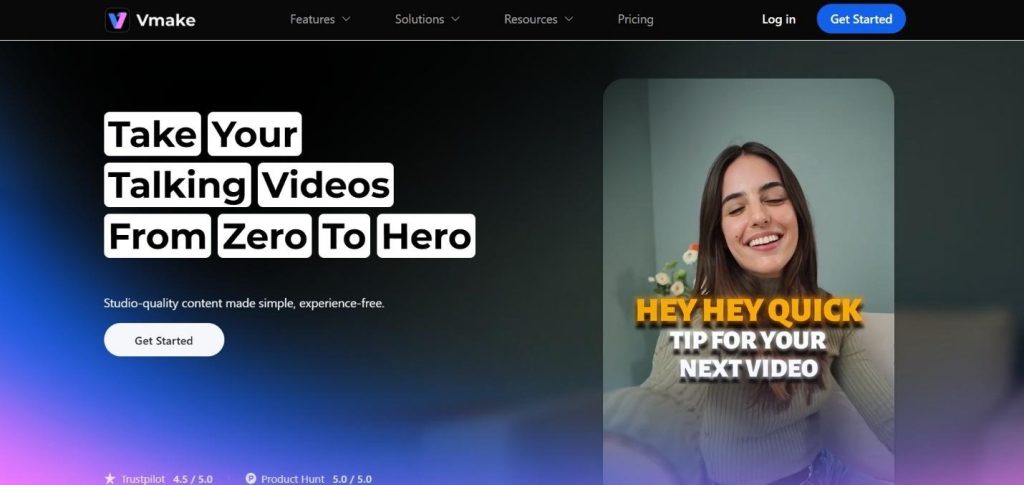
What Vmake Is Designed to Do
Vmake is a web-based video creation and enhancement platform built for short-form and product-focused content. The system combines AI-assisted video generation with practical editing utilities that solve frequent production issues.
Rather than aiming for cinematic results, Vmake stays fast and sharp for the marketing crews, shop owners, and ad firms producing clips, ads, and product listings.
The platform centers on three core functions:
- Automated UGC-style video creation using avatars and scripts
- Video enhancement and cleanup tools
- Workflow features that reduce editing time
This positioning makes Vmake closer to a production utility than a traditional creative suite.
Core Video Creation Features
These features cover everything, making it easier to produce videos that match existing brand styles and project needs.
AI Video Agent and Avatars
The AI Video Agent is the main creation tool inside Vmake. This tool builds quick clips by combining a script, a picked character, and pre-made scenes. These digital faces are designed to appear natural through eye movement and subtle gestures.
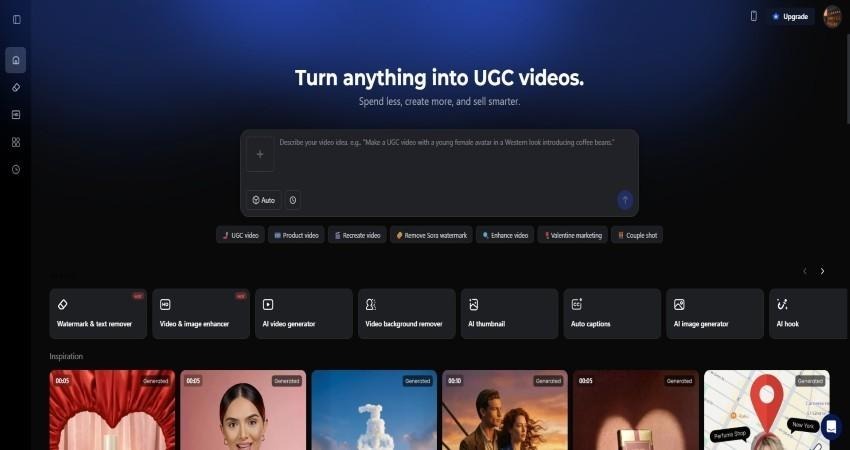
These videos work best for:
- Product demonstrations
- App walkthroughs
- Short promotional clips
- Marketplace listings
Scripts can be generated automatically or edited manually before rendering. The system structures scenes in a logical sequence, making the output ready for posting without extra trimming.
Voice and Language Options
Vmake supports multiple languages and voice styles. Voice pacing remains steady to avoid exaggerated delivery, which helps when producing multiple versions of the same clip for different markets.
Language switching does not require rebuilding the entire video. The same visual structure can support multiple voice outputs, saving time during localization.
Supporting Tools That Matter in Daily Use
While the AI Video Agent draws attention, many users rely on Vmake for its secondary tools. These fixes tackle the common issues found in raw or bad user clips.
Video Enhancement and Quality Improvement
This tool fixes resolution, sharpness, and color levels with fast setup so phone videos or old clips look sharp after minimal effort.
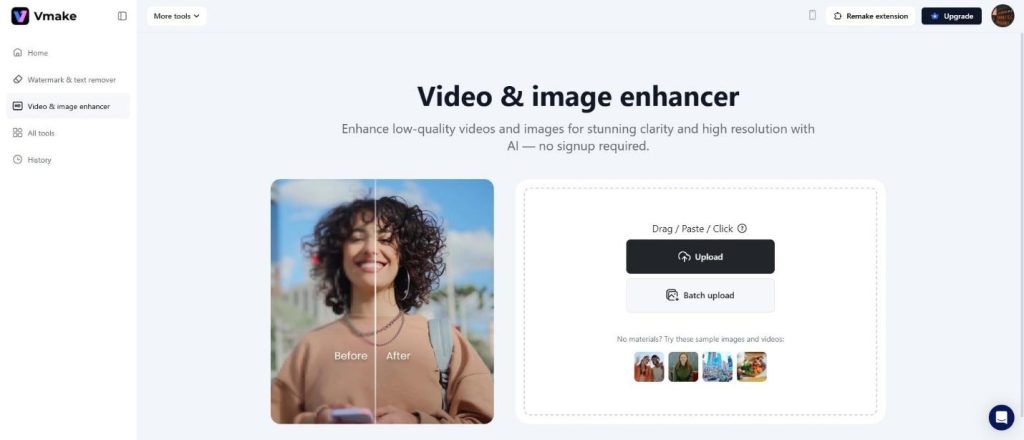
The AI video enhancer tool runs automatically without manual tuning, keeping output consistent across clips from different sources.
Audio Cleanup
Background noise, uneven volume, and echo are frequent issues in recorded clips. Vmake’s audio cleaner removes distractions while keeping the voice natural. This feature supports mixed workflows where AI-generated video is paired with real recordings.
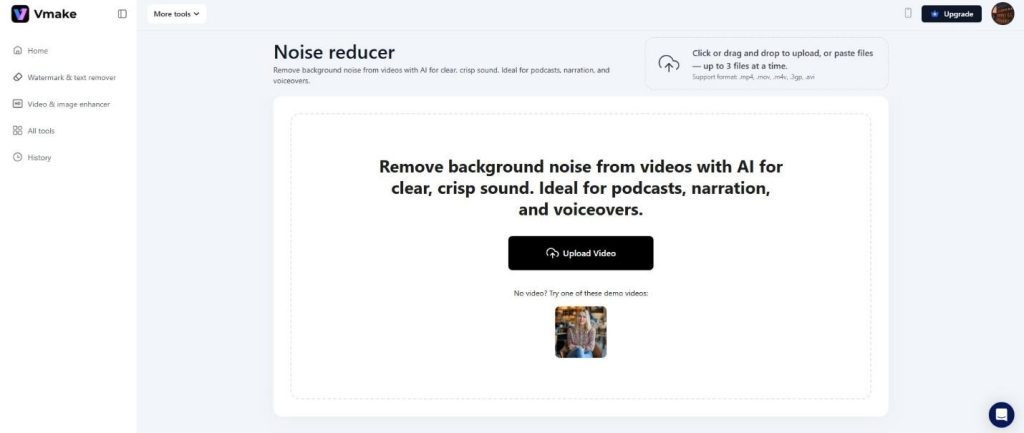
Clear audio remains one of the fastest ways to improve perceived quality.
Background Removal
The background removal tool isolates subjects from busy or inconsistent environments. This allows brands to standardize visuals without reshooting footage. Clean backgrounds work well for product highlights and instructional videos.
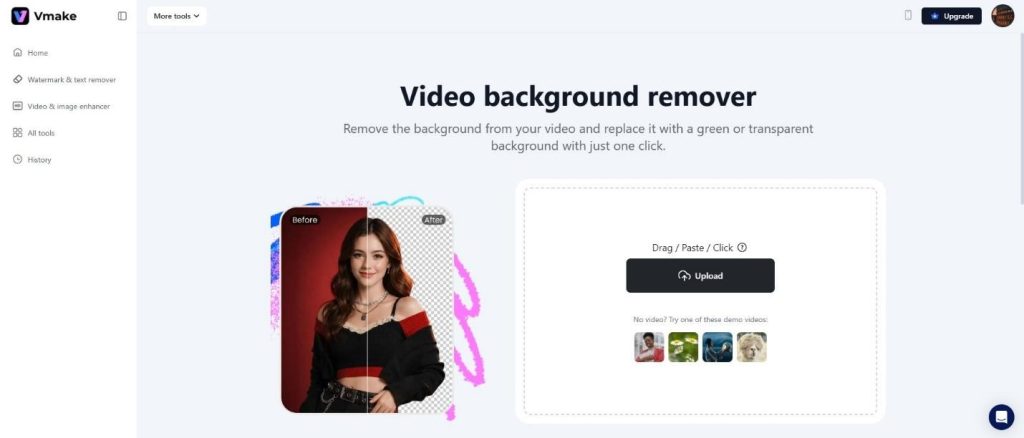
Results are stable across different lights, which reduces the need for retakes.
Watermark Removal and Asset Reuse
Reusing older content often means dealing with platform logos or embedded marks. Vmake includes a watermark removal tool that targets overlays without distorting the underlying video.
This feature is especially useful for:
- Repurposing social clips for ads
- Cleaning demo videos for landing pages
- Updating content for rebranding
The process runs automatically, with no frame-by-frame editing required. Output maintains resolution and frame consistency, which is critical for professional use.
Comparison With Other Video Editing Tools
Many creators rely on mobile apps or desktop software to handle similar tasks. Those tools often focus on individual features rather than an integrated workflow.
Common limitations elsewhere include:
- Manual editing for every clip
- Separate tools for enhancement and cleanup
- Limited batch processing
Vmake’s value comes from combining generation, enhancement, and cleanup in one place. That reduces handoffs between platforms and keeps output consistent.
Unlike traditional editors, Vmake does not require advanced technical knowledge. Most functions operate through preset workflows rather than manual timelines.
Practical Use Cases Across Industries
Different industries use design tools in different ways. These examples show how teams apply the platform across real projects.
E-commerce and Product Marketing
Product videos benefit from clarity and repetition. Vmake supports rapid creation of multiple clips featuring the same product with different scripts or angles. This suits A/B testing and marketplace listings.
Performance Advertising
Short ads require speed. Teams can produce multiple variants quickly without reshooting content. Changes to hooks or calls to action do not require rebuilding visuals from scratch.
Social Media Content
Consistency matters on social platforms. Vmake allows brands to maintain a uniform visual style even when publishing frequently. Avatars and templates help avoid gaps in posting schedules.
Agencies and Freelancers
Agencies managing multiple clients benefit from standardized workflows. Vmake reduces editing time and simplifies revisions, allowing faster turnaround without sacrificing output quality.
Platform Usability and Learning Curve
The interface is straightforward. Tools are grouped logically, and workflows follow a predictable order. New users can create a video within minutes without tutorials.
The options support common formats used across social and ad platforms. File sizes remain manageable without noticeable quality loss. Export speeds change based on the file length and which tools you pick, with consistent processing times across projects.
Strengths and Limitations
Every tool has areas where it performs well and areas where it falls short. These are the following:
Strengths
- Integrated toolset for creation and cleanup
- Natural avatar motion and voice pacing
- Efficient watermark removal
- Reliable enhancement without manual tuning
- Suitable for scale-focused teams
Limitations
- Not designed for cinematic or long-form storytelling
- Avatar customization options remain limited compared to full 3D tools
- Best results require clear prompts and structured scripts
These points reflect a focus on speed and practical use rather than experimental design.
Final Takeaway:
Vmake functions as a practical production tool rather than a beginner platform since it focuses on reducing the effort of daily video production while keeping the files sharp enough for actual ads. The mix of quick clip builds, sharpening tech, and cleanup fixes helps teams produce loads of content by avoiding unnecessary features. For shops and sellers trying to move fast without losing their look, this tool fits into daily workflows without requiring prolonged training sessions or high-end hardware.
