


Cold email outreach without proper warming is like running a race without stretching—you’re setting yourself up for failure. When you send from a cold account, email providers don’t trust you yet. Your carefully crafted messages end up in spam folders, and your sender reputation takes a hit before you’ve even gotten started.
That’s why email warming is non-negotiable for deliverability. It’s one of the first things anyone new to cold outreach should set up. The good news? It’s actually much easier than you might expect. Modern warmup tools handle the heavy lifting automatically, making the process simple even for complete beginners. Here are five platforms that will get you up and running from day one.
1. Instantly
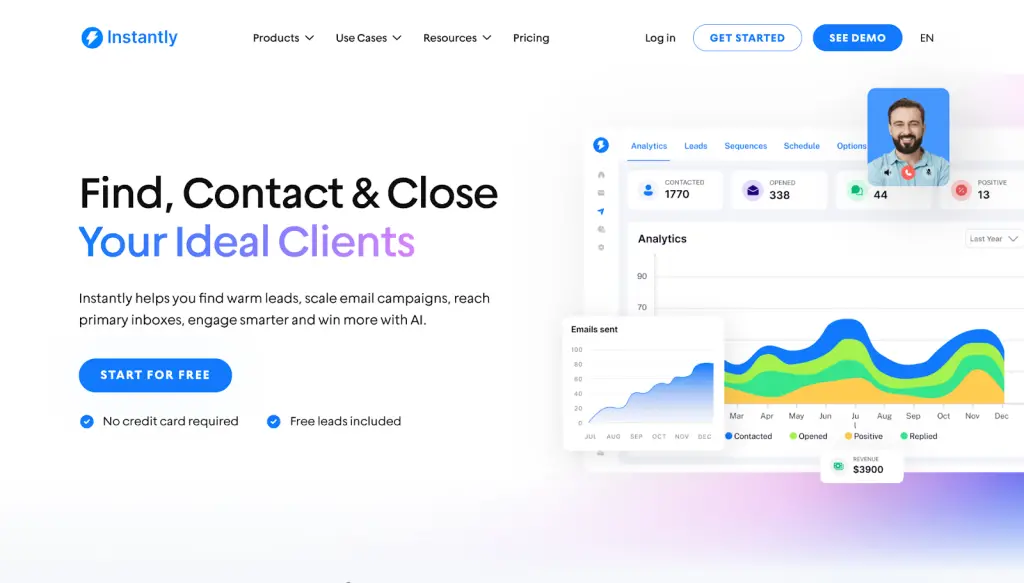
Instantly email warmup is bundled directly into their cold email platform, so you’re not juggling separate tools. The warmup feature is included at no extra charge and supports unlimited accounts—useful if you’re managing multiple inboxes or scaling up your outreach over time. You can run warming before, during, and alongside active campaigns, which helps maintain deliverability as your sending volume grows.
Instantly Feature Highlights
- 1-click activation: Start efficient, effective email warming that follows best practice with no setup required.
- Slow ramp: Emulate human sending patterns to avoid being flagged by ISPs’ spam filters.
- Deliverability dashboard: See all sender reputation and deliverability updates in one interface with actionable insights.
- Headless browsers: Get the most efficient warming with minimal resource use thanks to Instantly’s headless browsers.
- Advanced settings: Customize warming to suit any campaign’s specific needs as you grow and expand.
Instantly Pricing
- 14-day free trial available.
- Growth: $37/month.
- Hypergrowth: $97/month.
- Light speed: $358/month.
Instantly Pros
- Great user interface with easy-to-use features and well-laid-out customization options.
- Massive deliverability network with more than 1,000,000 real email addresses.
- Zero setup or maintenance required for beginners.
- Effortless, automatic scaling alongside outreach volume.
- Seamless integration with Instantly’s inbox placement and CRM features.
Instantly Cons
- Instantly’s one-click activation is pre-configured for strong deliverability, but advanced customizations require some expertise to achieve similar results.
2. Mailflow
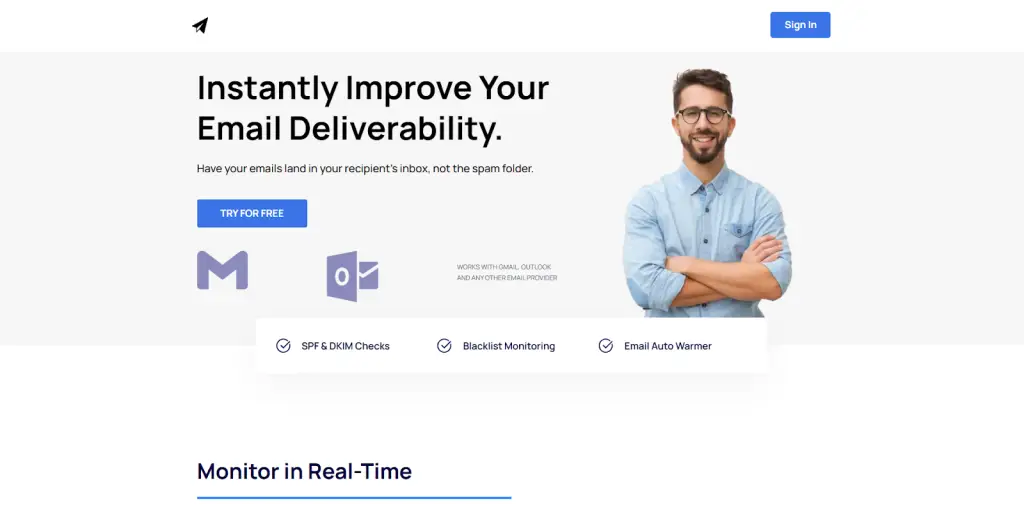
Mailflow is a great option for first-time users who want simplicity over bells and whistles. The setup takes just a few minutes, and once it’s running, you can largely leave it alone while it does its job. There’s a free tier available, which makes it low-risk for beginners who want to test the waters before committing to a paid tool.
Mailflow Feature Highlights
- Blacklist monitoring: Constantly monitor more than 100 different domain blacklists to ensure your accounts aren’t included.
- Technical checks: Reduce spam risks by verifying SPF & DKIM settings on your accounts.
- Deliverability protection: Get detailed analytics and actionable insights to stop deliverability issues before they strike.
Mailflow Pricing
- Free pool
- Silver pool: $49/month.
- Gold pool: $99/month.
Mailflow Pros
- Offers a useful free pool plan for beginners, with no financial commitment.
- Gives users access to real deliverability experts for support.
Mailflow Cons
- Only gives users full value on accounts from Gmail or Outlook.
- Doesn’t offer some advanced features that could be useful down the line.
3. Warmbox
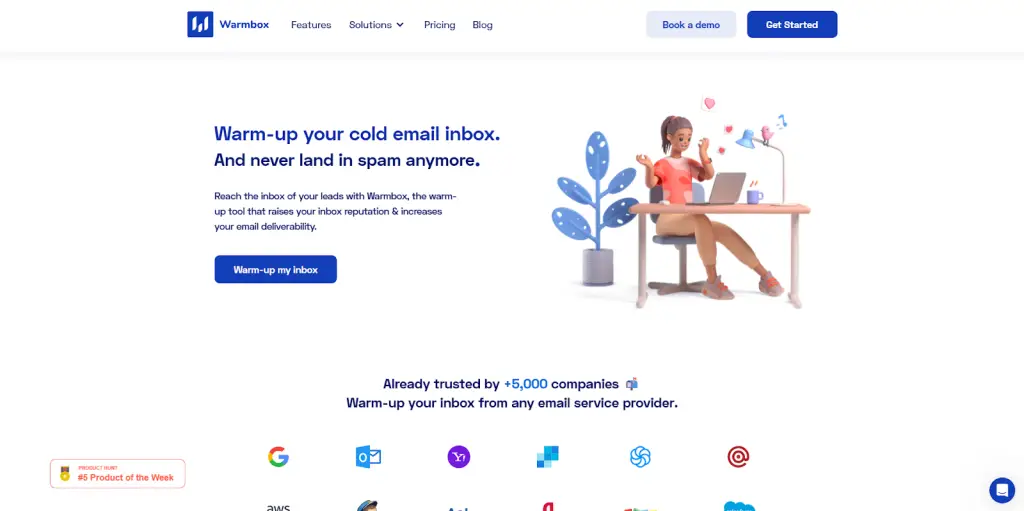
Warmbox tailors its warming to specific email providers, with dedicated settings for Gmail, Outlook 365, Yahoo Mail, Amazon SES, and others. The idea is that each ESP has its own quirks, and optimizing for them individually leads to better results. If you’re using a less common provider, it still works through standard SMTP.
Warmbox Feature Highlights
- Plug-and-play setup: Simply select your ISP and let Warmbox use the best settings for your account.
- AI integrations: Leverages GPT-4 & Hybrid to emulate human conversations over warming mail for added security.
- Warmup recipes: Optimize warming for progressive growth, flat rates, or experimental tempos, and create custom settings when you’re more experienced.
Warmbox Pricing
- Solo: $19/month
- Startup: $79/month
- Growth: $159/month
- Team: enterprise
Warmbox Pros
- Great for skipping over a potentially stressful setup process.
- Runs a technical check on user accounts.
Warmbox Cons
- Low account limits make it harder to scale.
- ESP-based optimizations are not dynamic and might take a while to adjust to changes.
4. MailReach
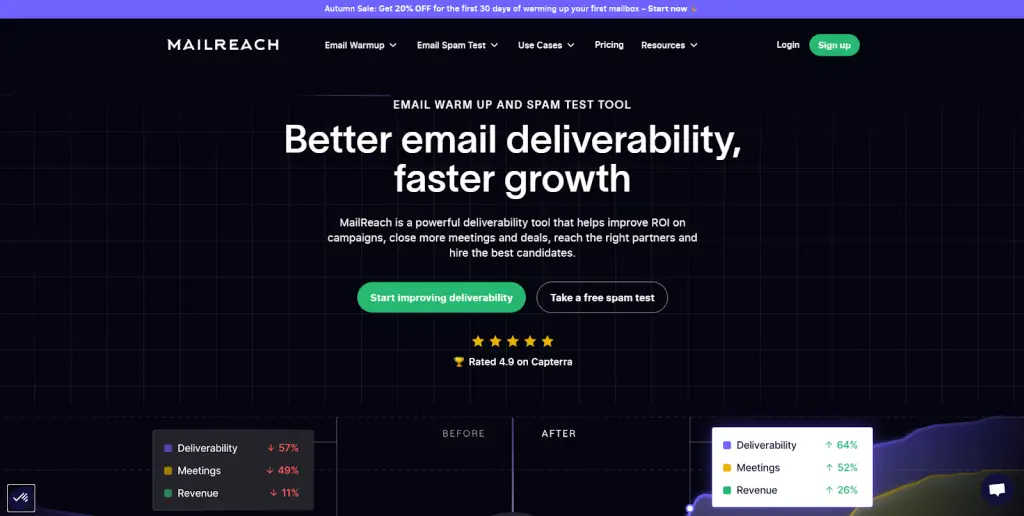
MailReach leans heavily on automation through its Co-Pilot AI, which monitors your deliverability and adjusts warming settings without you needing to dig into the details yourself. The platform also includes spam-test credits with paid plans, letting you check whether your emails are actually landing in inboxes before you launch a campaign.
MailReach Feature Highlights
- Complex warming: Uses dozens of changing variables to avoid spam flagging systems and keep accounts healthy.
- Unobtrusive operations: Automatically hides warming emails to keep your actual mail and responses accessible.
- Alerts: Links with Slack and other similar services to give real-time updates on deliverability and risks.
MailReach Pricing
- All-in-one: Starting at $25/email/month
MailReach Pros
- Attractive, easy-to-navigate user interface.
- Clean warming automation.
MailReach Cons
- The sliding price scale can be confusing.
- The default spam tester credit allotment might be insufficient for maximum security .
5. Warmup Inbox
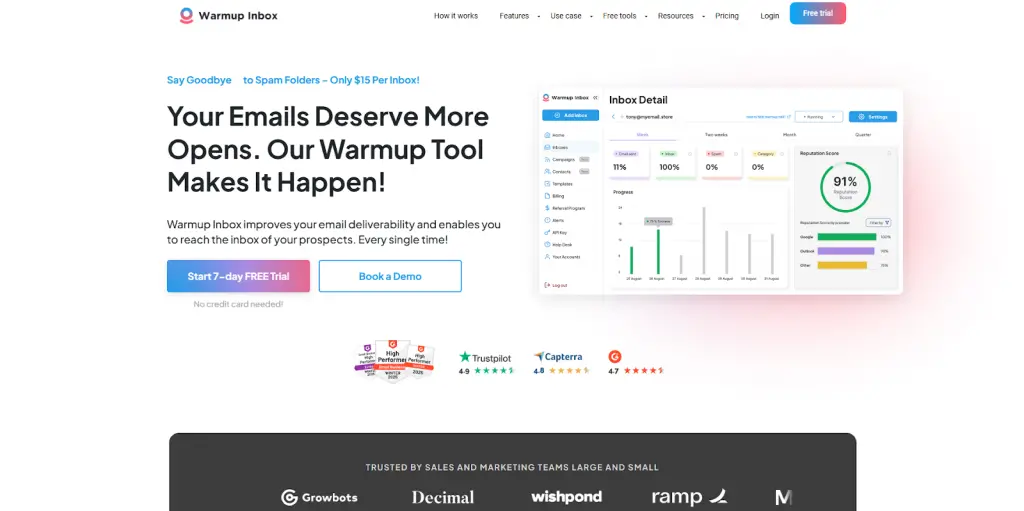
Warmup Inbox runs your warming through a network of over 30,000 real inboxes, which helps build sender reputation more naturally than smaller networks. Setup is straightforward, with preset configurations for 12 major email providers. What sets it apart for beginners is its library of educational resources, which helps you actually understand what warming does and why it matters.
Warmup Inbox Feature Highlights
- Language-match warmup: Send warmup in local languages to boost reputations in that language and region.
- Reputation monitoring: Keep a watchful eye on your account health to ensure that you stay off blacklists.
- Instant alerts: Get notifications when your deliverability is impacted, so you can pause and resolve issues.
Warmup Inbox Pricing
- Basic: $19/month/inbox
- Pro: $59/month/inbox
- Max: $99/month/inbox
Warmup Inbox Pros
- Offers intermediate, half-year plans.
- Has free tools that even beginners can use.
Warmup Inbox Cons
- The interface is appealing but can be confusing for some beginners.
- Limited settings and customizations.
Final Thoughts
Any of these tools will help you warm your accounts and protect your sender reputation—that’s the baseline. Where they differ is in how much they offer beyond warming. If you just need a simple, free option to get started, Mailflow or Warmup Inbox will do the job.
But if you want warming as part of a broader cold email workflow—lead generation, outreach customization, response management—Instantly bundles it all in one platform. For beginners who’d rather grow into a single tool than stitch together several, it’s worth a look.
