

Debian 13 (Trixie) shipped with PHP 8.4 and PostgreSQL 17, which makes it the first major distribution to run Zabbix 8.0 on the very latest stack. The alpha packages have been available since late 2025, and our testing on a fresh Trixie install went smoothly with one gotcha: Debian minimal images often ship without the en_US.UTF-8 locale, and the Zabbix setup wizard won’t proceed without it.
This guide covers a complete Zabbix 8.0 server deployment on Debian 13 with PostgreSQL 17 and Nginx. We use the same approach as our Zabbix 8.0 on Ubuntu 24.04 and Rocky Linux 10 guides, but with Debian-specific package names and paths. For the stable Zabbix LTS version, see Zabbix 7.0 on Debian 13/12.
Last verified: March 2026 | Tested on Debian 13 (Trixie) with Zabbix 8.0.0alpha2, PostgreSQL 17.9, Nginx 1.26.3, PHP 8.4.16
Requirements
- Debian 13 (Trixie) server, 2 CPU cores and 4 GB RAM minimum
- Root or sudo access
- Ports 80, 443, 10050, 10051 accessible
- Tested on: Debian 13, Zabbix 8.0.0alpha2, PostgreSQL 17.9, Nginx 1.26.3, PHP 8.4.16
Add the Zabbix 8.0 Repository
Download and install the Zabbix repository configuration:
wget https://repo.zabbix.com/zabbix/8.0/release/debian/pool/main/z/zabbix-release/zabbix-release_latest_8.0+debian13_all.deb
sudo dpkg -i zabbix-release_latest_8.0+debian13_all.deb
sudo apt update
For Debian 12 (Bookworm), replace debian13 with debian12 in the URL above.
Install Zabbix Packages
Install the server, frontend, and agent with PostgreSQL and Nginx support. Debian 13 ships PHP 8.4, so the package name is php8.4-pgsql:
sudo apt install -y zabbix-server-pgsql zabbix-frontend-php php8.4-pgsql zabbix-nginx-conf zabbix-sql-scripts zabbix-agent2 zabbix-agent2-plugin-postgresqlOn Debian 12, use php8.2-pgsql instead. Verify the installed version:
/usr/sbin/zabbix_server --version | head -1Expected output:
zabbix_server (Zabbix) 8.0.0alpha2Generate the en_US Locale
Debian minimal and cloud images often do not include the en_US.UTF-8 locale. The Zabbix web setup wizard requires it and will block you at the prerequisites check if it is missing. Generate it now:
sudo apt install -y locales
sudo sed -i 's/# en_US.UTF-8 UTF-8/en_US.UTF-8 UTF-8/' /etc/locale.gen
sudo locale-gen
You should see:
Generating locales (this might take a while)...
  en_US.UTF-8... done
Generation complete.
Skip this step if your system already has the locale (check with locale -a | grep en_US).
Set Up PostgreSQL 17
Debian 13 ships PostgreSQL 17, the latest major release. Install it:
sudo apt install -y postgresqlPostgreSQL starts automatically on Debian. Create the Zabbix user and database:
sudo -u postgres createuser --pwprompt zabbix
sudo -u postgres createdb -O zabbix zabbix
Import the schema (takes about a minute):
zcat /usr/share/zabbix/sql-scripts/postgresql/server.sql.gz | sudo -u zabbix psql zabbixVerify the tables were created:
sudo -u zabbix psql -c "SELECT count(*) FROM information_schema.tables WHERE table_schema='public';" zabbixThe count should be 210.
Configure the Zabbix Server
Set the database password:
sudo vi /etc/zabbix/zabbix_server.confUncomment and set the DBPassword line:
DBPassword=YourStrongPasswordHereConfigure Nginx with SSL
Obtain an SSL certificate. Stop Nginx first since certbot needs port 80:
sudo apt install -y certbot
sudo systemctl stop nginx
sudo certbot certonly --standalone -d zabbix.example.com --non-interactive --agree-tos -m [email protected]
sudo systemctl start nginx
Replace the default Zabbix Nginx config with the SSL version:
sudo vi /etc/nginx/conf.d/zabbix.confDebian 13 ships Nginx 1.26 which supports the modern http2 on directive:
server {
    listen 443 ssl;
    http2 on;
    server_name zabbix.example.com;

    ssl_certificate /etc/letsencrypt/live/zabbix.example.com/fullchain.pem;
    ssl_certificate_key /etc/letsencrypt/live/zabbix.example.com/privkey.pem;

    root /usr/share/zabbix/ui;
    index index.php;
    client_max_body_size 5m;

    location = /favicon.ico { log_not_found off; }
    location / { try_files $uri $uri/ =404; }
    location /assets { access_log off; expires 10d; }
    location ~ /\.ht { deny all; }
    location ~ /(api\/|conf[^\/]|include\/|locale\/|vendor\/) { deny all; return 404; }

    location ~ [^/]\.php(/|$) {
        fastcgi_pass unix:/run/php/zabbix.sock;
        fastcgi_split_path_info ^(.+\.php)(/.+)$;
        fastcgi_index index.php;
        fastcgi_param DOCUMENT_ROOT /usr/share/zabbix/ui;
        fastcgi_param SCRIPT_FILENAME /usr/share/zabbix/ui$fastcgi_script_name;
        fastcgi_param PATH_TRANSLATED /usr/share/zabbix/ui$fastcgi_script_name;
        include fastcgi_params;
        fastcgi_param QUERY_STRING $query_string;
        fastcgi_param REQUEST_METHOD $request_method;
        fastcgi_param CONTENT_TYPE $content_type;
        fastcgi_param CONTENT_LENGTH $content_length;
        fastcgi_intercept_errors on;
        fastcgi_connect_timeout 60;
        fastcgi_send_timeout 180;
        fastcgi_read_timeout 180;
        fastcgi_buffer_size 128k;
        fastcgi_buffers 4 256k;
        fastcgi_busy_buffers_size 256k;
        fastcgi_temp_file_write_size 256k;
    }
}

server {
    listen 80;
    server_name zabbix.example.com;
    return 301 https://$host$request_uri;
}
Test and reload:
sudo nginx -t
sudo systemctl reload nginx
Start All Services
Enable and start everything:
sudo systemctl enable --now zabbix-server zabbix-agent2 nginx php8.4-fpmOn Debian 12, the PHP-FPM service is php8.2-fpm. Verify all services are running:
for svc in zabbix-server zabbix-agent2 nginx php8.4-fpm postgresql; do
  echo "$svc: $(systemctl is-active $svc)"
done
Expected output:
zabbix-server: active
zabbix-agent2: active
nginx: active
php8.4-fpm: active
postgresql: active
Complete the Web Setup Wizard
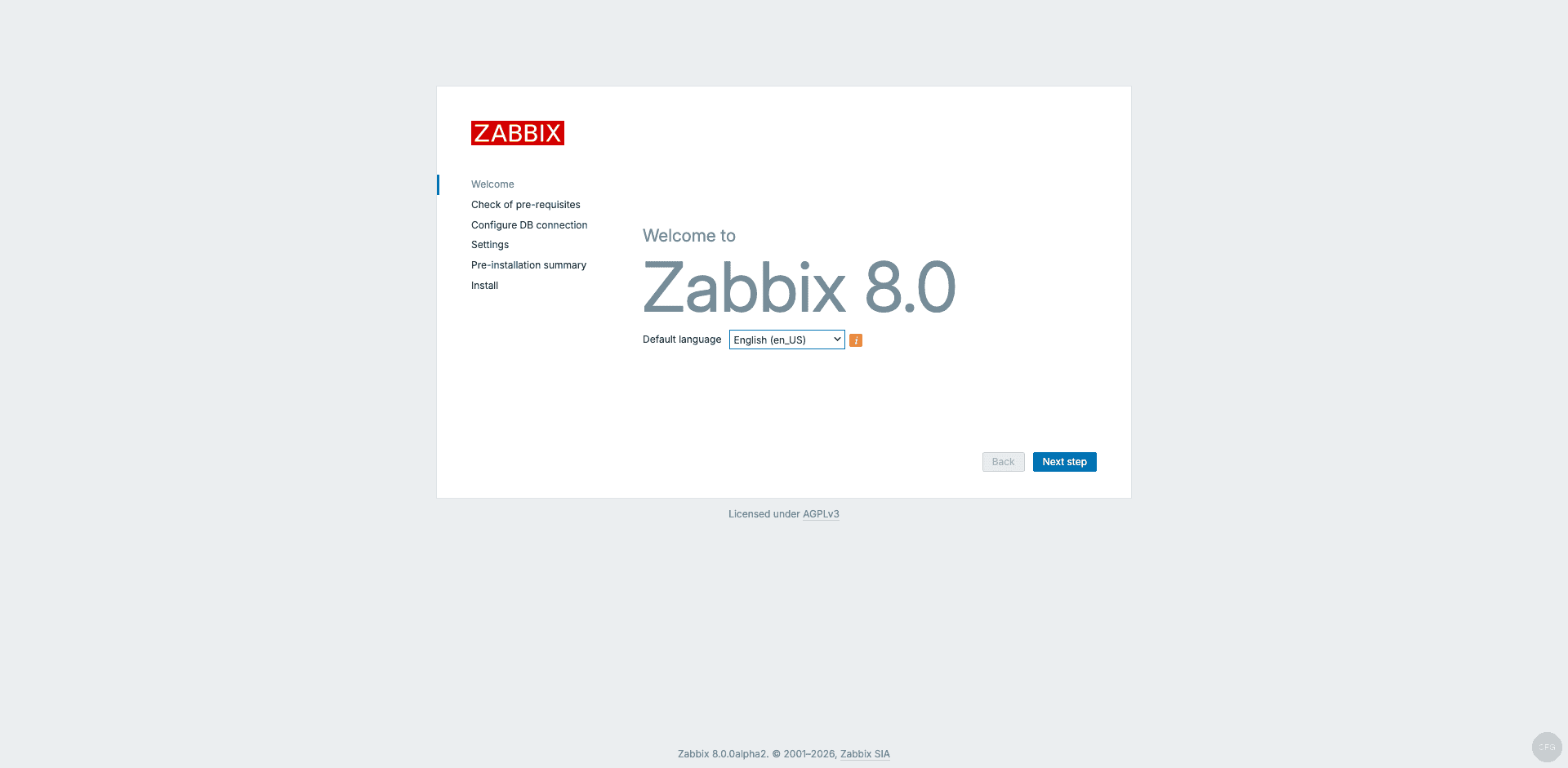
Open https://your-server in a browser. The Zabbix 8.0 welcome page appears:
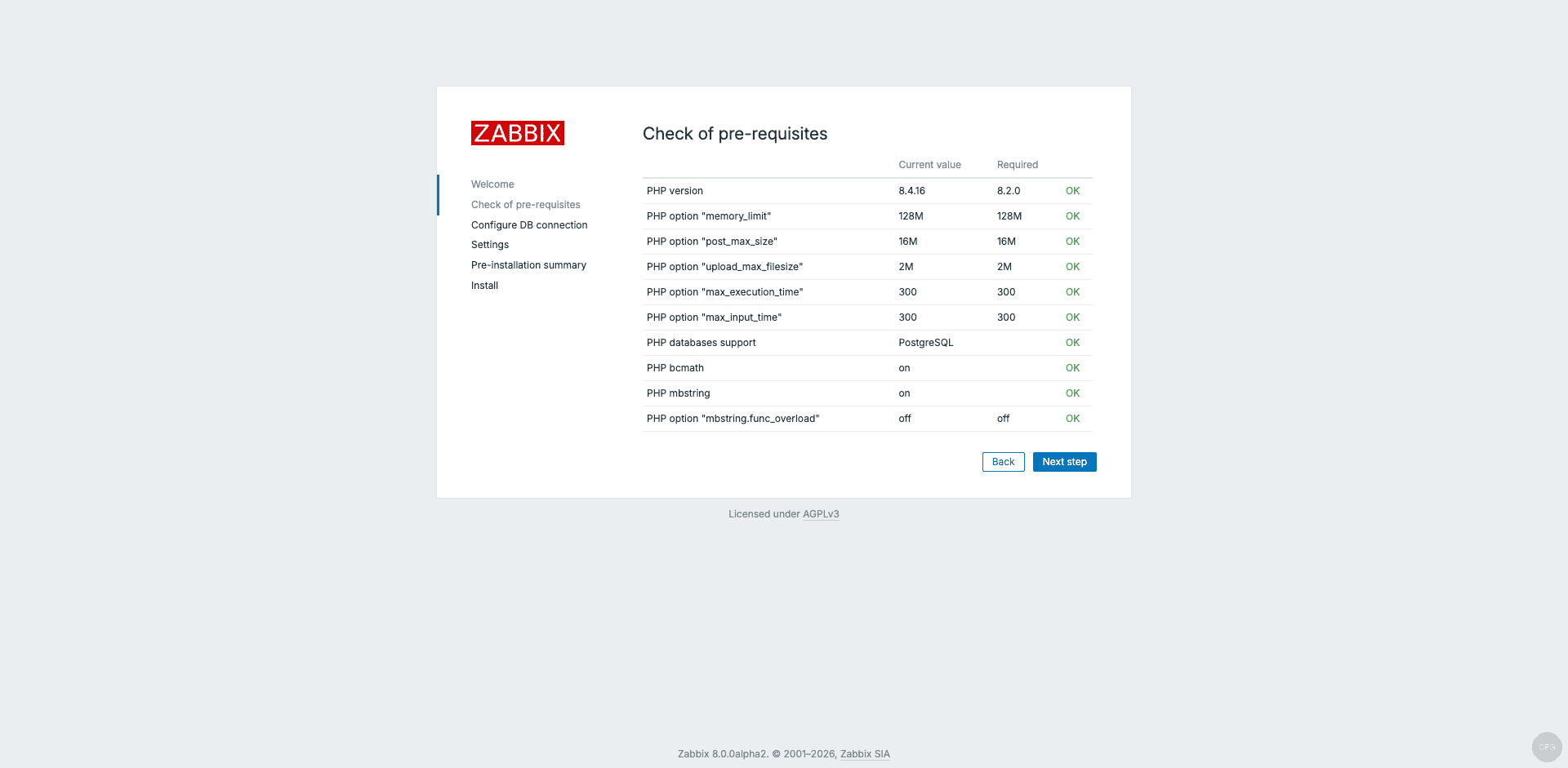
The prerequisites check should pass with all green “OK” marks. PHP 8.4.16 on Debian 13 exceeds the minimum requirement of 8.2.0:
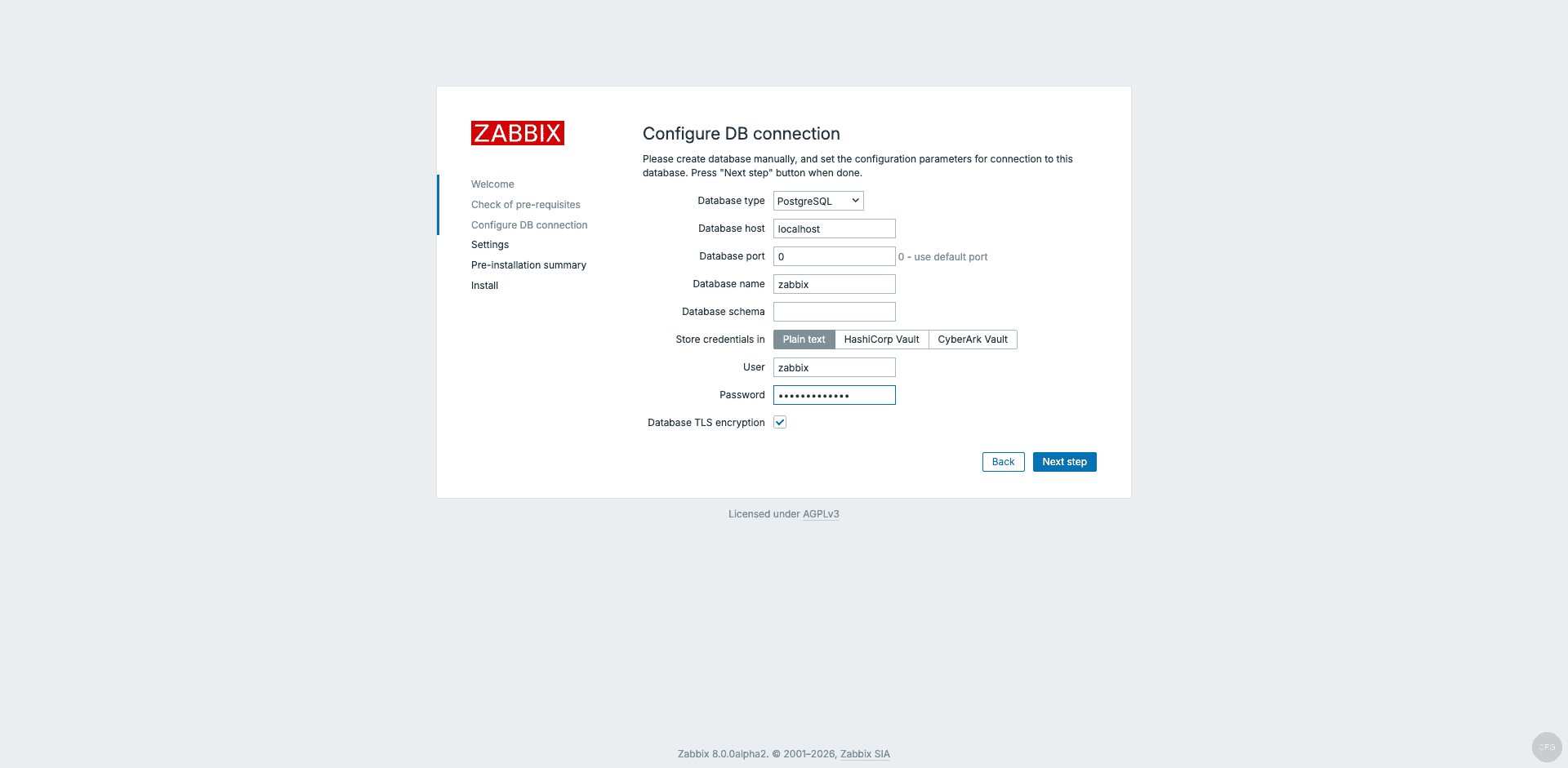
Enter the PostgreSQL database password on the Configure DB connection page:
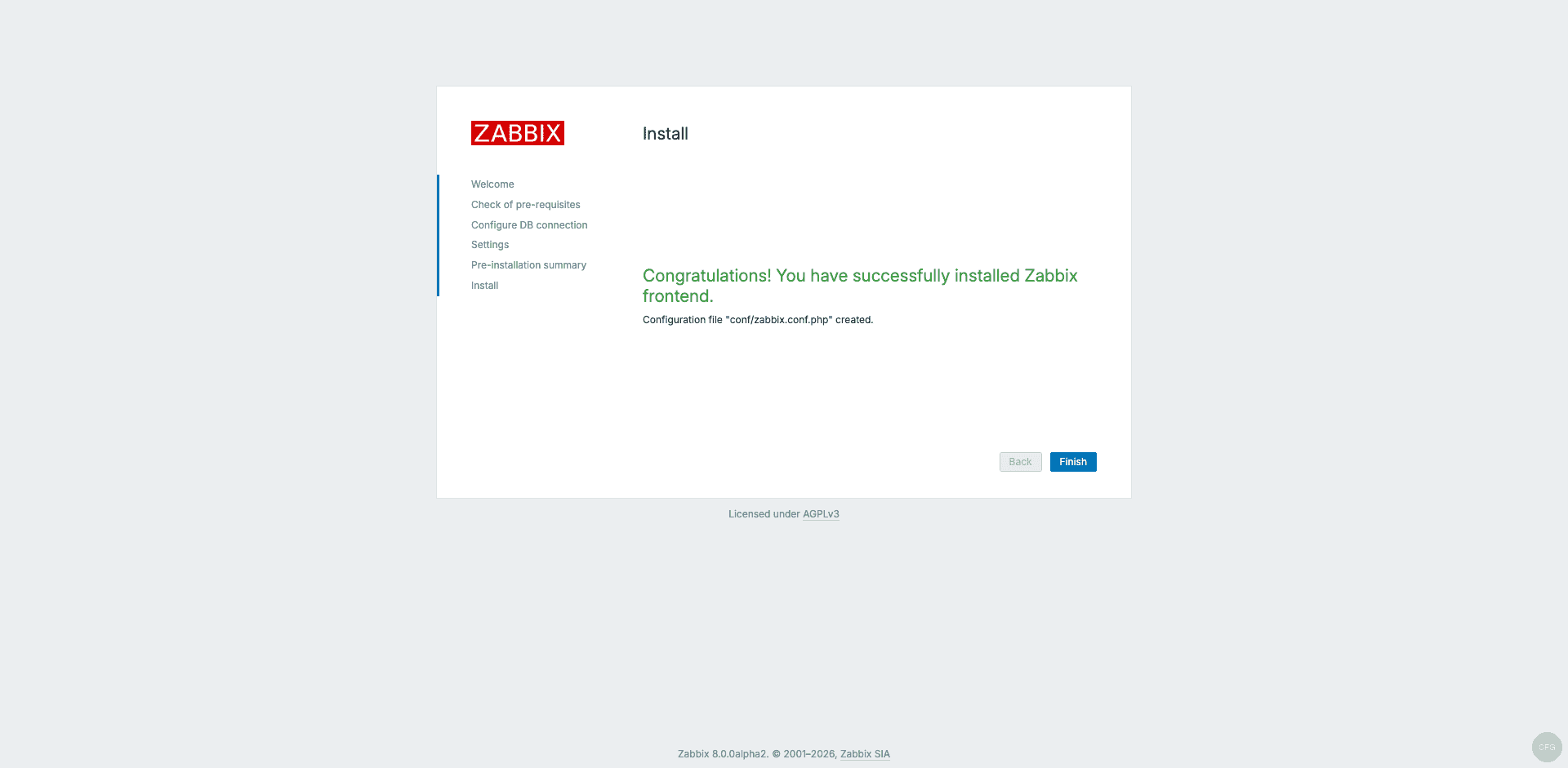
Click through Settings and the pre-installation summary, then complete the installation:
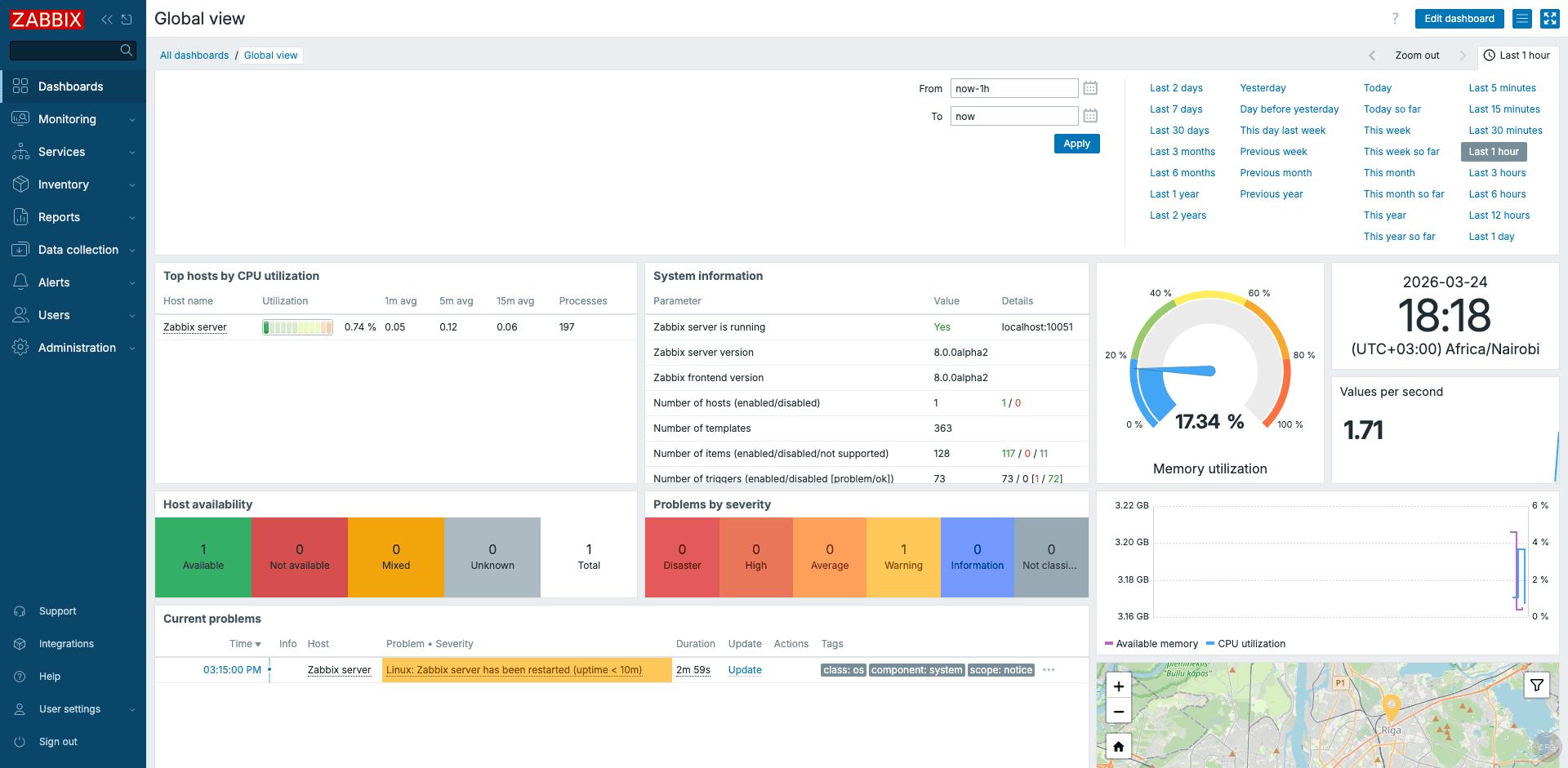
Log in with the default credentials (Admin / zabbix). The dashboard shows the Zabbix 8.0 server already collecting metrics from the local Agent 2:
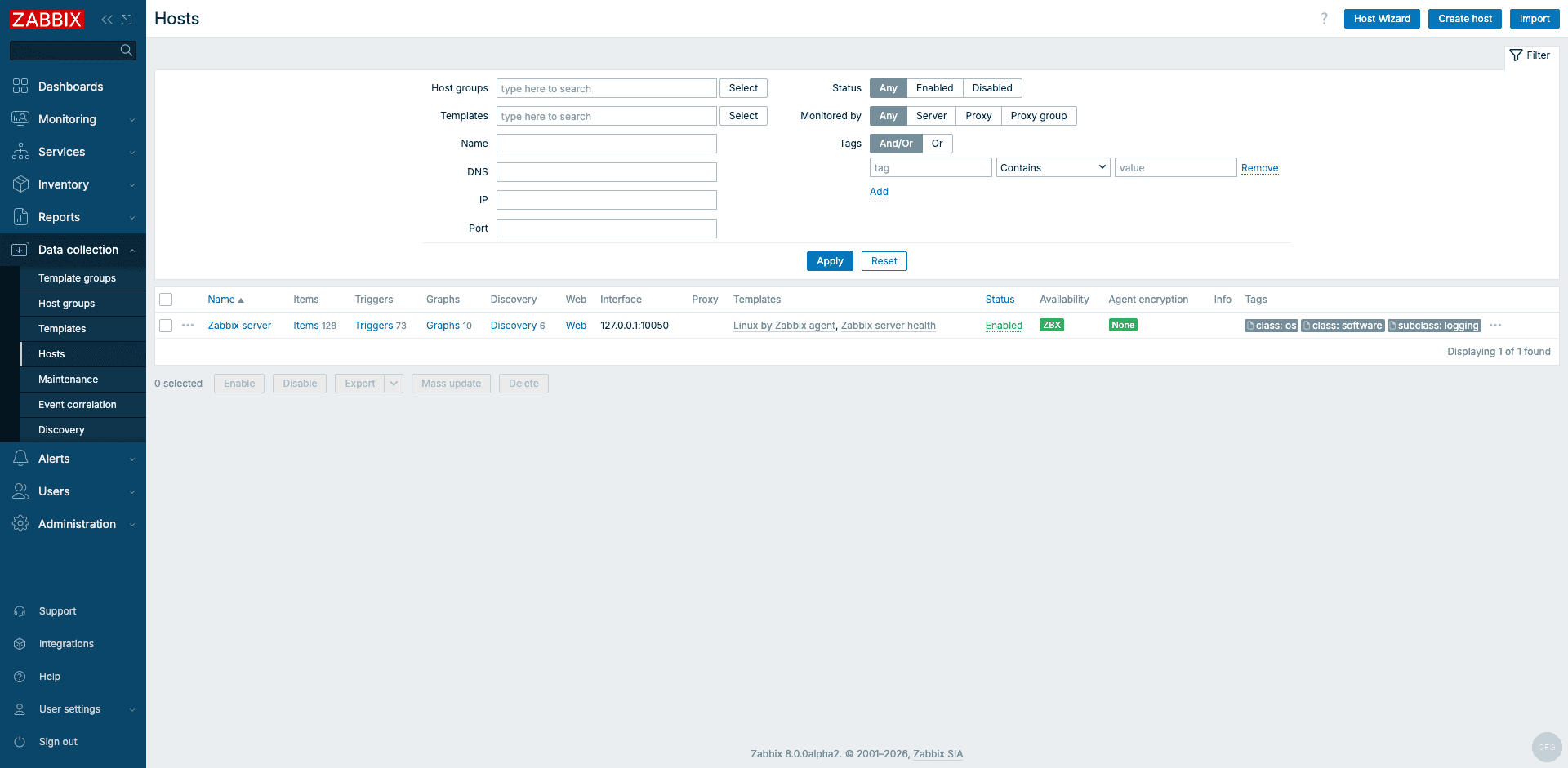
The Hosts page confirms the “Zabbix server” host with a green availability indicator:
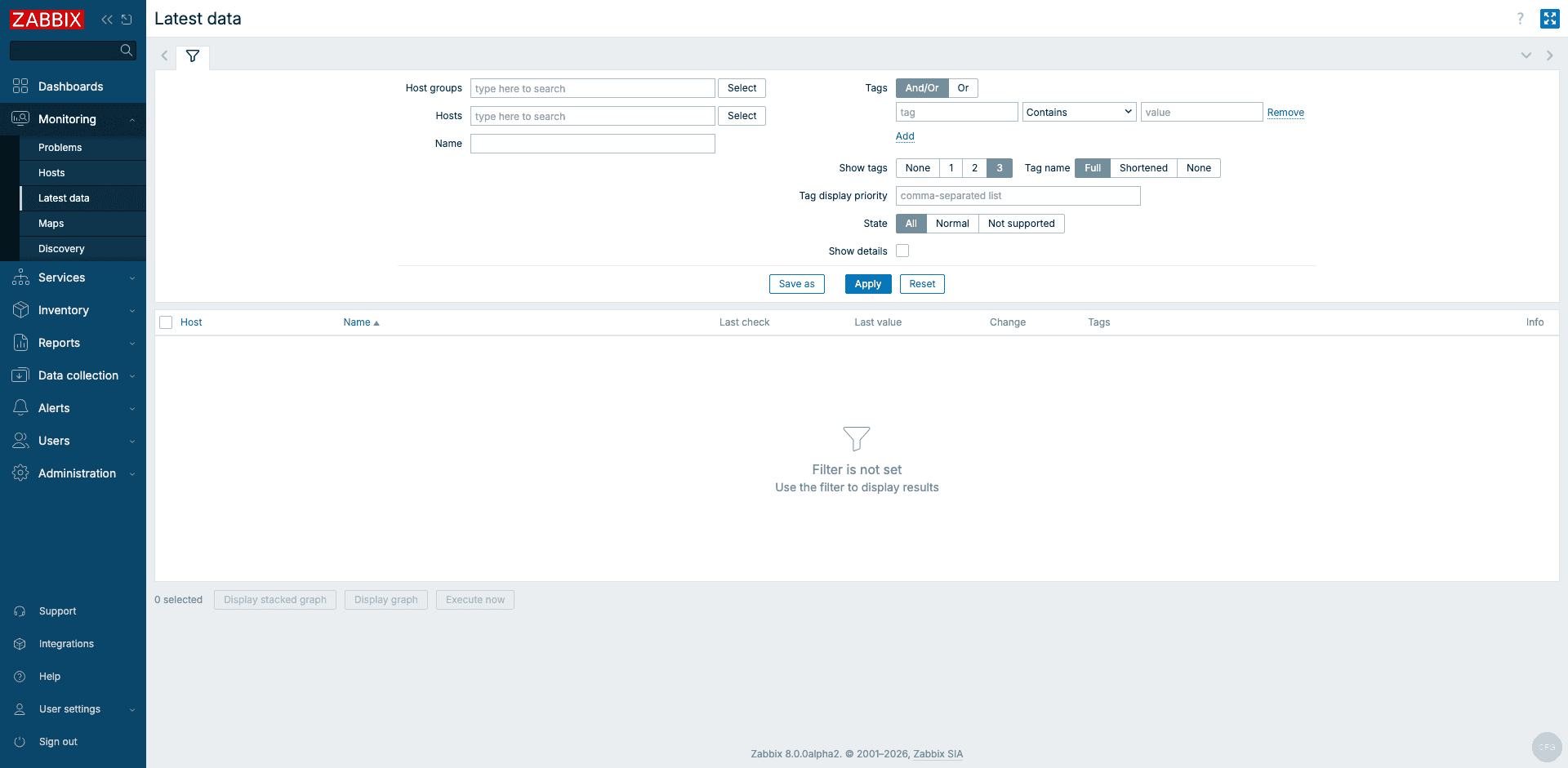
Latest data confirms real metrics are flowing:
Deploying Agent 2 on Remote Hosts
If you already have a Zabbix server running and just need to add Debian hosts to it, you only need the agent package. On each remote Debian 13 machine:
wget https://repo.zabbix.com/zabbix/8.0/release/debian/pool/main/z/zabbix-release/zabbix-release_latest_8.0+debian13_all.deb
sudo dpkg -i zabbix-release_latest_8.0+debian13_all.deb
sudo apt update
sudo apt install -y zabbix-agent2
Configure the agent to point to your Zabbix server:
sudo vi /etc/zabbix/zabbix_agent2.confSet the Server and ServerActive directives to your Zabbix server’s IP or hostname:
Server=10.0.1.10
ServerActive=10.0.1.10
Hostname=debian-webserver-01
Start and enable the agent:
sudo systemctl enable --now zabbix-agent2
sudo systemctl status zabbix-agent2
Then add the host in the Zabbix web UI under Data collection > Hosts > Create host, assign the “Linux by Zabbix agent” template, and data will start flowing within a couple of minutes. For a detailed walkthrough, see our guide on installing Zabbix Agent 2 on Debian.
Debian 13 vs Debian 12 Differences
| Component | Debian 13 (Trixie) | Debian 12 (Bookworm) |
|---|---|---|
| PHP | 8.4.16 | 8.2.x |
| PostgreSQL | 17.9 | 15.x |
| Nginx | 1.26.3 (http2 on) | 1.22.x (listen 443 ssl http2) |
| PHP-FPM service | php8.4-fpm | php8.2-fpm |
| PHP PgSQL package | php8.4-pgsql | php8.2-pgsql |
| Kernel | 6.12.x | 6.1.x |
The main impact of Debian 13’s newer PHP is that Zabbix 8.0 can take advantage of PHP 8.4 performance improvements. PostgreSQL 17 also brings incremental backup support and better query optimization, which benefits Zabbix at scale.
Summary
Zabbix 8.0 runs well on Debian 13 with PostgreSQL 17 and Nginx. The only Debian-specific gotcha is the missing en_US.UTF-8 locale on minimal images. Once that is generated, the installation follows the standard Zabbix setup workflow. The 8.0 GA release is planned for Q3 2026, and this guide will be updated when stable packages become available.
