

In this guide, we will walk through how to install Webmin on AlmaLinux 9 or Oracle Linux 9. Webmin is a free and open-source web-based interface tool that allows one to administer Linux/Unix servers. Furthermore, it allows one to set up user accounts, DNS, control open-source applications such as Apache, File sharing, service configuration e.t.c.
Webmin is based on Perl, coded by Jamie Cameron, released under the BSD license, and runs as its own process and web server.
Webmin has the following features:
- A pretty, clean, consistent and friendly interface.
- Offers a wide range of administration function susch as add users, create and administer printers and queues, modify your Apache server config, set disk quotas, maintain disks and partitions, tweak your DNS, configure sendmail, define SAMBA or NFS shares, configure your PosgreSQL or MySQL server e.t.c
- Self-update feature that makes sure you are keeping up to date with the latest version.
Installing Webmin on AlmaLinux 9 | Oracle Linux 9 is quite easy and can be accomplished with the below steps:
1: Switch to the root user
Webmin installation is easier when running the commands as root. Also, the root rights are required to manage the server when using GUI.
sudo -i2: Add the Webmin YUM Repository
Webmin is not available in the default AlmaLinux 9 | Oracle Linux 9 YUM repositories. For us to be able to install it and receive continued updates, we need to add the Webmin YUM repository on our system as below.
sudo tee /etc/yum.repos.d/webmin.repo<<EOF
[Webmin]
name=Webmin
mirrorlist=https://download.webmin.com/download/yum/mirrorlist
enabled=1
gpgkey=http://www.webmin.com/jcameron-key.asc
EOF
3: Update the Package Index
Now that the repository has been added, we need to make the system recognize the new repo. We will update the YUM package index and the packages available in it as below.
sudo dnf update -y4: Install Webmin
With all the above adjustments done, we are set to install Webmin on AlmaLinux 9 | Oracle Linux 9.
The below command is used to install Webmin on AlmaLinux 9 | Oracle Linux 9.
sudo dnf install webminDependency Tree:
Last metadata expiration check: 0:07:30 ago on Fri 21 Feb 2025 08:16:34 PM EAT.
Dependencies resolved.
==================================================================================================================================================
 Package                                      Architecture             Version                              Repository                       Size
==================================================================================================================================================
Installing:
 webmin                                       noarch                   2.301-1                              Webmin                           32 M
Installing dependencies:
 mariadb-connector-c                          x86_64                   3.2.6-1.el9_0                        ol9_appstream                   205 k
 mariadb-connector-c-config                   noarch                   3.2.6-1.el9_0                        ol9_appstream                   9.7 k
 perl-Digest-SHA                              x86_64                   1:6.02-461.el9                       ol9_appstream                    70 k
 perl-Filter                                  x86_64                   2:1.60-4.el9                         ol9_appstream                   121 k
 perl-encoding                                x86_64                   4:3.00-462.el9                       ol9_appstream                    68 k
 perl-lib                                     x86_64                   0.65-481.el9                         ol9_appstream                    13 k
 perl-open                                    noarch                   1.12-481.el9                         ol9_appstream                    15 k
Installing weak dependencies:
 perl-DBD-MySQL                               x86_64                   4.050-13.el9                         ol9_appstream                   156 k
 perl-Encode-Detect                           x86_64                   1.01-37.el9                          ol9_appstream                    97 k
 perl-Socket6                                 x86_64                   0.29-11.el9                          ol9_appstream                    38 k
 perl-Time-HiRes                              x86_64                   4:1.9764-462.el9                     ol9_appstream                    64 k
 perl-Time-Piece                              x86_64                   1.3401-481.el9                       ol9_appstream                    45 k

Transaction Summary
==================================================================================================================================================
Install  13 Packages

Total download size: 33 M
Installed size: 95 M
Is this ok [y/N]: y
Accept the GPG key signing:
Total                                                                                                             1.8 MB/s |  33 MB     00:17
retrieving repo key for Webmin unencrypted from http://www.webmin.com/jcameron-key.asc
Webmin                                                                                                            430  B/s | 1.3 kB     00:03
Importing GPG key 0x11F63C51:
 Userid     : "Jamie Cameron <[email protected]>"
 Fingerprint: 1719 003A CE3E 5A41 E2DE 70DF D97A 3AE9 11F6 3C51
 From       : http://www.webmin.com/jcameron-key.asc
Is this ok [y/N]: y
5: Access Webmin Web Interface
To be able to access the Webmin Web UI, you are required to allow the below ports through the firewall.
firewall-cmd --add-port=10000/tcp --permanent
firewall-cmd --reload
Now proceed and access the Webmin Web UI using the URL https://SERVER_IP:10000 or https://domain_name:10000.
In case you haven’t implemented SSL on your server, you will receive a warning, click advanced, and proceed to access the Webmin Web UI.
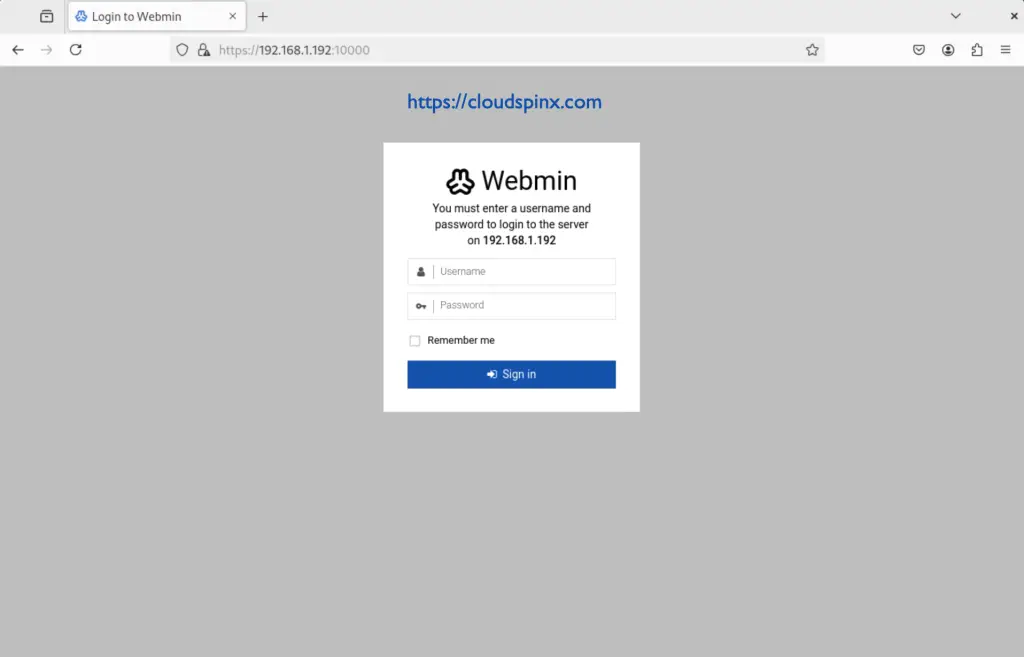
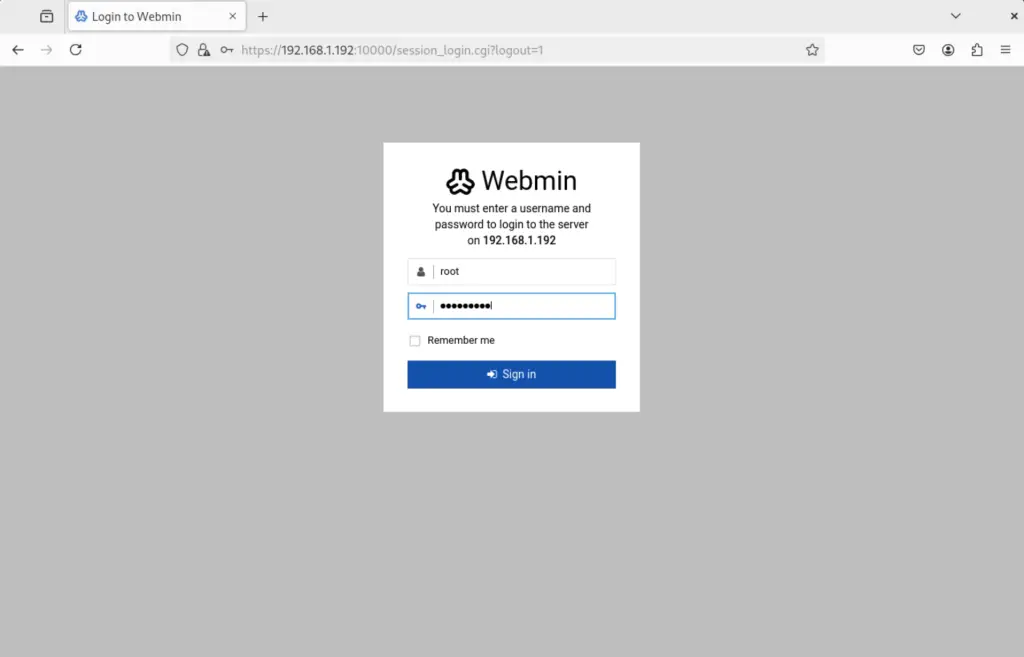
Log in with system root user credentials on your system on AlmaLinux 9 | Oracle Linux 9.
On successful login, you will be granted this Webmin dashboard.
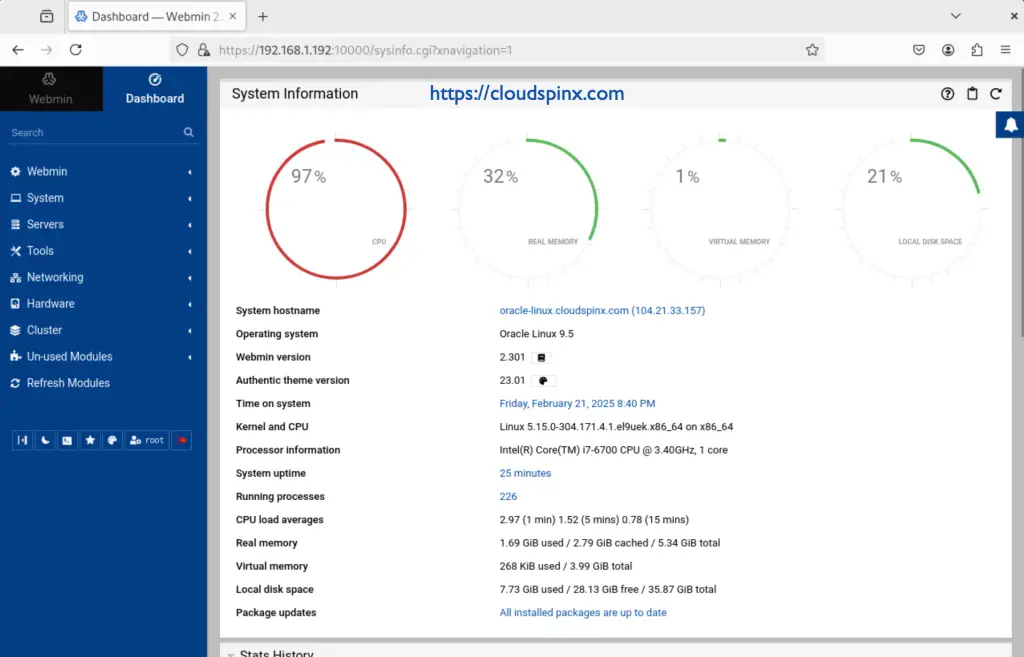
From this Webmin dashboard, there are a couple of activities you can perform on the server. Under the system tab, you can edit passwords, check logs, create users, software updates e.t.c
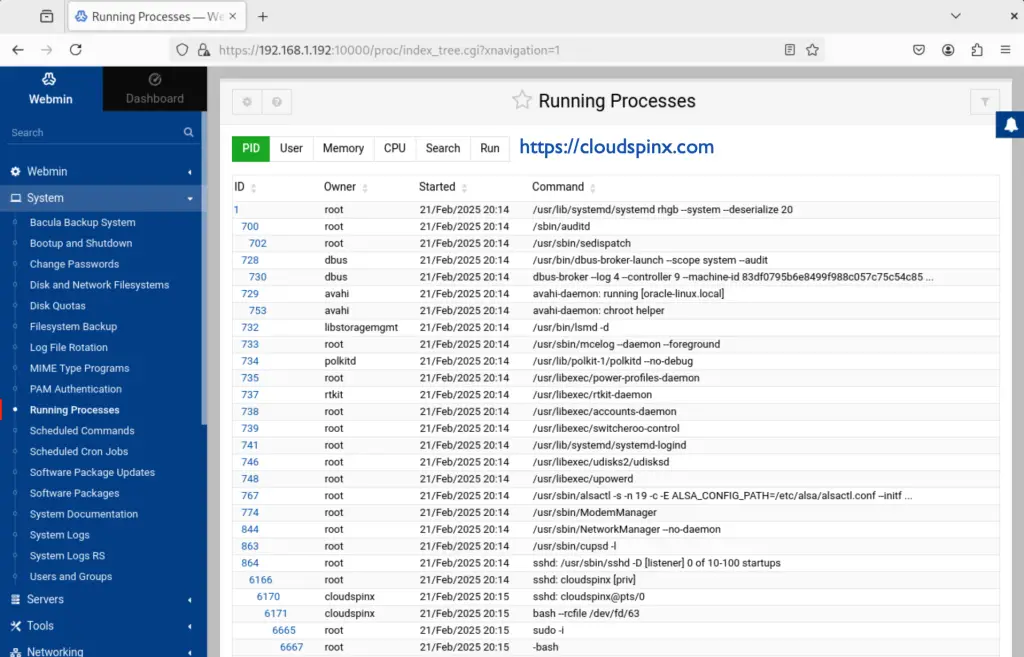
Under servers, you can set up Apache and SSH servers.
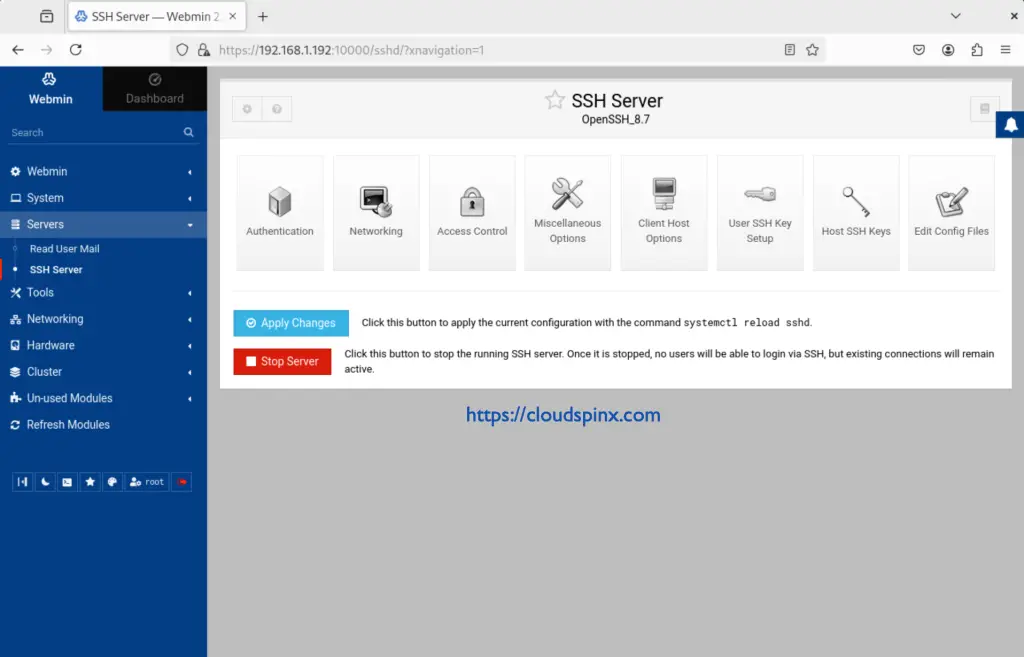
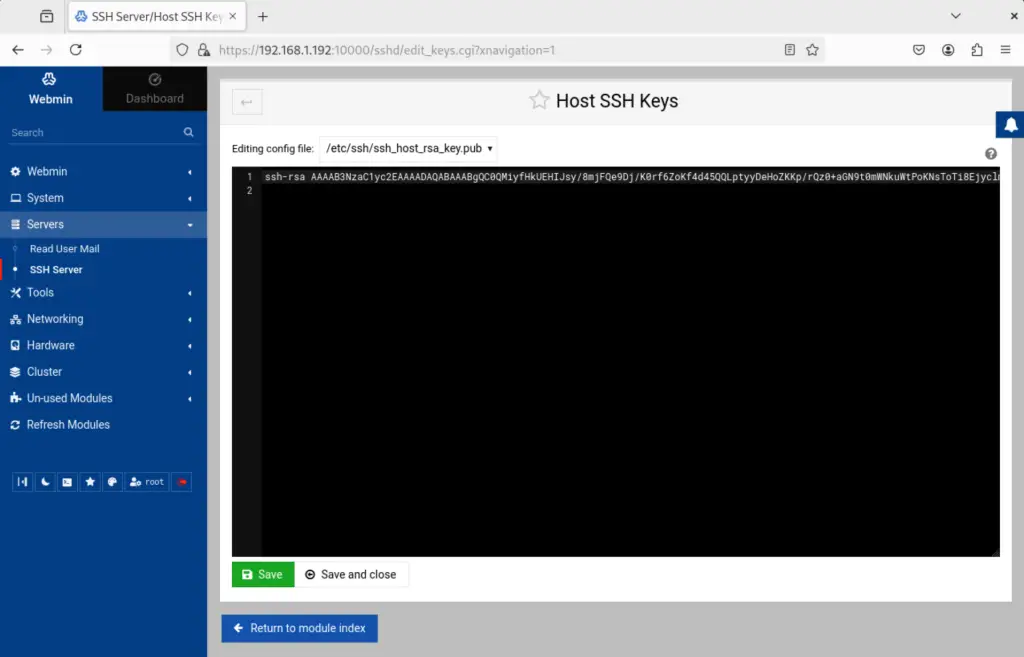
For SSH serves, you can make several configurations such as managing SSH keys among many other changes.
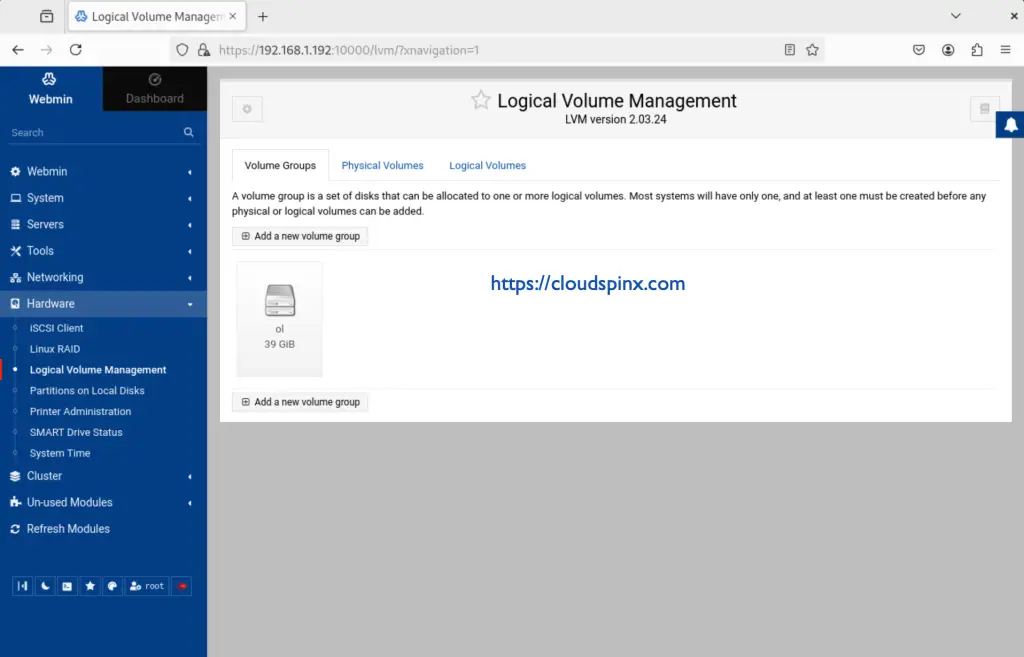
Under Hardware, you can manage your logical volume, add a logical volume e.t.c
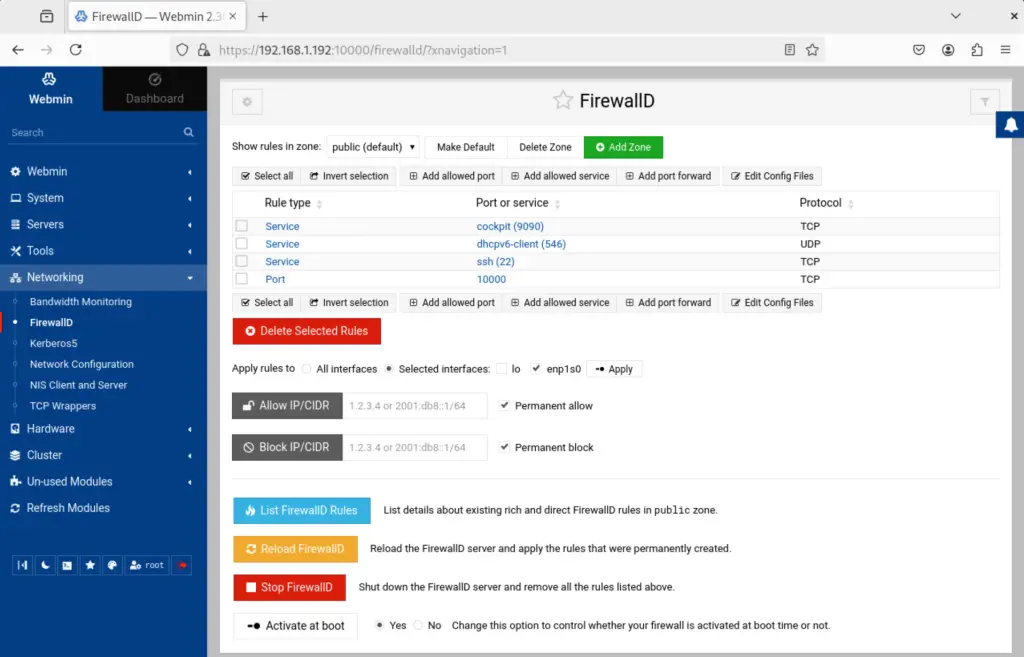
Configure networking, set firewall rules, Kerberos5 Configuration, perform bandwidth monitoring e.t.c
Conclusion
we have successfully installed Webmin on AlmaLinux 9 | Oracle Linux 9. You can now manage your AlmaLinux 9 | Oracle Linux 9 by performing essential administration tasks.
See more on this page:
