

NX technology, commonly known as NoMachine, is a proprietary application used to access remote systems over a Graphical interface. By using Nomachine, you can enjoy remote file transfers and desktop sharing between computers in different geographical locations. The company(NoMachine) behind this powerful technology has its headquarters in Luxembourg. In this article, we shall discuss how you can install and use Nomachine RDP on Rocky Linux 8 | AlmaLinux 8 Desktop / Server installation. Nomachine boasts as the fastest and highest quality remote desktop for Linux users.
Nomachine can run on both 32-bit and 64-bit Linux operating systems. It comes with the below set of features:
- Play audio and Video from a remote machine
- Use any device – Plug in any device into the other desktop and use with ease
- Let your friends collaborate on the documents you are working on, share the files you need, help with troubleshooting the problems you are experiencing
- Runs on server, desktop and mobile operating systems
If your goal is to use Nomachine to consolidate systems management in a huge Infrastructure, then Nomachine RDP is not the right solution for your needs. Check out the company’s Enterprise offerings to select the perfect tool.
Install NoMachine Server on Rocky Linux 8 | AlmaLinux 8
Visit Nomachine RPM downloads page and get the latest RPM release that can be installed on any Red Hat based Linux distribution.
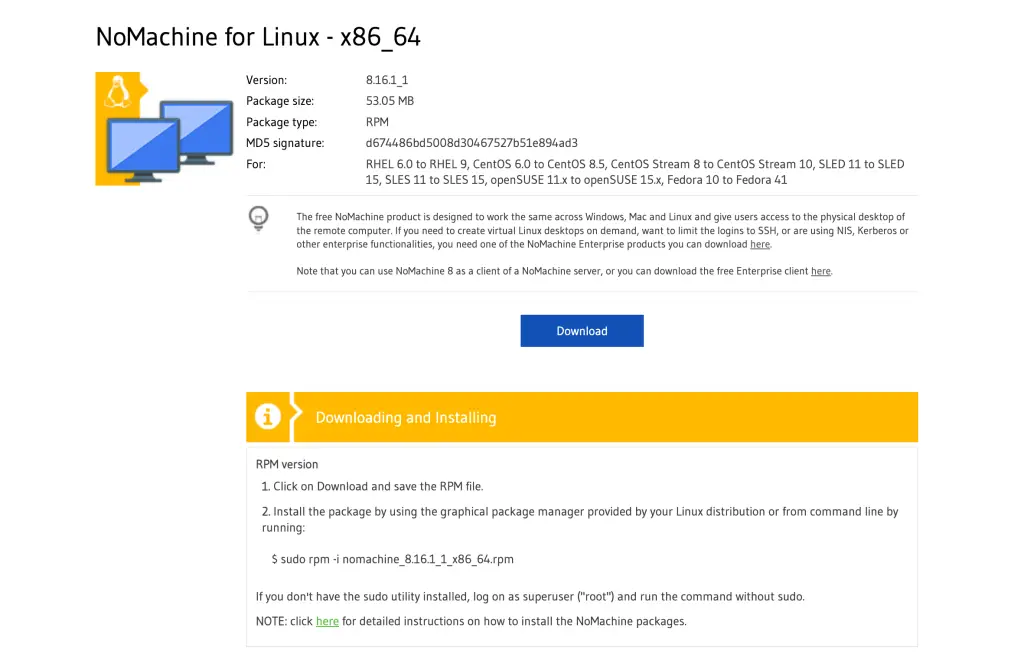
Downloading with wget tool.
#NoMachine for Linux - x86_64
wget https://download.nomachine.com/download/8.16/Linux/nomachine_8.16.1_1_x86_64.rpm

#NoMachine for Linux -i386, i686
wget https://download.nomachine.com/download/8.16/Linux/nomachine_8.16.1_1_x86_64.rpm
Install the package downloaded using dnf package manager
sudo dnf install ./nomachine*.rpmIf there is any dependency required it will be installed automatically
Last metadata expiration check: 3:01:55 ago on Fri 31 Jan 2025 06:18:51 PM EAT.
Dependencies resolved.
=====================================================================================================================================================
 Package                            Architecture                    Version                              Repository                             Size
=====================================================================================================================================================
Installing:
 nomachine                          x86_64                          8.16.1-1                             @commandline                           53 M

Transaction Summary
=====================================================================================================================================================
Install  1 Package

Total size: 53 M
Installed size: 56 M
Is this ok [y/N]: y
Output sample from a successful installation of Nomachine Remote Desktop on Rocky Linux 8 / AlmaLinux 8:
...
Installed:
  nomachine-8.16.1-1.x86_64

Complete!
Start NoMachine Server on Rocky Linux 8 / AlmaLinux 8
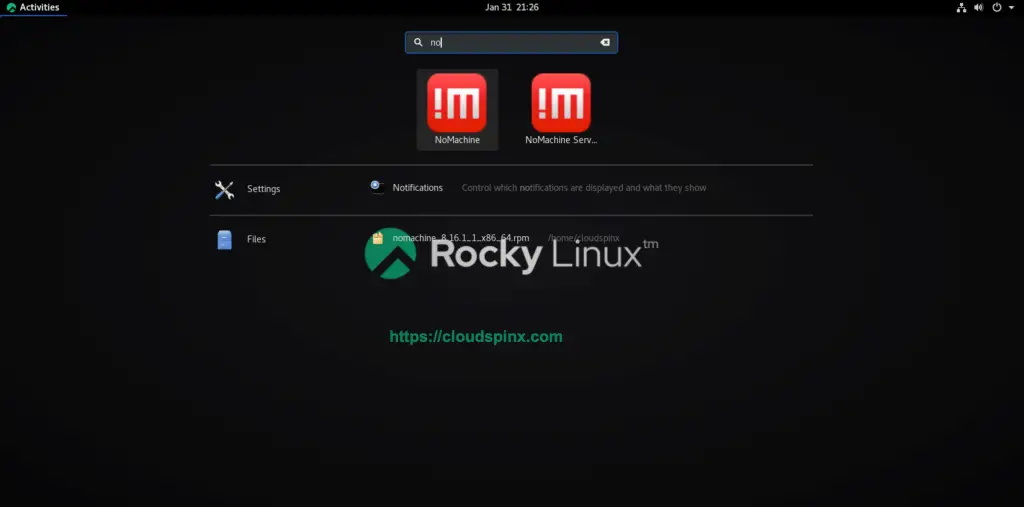
Login to your Rocky Linux 8 / AlmaLinux 8 and search for NoMachine application on your Desktop environment finder.
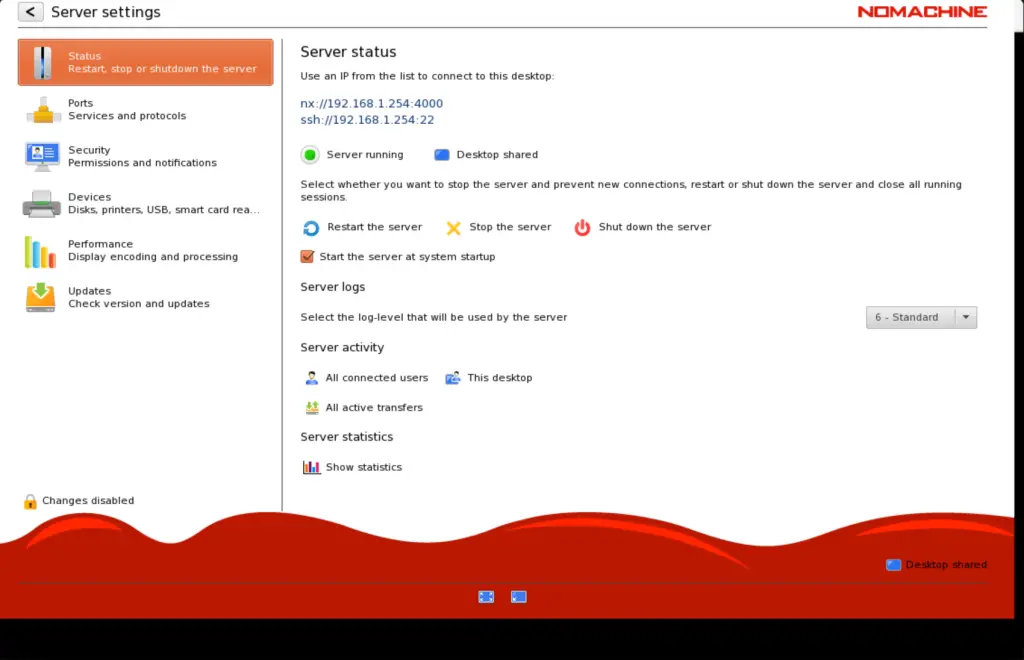
If the service is not in running state, start it manually and set it to start automatically on system boot up.
Install NoMachine Client on your Workstation (Linux, Windows, or macOS)
Once the server service is running on your remote system, you need to install Nomachine on your Workstation and use it to connect to the remote machine.
Use either of the links provided matching operating system running on your Workstation machine. After an installation, start Nomachine Client. As soon as you start the client, it will will detect and show available servers in your network.
If not, you can add a new connection by clicking on “Add” button.
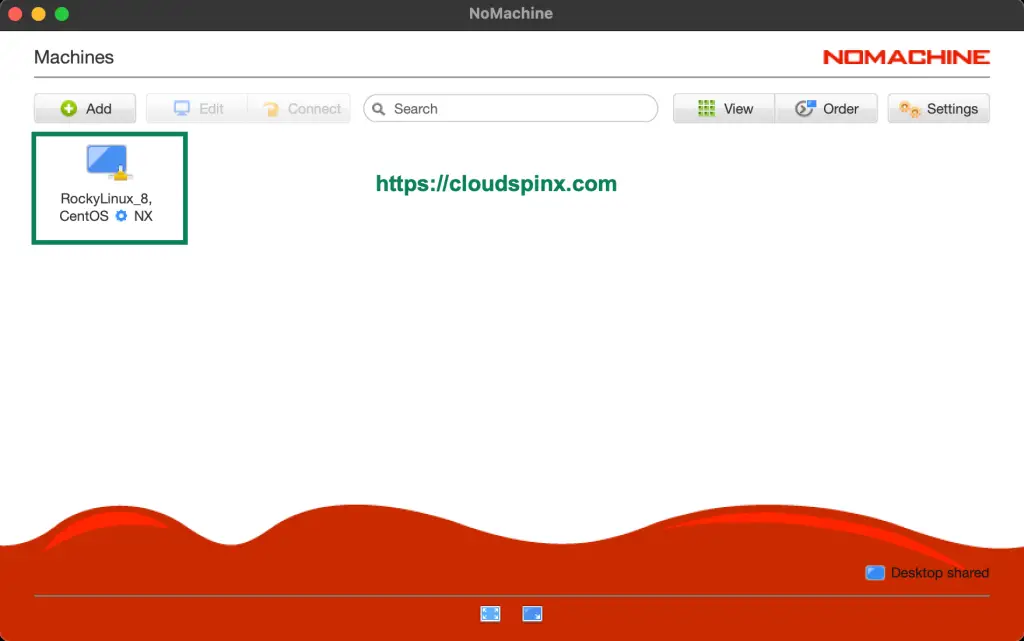
Input your Rocky Linux 8 / AlmaLinux 8 system IP Address:
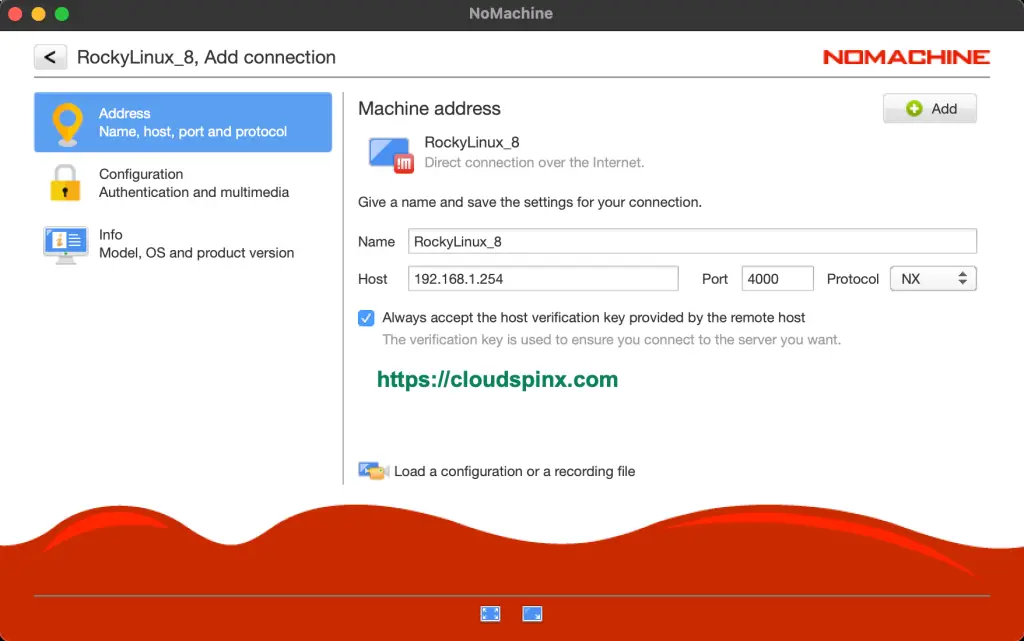
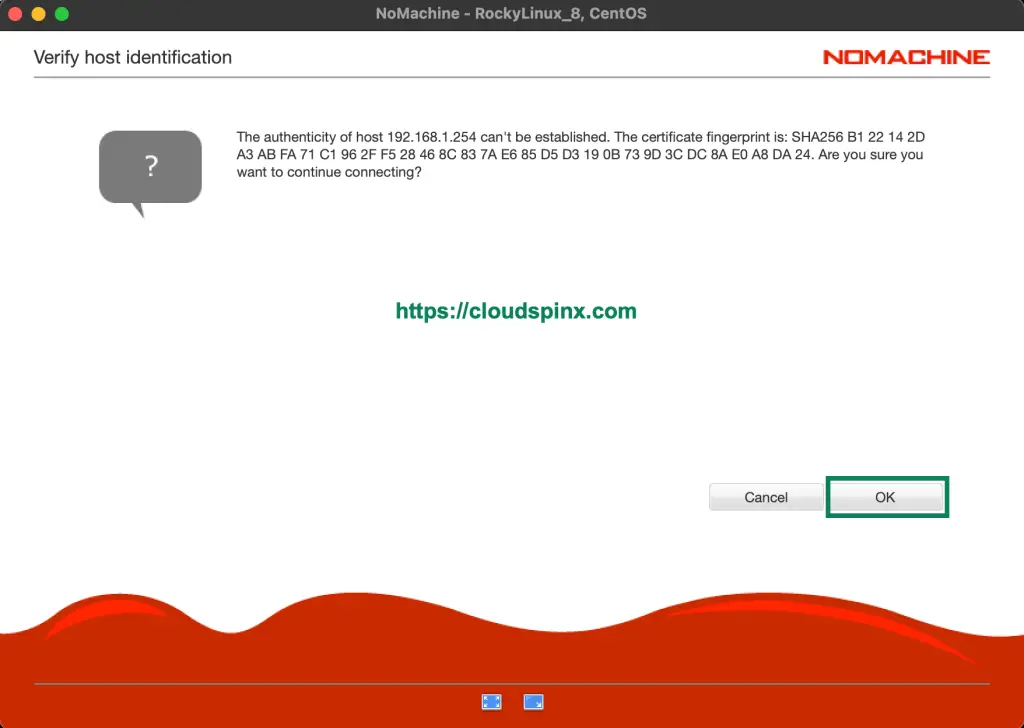
Use “Connect” link to initiate the connection to your remote system. A warning will be given as it tries verify host authenticity. Answer Yes to connect.
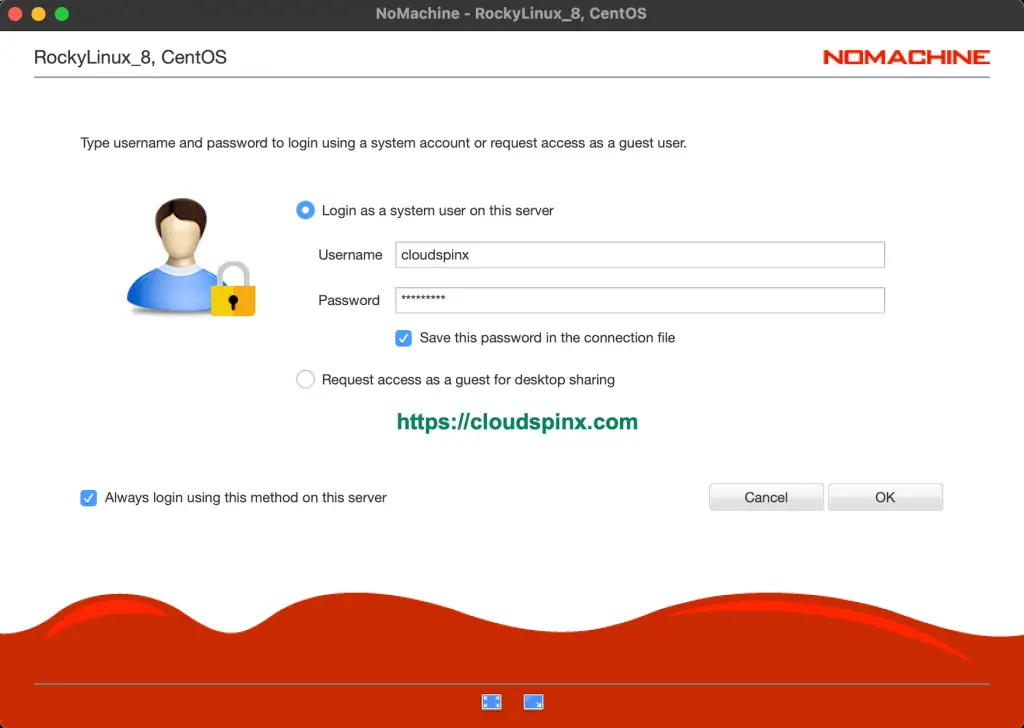
Type the username and password of the remote system to login.
Initial configurations for remote desktop experience are required in the next screens. When done you’re presented with the Desktop on your machine.
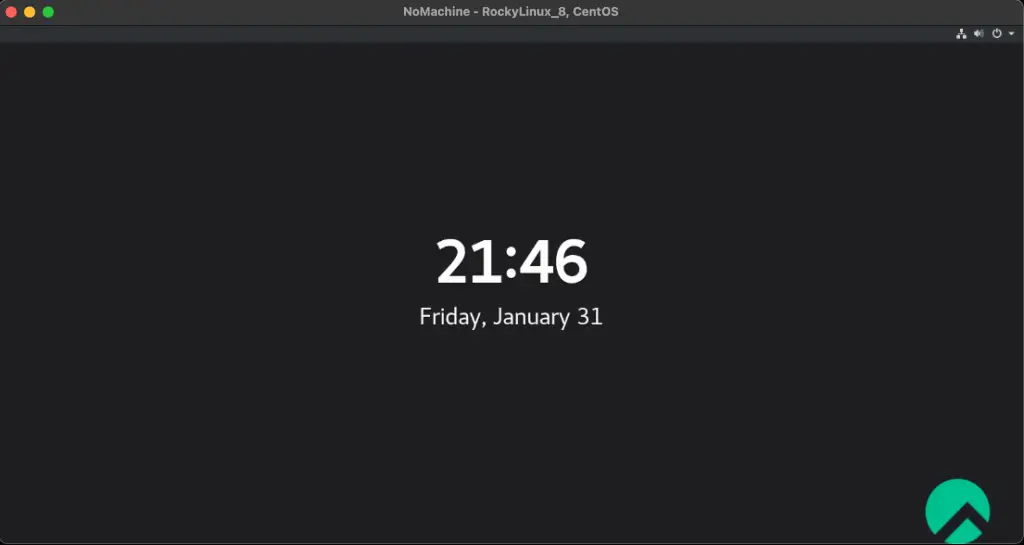
From NoMachine client, you can add as many remote systems running NomaChine server as possible. Which means single install of NoMachine on your Workstation can be used to administer fleet of remote systems.
More guides on Rocky Linux 8 / AlmaLinux 8:
