

Google Chrome is web browser developed by Google for Linux, Windows, Android and iOS. The Chrome browser is designed to be simple, secure, and faster than its competitors, with Google’s smarts built-in. In this guide we will discuss the installation of Google Chrome Browser on Linux Mint 21. Google Chrome is the main component of Chrome OS.
In Google Chrome each site is allocated a separate process through process isolation provided by Chrome multi-process architecture. This prevents tasks from interfering with each other, raising security and stability. A failure in one tab or process won’t affect other instances.
Install Google Chrome Browser on Linux Mint 22
Google maintains a repository for the installation of Google Chrome browser on Debian based Linux distributions. You can also download the .deb package to your Linux Mint machine and begin installation with dpkg command line package manager.
Update APT cache and install wget:
sudo apt update && sudo apt install -y wgetDownload Latest Google Chrome Application:
wget https://dl.google.com/linux/direct/google-chrome-stable_current_amd64.deb
Use apt command to install Google Chrome browser on Linux Mint 22.
sudo apt install ./google-chrome-stable_current_amd64.debThe installation process creates a repository file for future updates.
$ cat /etc/apt/sources.list.d/google-chrome.list
### THIS FILE IS AUTOMATICALLY CONFIGURED ###
# You may comment out this entry, but any other modifications may be lost.
deb [arch=amd64] http://dl.google.com/linux/chrome/deb/ stable main
Google Chrome can then be updated with other OS packages by running the following commands:
sudo apt update && sudo apt upgrade -ySearch for Chrome Browser from the applications menu to launch it:
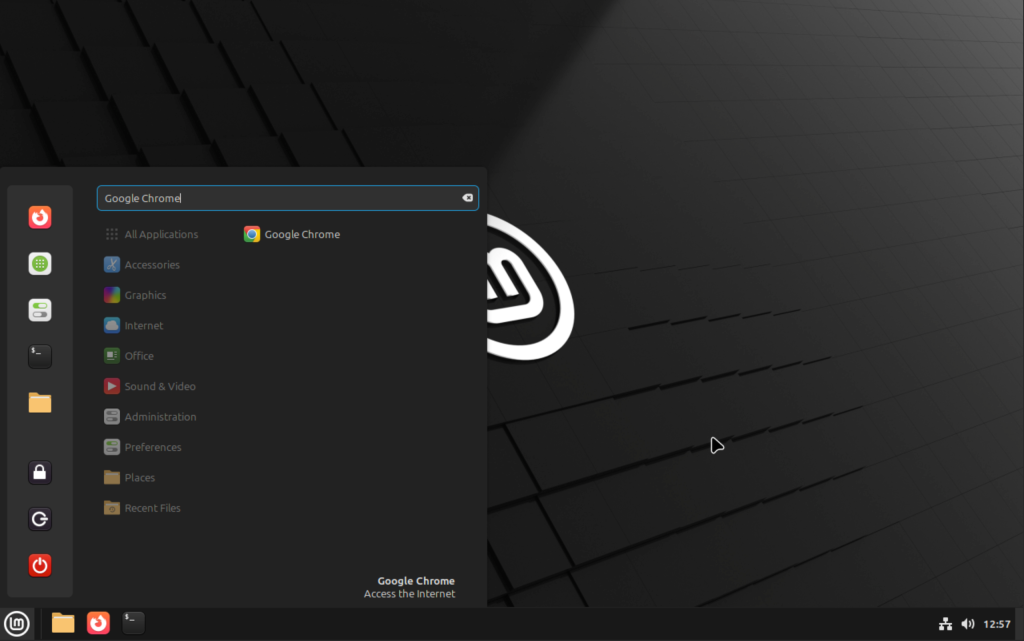
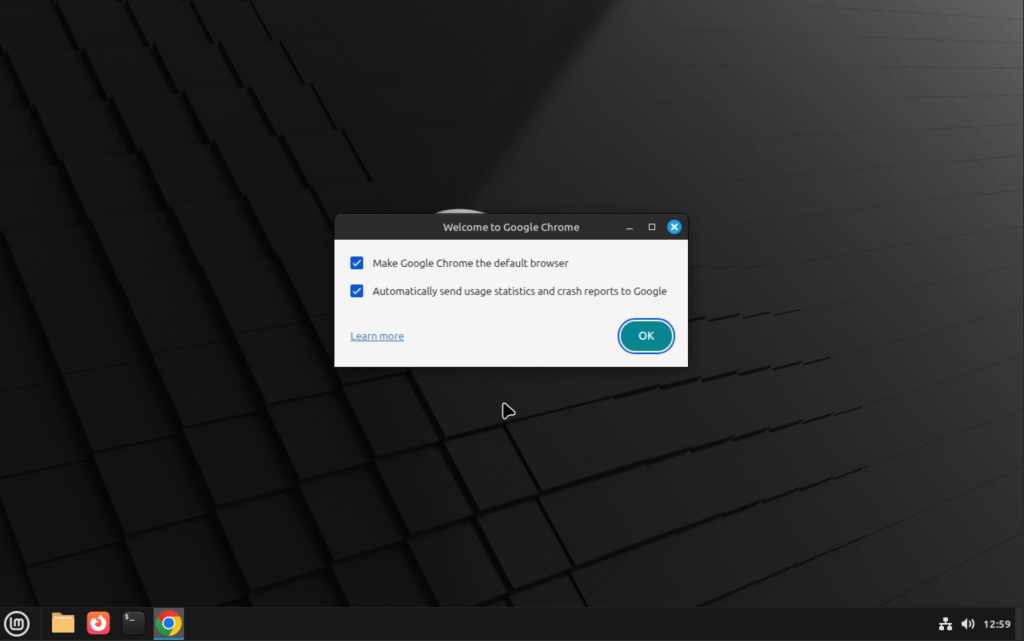
You can choose to make Chrome your default browser and send usage statistics and crash reports:
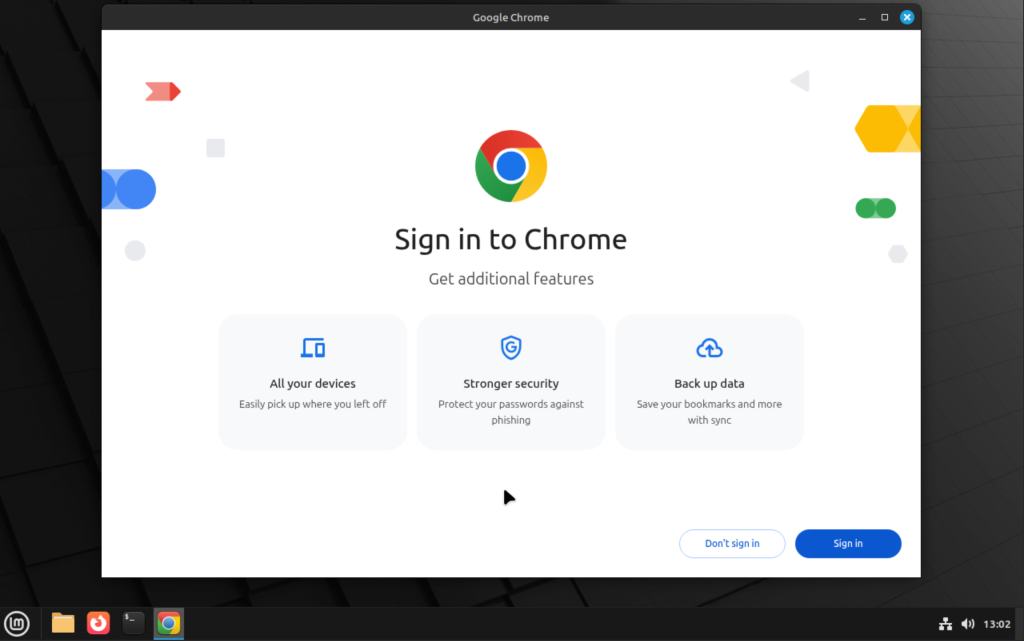
You’ll need to sign in to enjoy Chrome features such as Sync and other services like YouTube.
Useful Google Chrome Keyboard shortcuts
These are the common Keyboard Shortcuts that will help you become more efficient while using Google Chrome Browser.
| Keyboard Shortcut | Function |
| Crtl + n | Open a new Chrome Window |
| Ctrl + tab | Switch tabs to the right |
| Ctrl + shift + tab | Switch tabs from right to left |
| Ctrl + w | Close and exit a tab |
| Cctrl + Shift + w | Exit a window |
| Ctrl + Shift + t | Reopen all previous tabs if you close the browser. |
| Ctrl + n | Open a new window |
| Ctrl + shift + n | Create a new incognito window |
I hope you have a wonderful browsing experience with Google Chrome on your Linux Mint Workstation. Checkout other guides that might interest you:
