

Question: How to install CatLight on Ubuntu / Debian?, How to install CatLight on Linux Mint?. CatLight is a notification application designed for developers and Operations teams. CatLight shows the current status of tasks, bugs and continuous delivery builds in the project and informs when attention is needed. It has support for.
Install CatLight on Ubuntu / Debian / Linux Mint
CatLight for Ubuntu / Debian is distributed as a .deb package. Check the CatLight downloads page for the latest release before downloading.
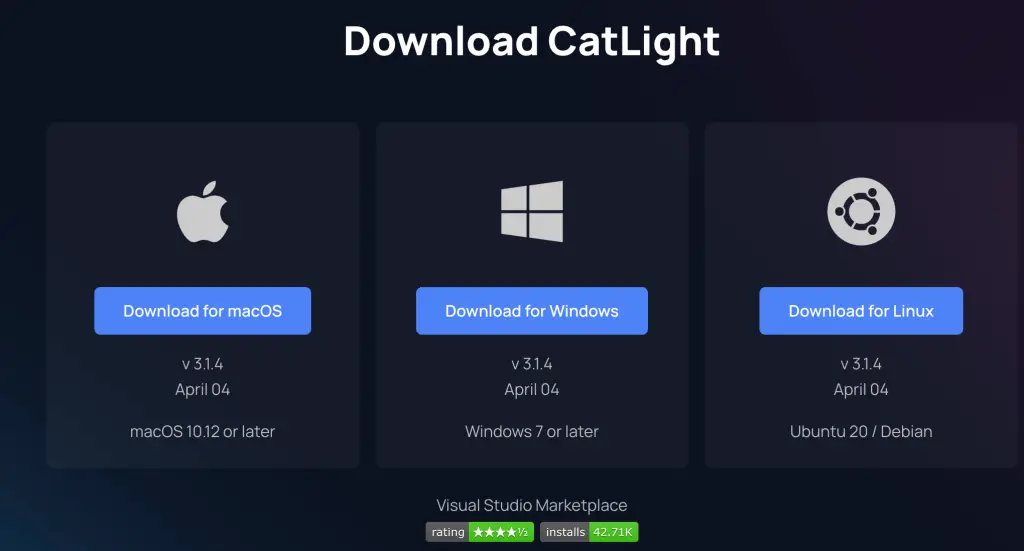
Use 3.1.4 is and can be downloaded from CLI like below.
wget https://download.catlight.io/rel/linux/beta/CatLightSetup-3.1.4.debOnce download is complete, install package using dpkg command line tool.
sudo apt install ./CatLightSetup-3.1.4.debTo launch CatLight, search for Application on Start menu and hit enter.

The application should start and ready to connect to your Automation service.

Select Service to connect it to from the list and enter required information.

After connection, select Projects you want to monitor and save. The example below is for Jenkins.

Monitoring should start.

The Catfight icon will show the status of things that you track and the color change when your attention is needed. You will also get notifications about changes e.g when a build breaks down, a new important bug appears, or list of your tasks changes.
