

The open-source Casa OS project was created by IceWhale, the same firm that makes Zimaboards. The whole ecosystem is made for those who are passionate about personal clouds. With a sophisticated home cloud infrastructure, it empowers families and tech enthusiasts. It is aimed at creators running Raspberry Pi devices and other development boards.
CasaOS started as a community-driven project to leverage Docker to streamline personal cloud operations. By guaranteeing scalability and easy access, its main goal is to improve the private cloud experience for developers and producers.
Features CasaOS
- Installing a lot of Docker apps is easy.
- Elegant drive and file administration
- Widgets for the system/app that are well-designed
- Friendly user interface created for home scenarios
- Support for various hardware and operating systems
- App store selection, one-click installation
This guide will walk you through How To Setup Personal Cloud using CasaOS on Debian 12. Let’s jump into the installation.
Install CasaOS on Debian 12
To install CasaOS, simply run the command below. Launch your terminal and run the command below.
sudo apt update
wget -qO- https://get.casaos.io | sudo bash
   ##OR#
curl -fsSL https://get.casaos.io | sudo bash
Sample output:
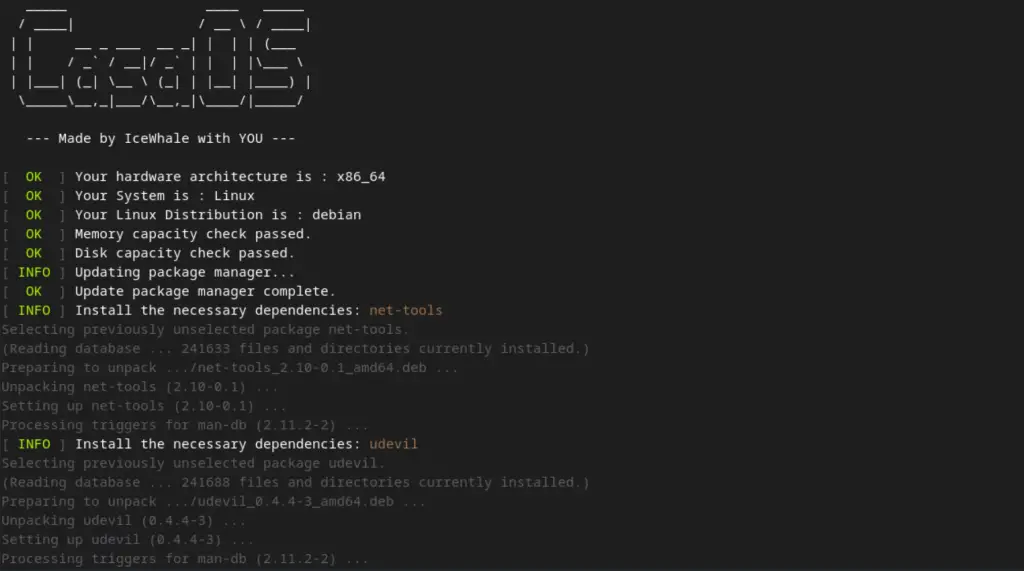
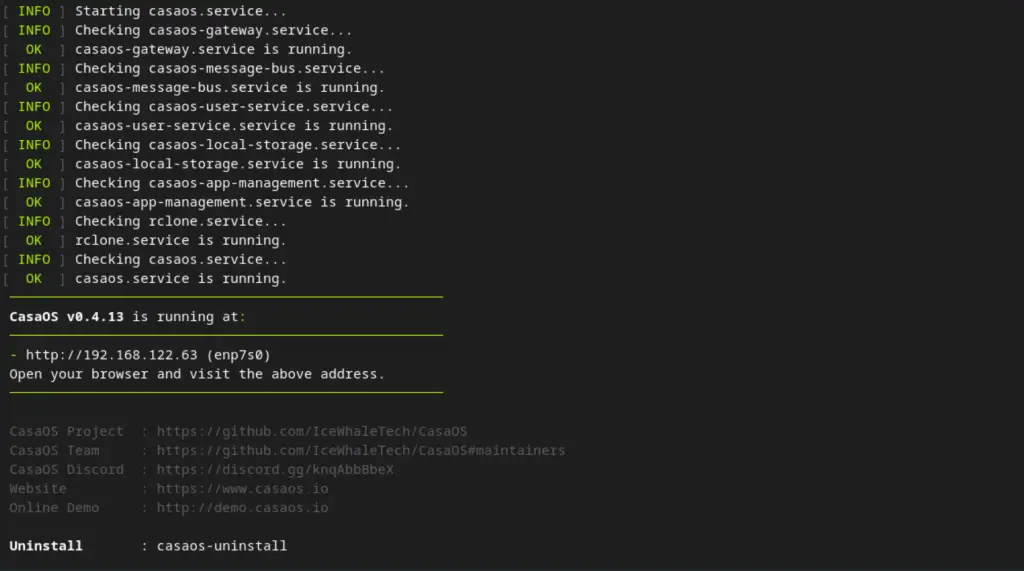
At the end of the installation, the installer provides a URL that points to the IP address of your CasaOS server that you will use to access the CasaOS interface.
Set up CasaOS
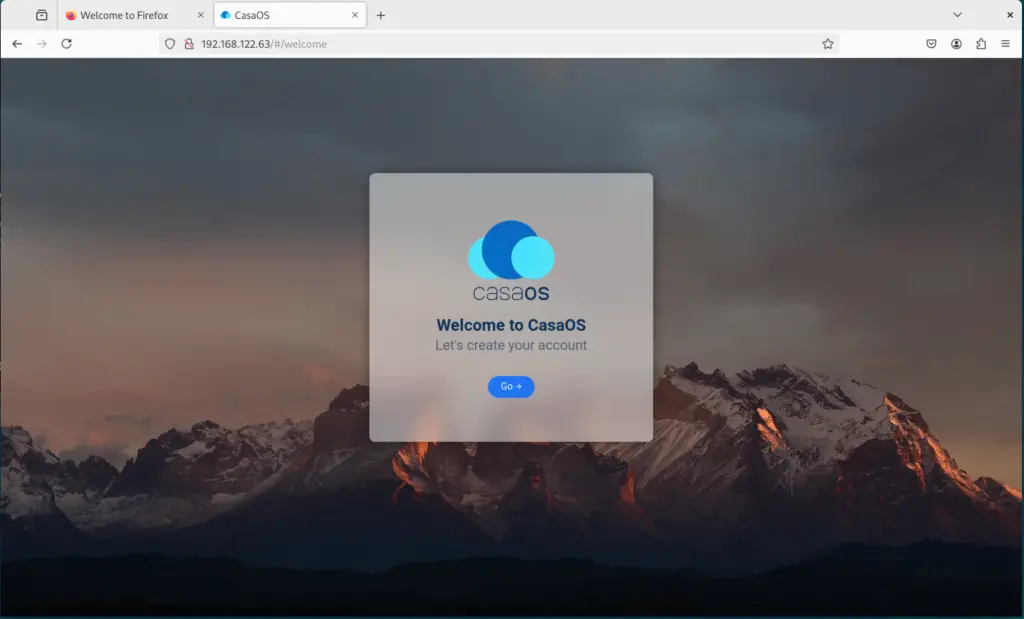
When we go to the URL Http://<Ip-address> of project CasaOS, we get a splash screen that asks us to establish an account.
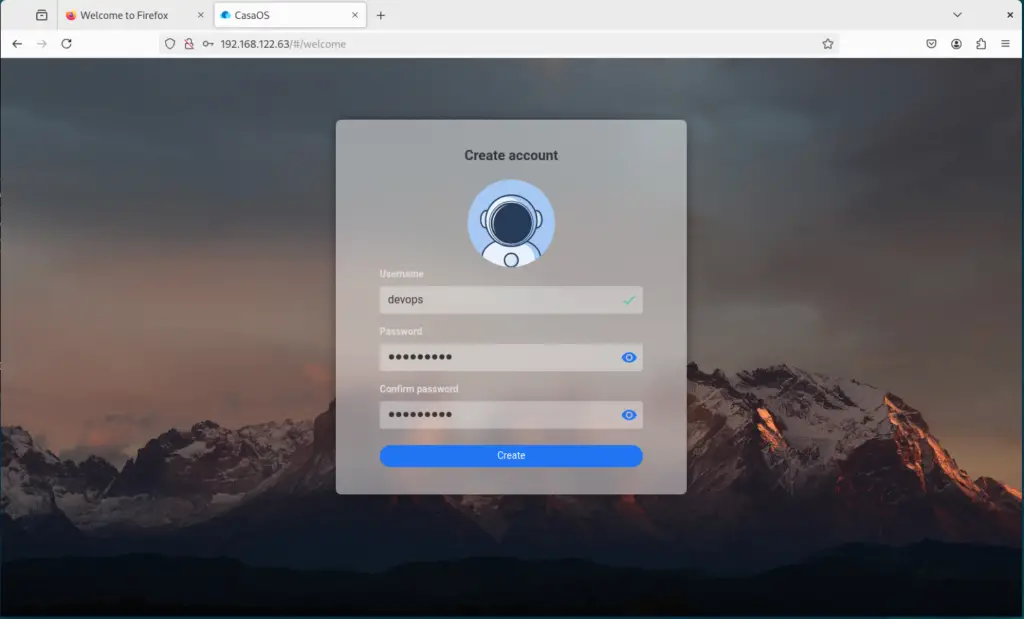
Click Go and create an account.
Accessing the interface
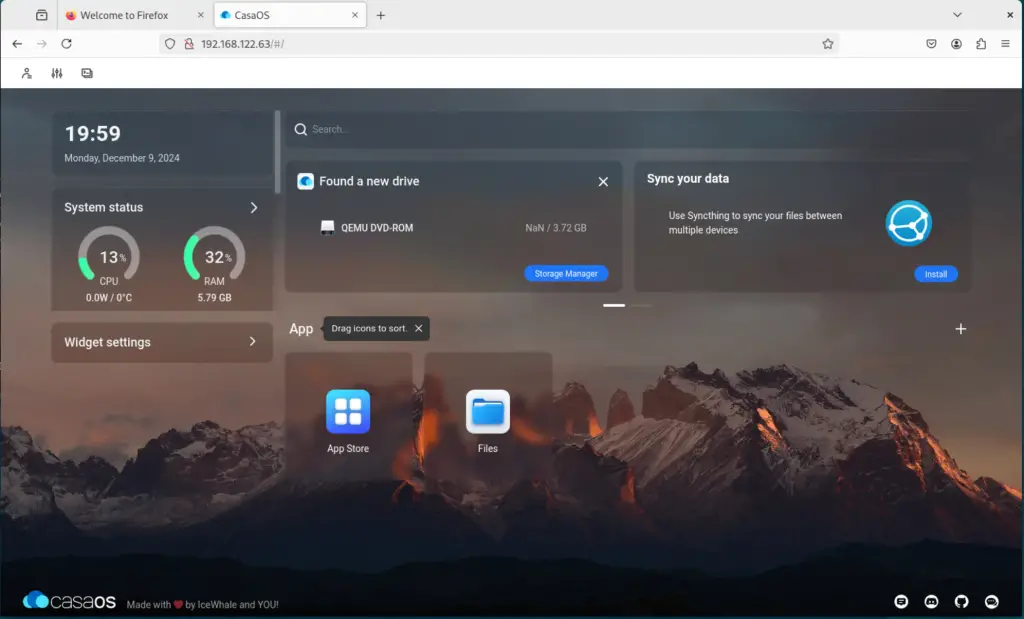
We can use the interface for the first time when we create an account. The prompt to show news from the CasaOS feed will appear. You have the option of taking part or not.
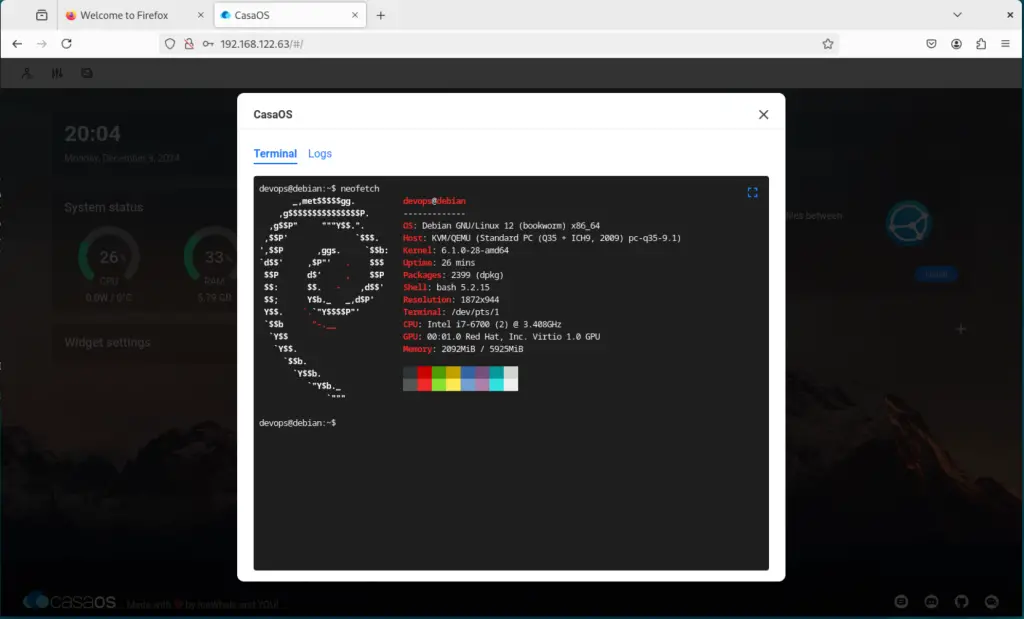
You can also run the terminal program from the GUI and check your system logs. Open the terminal at the left corner of the Dashboard.
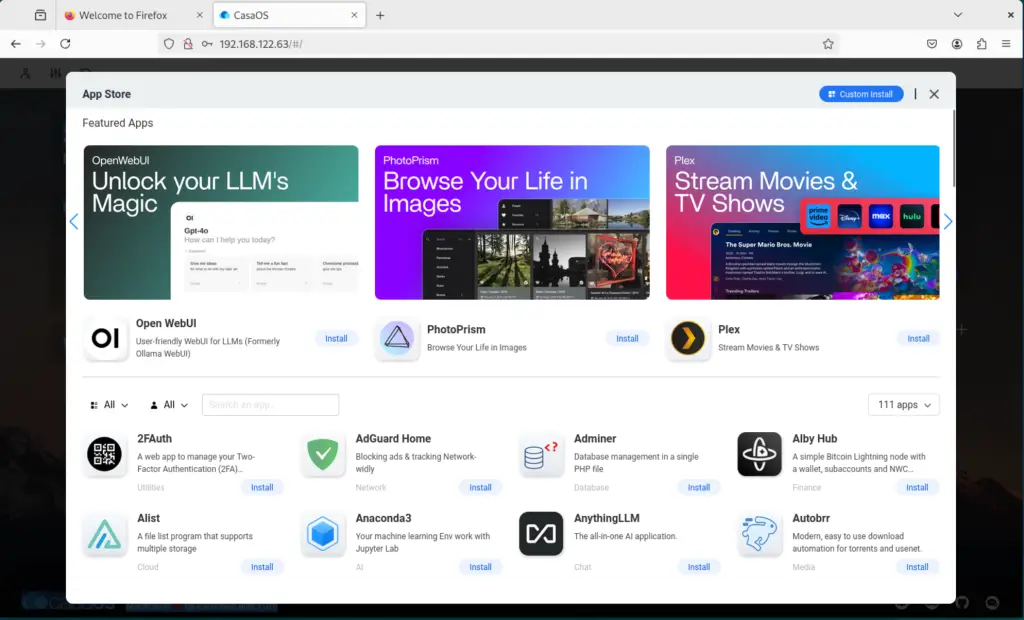
CasaOS App store
You may access the app store and browse the many apps available for your CasaOS installation. You may quickly install Pi-Hole, Adguard, Syncthing, Plex, Portainer, Uptime Kuma, ChatGPT, and many other applications.
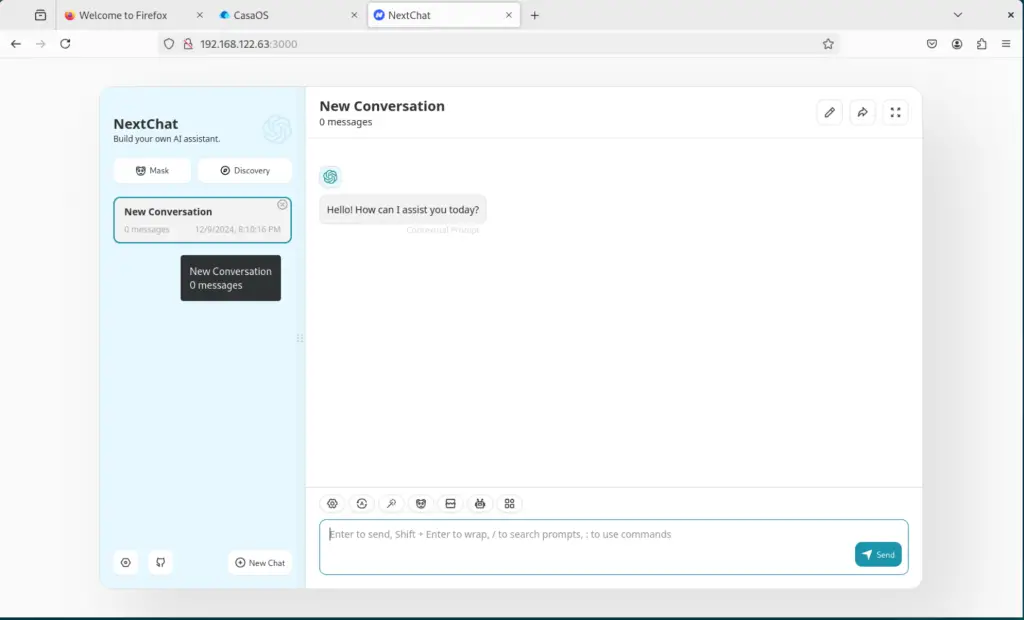
Furthermore, you may use it by installing and using apps. It is now possible for you to install and utilize ChatGPT Next web for instance via CasaOS. In the app, click the install button.
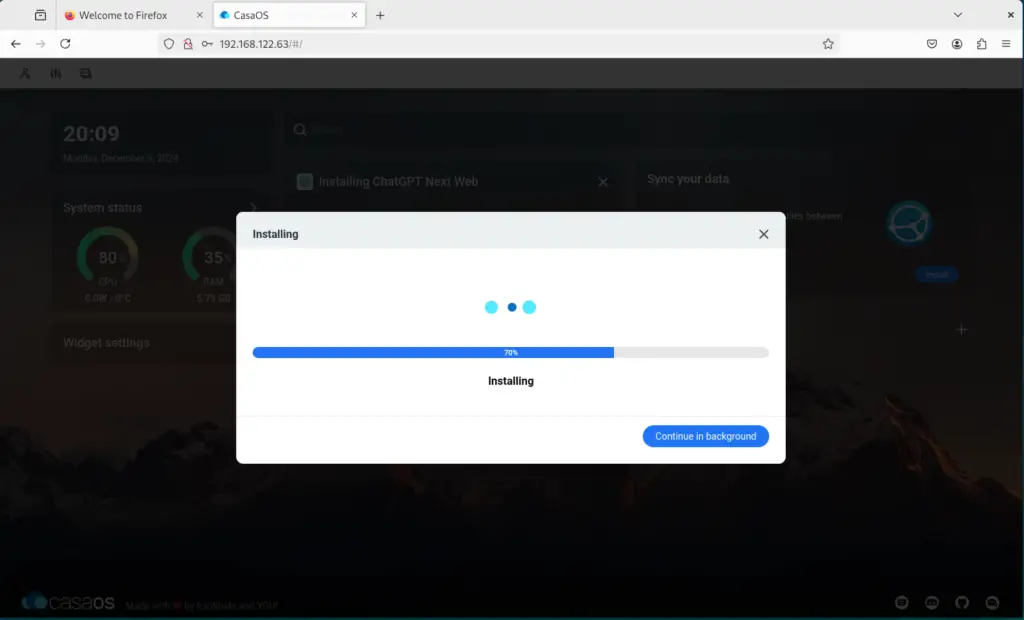
By doing this, we may install the program and use it on a certain port. After the installation is finished, the app icon will appear on CasaOS’s home screen. To access ChatGPT Web, click the app icon.
CasaOS File browser
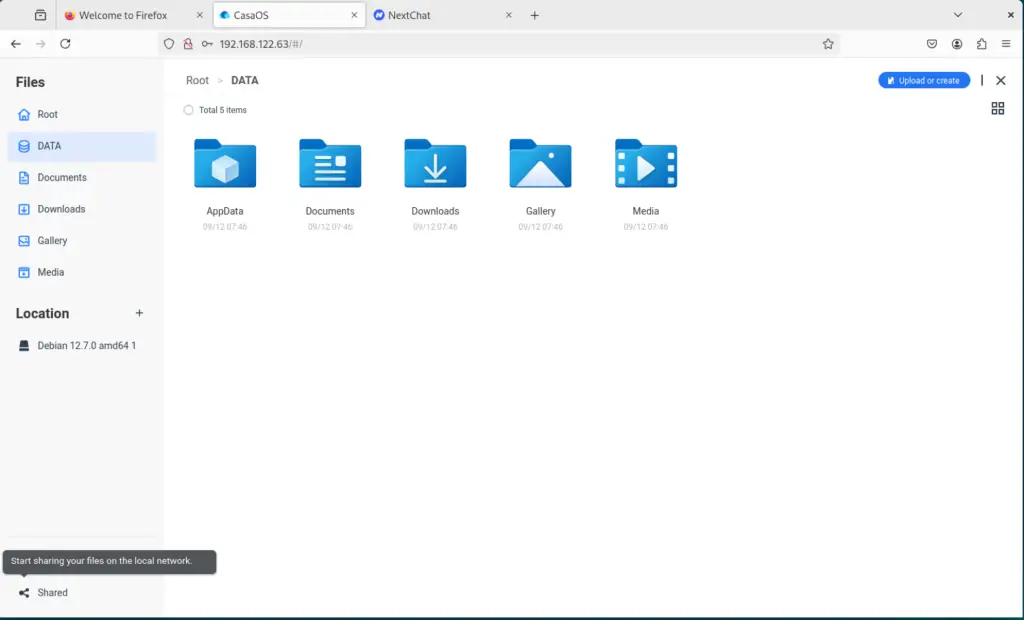
You can access all of your files, upload new resources, and manage them with ease thanks to the well-designed file browser.
Enjoy CasaOS!
Wrap Up
CasaOS is a fantastic solution that offers a strong “platform” that enables running your self-hosted services in a way that is smooth and simple if you want to start doing so without having to worry about the complexities of setting up new Docker containers, Docker networks, or managing port forwarding.
Check also these cool guides:
