

Node.js is an open-source platform built on Chrome’s JavaScript runtime environment to help developers build fast and scalable network applications. It runs on the V8 engine and executes JavaScript code outside a web browser. Node.js uses an event-driven, non-blocking I/O model that makes it lightweight and efficient, perfect for data-intensive real-time applications that run across distributed devices.
In this short article we see how to install NodeJS 22 on CentOS Stream 10 | 9. As of this article update the latest current release of Node.js is 23.x. This is an LTS release and it is recommended for use in Production environments. The current LTS release is Node.js 22.14, fit for running mission critical production workloads.
Install Node.js 22 LTS on CentOS Stream 10 | 9
Node.js packages are provided through the NodeSource Node.js Binary Distributions via .rpm. Add the repository to the system using the commands below:
curl -fsSL https://rpm.nodesource.com/setup_22.x | sudo bash -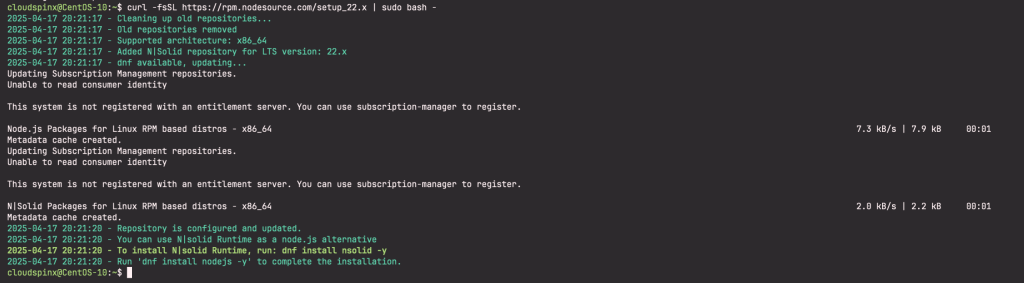
Once the repository has been configured on your CentOS server you can proceed to install Node.js 22 on CentOS Stream 10|9:
sudo dnf install -y nodejs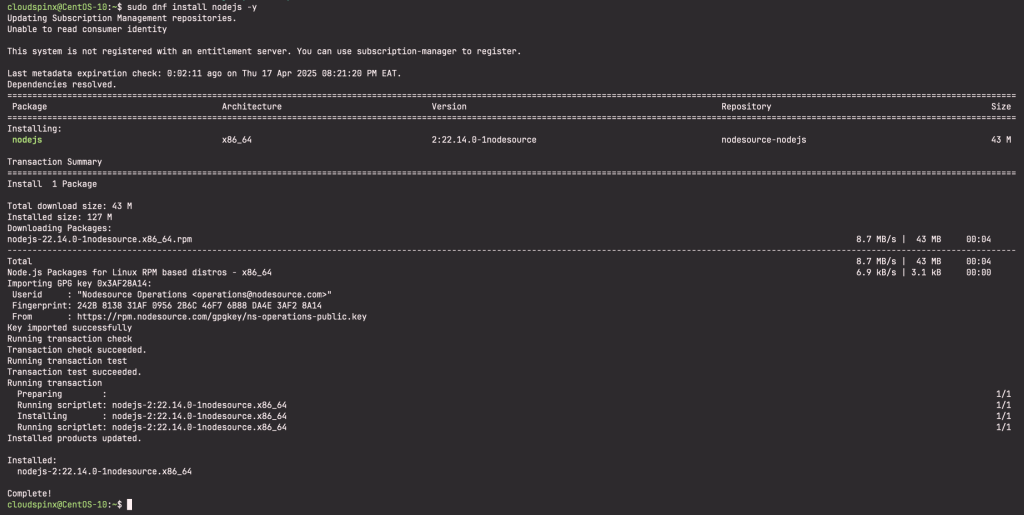
Confirm that you can start node shell:
$ node
Welcome to Node.js v22.14.0.
Type ".help" for more information.
>
If you need development tools to build native addons:
sudo yum install gcc-c++ make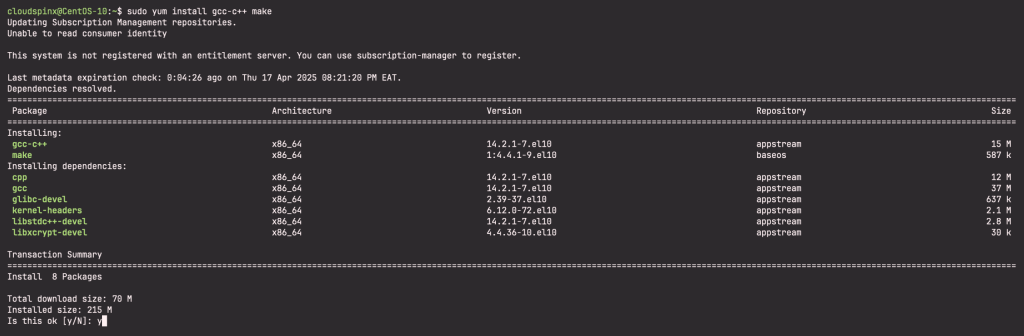
To install the Yarn package manager run the following commands:
curl -sL https://dl.yarnpkg.com/rpm/yarn.repo | sudo tee /etc/yum.repos.d/yarn.repo
sudo yum install yarn
Testing Node.js 22 installation on CentOS Stream 10|9
Once we have installed Node.js, let’s build our first web server. Create a file named app.js:
vim app.jsThe add:
const http = require('http');

const hostname = '127.0.0.1';
const port = 3000;

const server = http.createServer((req, res) => {
  res.statusCode = 200;
  res.setHeader('Content-Type', 'text/plain');
  res.end('Hello World');
});

server.listen(port, hostname, () => {
  console.log(`Server running at http://${hostname}:${port}/`);
});
Then run your web server using the following command:
node app.jsThis runs the service on port 3000:
$ sudo ss -tuenlp | grep 3000
tcp     LISTEN   0        128            127.0.0.1:3000          0.0.0.0:*       users:(("node",pid=13377,fd=18)) ino:50295 sk:7 <->
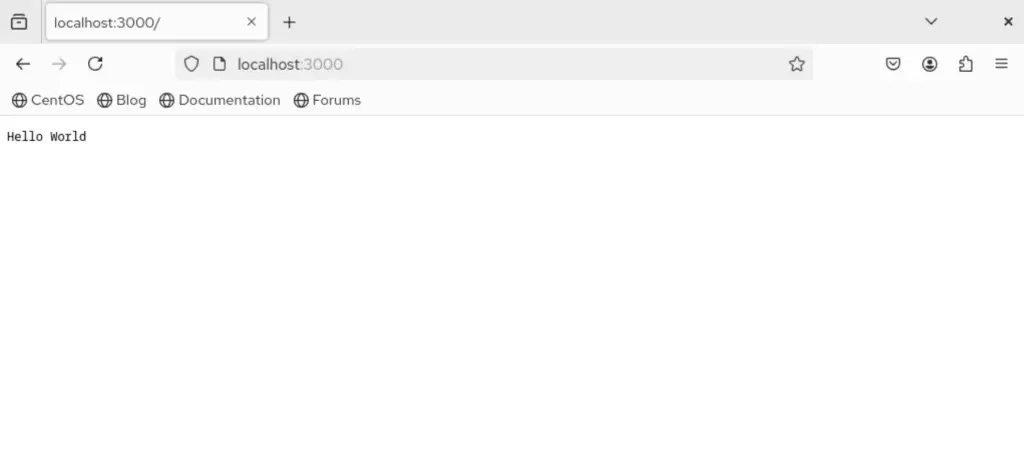
Visit http://localhost:3000 and you will see a message saying “Hello World“.
Refer to the Introduction to Node.js for a more comprehensive guide to getting started with Node.js.
More on CentOS Linux:
