

Arduino boards are making immense waves in the digital production world as they are used heavily in creation of digital devices and interactive materials able to control things physically, around the human sphere. It is an open-source platform, ideal for engineers building robots, and DIY enthusiasts. Arduino is a ready to use hardware and software platform with a small I/O controller board and development environment.
Arduino IDE is an open-source Arduino Software (IDE) which makes it easy to write code for Arduino controller and upload it to the board. It contains a text editor for writing code, a message area, a text console, a toolbar with buttons for common functions and a series of menus. It connects to the Arduino hardware to upload programs upon user actions.
In this article we’ll cover installation of Arduino IDE on Fedora Desktop operating environment. Our installation steps entails:
- Logging into your Fedora system
- Download Arduino IDE installation files (archive)
- Extraction of the IDE archive file to get installation script
- Installing Arduino IDE on Fedora
- Launching and using Arduino IDE on Fedora
1. Install Aurduino IDE using snaps
Snaps are applications packaged with all their dependencies to run on all popular Linux distributions from a single build. They update automatically and roll back gracefully.
Enable Snapd
Snap can be installed on Fedora from the command line:
sudo dnf install snapdEither log out and back in again, or restart your system, to ensure snap’s paths are updated correctly. Then enable --classic snap support:
sudo ln -s /var/lib/snapd/snap /snapInstall Arduino
Now, to install Arduino, run the following command:
sudo snap install arduino2. Install Arduino using install script
Get the latest version from the download page.
sudo wget https://downloads.arduino.cc/arduino-ide/arduino-ide_2.3.4_Linux_64bit.zipThen extract the zip file:
sudo unzip arduino-ide_*_Linux_64bit.zipSwitch to the arduino directory created after extraction, then run the install.sh script:
cd arduino-*/
sudo sh arduino-ide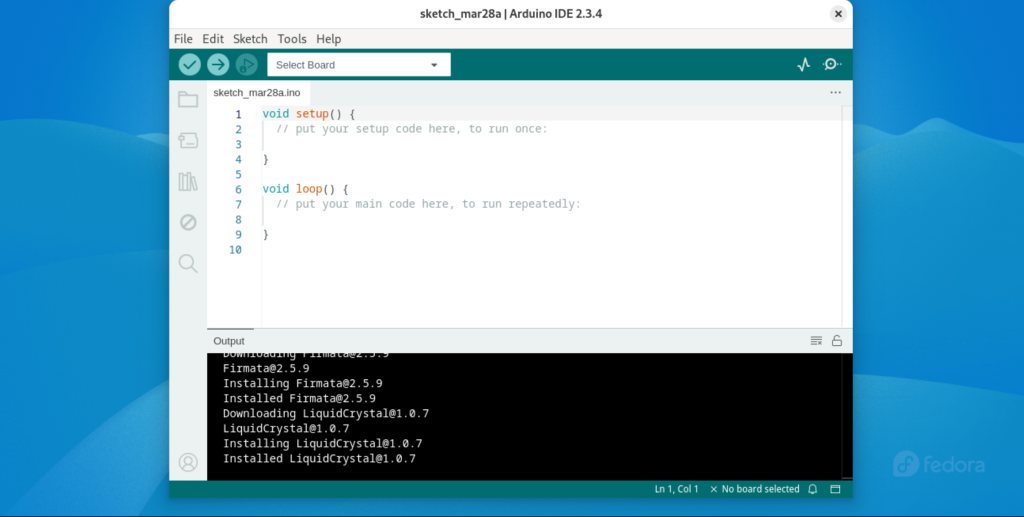
3. Install Arduino manually using AppImage
Download Arduino IDE AppImage
Login to your Fedora system as root or user with sudo permissions.
ssh username@ServerIPThen install wget utility which will be used to pull the latest Arduino IDE installation files.
sudo dnf install wget
sudo wget https://downloads.arduino.cc/arduino-ide/arduino-ide_2.3.4_Linux_64bit.AppImage
Make sure you’re downloading the latest available release.
Install Arduino IDE
Upon successful download of Arduino IDE on Fedora, make the file executable.
chmod +x arduino-ide_*_Linux_64bit.AppImageRun the installer.
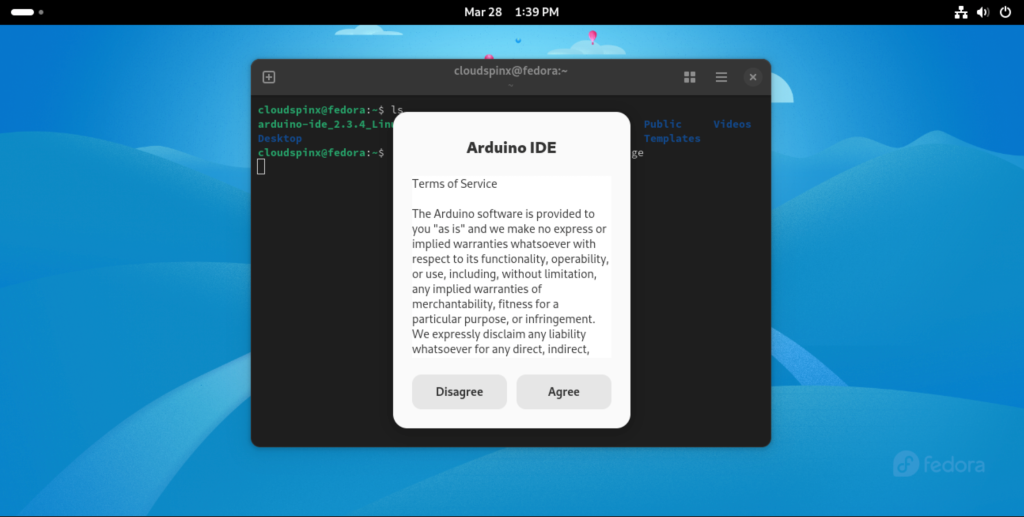
./arduino-ide_*_Linux_64bit.AppImageAccept ther terms of service:
Start writing Arduino Code using Arduino IDE.
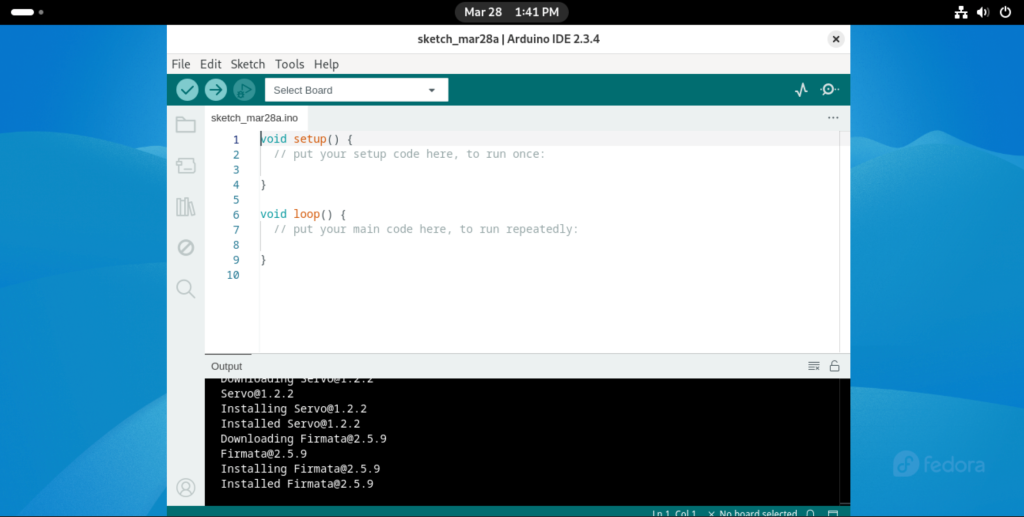
You have learned how to easily install Arduino IDE on Fedora Desktop system.
