

Networking is one of the most important aspects of any virtualization setup. Changing VMs is not a problem. How the VM connects with each other, the host, and outside world depends on the network of the host. Networking in KVM can be handled at a low level using Linux networking tools. For many administrators, however, Virt-Manager provides a simple graphical interface for managing KVM networking.
[ebook product=”1″ theme=”dark”]
Let’s go through some basic network configurations that you can perform using Virtual Machine Manager:
Creating Virtual Networks
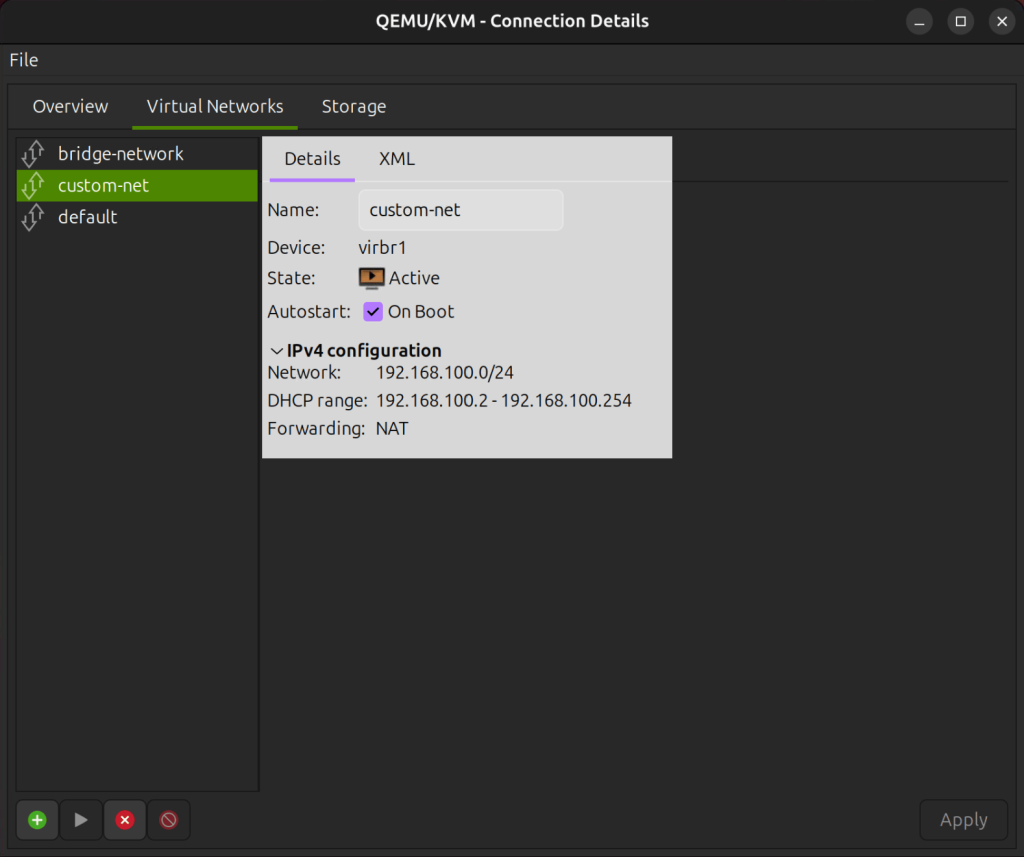
Launch Virt Manager and select a KVM host then go to Edit → Connection Details. Navigate to the Virtual Networks tab and click on the plus icon that says Add Network when hovered.
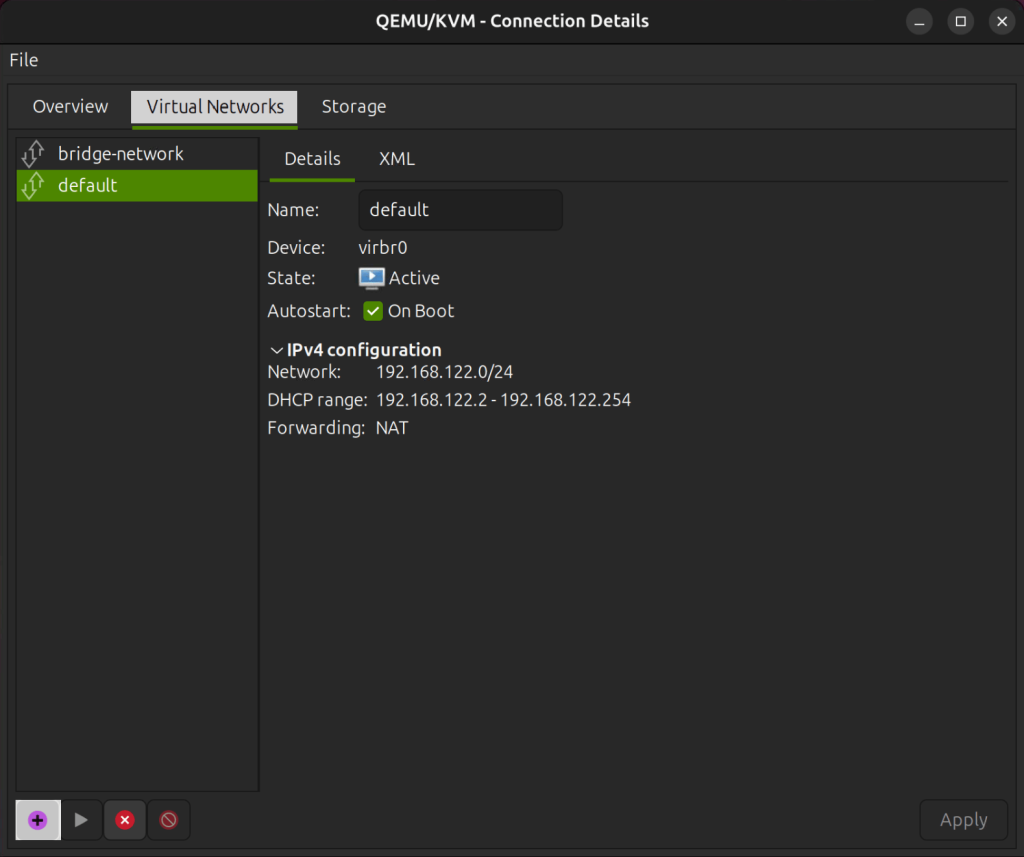
A new configuration wizard pops up and you can configure your virtual network:
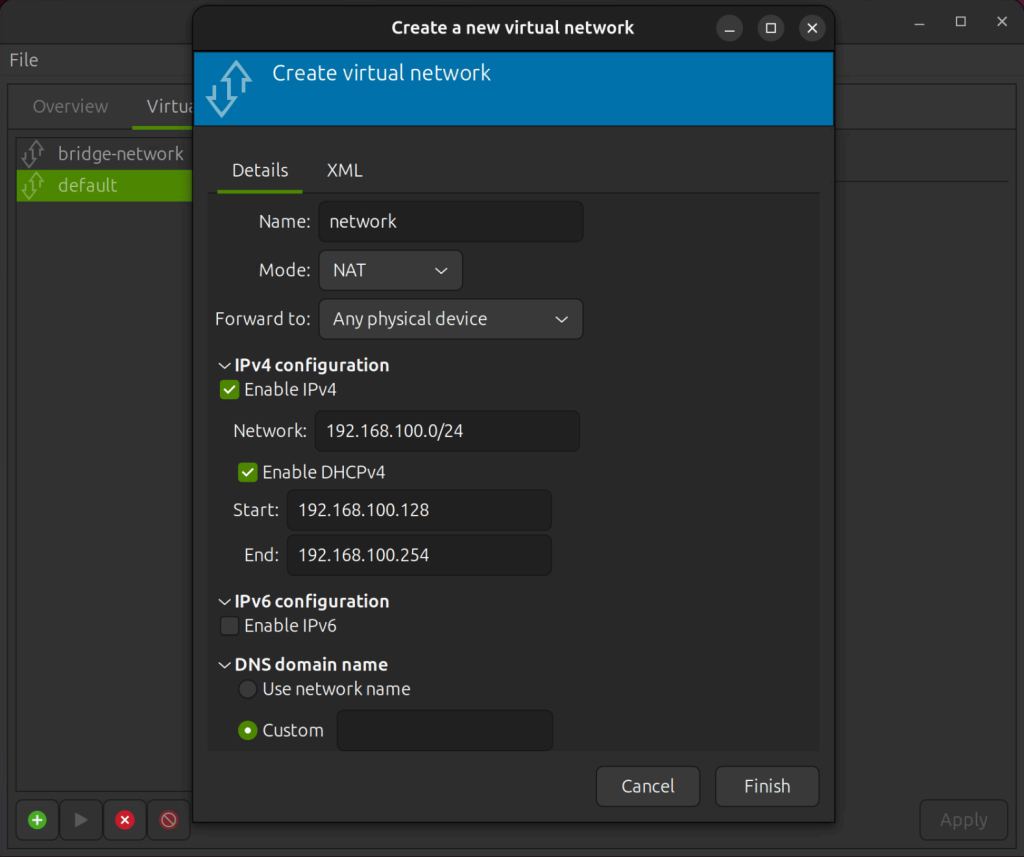
You can specify whichever subnet you want, as long as it does not conflict with any existing virtual network.
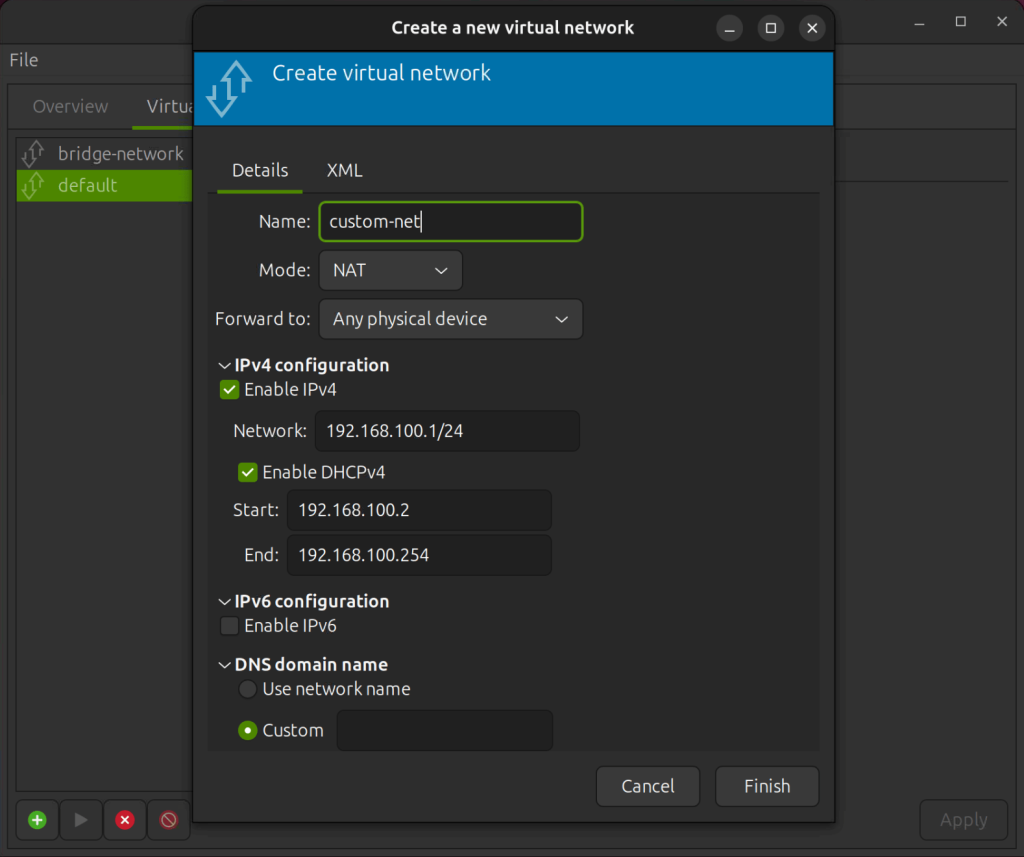
You can also configure your virtual network using xml on virt-manager.
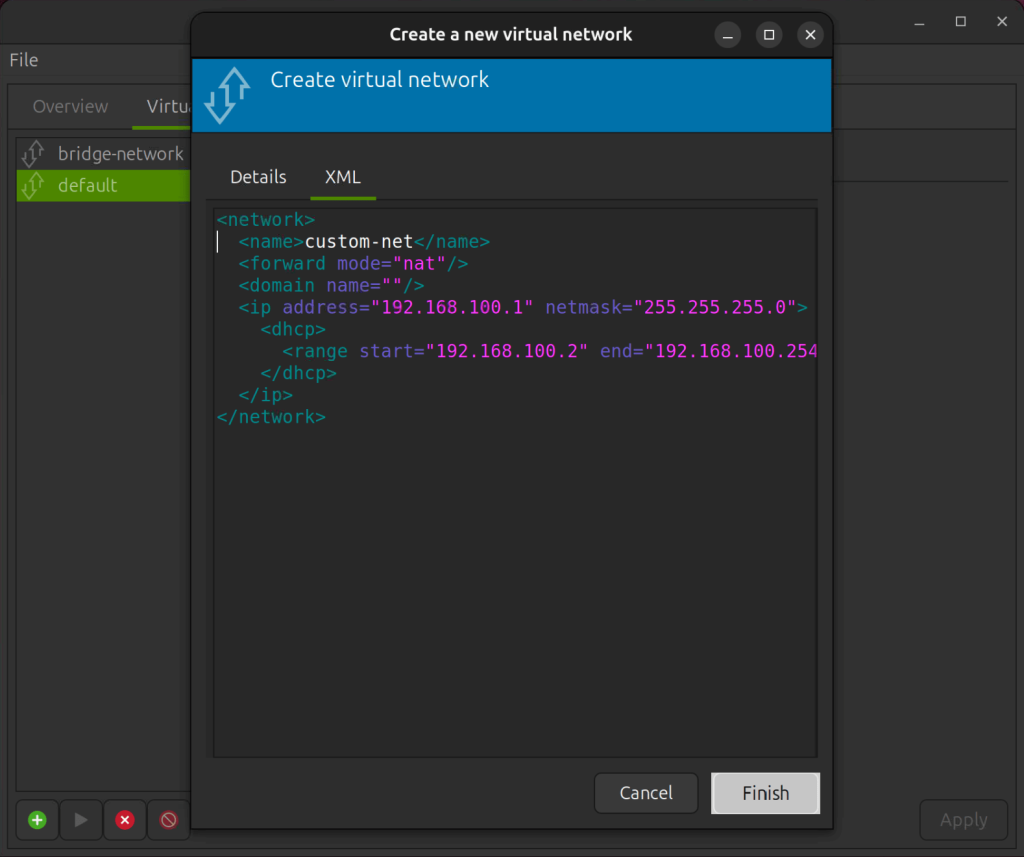
Click on Finish when done. Now your new Virtual Network is up and running.
Attach Virtual Network to VM
Now, let’s attach the custom Network to a VM. Open the VM details by selecting the VM, then click Open → View → Details → NIC.
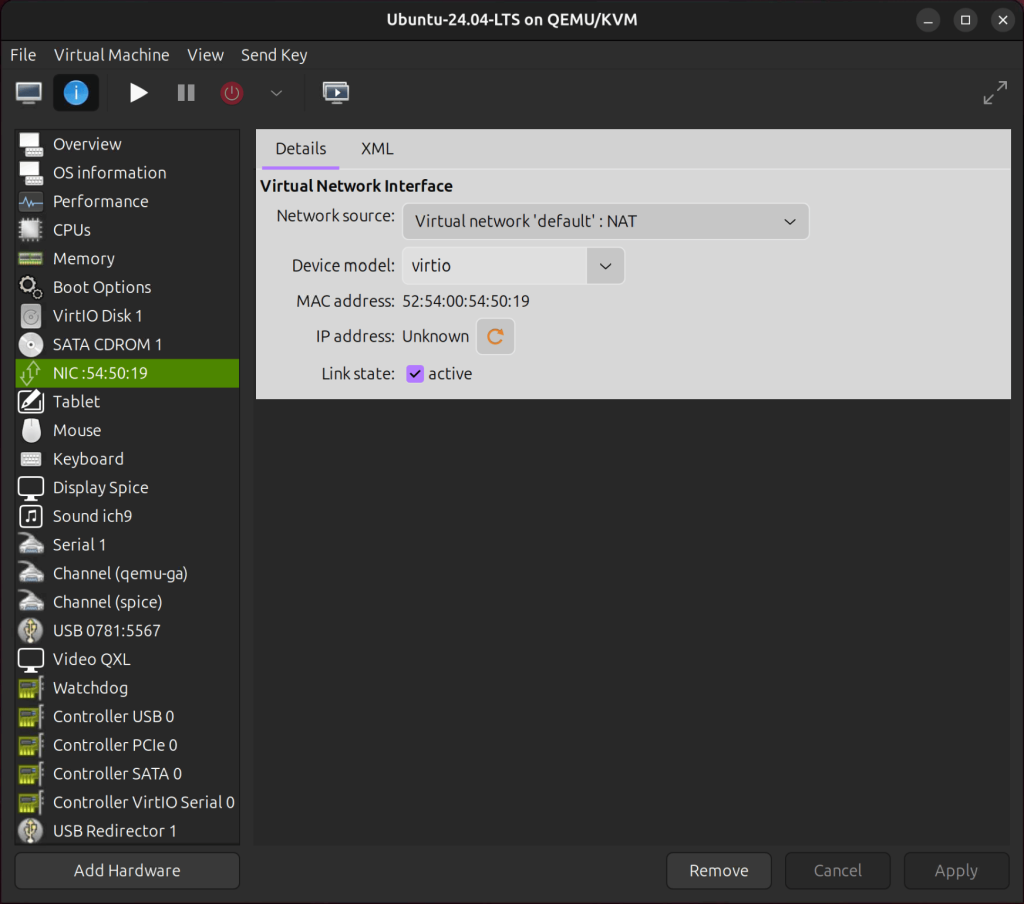
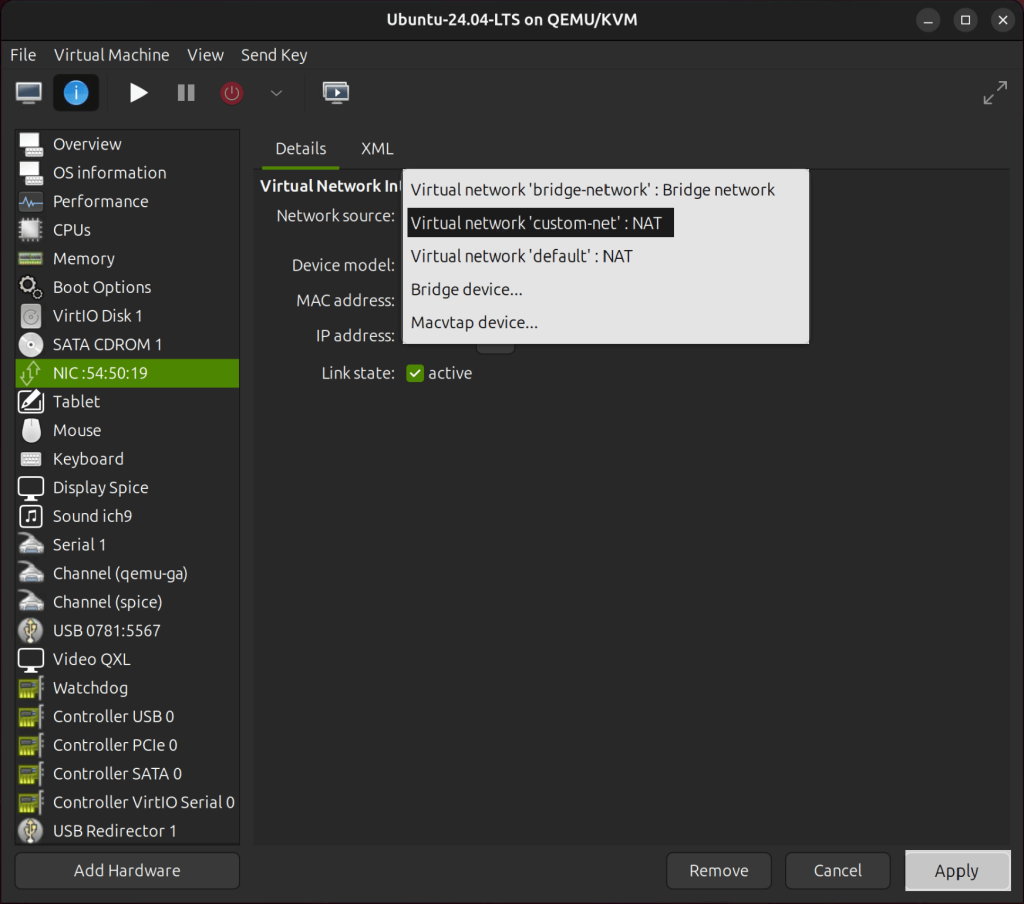
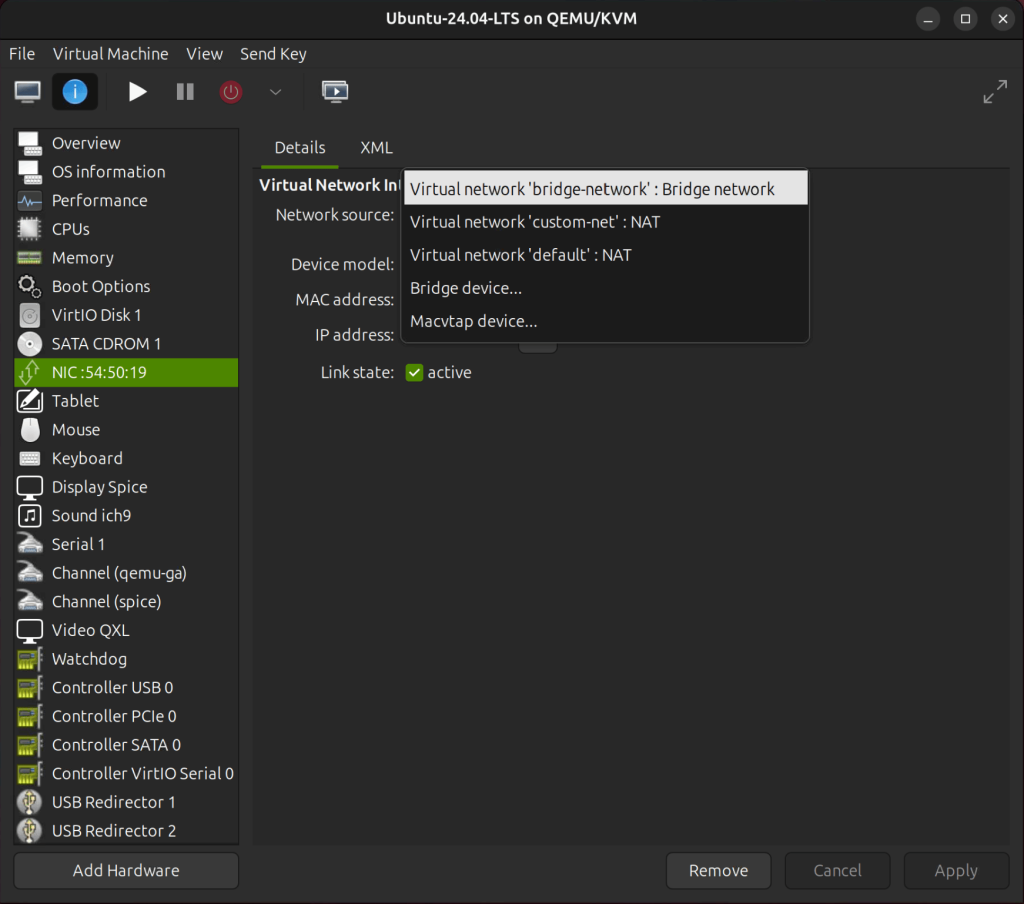
Click on Network source and select the Virtual Network you just created then click Apply.
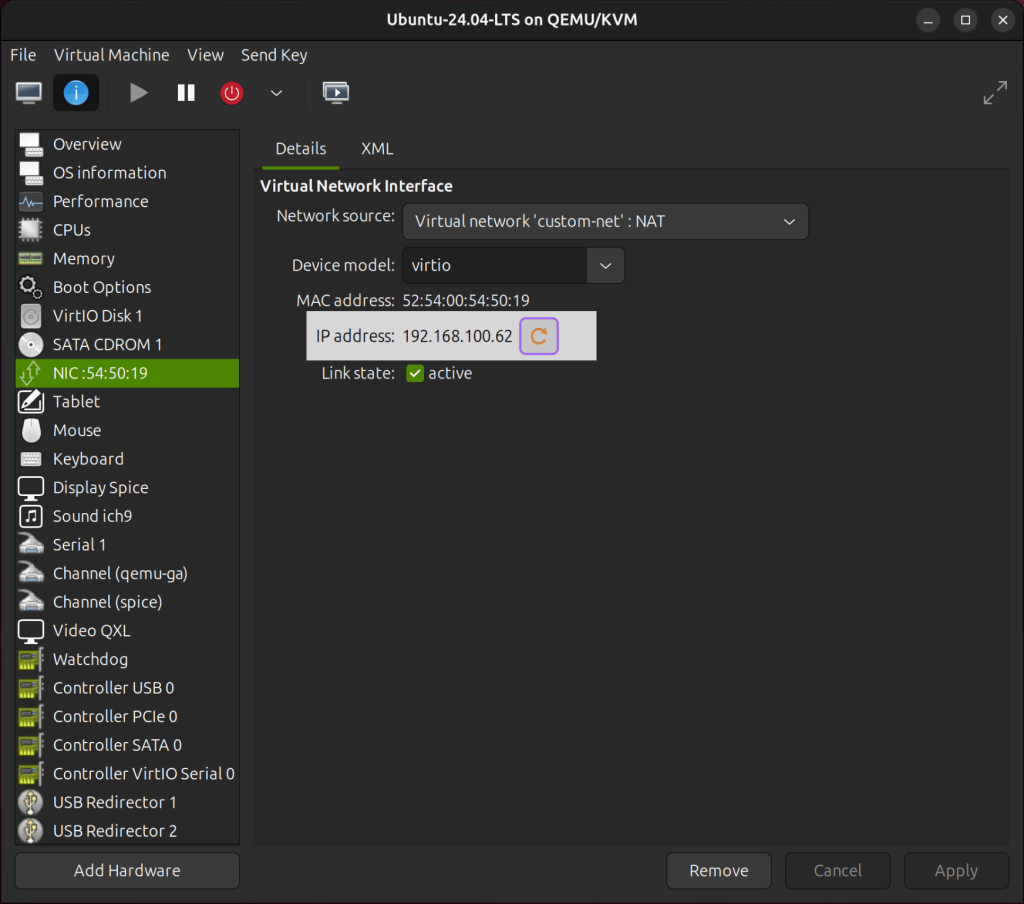
After powering on the VM, you can reload the IP address to have a look at the new IP address:
Configure Bridged Networking
By default, virt-manager does not show the bridged network option. You need to manually create a Linux bridge and configure it for use with KVM. For this step, please refer to these guides:
- Configuring Bridged Network on KVM Host with Netplan
- KVM Host Network Management using Network Manager (NMCLI)
- How to Manage KVM Host Network using Networking Scripts
After you have successfully set up the bridge network, proceed to open Virt-Manager and go to Edit → Connection Details, then select the Virtual Networks tab. Ensure that the brigde network is present.
23.png
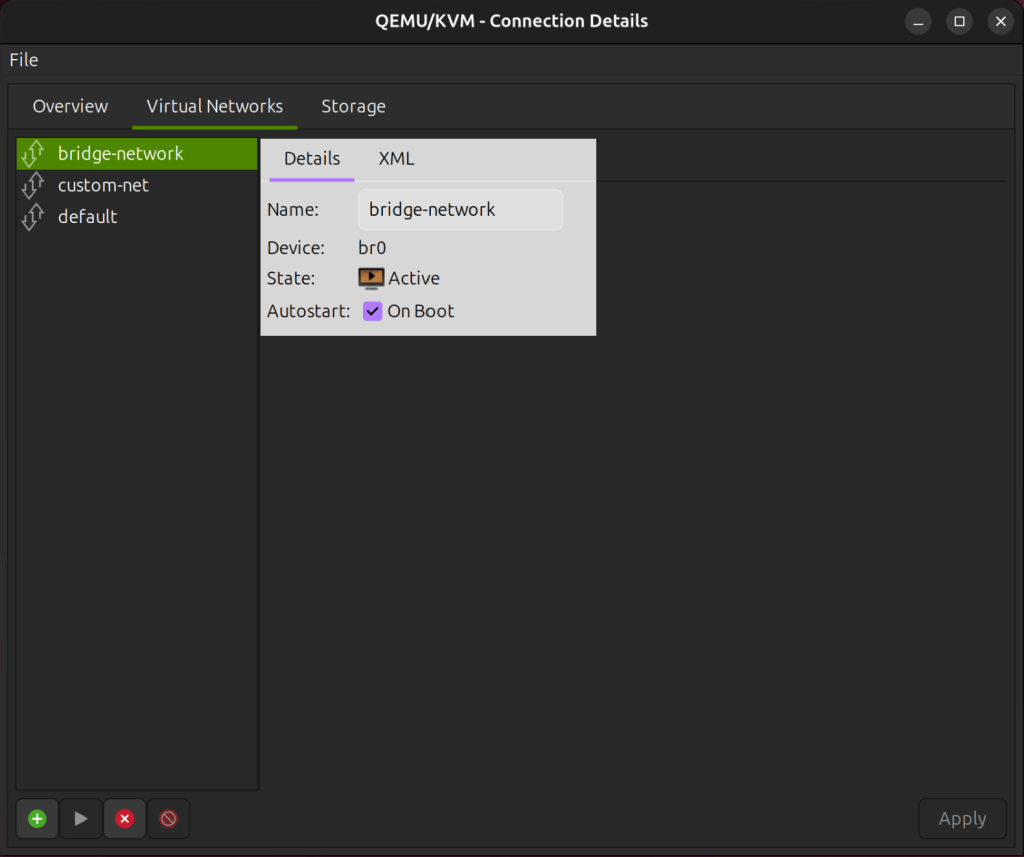
To assign the new network to a VM, go to Virtual Machine Details → NIC Network → Source.
Virt-Manager focuses on creating virtual networks using libvirt, but bridging requires changes to the host’s networking setup, which is outside libvirt‘s scope.
