The chassis is the cheap part. A used Dell R730 sells for a few hundred dollars, sometimes less bare, and that number is what pulls people toward a rackmount server for their first real homelab. The number that actually matters arrives later: the rail kit, the HBA, four or eight sticks of registered memory, and a power bill that over three years usually exceeds what the server cost. This guide picks the server worth starting with and, more importantly, the parts that turn a bare enterprise chassis into something that runs Proxmox VE quietly and cheaply.
Specs verified July 2026 against Dell and HPE technical guides. Power, price, and noise figures are cited to their sources, not measured here.
Three machines dominate the used market a first-timer shops in: the Dell PowerEdge R730, the newer Dell R740, and the HPE ProLiant DL380 Gen9. All three run Proxmox without complaint. They differ on the things that bite a first owner: how hard it is to quiet the fans, whether the storage controller gets out of ZFS’s way, whether remote management is licensed, and what they cost to buy and to run.
Quick picks
- Best first server: Dell PowerEdge R730 / R730xd. Cheapest to buy and part out, the deepest homelab community, and its two annoyances (fan noise, idle power) both have documented, reversible fixes.
- If the budget allows: Dell PowerEdge R740 / R740xd. Newer Xeon Scalable platform, faster DDR4, iDRAC 9. It is the priciest, and its fan control has a firmware catch covered below.
- HPE alternative: ProLiant DL380 Gen9. Excellent hardware when the price is right, but the most first-timer friction: aggressive fans with non-HPE drives, a brick-risk firmware patch to quiet them, and a licensed remote console.
How the shortlist was chosen
Compute was not the deciding factor. Any of these dual-socket boxes gives more cores and memory channels than a first homelab will saturate, so the shortlist was built on the friction points instead: the difficulty of quieting the fans, whether the RAID controller can be put into a true HBA mode that ZFS needs, whether the out-of-band console is licensed for remote install and recovery, and the real cost to run the thing. The specs below come from Dell’s and HPE’s own technical guides; the power, price, and noise figures are cited from published measurements and current listings, because this is a buying guide, not a lab review, and no hardware was benchmarked here.
One number to keep in mind while reading: idle power. These are dual-socket enterprise machines, and a loaded one draws far more at the wall than a mini PC. That figure, multiplied by a year of runtime, is the real cost of ownership and the reason the recommendation leans toward the platform that tunes down the furthest.
R730 vs R740 vs DL380 Gen9 compared
The specs that change the decision. Prices are used-market bands as of July 2026, not live quotes.
| Server | Management | CPU (max cores/socket) | Memory | Idle power (cited) | Used price band |
|---|---|---|---|---|---|
| Dell R730 / R730xd | iDRAC 8 | Xeon E5-2600 v3/v4 (22) | 24 DIMM DDR4, 768GB RDIMM / 3TB LRDIMM, 2400 | ~100W single-CPU tuned to ~160W dual+SSD | refurb from ~$324, bare eBay lower |
| Dell R740 / R740xd | iDRAC 9 | Xeon Scalable 1st/2nd gen (28) | 24 DIMM DDR4, up to 3TB, 2666/2933 | load ~295-450W (idle not cleanly published) | configured ~$715-2000+ |
| HPE DL380 Gen9 | iLO 4 | Xeon E5-2600 v3/v4 (22) | 24 DIMM, up to 3TB, 2400 | ~90W (dual E5-2695v3, 64GB) | bare eBay ~$110-330, value ~$330-400 |
Dell PowerEdge R730: the one to start with
The R730 is the default first homelab server for a reason that has nothing to do with speed. It is the cheapest of the three to buy and to part out, it has the largest community writing about every quirk, and both of its real annoyances have known fixes. It takes two Xeon E5-2600 v3 or v4 CPUs (up to 22 cores each), 24 DDR4 memory slots (768GB with 32GB RDIMMs, up to 3TB with LRDIMMs), and the R730xd variant carries up to 24 SFF or 12 LFF drive bays for a storage build.
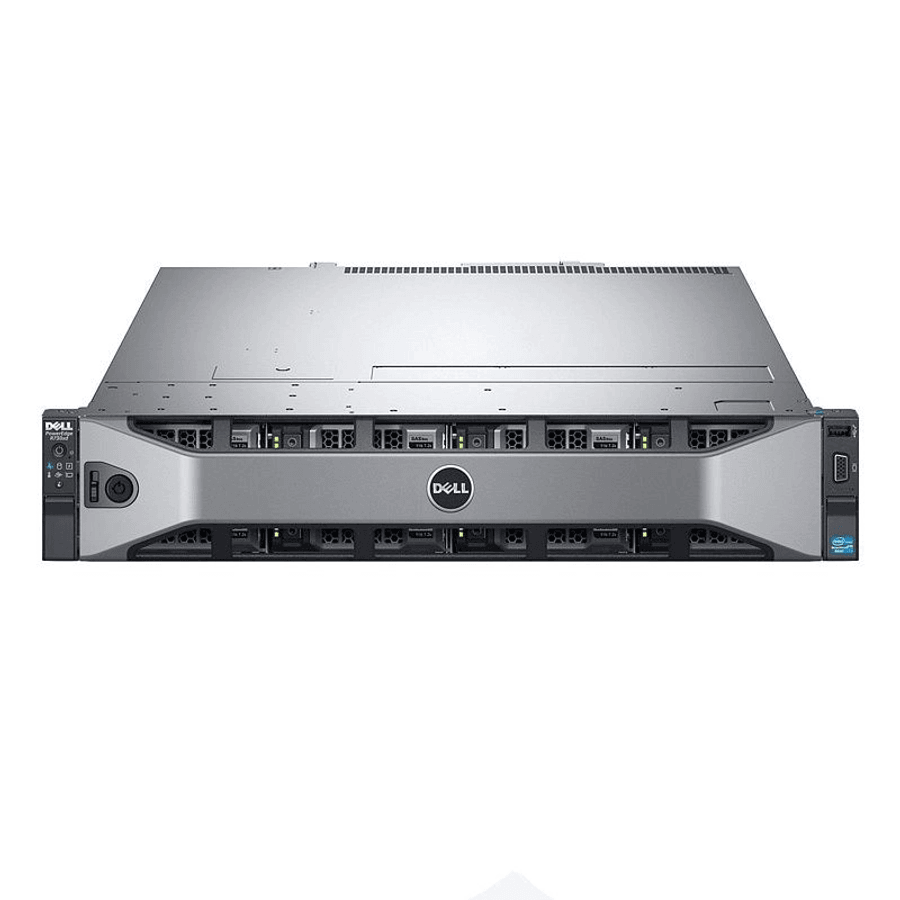
Two things make it the low-friction choice. Its fans are quieted with two reversible IPMI commands (covered below), where the R740 and DL380 need firmware surgery. And its storage controller, the PERC H730, can be replaced or paired with a proper HBA so ZFS sees raw disks. The chassis itself is an eBay purchase, warrantied refurbishers list R730s from around $324 and bare units go lower; there is no Amazon affiliate link here because it is not an Amazon product. Buy the chassis on eBay, then spend on the parts below.
One thing to verify on any listing: the iDRAC license. The default iDRAC 8 Express has no virtual console or virtual media, so you cannot install or recover the box remotely. iDRAC 8 Enterprise unlocks the remote KVM and ISO mounting, and Enterprise license keys sell cheaply on eBay if a listing only includes Express.
Dell PowerEdge R740: newer, faster, pricier
The R740 is the generation up: Xeon Scalable (Skylake and Cascade Lake, up to 28 cores per socket), DDR4 at 2666 or 2933, more PCIe, and iDRAC 9. If the budget stretches to it, it is the better long-term platform. Two caveats keep it out of the top spot for a first build. It is the most expensive of the three by a wide margin, with configured units running from roughly $715 well past $2,000.
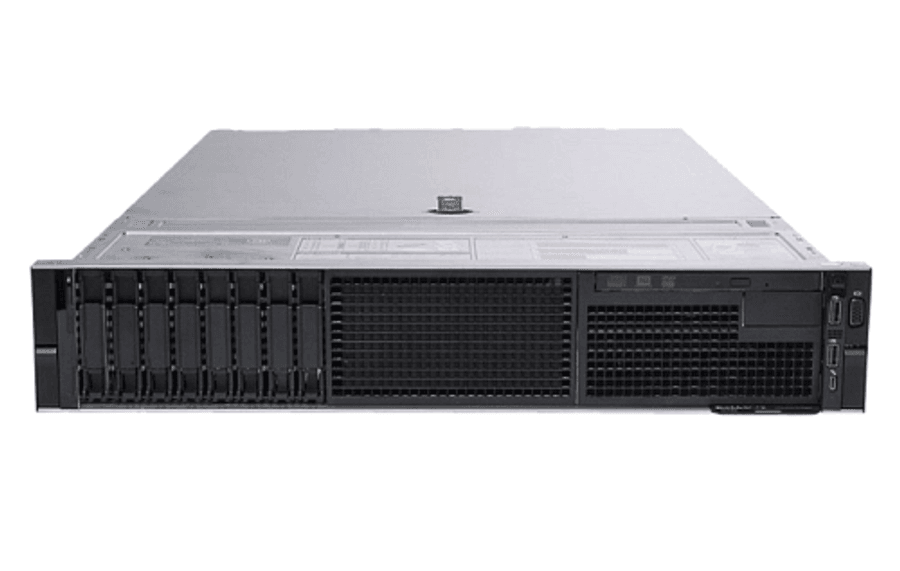
The second catch is specific and worth knowing before you buy for silence: Dell removed manual IPMI fan control from iDRAC 9 at firmware 3.34.34.34. Quieting an R740 then means either staying on, or downgrading to, older firmware, or using coarser thermal offset controls. The R730’s iDRAC 8 has no such lockout, which is a large part of why it remains the friendlier first buy.
HPE ProLiant DL380 Gen9: the HPE route, with friction
The DL380 Gen9 is the HPE equivalent of the R730, same Xeon E5 v3/v4 generation, 24 DIMM slots to 3TB, and it is often the cheapest barebones of the three, with eBay units from around $110. The hardware is excellent. The friction is in living with it.
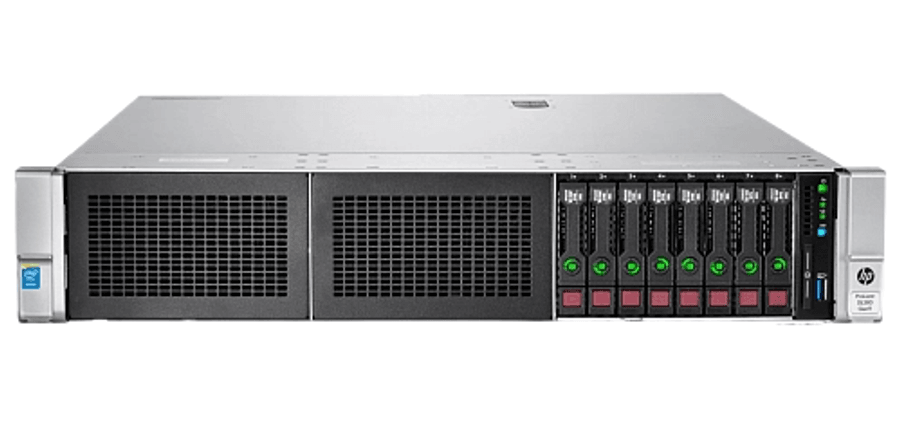
Three things trip up first owners. HPE’s agentless management inflates the reported temperature of non-HPE drives, which ramps the fans hard, and the only real fix is flashing patched iLO 4 firmware, which carries a genuine brick risk. The remote graphical console and virtual media need iLO Advanced, a paid license (a free evaluation exists). And running ZFS behind the stock P440ar controller causes boot problems, so the storage path is legacy BIOS plus an LSI IT-mode HBA, which is exactly the non-HPE card that re-triggers the loud fans. None of this is fatal, but it is more to manage than a first server should ask.
The kit that turns a chassis into a homelab server
A bare eBay chassis is rarely ready to run. These are the parts that finish the build, roughly in order of how reliably a first owner needs them. Unlike the servers, these are stocked on Amazon.
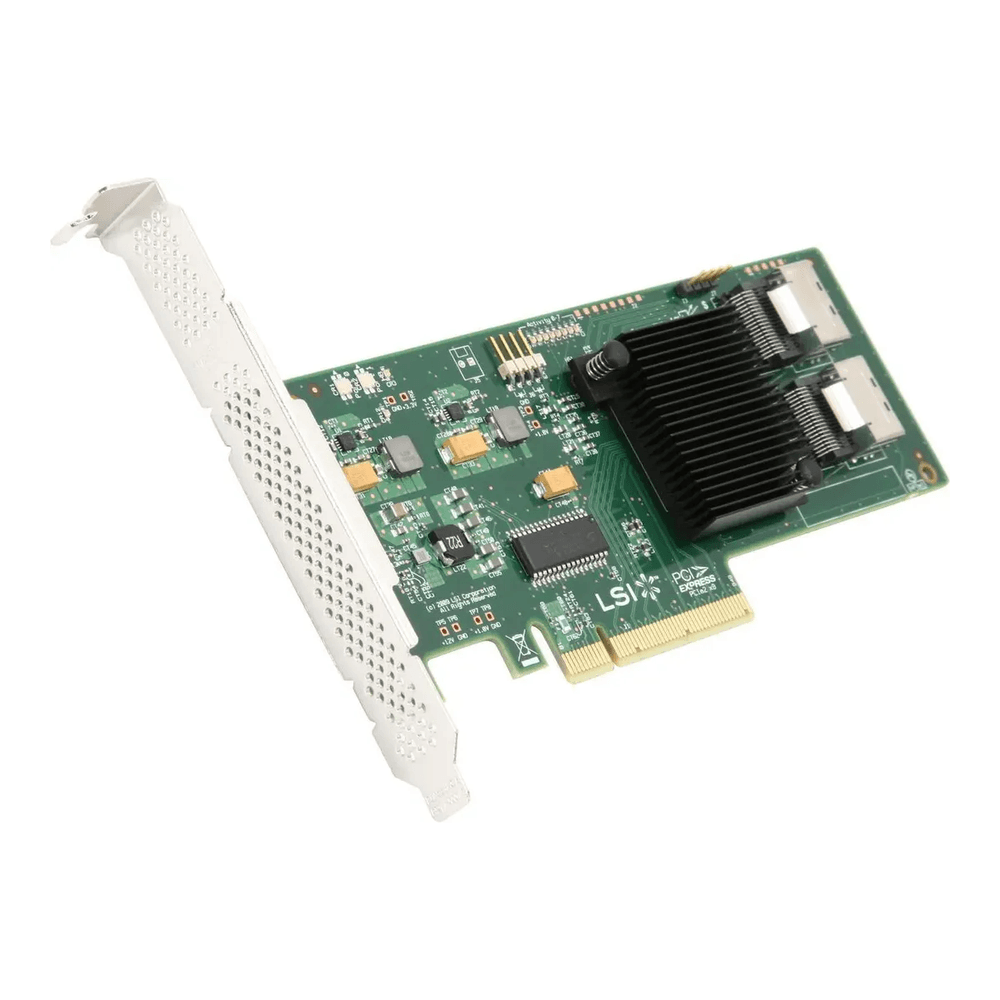
An IT-mode HBA is the near-automatic first buy for anyone running ZFS or TrueNAS. Hardware RAID controllers hide the disks behind their own abstraction, which ZFS hates; it wants raw drives. An LSI 9211-8i (the same card as a Dell H310 flashed to IT mode) presents eight 6Gb/s SAS or SATA disks straight through over two SFF-8087 connectors on a PCIe 2.0 x8 card. Watch for two things: it needs the right SFF-8087 breakout cables, and the low-profile bracket if your riser needs it.
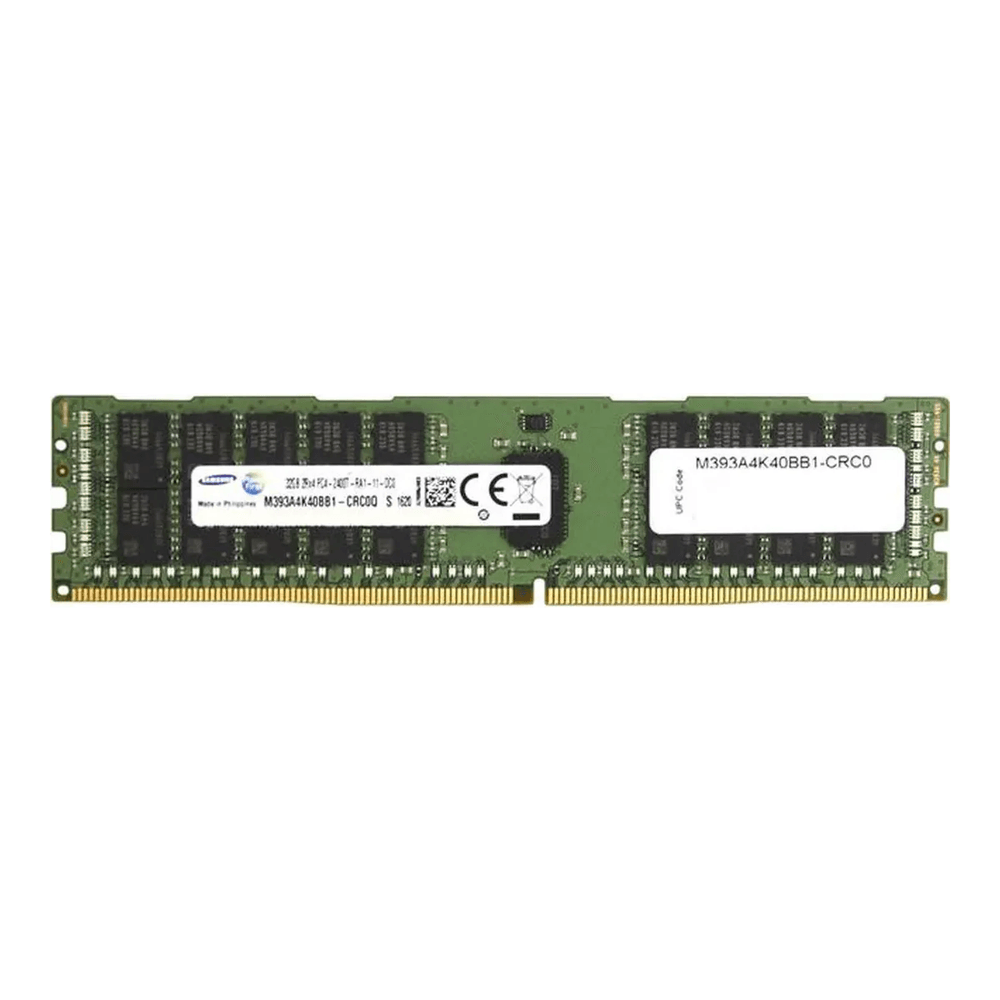
Memory is where the cart adds up and where the biggest performance-per-dollar sits. Enterprise servers take registered ECC (RDIMM), not the unbuffered modules a desktop uses, and the RAM must match the platform’s rated speed: DDR4-2400 on an R730 v4, up to 2666 or 2933 on an R740. A single 32GB 2Rx4 ECC RDIMM is the sensible building block; buy in matched sets to populate channels evenly. Any reputable Samsung, SK Hynix, or Micron module at the right speed is equivalent; the linked stick is a 2400 module for the R730, so R740 buyers should choose a 2666 or 2933 part instead.
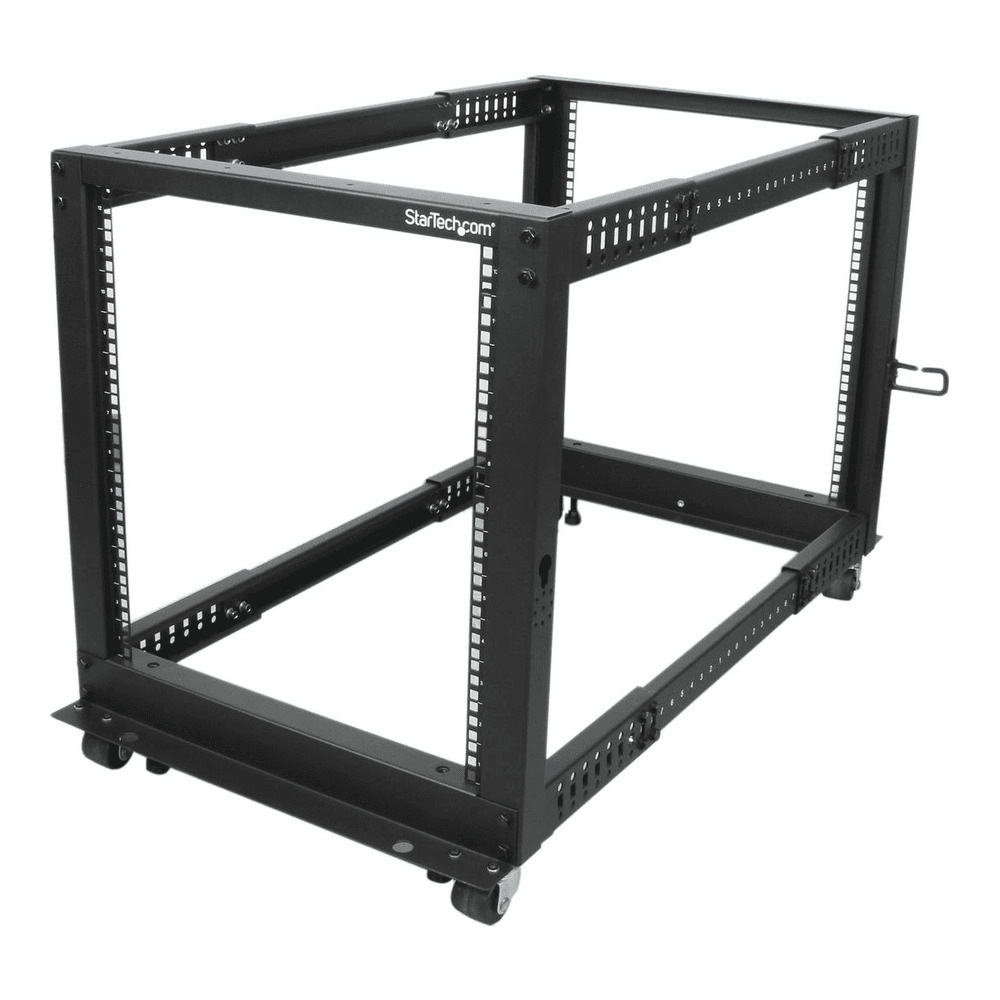
Then the thing to put it in. A 2U server is heavy and full-depth, so it needs a four-post rack, not a two-post frame or a shelf. An open-frame 12U like the StarTech 4POSTRACK12U gives 22 to 40 inches of adjustable depth and takes the weight, and open frames stay far cooler and cheaper than an enclosed cabinet for a home rack.
Three smaller items round out the build. A bare chassis usually ships without Dell ReadyRails sliding rails, so budget for them separately and match the rail type to your rack’s holes. A 10GbE link between the server and a NAS wants a card; a used Mellanox ConnectX-3 is the cheap option, and the 10GbE NIC guide covers which cards behave on Proxmox. And a rackmount C13 PDU tidies the power, servers take C14 inlets, so a PDU with C13 outlets is the correct shape. The rack PDU guide weighs basic, metered, and switched units and flags the input-plug gotcha before you buy.
Quiet it down and cut the power draw
The complaint every first owner has is noise, and on a Dell it is the easiest to fix. An R730 idles its fans around 43 percent and jumps to 66 percent the moment any third-party PCIe card is installed, which is loud. iDRAC 8 exposes a raw IPMI command to take manual control. First switch fan control to manual:
ipmitool -I lanplus -H 10.0.1.30 -U root -P calvin raw 0x30 0x30 0x01 0x00Then set a static fan speed as a percentage, where the last byte is the value in hex. This sets roughly 30 percent (0x1e):
ipmitool -I lanplus -H 10.0.1.30 -U root -P calvin raw 0x30 0x30 0x02 0xff 0x1eRun those against the iDRAC IP with your own credentials. The setting reverts to automatic on an iDRAC reset, so re-apply it at boot, and send raw 0x30 0x30 0x01 0x01 to hand control back to the firmware if temperatures climb. On the R740, remember this was removed after iDRAC 9 firmware 3.34.34.34; on the DL380 Gen9 the equivalent needs patched iLO 4 firmware, with the brick risk noted earlier. For a headless box that has no iDRAC Enterprise license, an external IP-KVM gives you the same remote console.
Idle power is the other running cost, and it responds well to tuning. In the BIOS, set the system profile to Performance per Watt (OS) so Proxmox can drive the C-states, then let the OS tune the rest:
sudo powertop --auto-tuneThe gains are real: a dual E5-2699v3 R730 has been measured dropping from 321 to 336 watts stock down to 196 to 210 watts after BIOS and C-state tuning, about a third. One caveat holds the whole package out of deep sleep states: a single drive or PCIe card that does not support power management will keep idle draw high no matter what else you tune. For storage on Proxmox, skip the PERC “HBA mode,” which still routes through the RAID firmware, and use the real IT-mode HBA above so ZFS gets clean disk access.
What it actually costs to run
Price the electricity before the chassis. A realistic tuned homelab R730 idles somewhere between roughly 100 watts (single CPU, SSDs, C-states on) and 160 watts (dual CPU), with high-TDP v3 parts pushing past 200. Run the math on your own tariff: watts divided by 1000, times 24, times 365, times your cost per kilowatt-hour. At 150 watts and a middling rate, that lands in the low hundreds of dollars a year, and over three to five years the power bill quietly overtakes the couple hundred dollars the server cost to buy.
That single figure is the buying advice. If low, predictable power and quiet matter more than raw capacity, a modern mini PC or a purpose-built Proxmox box will serve better than any of these. But if the goal is enterprise features, real out-of-band management, and cheap bulk cores and memory to learn on, the R730 is the server to start with: budget a hundred or two for the chassis on eBay, an IT-mode HBA, a set of ECC RDIMMs, rails, and a four-post rack, then spend an afternoon on the fan and power tuning above. That is the whole build, and it is why it remains the first rack server most homelabbers buy.