

Three self-hosted remote desktop tools, three completely different approaches to the same problem. Apache Guacamole gives you browser-based access to servers without installing anything on your workstation. RustDesk replaces TeamViewer with a self-hosted P2P relay. MeshCentral is a full device management platform that pushes agents to every machine in your fleet. They all fall under “remote desktop,” but choosing the wrong one for your use case means wasted setup time and a tool that doesn’t fit.
After deploying all three on the same Ubuntu 24.04 server, the differences became obvious fast. This comparison covers architecture, resource usage, protocol support, and the specific scenarios where each tool is the right pick. If you need deeper install guides, we have a full Apache Guacamole on Ubuntu walkthrough and a Docker Compose deployment guide that cover the setup in detail.
Tested March 2026 | Ubuntu 24.04.4 LTS | Apache Guacamole 1.6.0, RustDesk Server 1.1.15, MeshCentral 1.1.58
Quick Comparison: Guacamole vs RustDesk vs MeshCentral
Before getting into the details, here’s the summary table. This covers the core architectural differences that determine which tool fits your environment.
| Feature | Apache Guacamole 1.6.0 | RustDesk 1.1.15 | MeshCentral 1.1.58 |
|---|---|---|---|
| Primary role | Remote access gateway | P2P remote desktop | Device management + remote access |
| Access method | Browser (HTML5) | Native client app | Browser + optional agent |
| Client install needed? | No | Yes, on every endpoint | Agent on managed devices |
| Protocols | RDP, SSH, VNC, Telnet, Kubernetes | Proprietary (RustDesk) | RDP, VNC, Intel AMT, custom |
| Web UI | Yes (connection manager) | No (OSS version) | Yes (full dashboard) |
| Best compared to | Citrix Gateway, AWS SSM | TeamViewer, AnyDesk | ConnectWise, Datto RMM |
| Idle RAM usage (tested) | ~500 MB | ~50 MB | ~200 MB |
| License | Apache 2.0 | AGPL v3 | Apache 2.0 |
Apache Guacamole: Browser-Based Remote Access Gateway
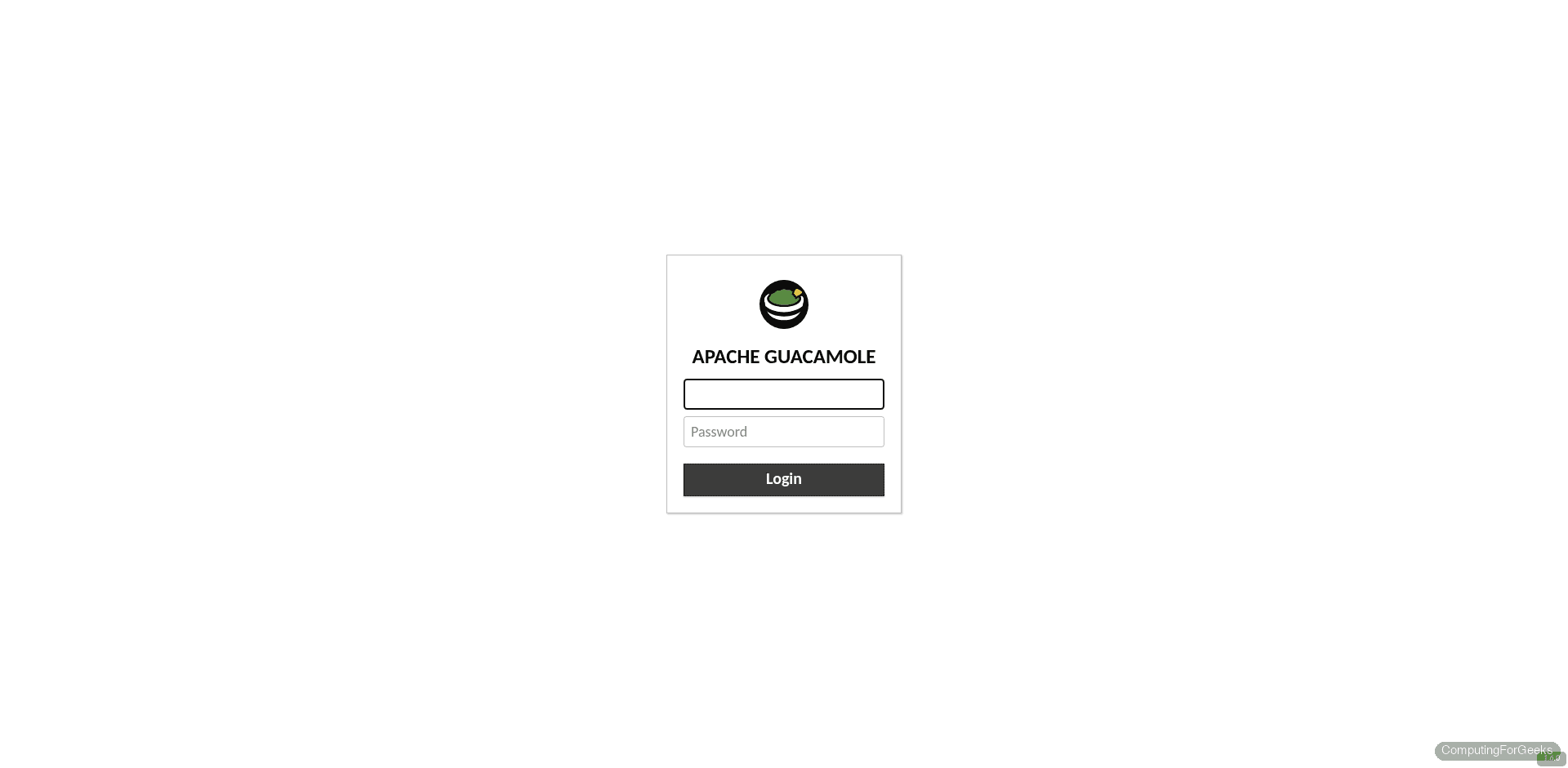
Guacamole acts as a gateway between your browser and remote machines. You open a web page, authenticate, and Guacamole’s backend daemon (guacd) translates your browser session into the native protocol of the target machine: RDP for Windows servers, SSH for Linux, VNC for desktops. The target machine never knows it’s being accessed through a web browser. It just sees a standard RDP or SSH connection coming from the Guacamole server.
The Docker Compose deployment runs three containers: guacd (the protocol proxy), guacamole (the Tomcat web app on port 8080), and MySQL for storing connections and user accounts. Once it’s running, you define connections in the web UI and share them with users. No software gets installed on any endpoint, which is a massive advantage in environments where you can’t touch the target machines.
Where Guacamole Excels
- Zero client installs – Any device with a browser becomes a remote access terminal. This is perfect for accessing infrastructure from a locked-down corporate laptop or a Chromebook
- Protocol flexibility – RDP, SSH, VNC, Telnet, and Kubernetes pod access from a single interface. No other tool in this comparison matches that protocol range
- Centralized connection management – Admins define connections with credentials stored server-side. Users connect without ever seeing passwords or IP addresses
- Session recording – Built-in screen recording for compliance and auditing
Guacamole’s Limitations
Guacamole connects to machines. It doesn’t manage them. There’s no file transfer widget in the web UI for RDP sessions (you can map drives, but it’s clunky). The HTML5 rendering adds latency compared to native RDP clients, which is noticeable on graphical workloads. It also requires the target machine to already have RDP, SSH, or VNC enabled and reachable from the Guacamole server. If your endpoints are behind NAT with no inbound access, Guacamole can’t reach them without a VPN. For step-by-step connection setup, see our guide on configuring Guacamole for RDP, SSH, and VNC.
RustDesk: Self-Hosted TeamViewer Alternative
RustDesk takes the opposite approach. Instead of connecting to existing protocols on target machines, it installs a lightweight client on every endpoint and creates direct peer-to-peer connections between them. Your self-hosted server (two containers: hbbs for the rendezvous/signaling service and hbbr for relay) helps clients find each other and relays traffic when direct P2P connections fail due to NAT.
The user experience mirrors TeamViewer or AnyDesk exactly. The person needing help shares their ID and password. The support technician enters the ID in their RustDesk client and connects. The difference is that the relay and signaling servers are yours, not some third party’s infrastructure.
Where RustDesk Excels
- NAT traversal – P2P connections punch through NAT automatically. No port forwarding needed on endpoints. This is the killer feature for supporting remote users at home or on mobile networks
- Lowest resource usage – The server side uses roughly 50 MB of RAM at idle. It’s just a signaling and relay service, not a full application stack
- Cross-platform clients – Native apps for Windows, macOS, Linux, Android, and iOS. The client is a single binary, easy to distribute
- Familiar workflow – Anyone who has used TeamViewer will feel at home immediately. No training needed
RustDesk’s Limitations
The open-source server has no web UI. All management happens through the client apps. You need the RustDesk client installed on both sides of the connection, which rules it out for scenarios where you can’t install software (kiosks, customer machines where you have no control). The server exposes ports 21115 through 21119, which is a wider range than the other tools. The AGPL v3 license also matters for some organizations. The paid RustDesk Server Pro does add a web console and API, but the open-source version is purely a relay and signaling service.
MeshCentral: Full Remote Device Management Platform
MeshCentral is the most feature-rich of the three, and it solves a fundamentally different problem. It’s not just remote desktop access. It’s a complete device management platform. You install the MeshCentral server (a single Node.js application), create device groups, then deploy lightweight agents to every machine you want to manage. Once an agent checks in, you get remote desktop, remote terminal, file transfer, power management, and hardware inventory from a web dashboard.
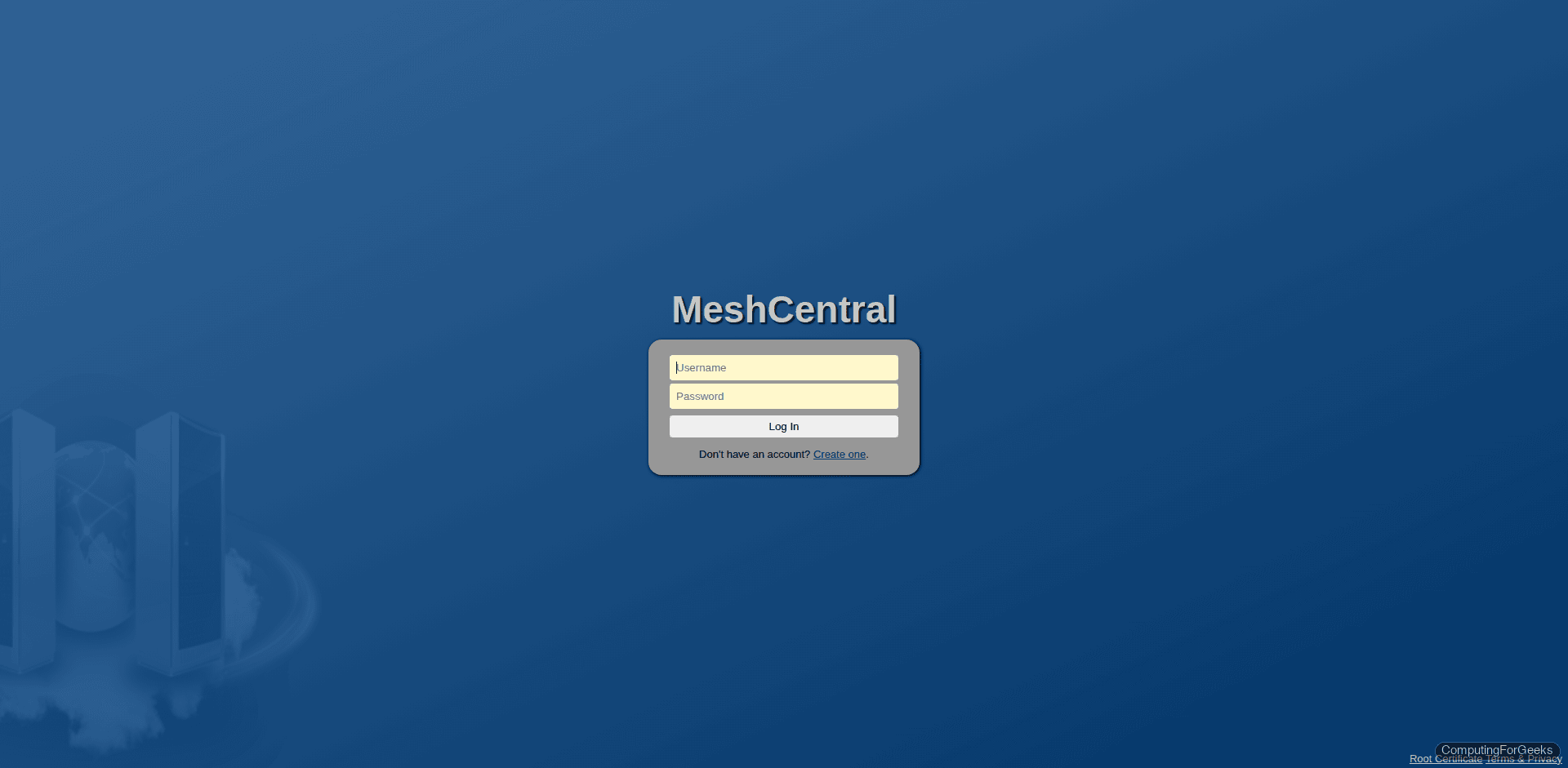
The agent-based architecture means MeshCentral works even when endpoints are behind NAT, because agents initiate outbound connections to your server. Intel AMT support is a standout feature: if your hardware supports it, you can power on, power off, and access the BIOS remotely, even when the OS is crashed or the machine is off.
Where MeshCentral Excels
- Fleet management – Device groups, tags, notifications, and a full web dashboard make it practical for managing hundreds of endpoints
- Agent-based access – Agents call home through NAT. No port forwarding on endpoints. No VPN required
- Intel AMT / IPMI support – Out-of-band management for bare-metal servers and workstations with vPro hardware
- File transfer and terminal – Built into the web UI. Upload files, run commands, browse the filesystem without needing a separate tool
- Single process deployment – One Node.js app, no Docker required (though it supports containers too). Runs on port 4430 with built-in HTTPS
MeshCentral’s Limitations
The web UI is functional but visually dated. The learning curve is steeper than both Guacamole and RustDesk because there are more concepts to learn (device groups, mesh agents, relay modes, user permissions). The agent must be deployed to every endpoint you want to manage, which requires either manual installation or a deployment tool like SCCM or Ansible. Remote desktop performance through the browser is adequate for administration but not great for graphical workloads.
Detailed Feature Comparison
This table goes deeper than the quick comparison above. Every row is based on hands-on testing with the versions listed, not documentation claims.
| Category | Apache Guacamole 1.6.0 | RustDesk 1.1.15 | MeshCentral 1.1.58 |
|---|---|---|---|
| Architecture | Gateway (browser → guacd → target) | P2P with relay fallback | Agent-based with web dashboard |
| Protocols | RDP, SSH, VNC, Telnet, Kubernetes | Proprietary (encrypted) | RDP, VNC, Intel AMT, custom agent |
| Client requirement | Browser only | Native app on both sides | Browser (server) + agent (endpoint) |
| Web UI | Connection manager | None (OSS) | Full management dashboard |
| Authentication | Database, LDAP, TOTP, SAML, OpenID | ID + password per client | Local accounts, LDAP, 2FA (TOTP) |
| Two-factor auth | TOTP via extension | Not in OSS server | Built-in TOTP |
| File transfer | SFTP (SSH sessions), drive mapping (RDP) | Built into client | Built into web UI |
| Session recording | Yes (built-in) | No (OSS) | Yes (built-in) |
| Multi-user / RBAC | Yes (user groups, connection groups) | No (OSS) | Yes (device groups, user permissions) |
| NAT traversal | No (needs direct access to target) | Yes (P2P + relay) | Yes (agent calls home) |
| Out-of-band mgmt | No | No | Yes (Intel AMT) |
| Mobile support | Browser (responsive) | Native iOS/Android apps | Browser (responsive) |
| Deployment | Docker Compose (3 containers) | Docker Compose (2 containers) | npm install (single process) |
| License | Apache 2.0 | AGPL v3 | Apache 2.0 |
| Setup difficulty | Medium | Easy | Medium |
Resource Usage Comparison
All three were deployed on the same Ubuntu 24.04.4 LTS server. These numbers reflect idle memory consumption with no active sessions. During active use, Guacamole and MeshCentral both climb depending on the number of concurrent sessions.
| Tool | Idle RAM | Containers / Processes | Ports Used |
|---|---|---|---|
| Apache Guacamole 1.6.0 | ~500 MB | 3 (guacd, guacamole, mysql) | 8080 |
| RustDesk Server 1.1.15 | ~50 MB | 2 (hbbs, hbbr) | 21115-21119 |
| MeshCentral 1.1.58 | ~200 MB | 1 (Node.js) | 4430 |
Guacamole’s 500 MB footprint is mostly the MySQL container and Tomcat’s JVM. If you already run a MySQL or PostgreSQL instance, you can point Guacamole at it and save around 150 MB. RustDesk’s 50 MB is remarkably lean because the server is just a signaling and relay service written in Rust. MeshCentral at 200 MB is reasonable for a full management platform running on Node.js.
All three are light enough to coexist on a single 2 GB VPS without issues. In production, plan for additional memory per concurrent session (roughly 30-50 MB each for Guacamole RDP sessions, less for SSH).
When to Use Each Tool
These tools overlap in marketing but not in practice. Each one fits a distinct workflow.
Choose Apache Guacamole for Server and Infrastructure Access
Guacamole is built for sysadmins and DevOps engineers who need to access servers from anywhere without installing VPN clients or RDP apps. The browser-based approach makes it ideal for datacenter access, cloud infrastructure management, and jump-box replacement. If your primary need is “SSH into 20 servers and RDP into 5 Windows machines from any browser,” Guacamole is the answer. It also shines in regulated environments where session recording and centralized credential management are requirements.
Guacamole is not the right choice if your endpoints are behind NAT without inbound access, or if you need to support end-user desktops where people expect a TeamViewer-like experience.
Choose RustDesk for End-User Remote Support
RustDesk makes sense when you need to remote into user desktops for troubleshooting, and those desktops are on home networks or behind corporate NAT. The P2P model with relay fallback means connections work without port forwarding. The client app is familiar to anyone who has used TeamViewer or AnyDesk. If your help desk team currently pays for a commercial remote support tool and you want to self-host instead, RustDesk is the direct replacement.
Skip RustDesk if you need a web-based interface, session recording, or centralized device management. The open-source version is intentionally simple: connect, control, disconnect.
Choose MeshCentral for Fleet Management
MeshCentral targets IT teams responsible for managing dozens or hundreds of machines. The agent-based model gives you persistent access to every enrolled device: remote desktop, terminal, file transfer, and hardware inventory from a single dashboard. Intel AMT support means you can recover machines that have crashed or need BIOS-level access. If you currently use ConnectWise, Datto, or another commercial RMM and want an open-source alternative, MeshCentral covers most of the same ground.
MeshCentral is overkill if you just need to SSH into a few servers or occasionally help a colleague with a screen share. The agent deployment overhead only pays off at scale.
Running All Three Together
These tools aren’t mutually exclusive. A realistic production setup might use Guacamole for browser-based access to datacenter servers, RustDesk for ad-hoc support of remote employees, and MeshCentral for managing office workstations and branch-office devices. They use different ports and serve different teams. On the test server, all three ran simultaneously with a combined idle footprint of roughly 750 MB.
Going Further
- Set up Guacamole with Docker Compose: Deploy Apache Guacamole with Docker Compose
- Configure connections in Guacamole: Set Up RDP, SSH, and VNC Connections in Guacamole
- Enable TOTP two-factor authentication in Guacamole for production use
- Put all three behind an Nginx reverse proxy with Let’s Encrypt SSL for a unified access point
- Integrate MeshCentral and Guacamole with LDAP for centralized user management across both platforms
