

How do I install MyWebSQL on RHEL 8 / CentOS 8?. MyWebSQL is an open source web-based WYSIWYG Database client written in PHP for performing Database operations. It offers features similar to those of phpMyAdmin. MyWebSQL has support for MySQL, PostgreSQL and SQLite databases.
Features of MyWebSQL
- Zero configuration installation
- Multiple Syntax highlighted SQL editors
- WYSIWYG Table creator/editor
- Quick in-place multi-record editing
- Multilingual Interface with themes support
- Import database script, export database, tables or results to multiple formats
- and many others.
The process of setting up MyWebSQL on RHEL 8 / CentOS 8 is easy since no installation is needed, just download, extract and you are ready to go. Below is a summary of steps to follow.
Install PHP
MyWebSQL requires PHP runtime to work. Install PHP on RHEL 8 / CentOS using the guide in the link below.
You must have php-fpm service running.
sudo systemctl enable --now php-fpmInstall Apache Web Server
Installation of Apache web server was covered in our previous guide.
The service should be started and set to start at boot.
sudo systemctl enable --now httpdInstall MySQL / MariaDB Database
You need a working MariaDB or MySQL database server in order to use MyWebSQL. If you don’t have one, refer to our guides.
Downloading MyWebSQL file
We will be downloading the most recent version of MyWebSQL (mywebsql-3.9.zip).
sudo yum -y install wget unzip
wget https://sourceforge.net/projects/mywebsql/files/v3.9/mywebsql.zip
Uncompress downloaded file.
unzip mywebsql.zipMove mywebsql folder to //var/www/html/ directory.
sudo mv mywebsql /var/www/html/Set SELinux context for the directory.
sudo semanage fcontext -a -t httpd_sys_content_t "/var/www/html/mywebsql(/.*)?"
sudo restorecon -Rv /var/www/html/mywebsql
Restart httpd service.
sudo systemctl restart httpdVisit the URL http://[IP_or_hostname]/mywebsql/.
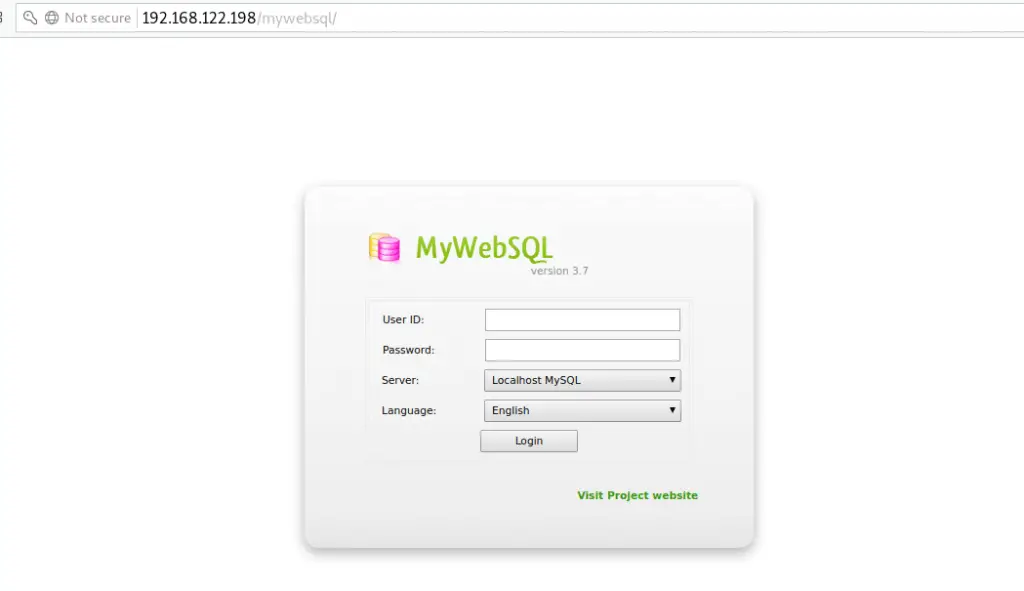
Login with database username and password.
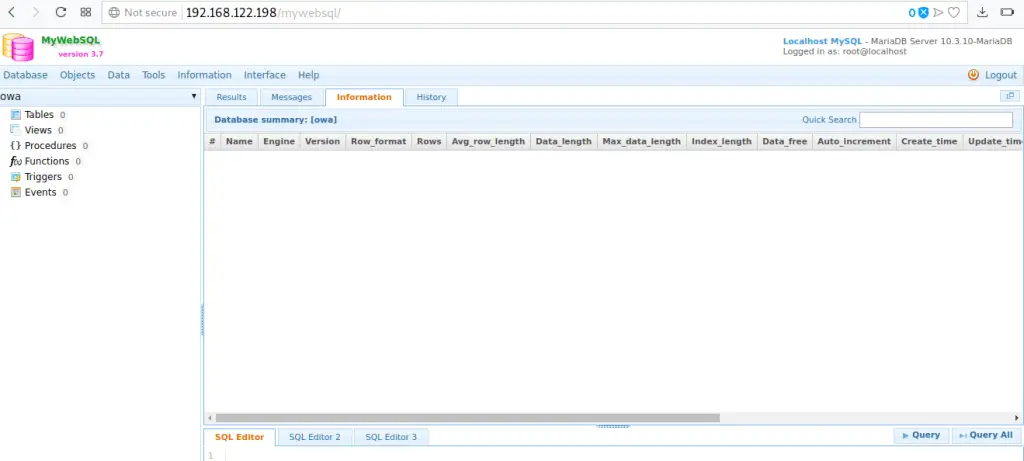
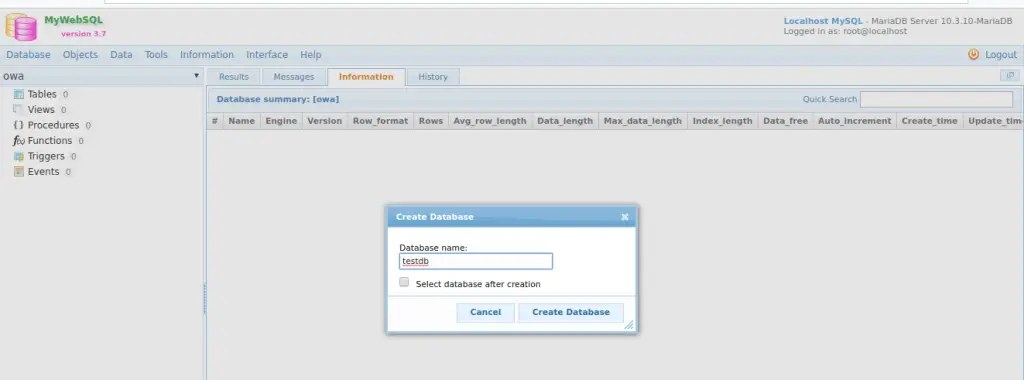
Start administering your Database Server from a Web interface.
Related content:
